
XIAOMI L32MB-APIN
Xiaomi 32-inch G QLED Smart TV L32MB-APIN User Manual
Model: L32MB-APIN
1. Introduction
Welcome to your new Xiaomi 32-inch G QLED Smart TV. This manual provides essential information for setting up, operating, and maintaining your television. Please read it thoroughly before use and retain it for future reference.
Safety Information
- Ensure proper ventilation around the TV.
- Do not expose the TV to rain or moisture.
- Avoid placing the TV near heat sources or in direct sunlight.
- Use only the power cord supplied with the TV.
- Refer all servicing to qualified service personnel.

Figure 1.1: Front view of the Xiaomi 32-inch G QLED Smart TV.
2. What's in the Box
Verify that all components are present in the packaging:
- 1 x Xiaomi 32-inch G QLED Smart TV
- 1 x Remote Control
- 1 x User Manual (this document)
- 2 x TV Stands
- 4 x Screws for TV Stands
- 2 x AAA Batteries (for remote control)
- 1 x Power Cord

Figure 2.1: Illustration of included items in the product packaging.
3. Setup
3.1 Attaching the TV Stands
- Carefully place the TV face-down on a soft, flat surface to prevent screen damage.
- Align each stand with the corresponding screw holes on the bottom of the TV.
- Secure each stand using the provided screws.
- Lift the TV upright and place it on a stable, level surface.
3.2 Wall Mounting (Optional)
If you choose to wall mount your TV, ensure you use a compatible VESA mount (not included) and follow the instructions provided with the wall mount kit. Professional installation is recommended.
3.3 Connecting Peripherals
Refer to the port diagram below for connecting external devices.
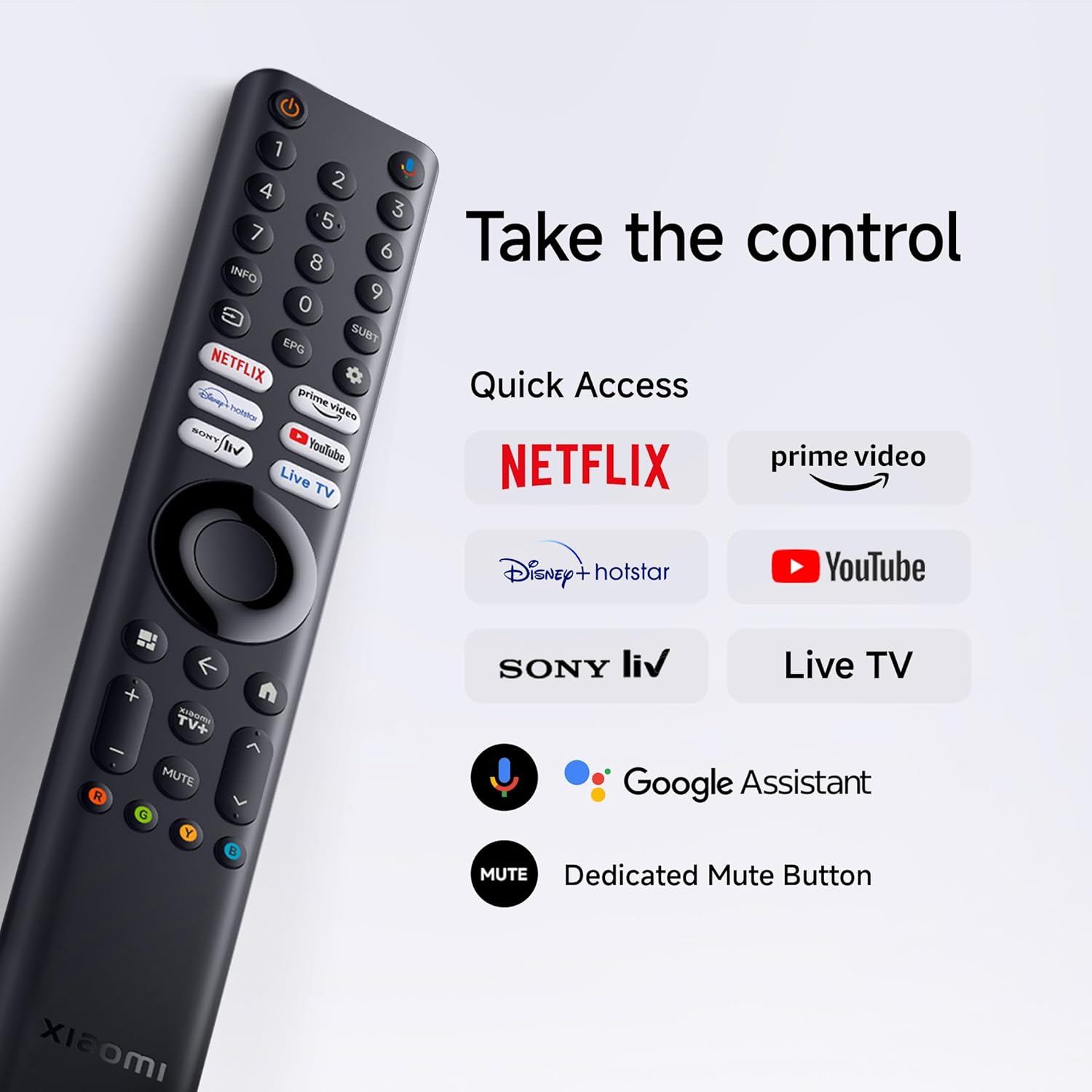
Figure 3.1: Rear view of the TV showing various input/output ports.
- HDMI Ports (x2): Connect Blu-ray players, gaming consoles, set-top boxes.
- USB Ports (x2): Connect USB storage devices for media playback.
- Network (Ethernet): Connect to your home network via a wired connection.
- Antenna Input: Connect an antenna for over-the-air broadcasts.
- AV Input: Connect older devices using composite video and stereo audio cables.
- 3.5mm Audio Jack: Connect external headphones or speakers.
3.4 Power Connection
Connect the power cord to the TV's power input and then to a wall outlet. The TV will enter standby mode.
4. Operating Your TV
4.1 Remote Control
Insert the two AAA batteries into the remote control, observing polarity. The remote allows navigation, volume control, channel selection, and quick access to streaming services and Google Assistant.
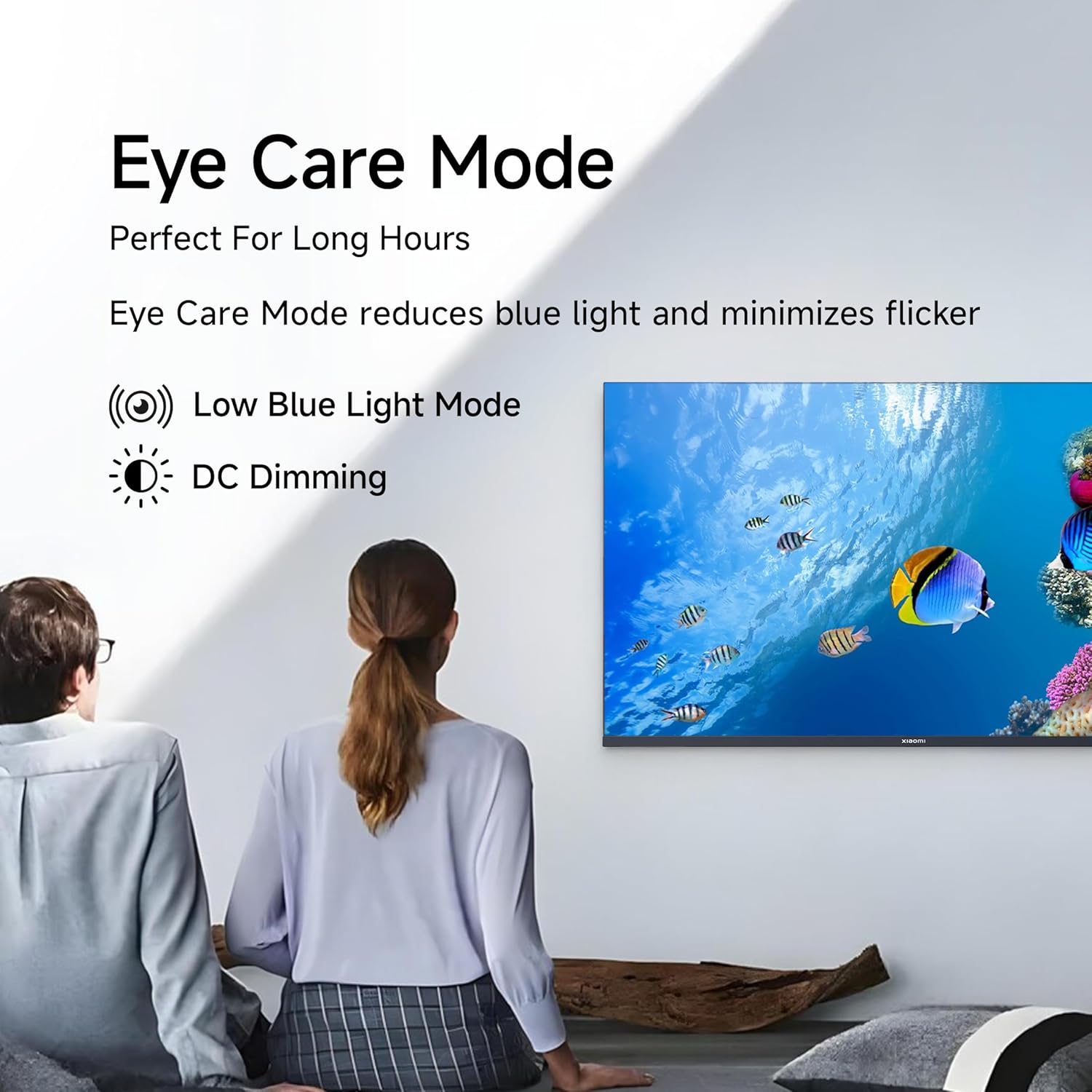
Figure 4.1: Xiaomi Smart TV remote control layout.
- Power Button: Turns the TV on/off or to standby.
- Navigation Pad: For menu navigation.
- OK Button: Confirms selections.
- Back Button: Returns to the previous screen.
- Home Button: Accesses the Google TV home screen.
- Volume +/-: Adjusts volume.
- Mute Button: Mutes/unmutes audio.
- Google Assistant Button: Activates voice control.
- Quick Access Buttons: Dedicated buttons for Netflix, Prime Video, YouTube, and other streaming services.
4.2 Smart TV Features (Google TV)
Your TV runs on Android 14 OS with Google TV, offering a personalized entertainment experience.

Figure 4.2: Overview of Google TV features.
- Content First UI: Prioritizes content discovery.
- Personal Profiles: Create individual profiles for tailored recommendations.
- Google Assistant: Use voice commands for search, control, and information.
- Chromecast Built-in: Cast content from compatible mobile devices.
- Watchlist: Keep track of movies and shows you want to watch.
- Ambient Mode: Display photos or useful information when the TV is idle.
- Kids Profile: Curated content and parental controls for children.
- Recommendations: Personalized suggestions based on your viewing habits.
4.3 Supported Applications
The TV comes with pre-installed applications and supports downloads from the Google Play Store. Popular supported apps include Netflix, Prime Video, YouTube, JioCinema, JioHotstar, SonyLiv, and Zee5.

Figure 4.3: Examples of supported streaming applications.
5. Display Features
Experience enhanced visuals with the following display technologies:
- QLED Display: Quantum Dot technology delivers vivid, vibrant, and sharp picture quality.
- HD Ready (1366 x 768) Resolution: Provides clear and detailed images.
- HDR 10 & HLG Support: Enhances contrast and color accuracy for compatible content.
- Vivid Picture Engine 2: Proprietary technology that fine-tunes every frame for improved clarity and realism.
- Wide Colour Gamut: Offers a broad spectrum of colors (up to 16.7 million) for rich and vivid visuals.
- Eye Comfort Mode: Reduces blue light and minimizes flicker for comfortable long-term viewing.
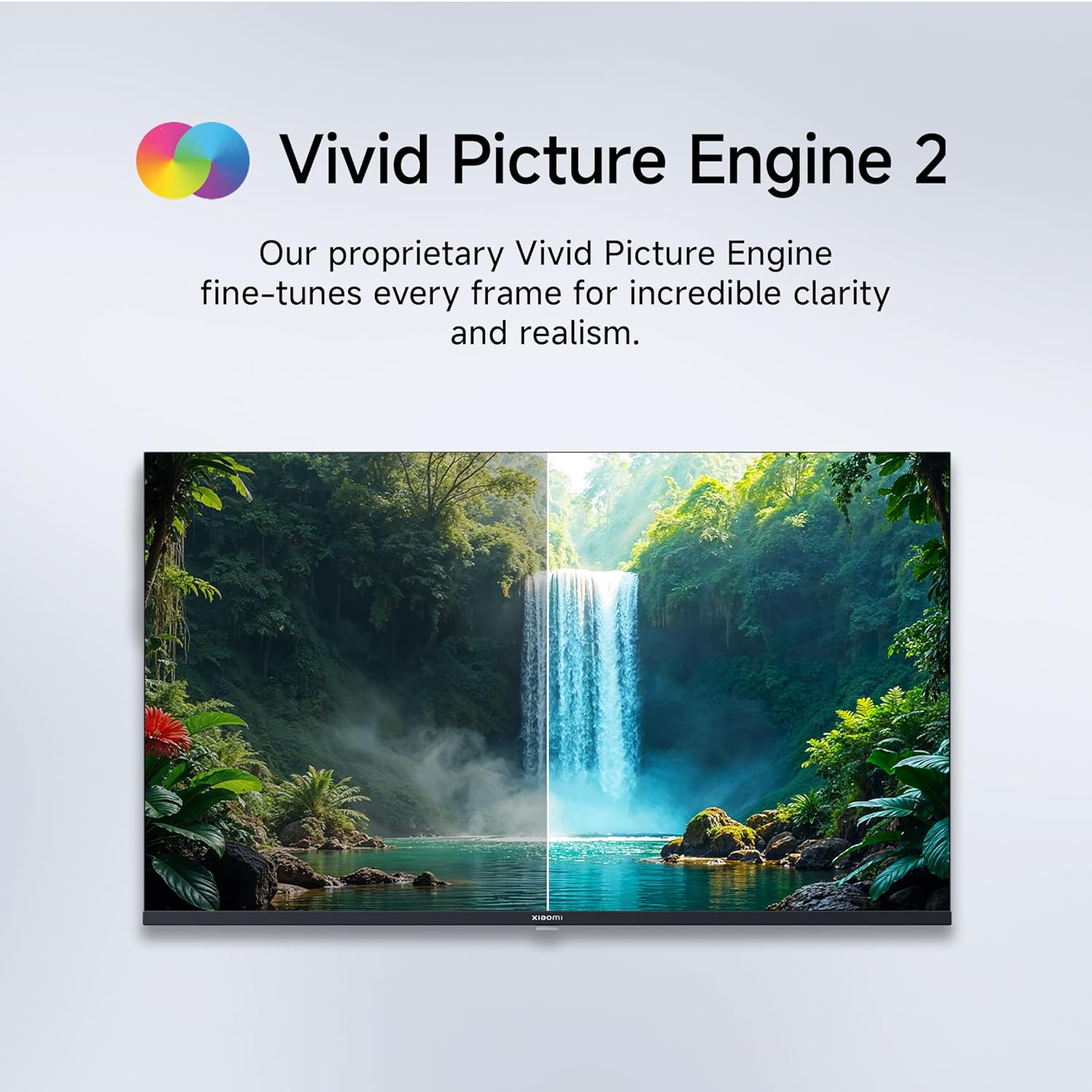
Figure 5.1: Quantum Clarity for exceptional contrast and color.
Figure 5.2: Vivid Picture Engine 2 for enhanced realism.
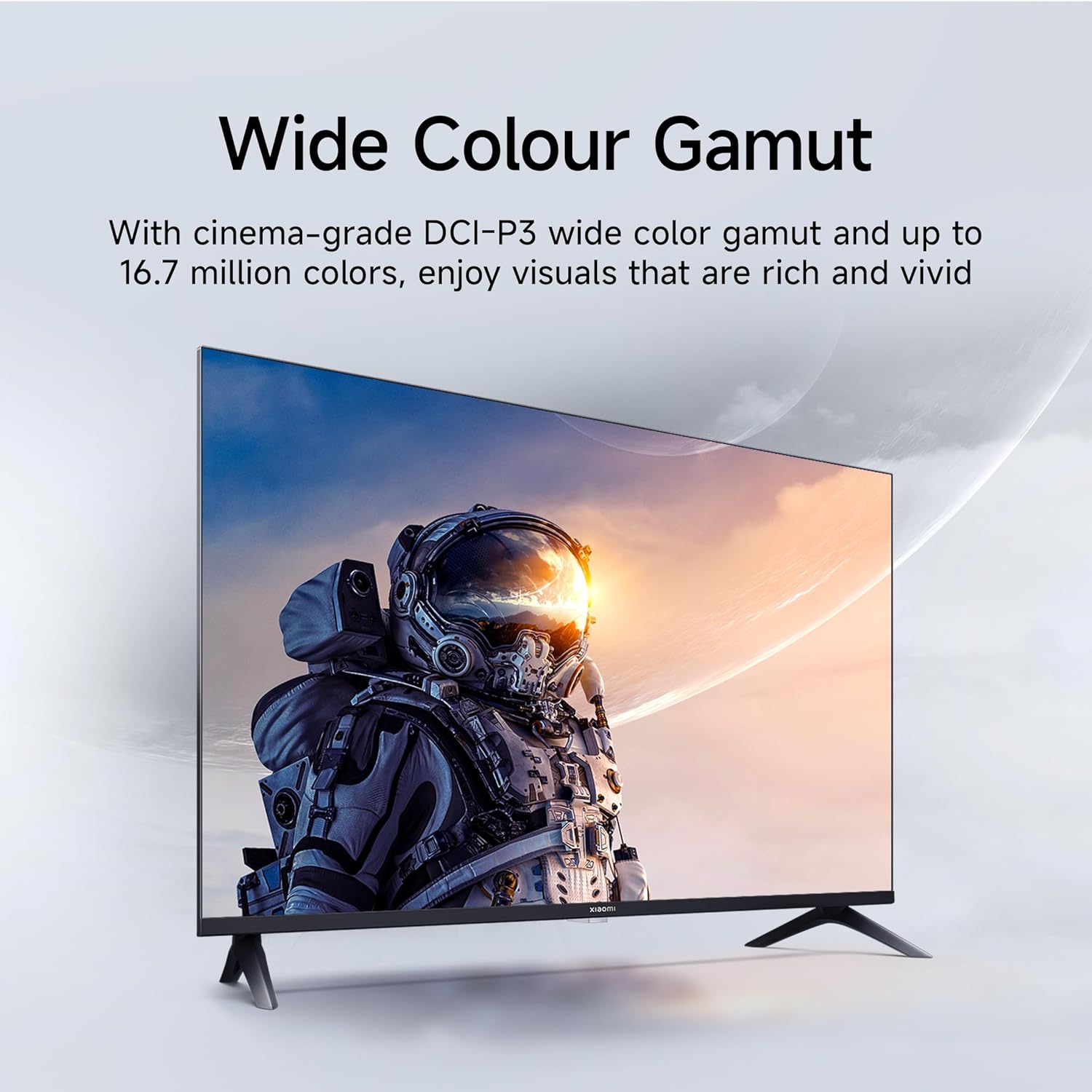
Figure 5.3: Eye Care Mode for reduced eye strain.
6. Audio Features
Your TV is equipped with advanced audio technologies for an immersive sound experience:
- 20 Watts Output: Powerful stereo speakers deliver clear and dynamic sound.
- Dolby Audio: Provides rich, clear, and powerful sound for movies, shows, and games.
- DTS-X & DTS Virtual:X: Creates a multi-dimensional audio experience, simulating surround sound without additional speakers.
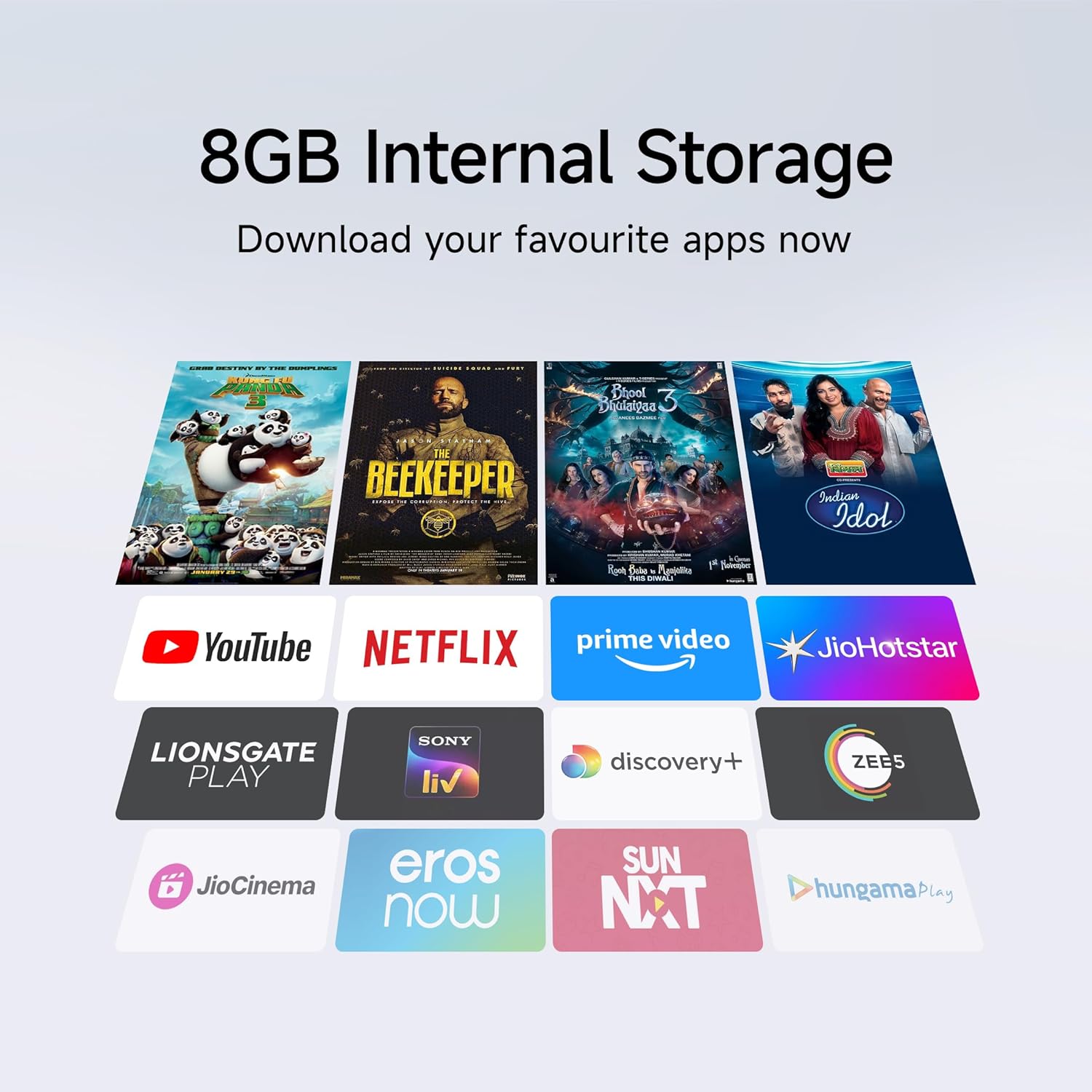
Figure 6.1: Enhanced audio experience with 20W speakers and Dolby/DTS technologies.
7. Connectivity
The TV offers various options for connecting to networks and other devices:
- Dual Band Wi-Fi: Connect wirelessly to your home network (2.4GHz and 5GHz).
- Ethernet: For a stable wired internet connection.
- Bluetooth: Connect wireless headphones, speakers, or other Bluetooth-enabled accessories.
- HDMI (x2) with ARC: Audio Return Channel (ARC) allows audio to be sent from the TV to a compatible sound system via a single HDMI cable.
- USB (x2): For connecting external storage.
8. Maintenance
8.1 Cleaning the TV
- Always unplug the TV before cleaning.
- Use a soft, dry, lint-free cloth to wipe the screen and cabinet.
- For stubborn marks, lightly dampen the cloth with water or a specialized screen cleaner (avoid harsh chemicals).
- Do not spray liquid directly onto the TV.
8.2 General Care
- Avoid placing heavy objects on the TV.
- Protect the TV from extreme temperatures and humidity.
- If moving the TV, ensure it is properly supported and handled to prevent damage.
9. Troubleshooting
Before contacting customer support, try these common solutions:
| Problem | Possible Cause | Solution |
|---|---|---|
| No power | Power cord disconnected; Power outlet issue | Check power cord connection; Test outlet with another device. |
| No picture, but sound is present | Incorrect input source; Loose HDMI/AV cable | Press the "Input" button on the remote to select the correct source; Reconnect cables securely. |
| No sound, but picture is present | Volume muted or too low; External audio device issue | Unmute or increase volume; Check connections to external audio systems. |
| Remote control not working | Dead batteries; Obstruction between remote and TV | Replace batteries; Remove any obstructions. |
| Cannot connect to Wi-Fi | Incorrect password; Router issue; TV too far from router | Verify Wi-Fi password; Restart router; Move TV closer or use Ethernet. |
10. Specifications
| Feature | Detail |
|---|---|
| Brand | XIAOMI |
| Model | L32MB-APIN |
| Screen Size | 32 Inches (80 cm) |
| Display Technology | QLED |
| Resolution | HD Ready (1366 x 768 Pixels) |
| Refresh Rate | 60 Hz |
| Operating System | Android 14 OS, Google TV |
| RAM Memory | 1 GB |
| Internal Storage | 8 GB |
| Processor | A53 Quad Core Processor |
| Audio Output | 20 Watts |
| Audio Technologies | Dolby Audio, DTS-X, DTS Virtual:X |
| Connectivity | Dual Band Wi-Fi, Bluetooth, 2 x HDMI (ARC), 2 x USB, Ethernet, 3.5mm Audio, AV Input |
| Viewing Angle | 178 Degrees |
| Product Dimensions (LxWxH) | 19.8 x 71.6 x 46.9 cm (with stand) |
| Item Weight | 3.2 kg |
| Model Year | 2025 |

Figure 10.1: Product dimensions and weight.

Figure 10.2: A53 Quad Core Processor for optimal performance.

Figure 10.3: Energy efficiency label.
11. Warranty and Support
11.1 Warranty Information
Your Xiaomi TV comes with a 1-year comprehensive warranty on the product and an additional 1-year warranty on the panel, provided by the brand from the date of purchase. Please retain your purchase receipt for warranty claims.
11.2 Customer Support
For technical assistance, service requests, or warranty claims, please contact Xiaomi customer support. Refer to the official Xiaomi website or your purchase documentation for the most current contact information.
Related documentsL32MB-APIN


Ask a question about this manual
Ask about setup, troubleshooting, compatibility, parts, safety, or missing instructions. Manuals+ will review the question and use this page’s manual context to help answer it.