
1. Safety Information
Please read and understand all safety instructions before installing and using this product. Failure to follow these instructions may result in electric shock, fire, or other hazards.
- Ensure the power supply is disconnected before installation or maintenance.
- Do not bend the LED strip lights sharply, as this may damage the circuit.
- Keep the product away from water and high humidity environments.
- Use only the provided power adapter.
- Do not attempt to disassemble or modify the product.
2. Package Contents
Verify that all items listed below are included in your package:
- 1 x 13.7ft LED strip lights for TVs
- 1 x Camera
- 1 x Power Adapter
- 1 x User Manual (This document)
- 4 x Mounting Clips
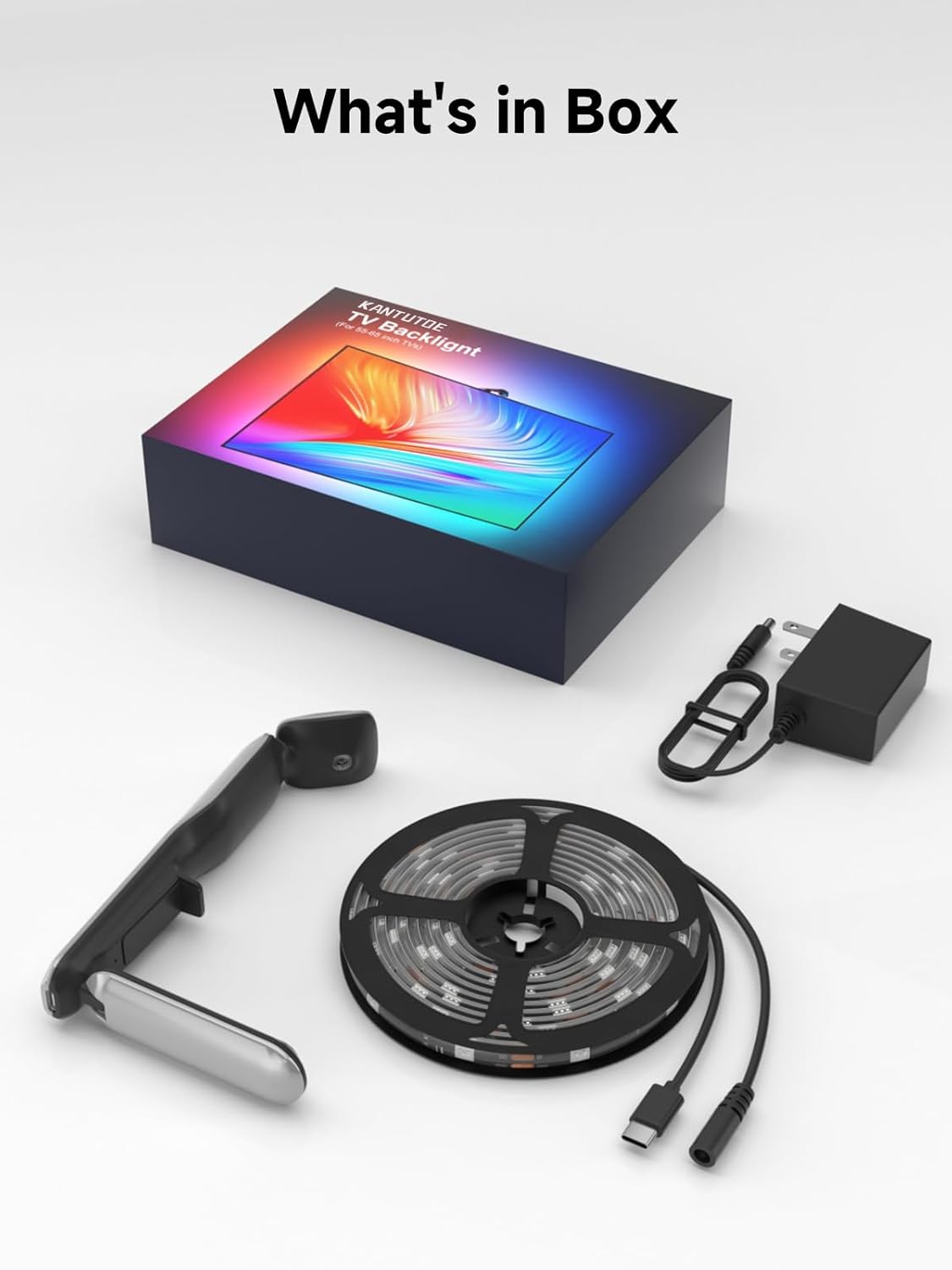
Image: All components included in the KANTUTOE TV LED Backlight package.
3. Setup Instructions
Follow these steps for proper installation of your KANTUTOE TV LED Backlight:
- Test the Light Strips and Sensor: Before permanent installation, connect the LED strip and camera to the power adapter and plug it in to ensure all components are working correctly.
- Clean the TV Back: Ensure the back surface of your TV is clean and dry for optimal adhesive performance.
- Install LED Light Strips: Carefully peel the adhesive backing and attach the LED strip lights around the perimeter of the back of your TV. Use the provided mounting clips for extra security, especially at corners.
- Mount the Color Sensor: Position the camera sensor above the center of your TV screen, ensuring it has a clear view of the screen.
- Connect and Power On: Connect the LED strip to the camera, and then connect the camera to the power adapter. Plug the power adapter into an electrical outlet.

Image: Visual guide for the installation process of the TV LED Backlight.
For a visual demonstration of the installation and setup process, please refer to the official product video:
Video: Official KANTUTOE TV LED Backlight with Camera installation and usage guide.
4. Operating Instructions
The KANTUTOE TV LED Backlight enhances your viewing experience through intelligent color synchronization and versatile control options.
4.1 Immersive Sync with Camera
The built-in camera captures on-screen colors in real-time, syncing them with dynamic lighting effects. This creates lifelike color transitions that extend your movies and games beyond the screen, providing an immersive visual experience.

Image: The camera sensor actively capturing screen colors for real-time synchronization.
4.2 Real-Time Sync with No Delay
Advanced color recognition technology ensures an instant, lag-free response. Every color displayed on your TV screen is mirrored perfectly by the LED backlight, delivering smooth and immersive lighting for every frame.
4.3 Smart App Control
Control your TV LED Backlight conveniently through the dedicated smartphone application. The app allows you to:
- Customize brightness levels.
- Select from a wide range of colors.
- Choose various lighting effects.
- Create and save your own custom scenes.
- Adjust the camera's sensitivity for color detection.
The app provides a personalized entertainment experience, allowing control anytime, anywhere within range.
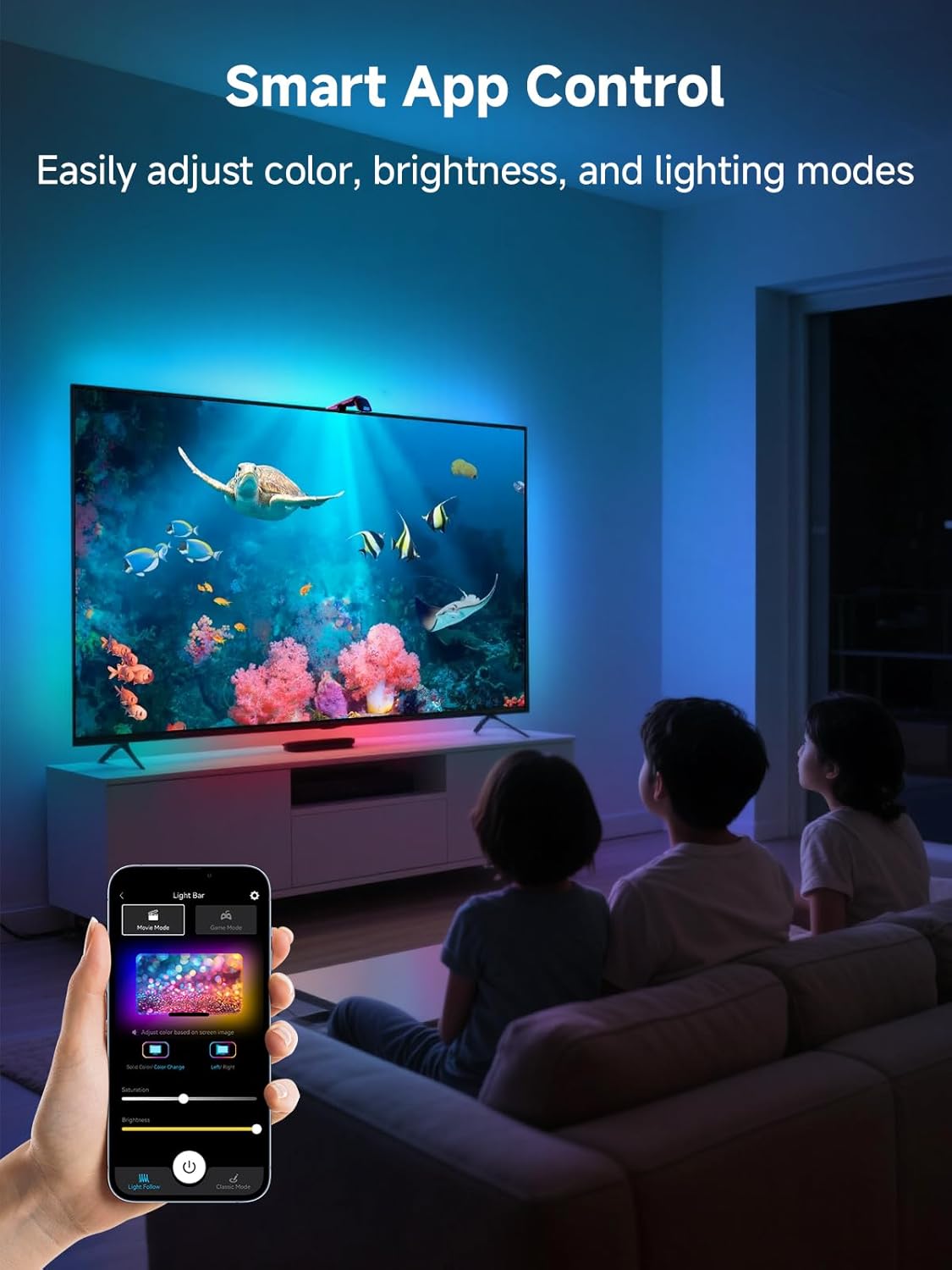
Image: The KANTUTOE app interface for controlling the TV LED Backlight.
4.4 Multiple Ambient Modes
Choose from several preset modes designed to match your content or mood:
- Movie Mode: Enhances cinematic experiences with dynamic lighting that complements film scenes.
- Game Mode: Provides responsive lighting effects that react to in-game action, increasing immersion.
- Music Mode: Synchronizes lighting patterns with audio, creating a vibrant atmosphere for music listening.
- Relax Mode: Offers calming and subtle lighting transitions for a relaxed environment.

Image: Illustration of Color Sync and Music Sync modes for the TV Backlight.
5. Maintenance
To ensure the longevity and optimal performance of your KANTUTOE TV LED Backlight, follow these maintenance guidelines:
- Cleaning: Gently wipe the LED strips and camera lens with a soft, dry cloth. Avoid using abrasive cleaners or solvents, as they may damage the components.
- Connections: Periodically check all cable connections to ensure they are secure and free from damage.
- Storage: If storing the product for an extended period, disconnect it from power and store it in a cool, dry place.
6. Troubleshooting
If you encounter any issues with your KANTUTOE TV LED Backlight, refer to the following common troubleshooting steps:
| Problem | Possible Cause | Solution |
|---|---|---|
| Lights do not turn on. | No power, loose connection, faulty adapter. | Check power outlet, ensure all cables are securely connected, try a different power outlet. |
| Colors are incorrect or not syncing. | Camera obstruction, incorrect app settings, poor lighting conditions. | Ensure camera lens is clean and unobstructed, check app settings for correct mode, adjust room lighting. |
| App cannot connect to the device. | Bluetooth/Wi-Fi issue, device not powered on. | Ensure device is powered on, enable Bluetooth/Wi-Fi on your phone, restart the app and device. |
| Lights flicker or behave erratically. | Unstable power, damaged strip, software glitch. | Check power connection, restart the device, contact support if problem persists. |
7. Specifications
- Brand: KANTUTOE
- Model Number: K-1
- Item Length: 13.7 Feet (suitable for 45-65 inch TVs)
- Color: Multicolor
- Light Source Type: LED
- Power Source: Corded Electric
- Indoor/Outdoor Usage: Indoor
- Special Feature: Adjustable, Smart Home Compatible
- Water Resistance Level: Not Water Resistant
- Material Type: Plastic
- Number of Items: 1 (set)
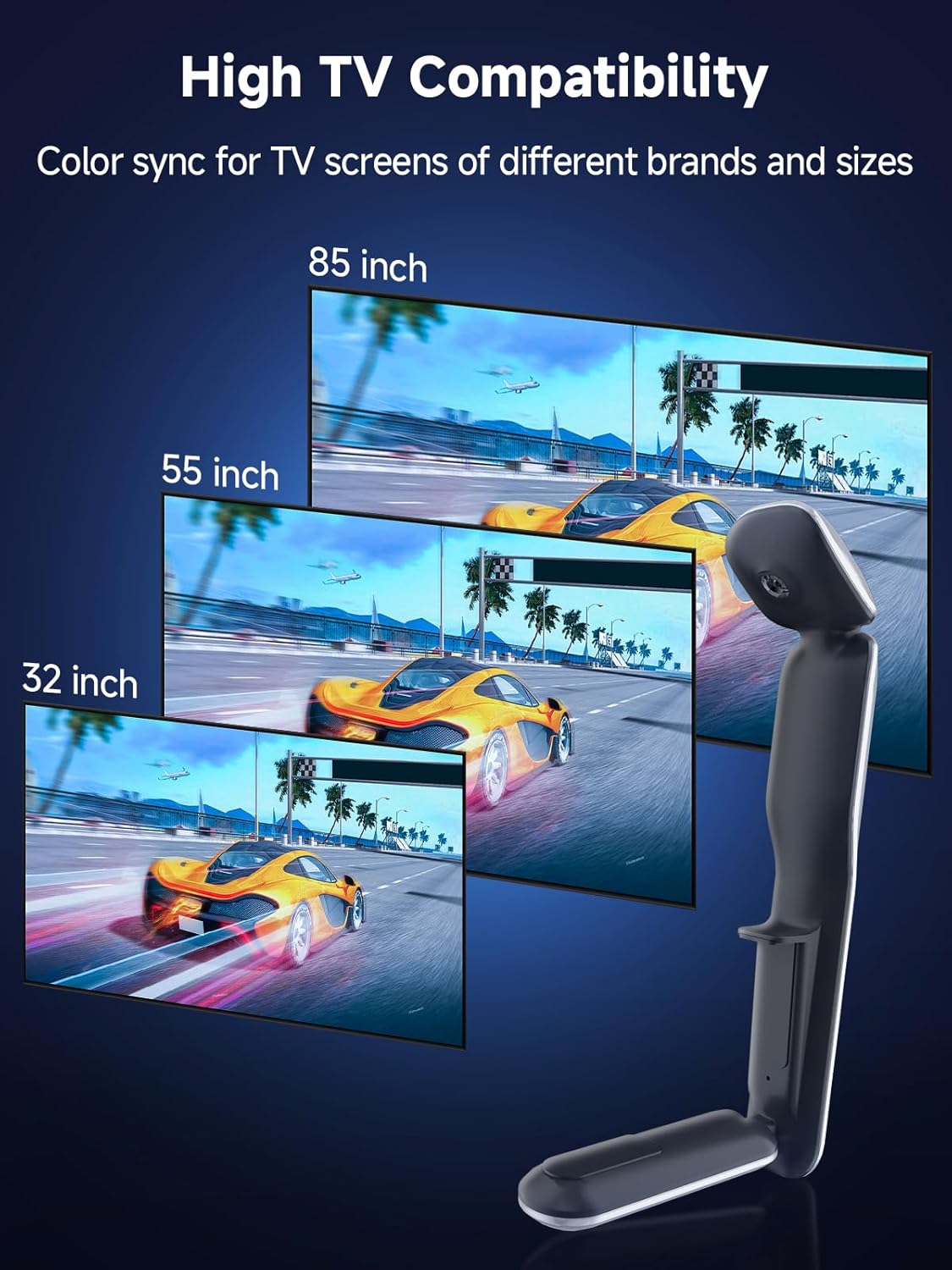
Image: The KANTUTOE TV LED Backlight is compatible with various TV sizes.
8. Warranty and Support
This KANTUTOE product comes with a 1-year manufacturer's warranty from the date of purchase.
For technical support, warranty claims, or any questions regarding your product, please contact KANTUTOE customer service through the retailer's platform or the official KANTUTOE website.
