
Introduction
Welcome to your Monster Persona H22 Active Noise Cancelling Wireless Headphones. These headphones are designed to provide an immersive audio experience with advanced features for comfort and convenience. This manual will guide you through the setup, operation, and maintenance of your new headphones.
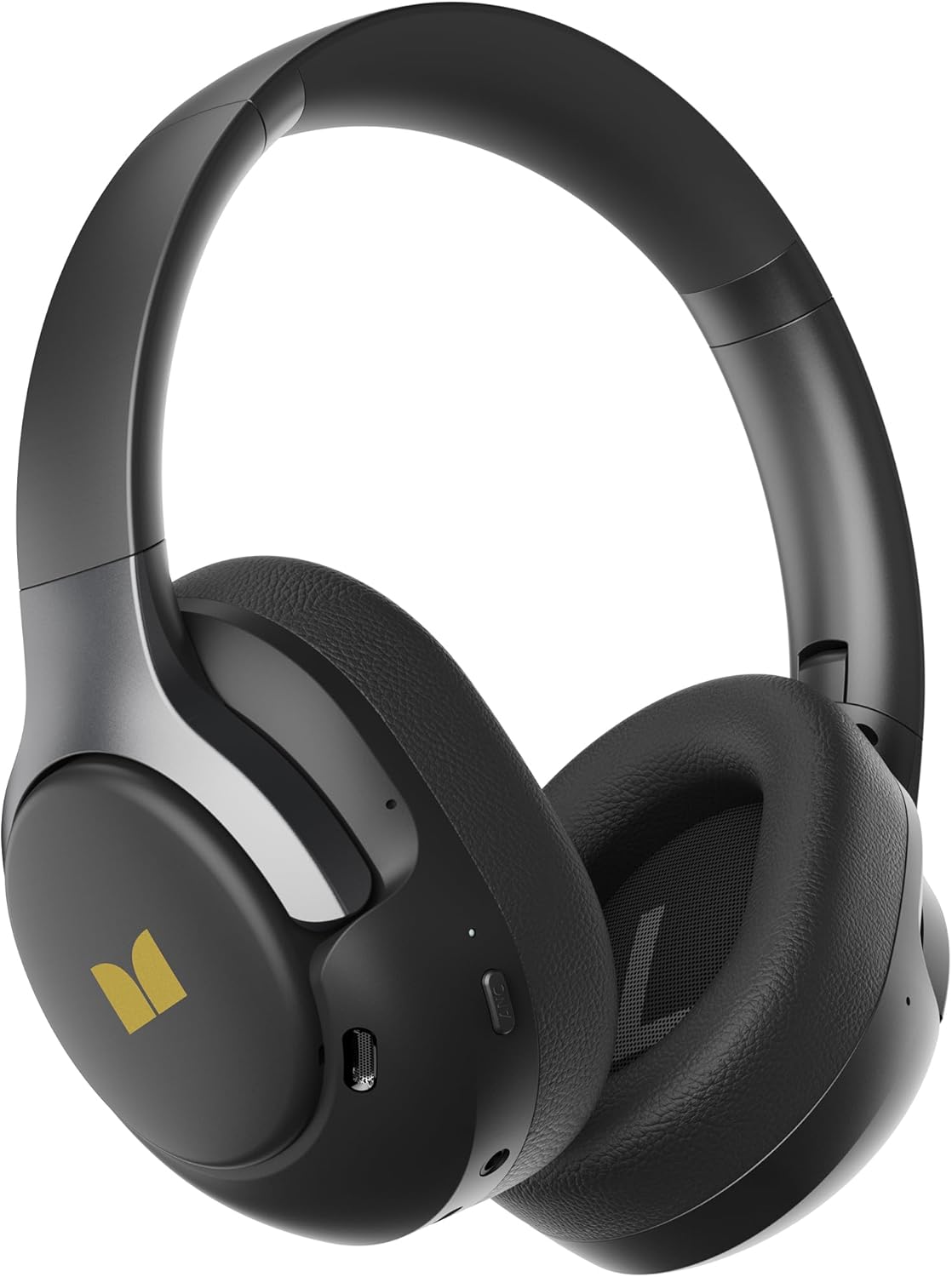
Image: Monster Persona H22 headphones, showcasing their sleek black and gold design.
Package Contents
Please ensure all items are present in the package:
- Monster Persona H22 Wireless Headphones
- USB Charging Cable
- 3.5mm Audio Cable
- User Manual (this document)
Setup
1. Charging the Headphones
Before first use, fully charge your headphones. Connect the provided USB charging cable to the charging port on the headphones and to a USB power source. The LED indicator will show charging status and turn off or change color when fully charged.
- Battery Life: Up to 70 hours with Active Noise Cancelling (ANC) off, and up to 40 hours with ANC on.
- Battery Type: Built-in rechargeable Lithium Ion battery.

Image: The Monster Persona H22 headphones, highlighting their extended battery life of 70 hours with ANC off and 40 hours with ANC on.
2. Powering On/Off
- Power On: Press and hold the Power button for approximately 3 seconds until the LED indicator lights up.
- Power Off: Press and hold the Power button for approximately 3 seconds until the LED indicator turns off.
3. Bluetooth Pairing
To connect your headphones to a device:
- Ensure the headphones are powered off.
- Press and hold the Power button for 5-7 seconds until the LED indicator flashes blue and red, indicating pairing mode.
- On your device (smartphone, tablet, computer), enable Bluetooth and search for available devices.
- Select "Monster Persona H22" from the list of devices.
- Once connected, the LED indicator will flash blue slowly or remain solid blue.
Dual Connections: The headphones support Bluetooth 6.0 and can connect to two devices simultaneously. This allows for seamless switching between audio sources, such as a laptop and a smartphone.

Image: A user wearing Monster Persona H22 headphones, connected to both a laptop and a smartphone via Bluetooth, illustrating the multi-point connection feature.
Operating Instructions
1. Controls Overview
The headphones feature intuitive button controls for various functions. Refer to the physical buttons on your headphones for specific locations.
- Power Button: Power on/off, enter pairing mode.
- Volume Up/Next Track: Short press for volume up, long press for next track.
- Volume Down/Previous Track: Short press for volume down, long press for previous track.
- Multi-function Button (MFB): Play/pause, answer/end calls, activate voice assistant.
- ANC Button: Cycle through listening modes (ANC On, Transparency Mode, Standard Mode).
2. Listening Modes
Your Monster Persona H22 headphones offer three distinct listening modes:
- Active Noise Cancelling (ANC) Mode: Reduces up to 95% of ambient noise using internal and external microphones, ideal for noisy environments like airplanes or offices.
- Transparency Mode: Allows you to hear your surroundings clearly without removing your headphones, useful for conversations or being aware of traffic.
- Standard Mode: Provides balanced sound for everyday listening without noise cancellation or transparency features.
Press the ANC button to cycle between these modes.

Image: A diagram illustrating the Hybrid Active Noise Cancellation technology of the Monster Persona H22 headphones, showing external and internal microphones working to reduce noise by up to 45dB.
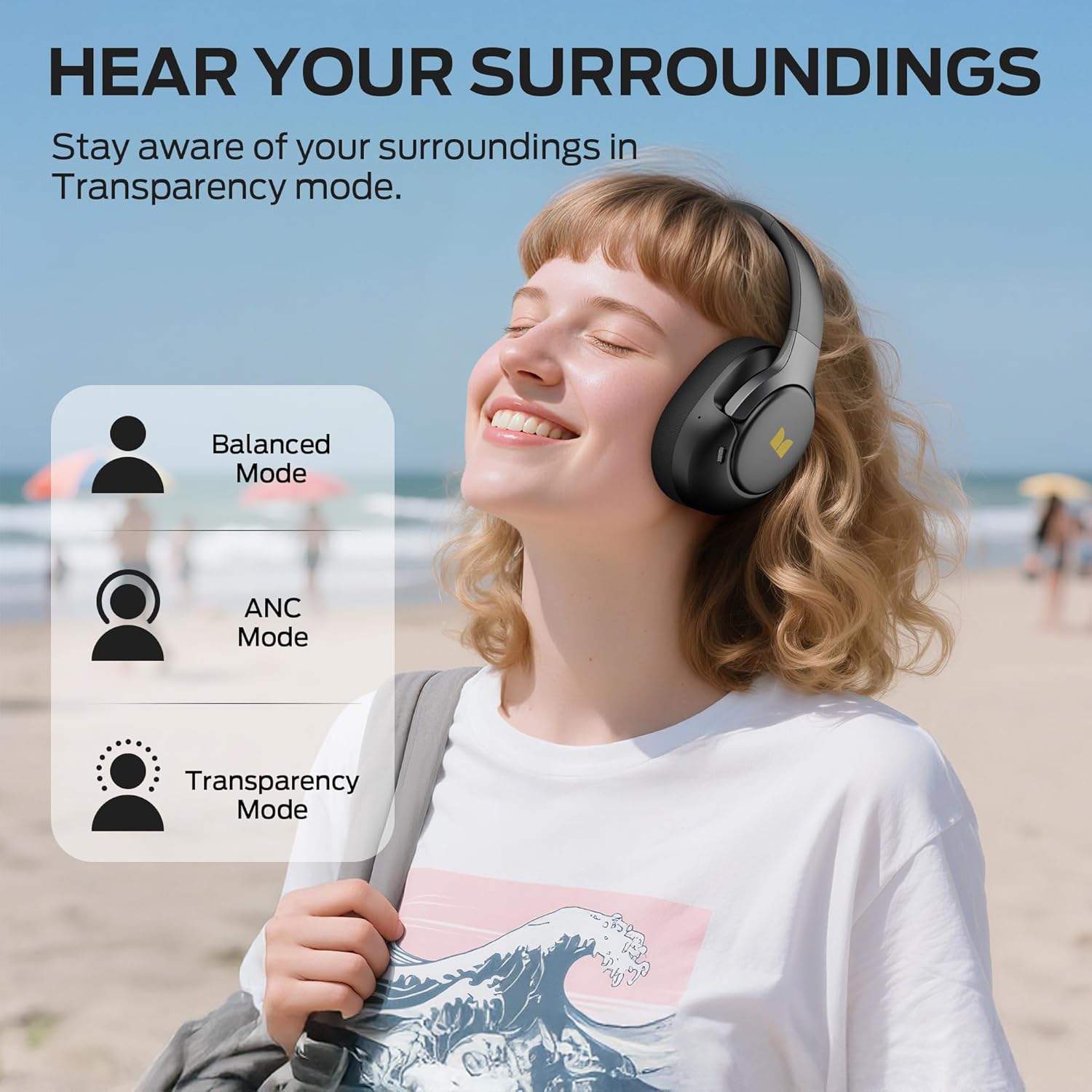
Image: A user wearing Monster Persona H22 headphones, with icons representing Balanced Mode, ANC Mode, and Transparency Mode, indicating the ability to hear surroundings.
3. Audio Playback
Experience Pure Monster Sound with Hi-Fi immersive stereo audio and deep bass, delivered by powerful 40mm drivers.
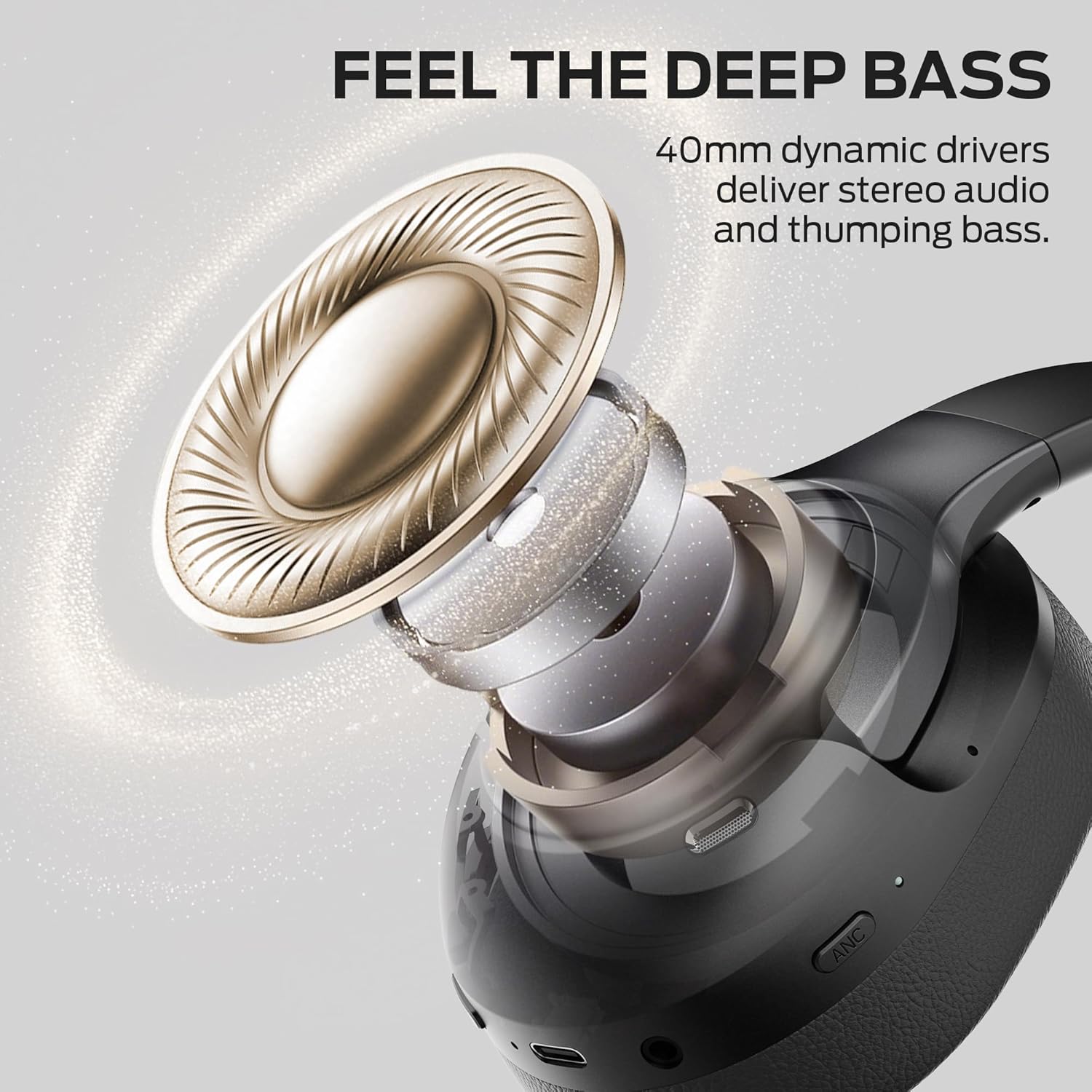
Image: An exploded view diagram of the Monster Persona H22 headphone driver, illustrating the 40mm dynamic drivers responsible for stereo audio and deep bass.
4. Making Calls
The built-in microphone allows for clear hands-free calling. Use the Multi-function Button (MFB) to manage calls:
- Answer/End Call: Short press the MFB.
- Reject Call: Long press the MFB.
5. Wired Connection
If the battery is depleted or for a wired audio experience, connect the provided 3.5mm audio cable to the headphone jack and your audio source. This allows for continued listening without battery power.
Maintenance
Proper care ensures the longevity and performance of your headphones.
- Cleaning: Wipe the headphones with a soft, dry cloth. Do not use abrasive cleaners or solvents.
- Ear Cushions: The soft memory protein ear cushions can be gently wiped. Avoid excessive moisture.
- Storage: Store the headphones in a cool, dry place. The foldable design allows for compact storage.
- Avoid Extreme Conditions: Do not expose to extreme temperatures, humidity, or direct sunlight.
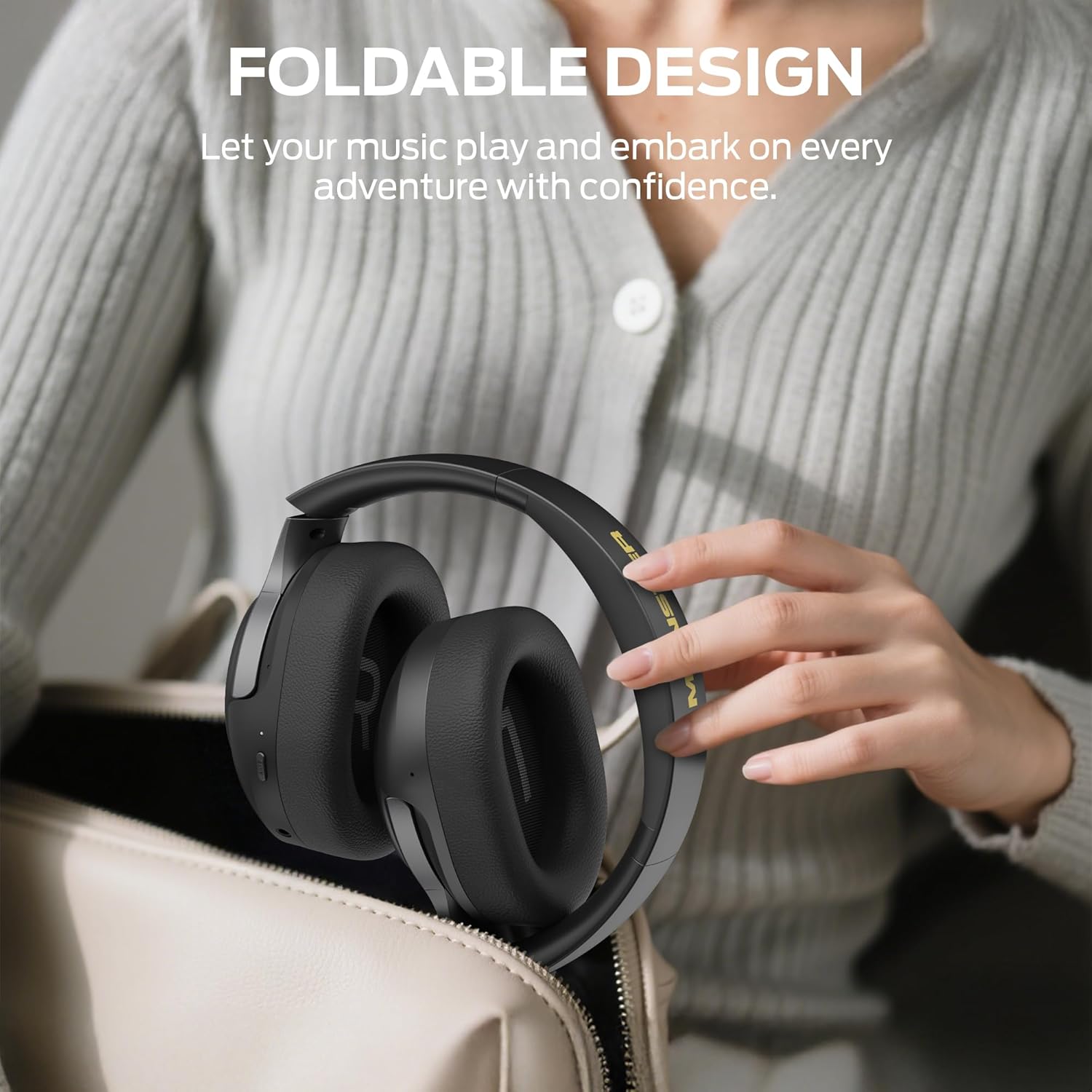
Image: The Monster Persona H22 headphones in their folded state, demonstrating their portable and compact design for easy storage and travel.
Troubleshooting
If you encounter issues with your headphones, try the following solutions:
- No Power: Ensure the headphones are fully charged.
- No Sound: Check volume levels on both headphones and the connected device. Ensure Bluetooth is connected or the 3.5mm cable is securely plugged in.
- Pairing Issues: Ensure headphones are in pairing mode. Turn off and on Bluetooth on your device, then try re-pairing. Clear previous Bluetooth connections if necessary.
- ANC Not Effective: Ensure ANC mode is activated. Check that the earcups form a good seal around your ears.
- Distorted Audio: Move closer to your Bluetooth device to avoid interference. Try a different audio source or file.
Specifications
| Feature | Detail |
|---|---|
| Model Name | MH22266 (H22) |
| Connectivity Technology | Wireless (Bluetooth 6.0) |
| Headphones Jack | 3.5 mm Jack |
| Noise Control | Hybrid Active Noise Cancellation |
| Form Factor | Over Ear |
| Ear Placement | Over Ear |
| Driver Size | 40mm Dynamic Drivers |
| Battery Life (ANC Off) | Up to 70 Hours |
| Battery Life (ANC On) | Up to 40 Hours |
| Battery Type | Lithium Ion (Rechargeable) |
| Control Type | Button Control (Push Button) |
| Material | Plastic, Memory Protein Ear Cushions |
| Color | Black Gold |
| Weight | Approximately 0.38lb (172g) |
| Compatible Devices | Bluetooth-enabled devices (computers, smartphones, tablets, MP3 players, TV, Laptops) |
Warranty and Support
Monster products are manufactured to the highest quality standards. For information regarding warranty coverage, please refer to the warranty card included with your purchase or visit the official Monster website.
For technical support, troubleshooting assistance, or service inquiries, please contact Monster customer support through their official website or the contact information provided in your product packaging.


