
1. Introduction
This manual provides instructions for the proper installation and care of your Lamshaw Tempered Glass Screen Protector, designed for the LIGE EF12 1.75'' Smartwatch. This protector offers enhanced durability and clarity for your device's screen.
Key Features
- High-Definition Clarity: Crystal-clear transparency ensures your smartwatch display remains vibrant and sharp without compromising touch sensitivity.
- 9H Hardness Protection: Made with 9H hardness tempered glass, the protector provides superior resistance to scratches, scuffs, and daily wear, keeping your smartwatch screen in pristine condition.
- Bubble-Free Installation: Designed with an easy-application adhesive layer, the protector ensures a hassle-free, bubble-free installation, providing a smooth and seamless fit on your smartwatch screen.
- Shock Absorption Technology: The tempered glass features advanced shock-absorbing properties, reducing the risk of cracks and damage from accidental drops or impacts.
- Oleophobic Coating: Equipped with an oil-resistant coating, the protector repels fingerprints, smudges, and dust, making it easier to clean and maintaining a clear view of your smartwatch display.

Image 1.1: Overview of the Lamshaw Tempered Glass Screen Protector's key features, including HD clarity, touch sensitivity, ultimate protection, and easy installation.
2. What's in the Box
Verify that all components are present before beginning installation.
- 3 x Tempered Glass Screen Protectors
- 3 x Wet Wipes
- 3 x Dry Wipes
- 1 x Microfiber Cleaning Cloth

Image 2.1: The package includes three screen protectors, three sets of wet and dry wipes, and one cleaning cloth.
3. Installation Guide
Follow these steps carefully for optimal screen protector application.
Preparation
- Ensure your smartwatch is powered off.
- Work in a clean, dust-free environment to prevent particles from getting trapped under the protector.
Installation Steps
- Clean the Screen: Use the provided wet wipe to thoroughly clean the smartwatch screen. Follow with the dry wipe to remove any moisture. Use the dust-absorber sticker (if included) to lift any remaining dust particles.
- Peel Protective Layer: Carefully peel back the protective film from the adhesive side of the screen protector. Avoid touching the adhesive surface.
- Align and Apply: Align the screen protector precisely with the edges of your smartwatch screen. Once aligned, slowly lay the protector down onto the screen. It will adhere automatically.
- Remove Bubbles: Gently buff the screen with the microfiber cloth from the center outwards to remove any small bubbles or ensure full adhesion.

Image 3.1: Visual guide illustrating the four steps for installing the screen protector on a smartwatch.
4. Operating Your Screen Protector
Once installed, the screen protector functions passively to safeguard your smartwatch display.
Touch Sensitivity
The ultra-thin design of the tempered glass ensures that the original touch sensitivity of your smartwatch screen remains unaffected, allowing for smooth and responsive interaction.
Visual Clarity
The high-definition clarity of the protector maintains the original visual quality and vibrant colors of your smartwatch screen, providing an unobstructed viewing experience.
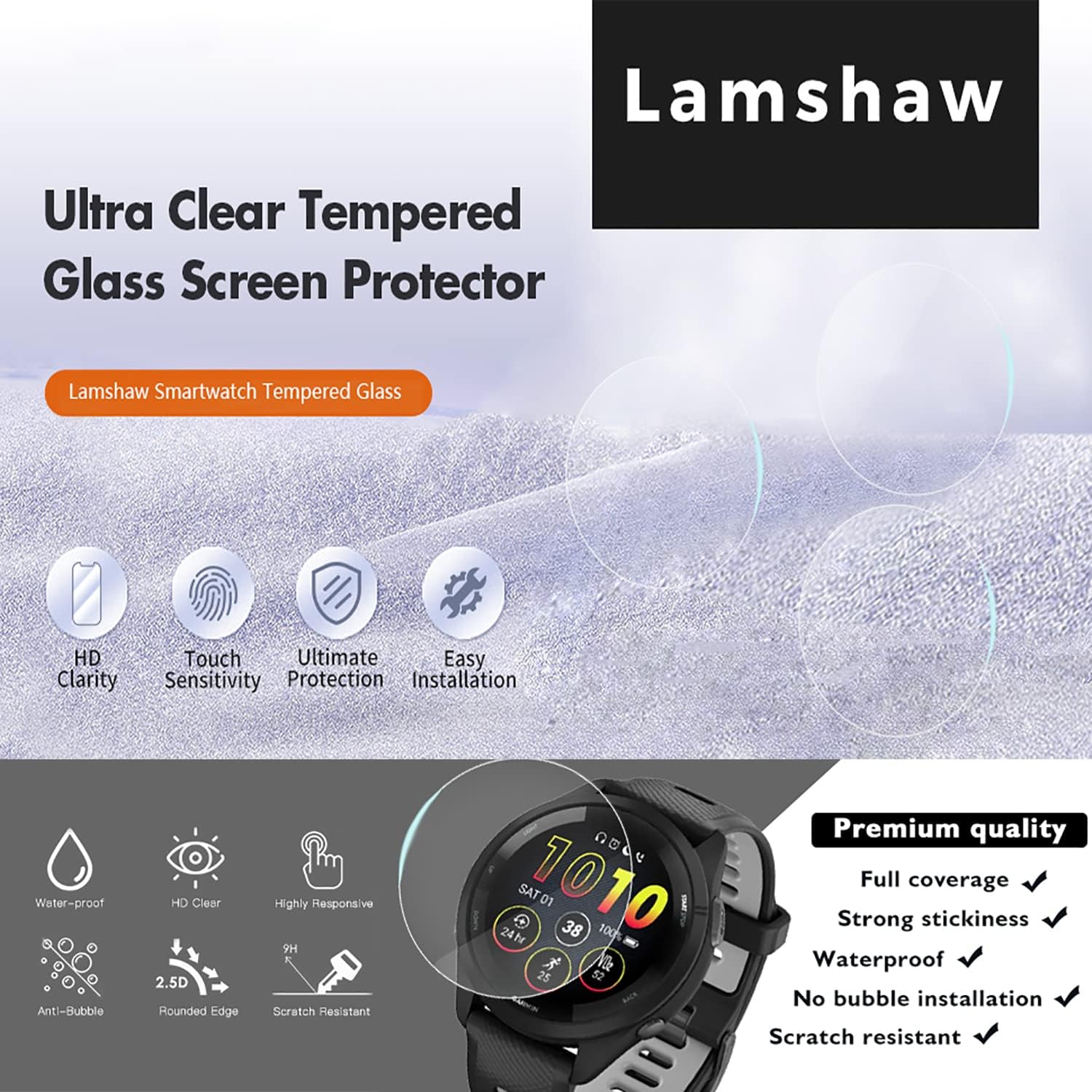
Image 4.1: The screen protector offers an ultra-thin, high-definition viewing experience, preserving the smartwatch's display quality.
5. Maintenance and Care
To ensure the longevity and clarity of your screen protector, follow these simple maintenance tips.
- Cleaning: Use a soft, lint-free cloth (like the provided microfiber cloth) to gently wipe the screen. For stubborn smudges, slightly dampen the cloth with water or a screen-safe cleaner.
- Oleophobic Coating: The integrated oleophobic coating helps resist fingerprints and oils. Regular gentle wiping will maintain its effectiveness.
- Avoid Harsh Chemicals: Do not use abrasive cleaners, alcohol, or strong chemical solvents, as these can damage the coating and the protector's integrity.
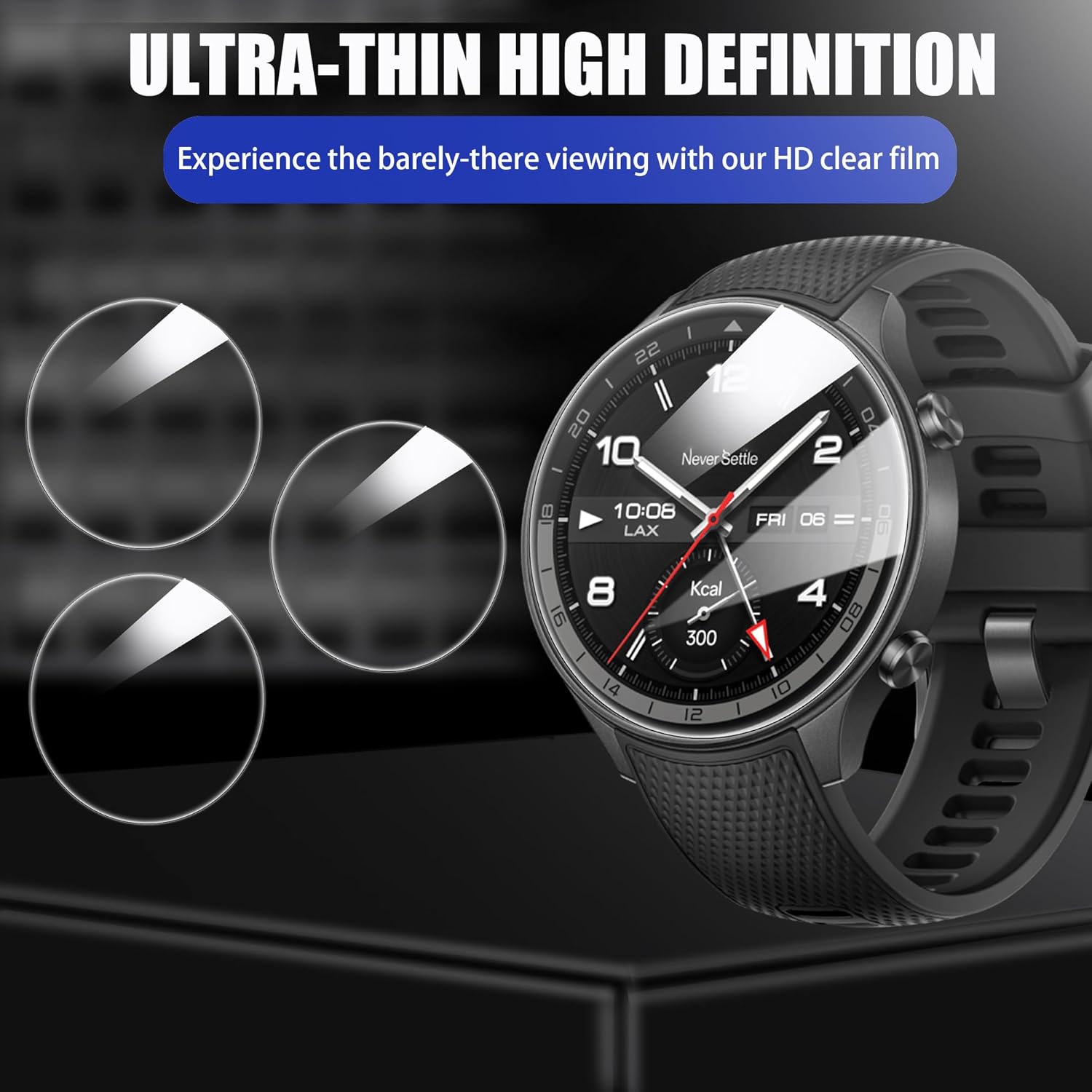
Image 5.1: The screen protector provides full coverage and features like 99.9% transparency and an oleophobic coating for easy maintenance.
6. Troubleshooting
If you encounter any issues with your screen protector, refer to the following common solutions.
Bubbles After Installation
- Small Bubbles: Most small bubbles will disappear naturally within 24-48 hours as the adhesive fully settles.
- Large Bubbles: Gently lift the nearest edge of the protector with a fingernail or a thin card and re-apply, pushing the bubble towards the edge with the microfiber cloth. Ensure no dust is trapped underneath.
Poor Adhesion / Lifting Edges
- Dust: If edges are lifting, it is often due to dust particles. Carefully lift the protector, use a dust-absorber sticker to remove dust from both the screen and the protector's adhesive side, then re-apply.
- Misalignment: Ensure the protector is perfectly centered on the screen. If it is too close to an edge or overlaps the bezel, it may not adhere properly.
- Device Compatibility: This screen protector is specifically designed for LIGE EF12 1.75'' smartwatches. If your device is a different model or size, it may not fit correctly, leading to adhesion issues.
Reduced Clarity
- Ensure the screen protector is clean and free from smudges, dirt, or oils. Refer to the Maintenance section for proper cleaning instructions.
7. Product Specifications
| Brand | Lamshaw |
| Compatible Devices | LIGE EF12 1.75'' Smartwatch |
| Material | Tempered Glass |
| Item Hardness | 9H |
| Screen Size (Target Device) | 1.75 Inches |
| Special Features | Anti-Shatter, Oleophobic Coating |
| Finish Type | Clear |
| Model Number | EF12 (for compatible device) |

Image 7.1: The tempered glass provides overall protection against impacts and scratches for your smartwatch screen.
8. Warranty Information
This Lamshaw screen protector comes with a 90-day warranty from the date of purchase. This warranty covers manufacturing defects. It does not cover damage caused by improper installation, misuse, or normal wear and tear.
For warranty claims, please retain your proof of purchase and contact the retailer or manufacturer through their official support channels.
9. Customer Support
For further assistance or inquiries regarding your Lamshaw Tempered Glass Screen Protector, please refer to the retailer's support channels or visit the official Lamshaw website for contact information.