
1. Introduction
Thank you for purchasing the SUPNIU L200 Bluetooth Speaker. This manual provides essential information for setting up, operating, and maintaining your speaker. Please read it thoroughly before use to ensure optimal performance and longevity of your device.
2. What's in the Box
Carefully unpack your SUPNIU L200 speaker and check for the following items:
- 1 x L200 Karaoke Speaker
- 1 x TYPE-C 3A Charging Cable
- 1 x Aux Audio Cable
- 1 x Dust-free Cloth
- 1 x User Manual

Image: The package contents of the SUPNIU L200 speaker, showing the speaker, charging cable, AUX cable, dust cloth, and user manual.
3. Product Overview
3.1 Front Panel Controls
The front panel features a volume knob and a speaker grille.
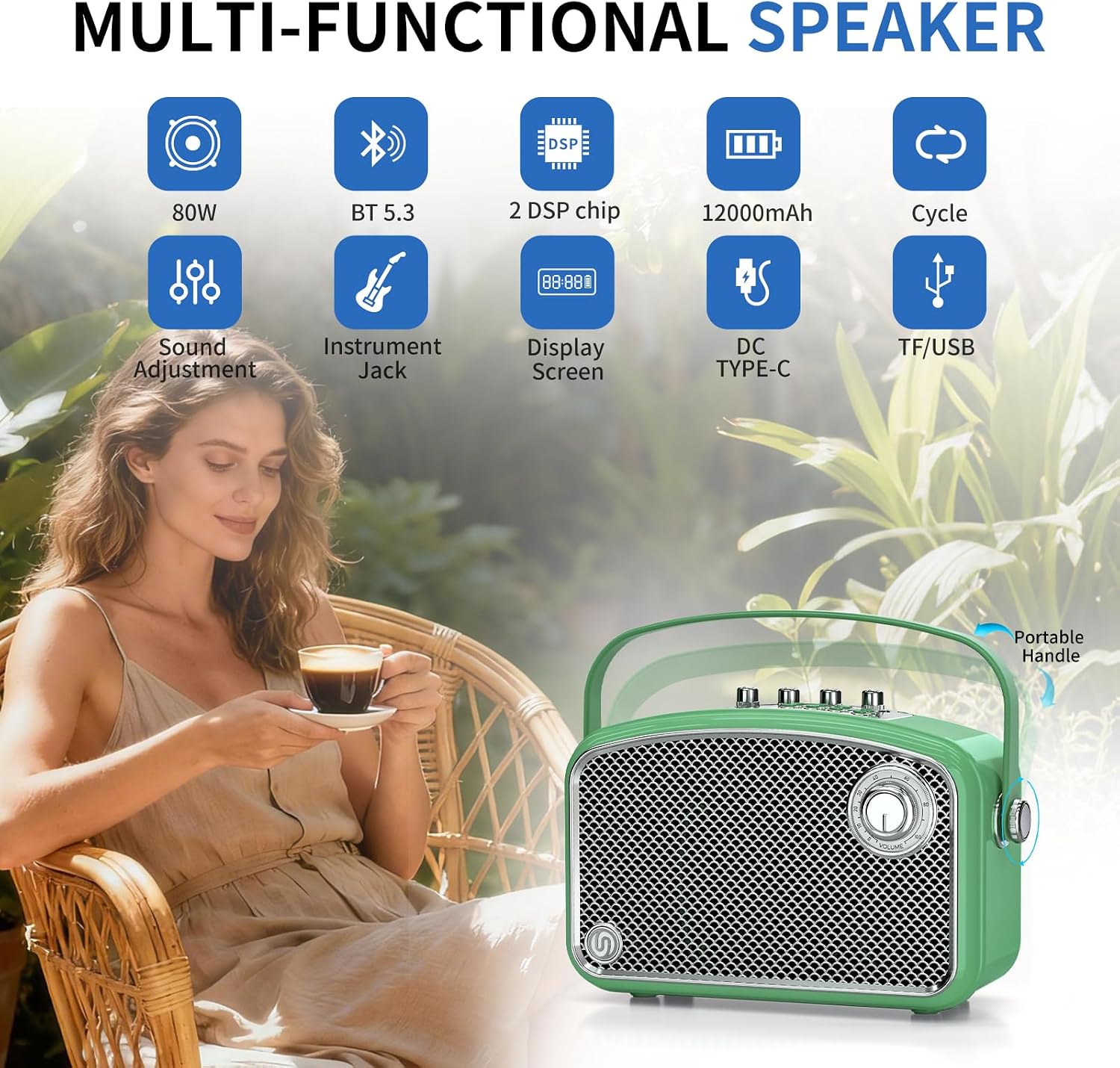
Image: Front view of the SUPNIU L200 Bluetooth Speaker, highlighting its vintage design and main volume control knob.
3.2 Top Panel Controls
The top panel houses various knobs and buttons for comprehensive audio control:
- Instrument Volume Control Knob: Adjusts the volume of connected instruments.
- Echo Volume Control Knob: Controls the echo effect for microphones.
- Microphone Volume Control Knob: Adjusts the volume of connected microphones.
- Treble/Bass Volume Control Knob: Adjusts the high and low frequencies of the audio output.
- Display Screen: Shows current mode and battery status.
- Mode Switching Button (M): Cycles through input modes (Bluetooth, AUX, USB, TF).
- Previous Track/Fast Rewind Button: Navigates to the previous track or rewinds.
- Play/Pause Button: Plays or pauses audio playback.
- Next Track/Fast Forward Button: Navigates to the next track or fast forwards.
- Cycle Mode Switching Button: Changes playback repeat modes.
- One-Tap Recording Button: Initiates audio recording.
- One-Tap Mute Button: Mutes the audio output.
- Power On/Off Button: Turns the speaker on or off.

Image: Detailed view of the top control panel of the SUPNIU L200 speaker, illustrating the function of each knob and button.
3.3 Rear Panel Ports
The rear panel provides various connectivity options:
- DC (USB-C) Port: For charging the speaker.
- USB Port: For USB flash drive playback.
- TF Card Slot: For TF (Micro SD) card playback.
- LIVE (USB-C OTG) Port: For live streaming and recording.
- Headphone Jack: For headphone monitoring.
- AUX Input: For connecting external audio devices via 3.5mm cable.
- Microphone Input (6.35mm): For wired microphones.
- Instrument Input (6.35mm): For connecting instruments like guitars or keyboards.

Image: Rear view of the SUPNIU L200 speaker, detailing the various input and output ports for versatile connectivity.
4. Setup
4.1 Charging the Speaker
Before first use, fully charge the speaker. Connect the provided TYPE-C 3A charging cable to the DC (USB-C) port on the rear panel and plug the other end into a compatible USB power adapter (not included). The battery indicator on the display screen will show charging status.

Image: The SUPNIU L200 speaker connected to a USB-C charging cable, illustrating the charging process.
4.2 Power On/Off
Press and hold the Power On/Off button on the top panel for a few seconds to turn the speaker on or off.
4.3 Bluetooth Pairing
- Turn on the speaker. It will automatically enter Bluetooth pairing mode, indicated by a flashing Bluetooth icon on the display.
- On your mobile device, enable Bluetooth and search for available devices.
- Select "SUPNIU L200" from the list.
- Once connected, the Bluetooth icon will stop flashing, and you will hear a confirmation sound.
5. Operating Instructions
5.1 Audio Playback
After successful Bluetooth pairing, you can play audio from your device. Use the Play/Pause, Previous/Next Track buttons on the speaker or your connected device to control playback. Adjust the main volume using the large knob on the front panel.

Image: A person relaxing and listening to music from the SUPNIU L200 speaker, demonstrating its use for personal enjoyment.
5.2 Using AUX, USB, or TF Card Input
To switch input sources, press the Mode (M) button on the top panel. Connect your audio device via the 3.5mm AUX cable, insert a USB flash drive into the USB port, or a TF card into the TF card slot. The speaker will automatically detect the input and switch modes.
5.3 Karaoke and Instrument Use
The SUPNIU L200 is equipped for karaoke and instrument connections:
- Connect a wired microphone to the 6.35mm Microphone Input.
- Connect an instrument (e.g., guitar, keyboard) to the 6.35mm Instrument Input.
- Use the dedicated knobs on the top panel to adjust the Microphone Volume, Instrument Volume, and Echo Volume independently.
- Fine-tune the sound with the Treble/Bass control knob.
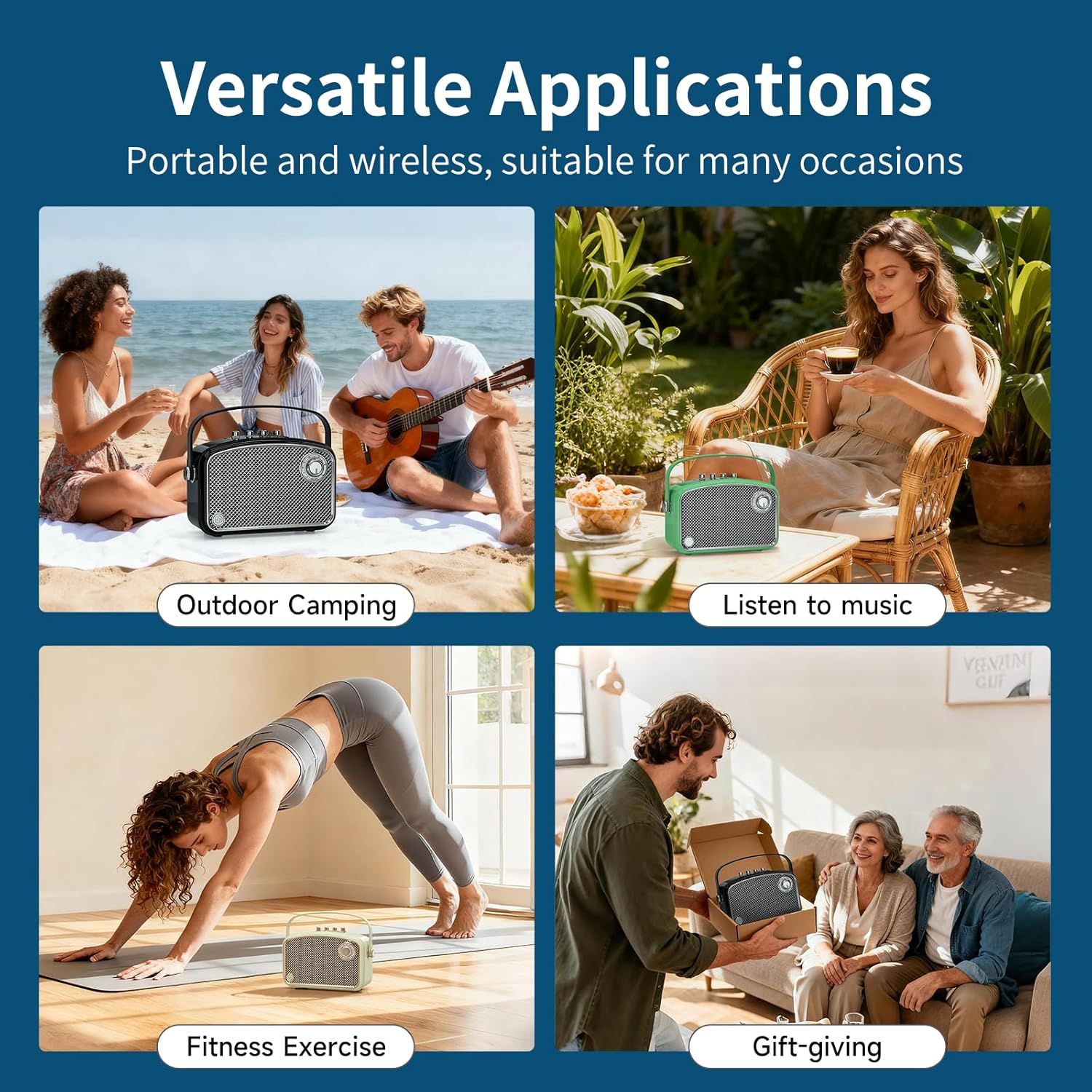
Image: A person using a wired microphone connected to the SUPNIU L200 speaker, demonstrating its karaoke functionality.

Image: A person playing an acoustic guitar connected to the SUPNIU L200 speaker, showcasing its instrument input capability.
5.4 Live Streaming and Headphone Monitoring
The LIVE (USB-C OTG) port allows for direct connection to compatible devices for live streaming or recording. Use the Headphone Jack for private audio monitoring during performances or recording sessions.
5.5 Video Demonstration
Video: This video provides a visual overview of the SUPNIU L200 speaker, demonstrating its vintage design, various input options, and sound adjustment capabilities for different music genres.
6. Maintenance
To ensure the longevity and optimal performance of your SUPNIU L200 speaker, follow these maintenance guidelines:
- Cleaning: Use the provided dust-free cloth to gently wipe the speaker's surface. Avoid using harsh chemicals or abrasive cleaners.
- Storage: Store the speaker in a cool, dry place away from direct sunlight and extreme temperatures.
- Battery Care: For best battery life, avoid fully discharging the speaker frequently. Charge it regularly, even if not in use for extended periods.
- Water Resistance: This speaker is NOT waterproof. Avoid exposure to water or high humidity.
7. Troubleshooting
If you encounter any issues with your SUPNIU L200 speaker, please refer to the following common solutions:
- No Power: Ensure the speaker is fully charged. Connect the charging cable and allow it to charge for at least 30 minutes before attempting to power on again.
- No Sound: Check the volume levels on both the speaker and your connected device. Ensure the correct input mode is selected (Bluetooth, AUX, USB, TF). If using wired connections, ensure cables are securely plugged in.
- Bluetooth Connection Issues: Make sure the speaker is in pairing mode (flashing Bluetooth icon). Turn off and on Bluetooth on your device, then try pairing again. Ensure your device is within the effective range of the speaker.
- Distorted Sound: Reduce the volume on both the speaker and your connected device. Check for any physical obstructions on the speaker grille. Ensure audio files are not corrupted.
- Microphone/Instrument Not Working: Ensure the microphone/instrument is properly connected to the correct 6.35mm input jack. Check the individual volume knobs for microphone and instrument.
If the problem persists after trying these steps, please contact customer support.
8. Specifications
| Feature | Detail |
|---|---|
| Brand | SUPNIU |
| Model Number | L200 |
| Speaker Maximum Output Power | 120 Watts (Peak) |
| Frequency Response | 20 KHz |
| Connectivity Technology | Bluetooth / Wireless / Wired / AUX |
| Audio Output Mode | Stereo |
| Mounting Type | Floor Standing |
| Enclosure Material | Acrylonitrile Butadiene Styrene (ABS), Metal |
| Speaker Type | Woofer + Double Tweeters |
| Additional Features | Lightweight, Portable, Support Mic & Guitar Input |
| Color | Green |
| Is Waterproof | False |
| Speaker Size | 4 Inches |
| Water Resistance Level | Not Water Resistant |
| Specific Uses For Product | For Computers / Music Players / Smartphones or Tablets, Guitars, Gaming / Teaching / Coaching / Giving Speeches / Singing |
| Item Dimensions D x W x H | 4.9"D x 11.4"W x 7.1"H |
| Power Source | Battery Powered |
| Number of Batteries | 3 C batteries required (included) |
| Number of Audio Channels | 2.1 |
9. Warranty and Customer Support
9.1 Warranty Information
The SUPNIU L200 speaker comes with a 1-Year Warranty from the date of purchase. This warranty covers manufacturing defects and workmanship under normal use. It does not cover damage caused by misuse, accidents, unauthorized modifications, or natural disasters.
9.2 Customer Support
If you have any questions, concerns, or require assistance with your SUPNIU L200 speaker, please contact our customer support team. Our commitment to customer satisfaction means we are dedicated to offering satisfactory solutions. Please refer to the contact information provided with your purchase or on the official SUPNIU website before considering a return.


