
1. Introduction
Thank you for choosing the Wowuwoai 10000mAh Magnetic Wireless Power Bank, Model W20. This portable charger is designed to provide convenient and efficient power to your compatible devices, featuring both wireless magnetic charging and wired USB-C fast charging, along with a built-in kickstand for enhanced usability. Please read this manual thoroughly before use to ensure optimal performance and safety.
2. Safety Information
To prevent injury, damage to your device, or damage to the power bank, always follow these basic safety precautions:
- Do not expose the power bank to extreme temperatures (above 45°C/113°F or below -10°C/14°F).
- Avoid dropping, disassembling, or attempting to repair the device yourself.
- Keep away from water, moisture, and flammable materials.
- Do not use if the power bank is damaged, swollen, or leaking.
- Ensure proper ventilation during charging.
- This power bank features an intelligent chip that guards against overcharging, overheating, overcurrent, overvoltage, and short circuits. However, always monitor the device during charging.
- Due to long-distance transport, the power bank may arrive with low or no charge. Please fully recharge it before first use to activate optimal performance.
3. Package Contents
- Wowuwoai 10000mAh Magnetic Wireless Power Bank (Model W20)
- USB-C Charging Cable
- User Manual
4. Product Overview
The Wowuwoai W20 power bank combines a compact design with powerful charging capabilities and a convenient integrated stand.
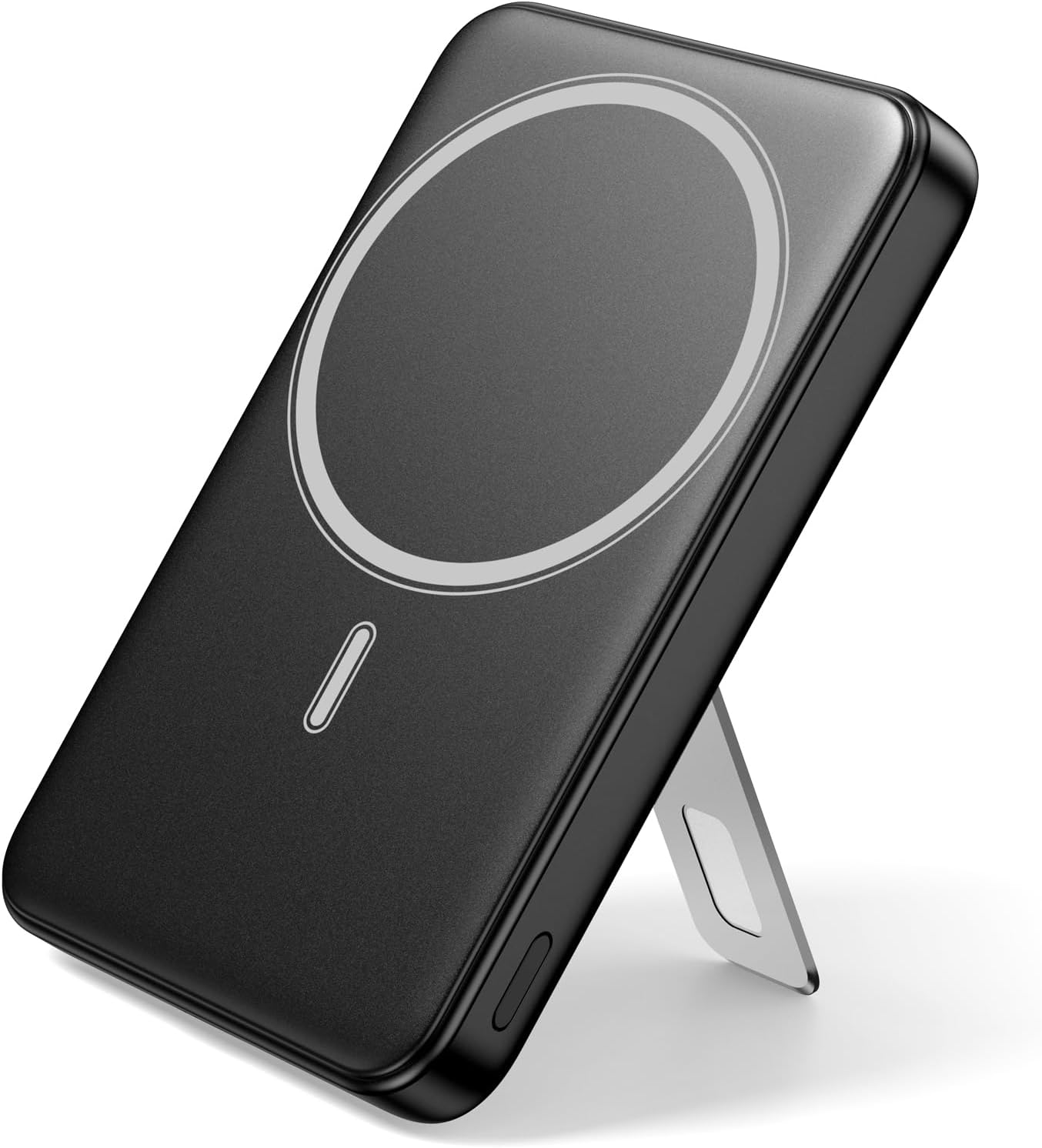
Image: The Wowuwoai W20 Magnetic Wireless Power Bank in black, showcasing its sleek design and magnetic charging area.
Key Features:
- Magnetic Attachment: Strong 11N magnet for secure attachment to compatible devices.
- High Capacity: 10,000mAh battery for extended power.
- Dual Charging Modes:
- Wireless Charging: Up to 15W for compatible devices.
- Wired Charging: Up to 20W PD USB-C output/input.
- Built-in Kickstand: Foldable stand for hands-free viewing in portrait or landscape mode.
- Smart LED Indicators: 5-LED display to show remaining battery level.
- Compact & Portable: Dimensions of 4.05 x 2.61 x 0.85 inches and a weight of 7.9 oz, making it airline-compliant and easy to carry.
- Advanced Safety: Protection against overcharging, overheating, overcurrent, overvoltage, and short circuits.
5. Setup
Initial Charging of the Power Bank:
- Before first use, fully charge your Wowuwoai W20 Power Bank.
- Connect the provided USB-C charging cable to the USB-C port on the power bank.
- Plug the other end of the USB-C cable into a compatible USB wall adapter (not included).
- The LED indicators will illuminate to show the charging progress. All 5 LEDs will be solid when fully charged.

Image: Diagram illustrating the LED charging indicators on the power bank, showing battery levels from 0-100%.
6. Operating Instructions
Wireless Magnetic Charging:
- Ensure your device is compatible with MagSafe or magnetic wireless charging.
- Align the back of your compatible phone with the magnetic charging area on the power bank. The strong 11N magnet will snap it into place.
- Charging will begin automatically. The LED indicators on the power bank will show its remaining charge.
- For optimal magnetic attachment, use with a MagSafe-compatible case or without a case. Non-magnetic cases are not supported.
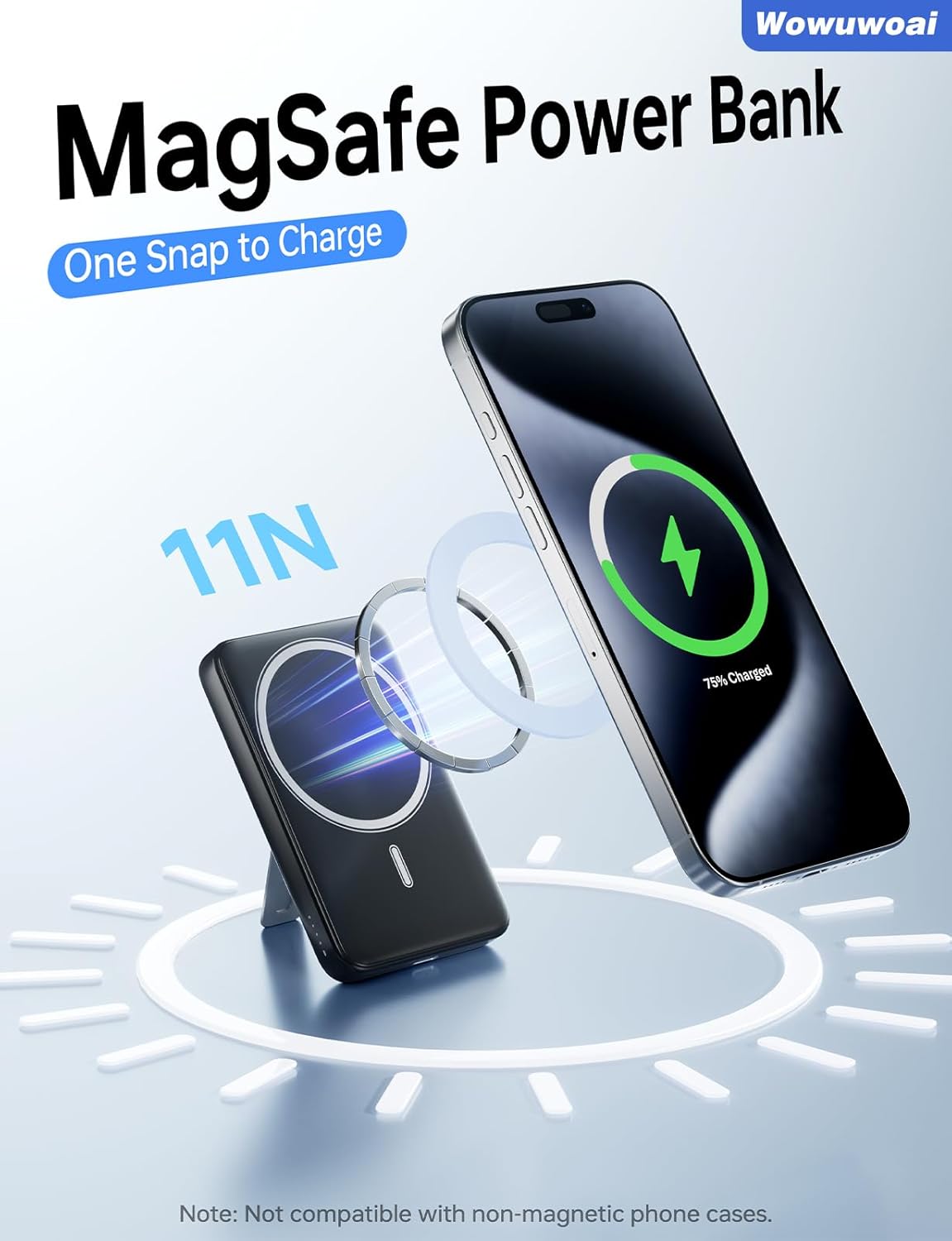
Image: A smartphone magnetically attached to the power bank, showing the wireless charging icon on the phone screen.
Wired USB-C Fast Charging:
- Connect your device to the USB-C port on the power bank using a compatible USB-C to USB-C cable (or your device's charging cable).
- The power bank will deliver up to 20W Power Delivery (PD) fast charging.
Using the Built-in Kickstand:
- Gently pull out the integrated kickstand from the back of the power bank.
- Place the power bank (with or without a phone attached) on a flat surface to prop it up for hands-free viewing.
- The kickstand supports both vertical and horizontal orientations.

Image: The power bank with its kickstand extended, supporting a smartphone for hands-free viewing.
Charging Multiple Devices:
The power bank supports charging two devices simultaneously: one wirelessly via magnetic attachment and another via the USB-C port.
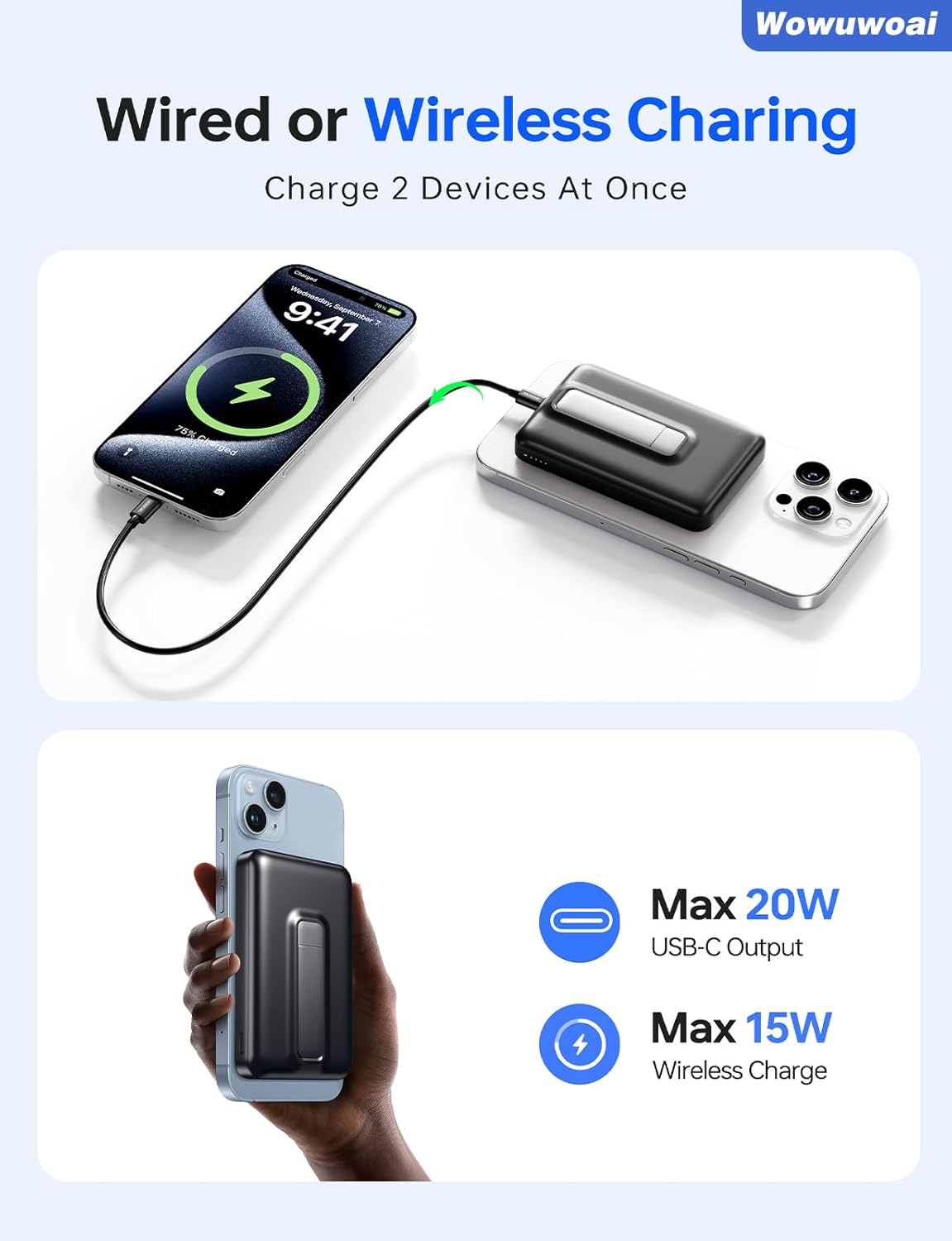
Image: Two smartphones being charged simultaneously, one wirelessly attached to the power bank and another connected via a USB-C cable.
Checking Battery Level:
The 5-LED indicators on the side of the power bank show the remaining battery capacity:
- 5 LEDs: 75%-100%
- 4 LEDs: 50%-75%
- 3 LEDs: 25%-50%
- 2 LEDs: 5%-25%
- 1 LED: Below 5% (recharge soon)
7. Compatibility
This power bank is compatible with:
- iPhone 12 series and newer (including iPhone Air/17/17 Pro/17 Pro Max, iPhone 16/16 Plus/16 Pro/16 Pro Max, iPhone 15/15 Plus/15 Pro/15 Pro Max, iPhone 14/14 Plus/14 Pro/14 Pro Max, iPhone 13/13 Mini/13 Pro/13 Pro Max, iPhone 12/12 Mini/12 Pro/12 Pro Max).
- Other Android phones that support wireless charging.
- Can be used with the phone itself or paired with an official magnetic phone case.
- Note: Not compatible with non-magnetic phone cases.

Image: Visual representation of the power bank's compatibility with various iPhone models and MagSafe cases.
8. Maintenance
- Clean the power bank with a soft, dry cloth. Do not use harsh chemicals or abrasive materials.
- Store in a cool, dry place away from direct sunlight and extreme temperatures.
- If not used for extended periods, charge the power bank at least once every three months to maintain battery health.
9. Troubleshooting
| Problem | Possible Cause | Solution |
|---|---|---|
| Device not charging wirelessly. | Device is not wirelessly charging compatible or not aligned correctly. Non-magnetic case in use. | Ensure your device supports wireless charging and is properly aligned. Remove any non-magnetic cases. |
| Device not charging via USB-C. | Cable is faulty or not fully inserted. Power bank is out of charge. | Check cable connection and try a different cable. Ensure the power bank is charged. |
| Power bank not charging. | Charging cable or adapter is faulty. | Try a different USB-C cable and wall adapter. |
| Power bank gets warm during use. | Normal operation, especially during fast charging. | This is normal. If it becomes excessively hot, discontinue use and contact support. |
10. Specifications
| Model Number | W20 |
| Battery Capacity | 10,000mAh |
| Wireless Output | Up to 15W |
| USB-C Output/Input | Up to 20W Power Delivery (PD) |
| Product Dimensions | 4.06 x 2.61 x 0.85 inches |
| Item Weight | 8.4 ounces |
| Battery Cell Composition | Lithium Polymer |
| Manufacturer | Shenzhen Joway Power Supply Co., Ltd. |
11. Official Product Videos
For Magsafe Power Bank 10000mAh
Video: An official product video demonstrating the features and usage of the Wowuwoai 10000mAh Magnetic Power Bank, including its magnetic attachment and compact design.
12. Warranty and Support
For warranty information and customer support, please refer to the manufacturer's official website or contact their customer service directly. Details are typically provided with your purchase documentation or on the product packaging.