
1. Introduction
This manual provides detailed instructions for the setup, operation, maintenance, and troubleshooting of your Relndoo TB02 Android 15 Tablet. Please read this manual thoroughly before using your device to ensure proper functionality and to maximize your user experience. Keep this manual for future reference.
2. What's in the Box
Verify that all items are present in the package:
- 1 x 10.1 inch Relndoo Android Tablet
- 1 x Keyboard
- 1 x Mouse
- 1 x Stylus Pen
- 1 x Foldable Protective Case
- 1 x Screen Protector
- 1 x Charging Head
- 1 x USB-C Charger Cable
- 1 x User Manual (this document)
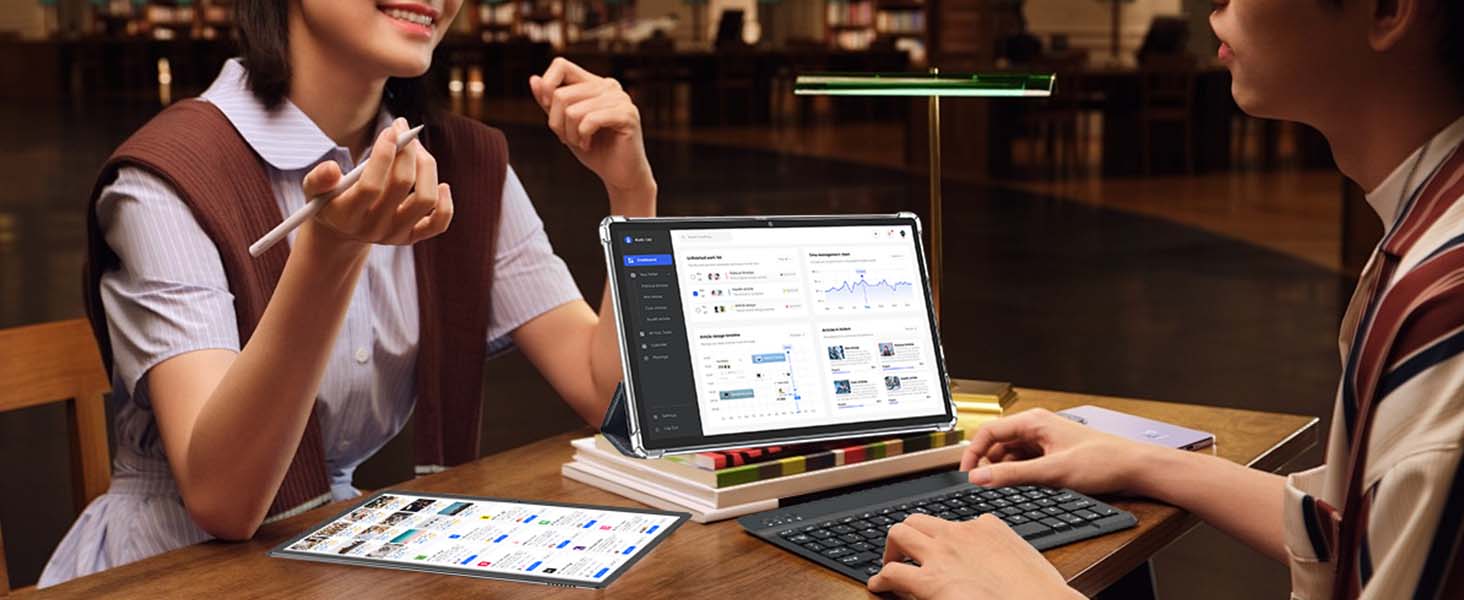
Image: Contents of the Relndoo TB02 tablet package.
3. Product Overview
The Relndoo TB02 is a 10.1-inch Android 15 tablet designed for versatility and performance. It features an octa-core processor, ample memory, and a suite of accessories to enhance productivity and entertainment.
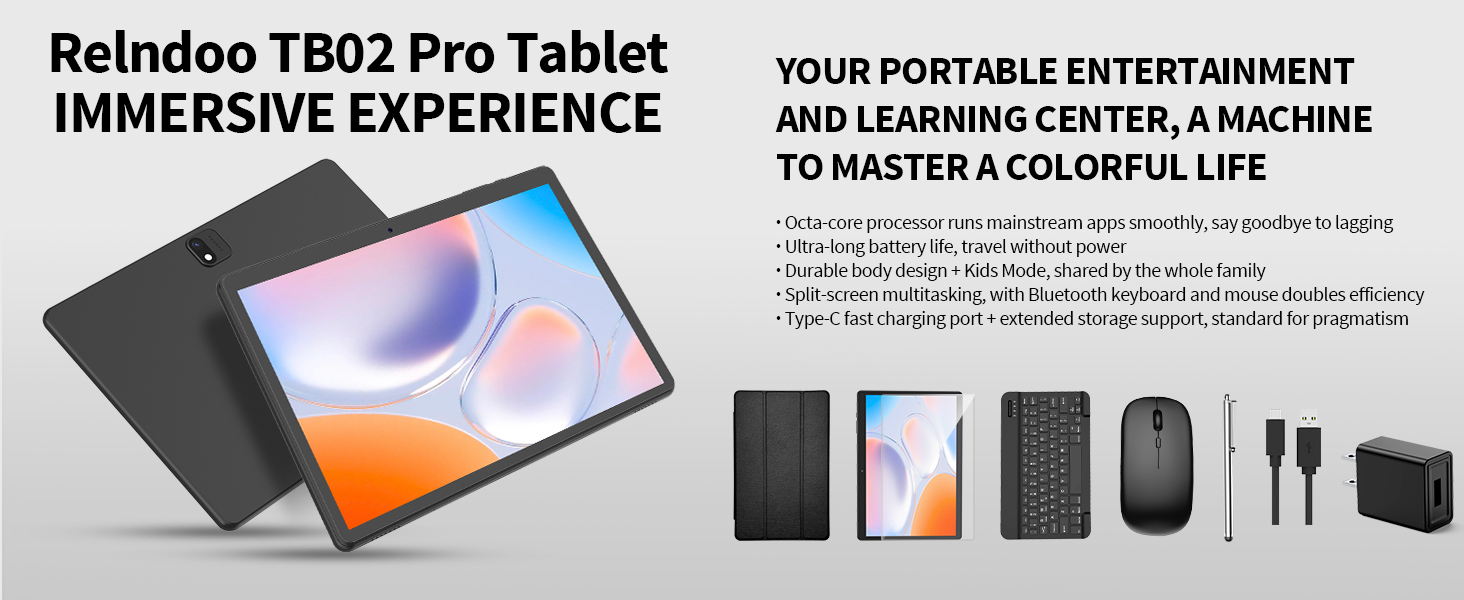
Image: Key features and components of the Relndoo TB02 tablet.
3.1 Physical Components
- Display: 10.1-inch IPS display with 1280x800 pixel resolution.
- Cameras: 5MP front camera and 13MP rear camera.
- Ports: USB-C port for charging and data transfer, 3.5mm headphone jack.
- Speakers: Dual speakers for enhanced audio.
- Buttons: Power button, Volume up/down buttons.
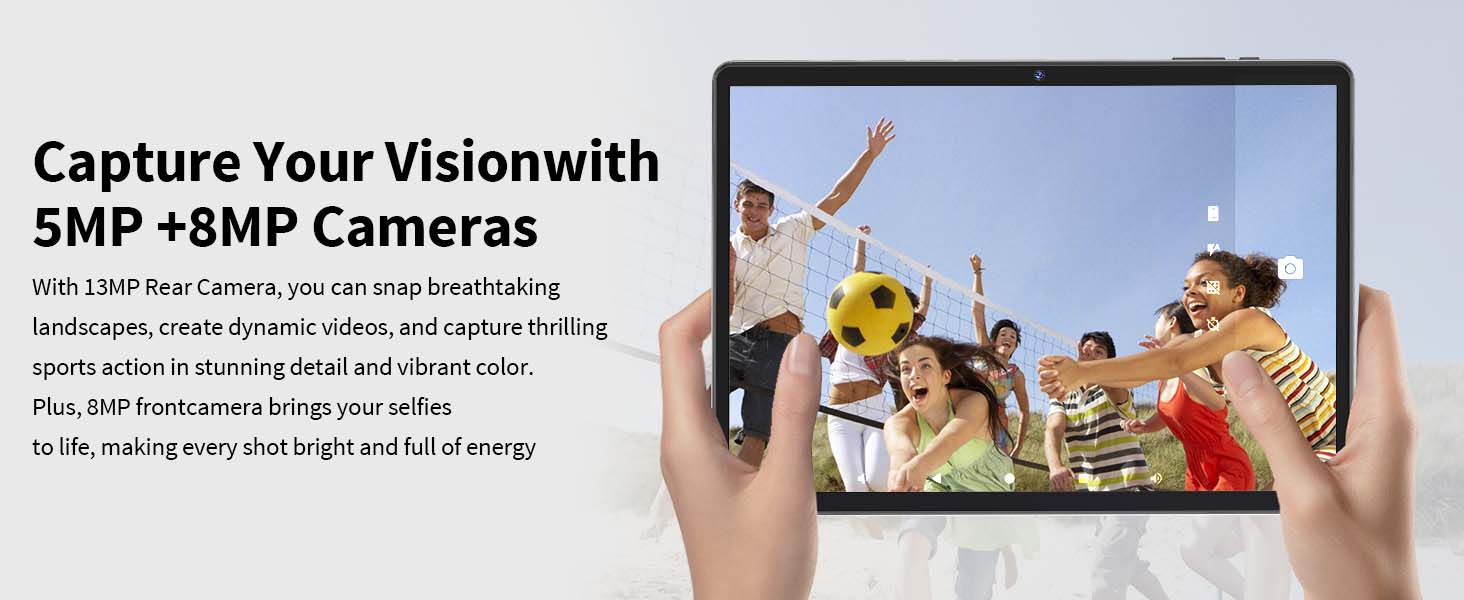
Image: Detailed overview of tablet features and specifications.
4. Setup
4.1 Charging the Tablet
Before first use, fully charge the tablet. Connect the provided USB-C charger cable to the tablet's USB-C port and the charging head to a power outlet. The battery indicator on the screen will show charging status.
4.2 Power On/Off
- To Power On: Press and hold the Power button until the Relndoo logo appears.
- To Power Off: Press and hold the Power button until the power options appear on the screen, then select "Power off".
- To Restart: Press and hold the Power button until the power options appear, then select "Restart".
4.3 Initial Setup
Upon first power-on, follow the on-screen prompts to complete the initial setup:
- Select your preferred language.
- Connect to a Wi-Fi network.
- Sign in with your Google account or create a new one. This is necessary to access the Google Play Store and other Google services.
- Review and accept the terms and conditions.
- Set up screen lock (PIN, pattern, password, or Face Unlock).
4.4 Connecting Accessories
The Relndoo TB02 tablet comes with a keyboard, mouse, and stylus for enhanced functionality.
4.4.1 Bluetooth Keyboard and Mouse
- Ensure the keyboard and mouse are charged or have fresh batteries.
- Turn on the keyboard and mouse.
- On your tablet, go to Settings > Connected devices > Bluetooth.
- Toggle Bluetooth On.
- Select "Pair new device" and choose the keyboard and mouse from the list of available devices. Follow any on-screen pairing instructions.
4.4.2 Stylus Pen
The stylus pen is typically passive and does not require pairing. Simply use it to interact with the tablet screen as you would with your finger.
5. Operating the Tablet
5.1 Android 15 Features
Your tablet runs on the latest Android 15 OS, offering a smoother, safer, and more personalized experience. Key features include:
- Gemini AI Engine: For intelligent task optimization, faster app response, and smarter performance.
- Split-Screen Multitasking: Run two apps side-by-side for increased productivity.
- Blue Light Reduction Mode: Helps reduce eye strain during prolonged use.
- Enhanced Privacy and Security: Features like Pinnable Taskbar, Partial Screen Recording/Sharing, Upgraded App Force Stop, App Archiving, Sensitive Notifications, Lockdown Mode, and Upgraded Theft-Deterrent Protection.

Image: Android 15 privacy and security features.
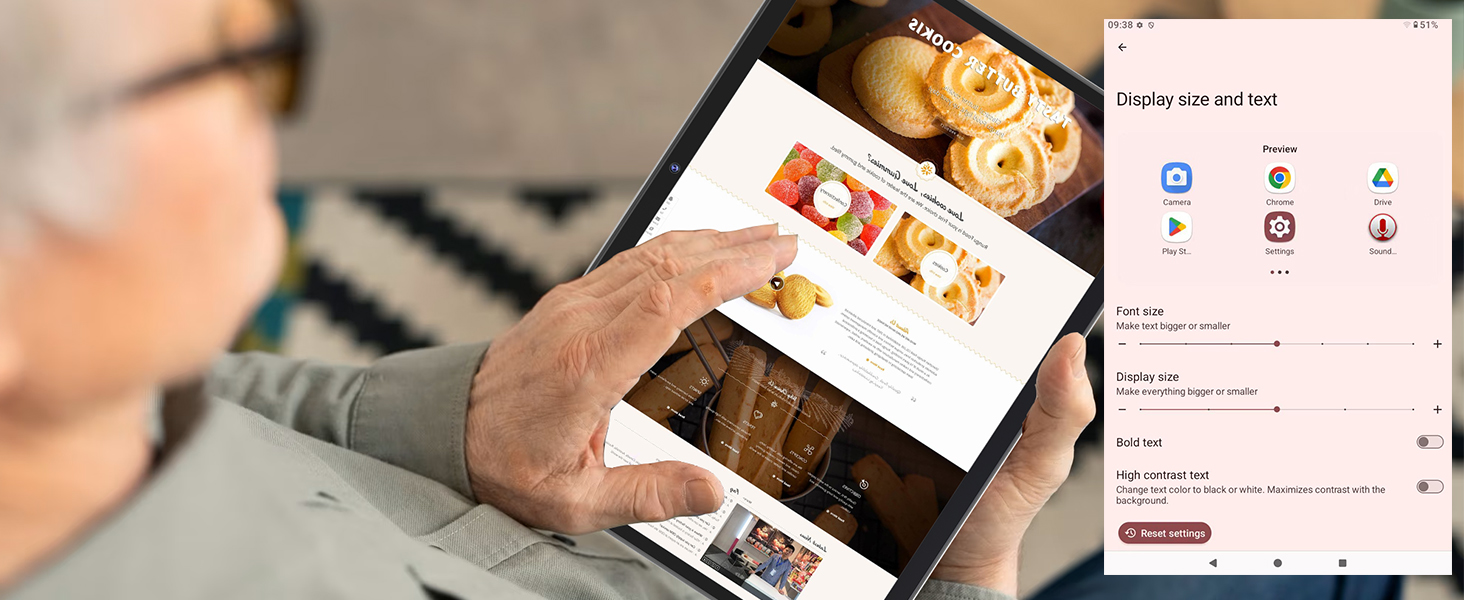
Image: Overview of new Android 15 system features.
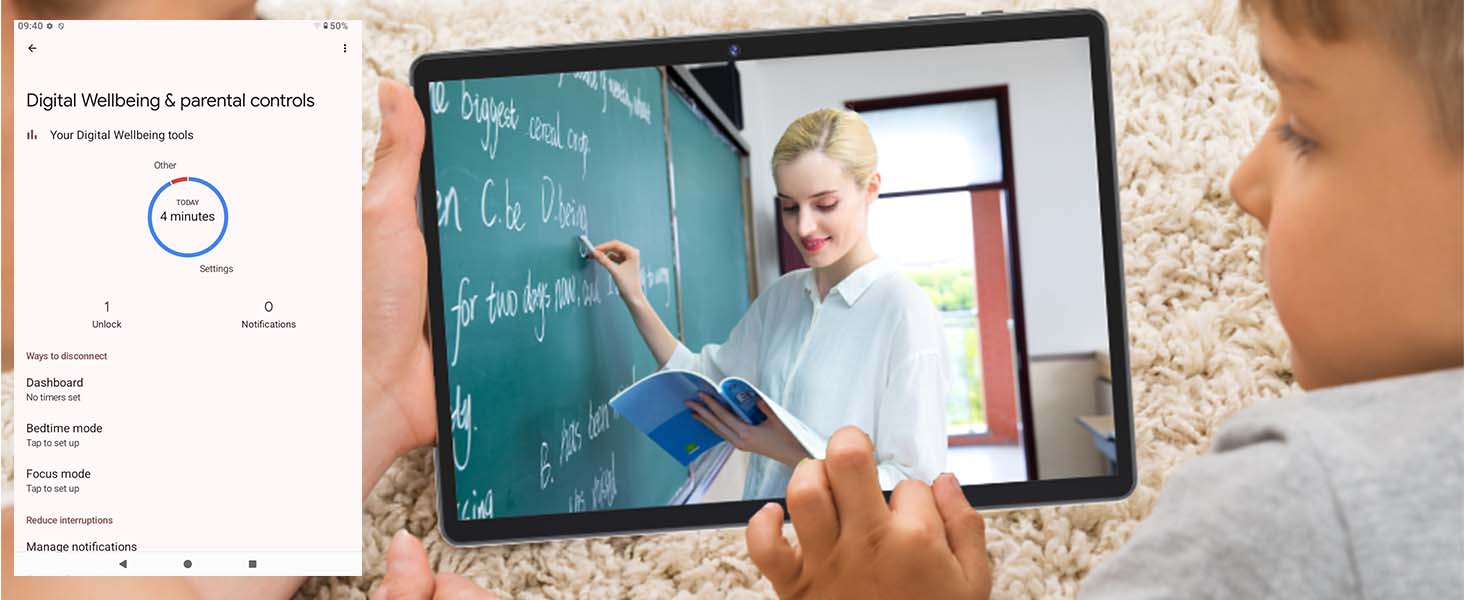
Image: Advanced Android 15 features.
5.2 Display
The 10.1-inch IPS display provides vivid and detailed visuals. It supports Widevine L1 certification, allowing for high-quality playback of premium content (up to 1080p Full HD) on major streaming platforms like Netflix, Amazon Prime Video, Hulu, and Disney+.

Image: Widevine L1 support for high-definition streaming.
5.3 Storage & Memory
The tablet features 26GB of RAM (6GB physical + 20GB virtual) and 256GB of built-in storage. Storage can be expanded up to 2TB via a TF (microSD) card (sold separately), providing ample space for apps, photos, videos, and documents.
Image: Memory and storage capabilities.
5.4 Connectivity
- Wi-Fi: Supports dual-band Wi-Fi (2.4GHz & 5.0GHz) for stable and high-speed internet access.
- Bluetooth: Bluetooth 5.0 for seamless wireless pairing with headphones, speakers, and other accessories.
- GPS: Integrated GPS support for navigation and location-based services.
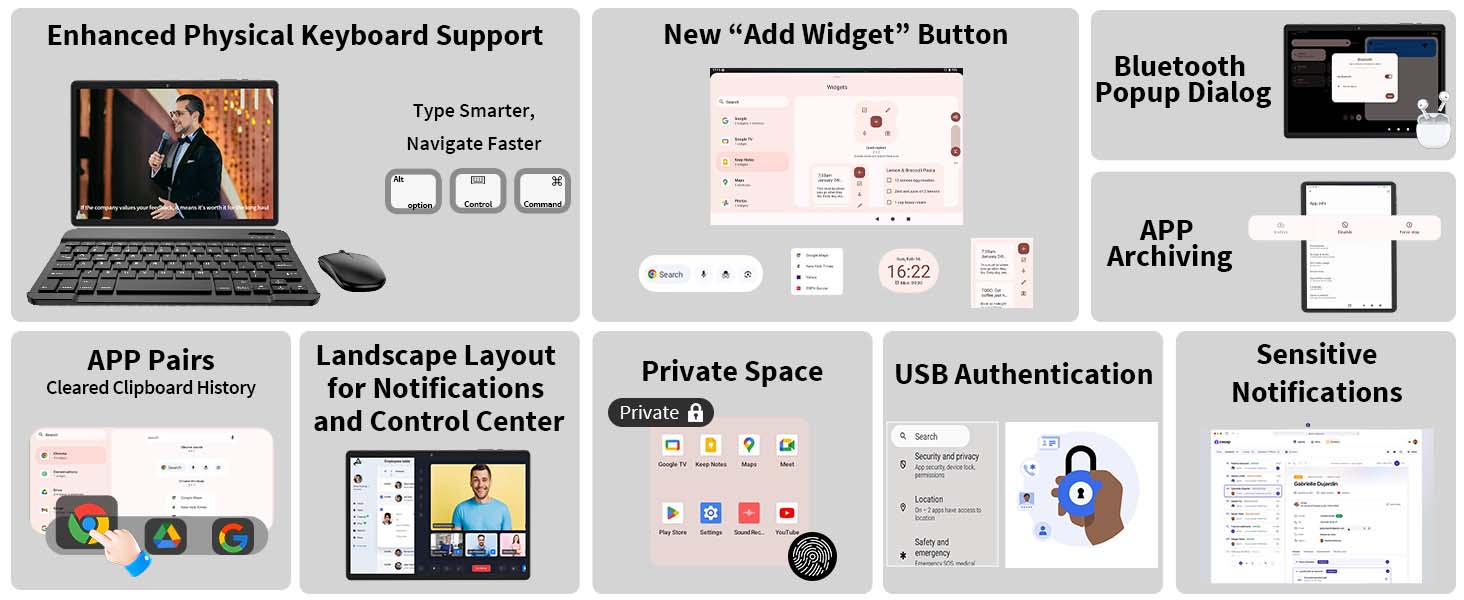
Image: Wi-Fi and Bluetooth connectivity features.
5.5 Camera
Capture moments with the tablet's 5MP front camera and 13MP rear camera. The rear camera is suitable for landscapes and dynamic videos, while the front camera is ideal for video calls and selfies.

Image: Tablet camera capabilities.
5.6 Battery Management
The tablet is equipped with an 8000mAh large-capacity battery, providing extended usage times. The USB-C port supports bidirectional fast charging.
- Usage Times: Approximately 8 hours for gaming, 12 hours for video playback, 18 hours for talk time, and 450 hours standby.
- To prolong battery life, reduce screen brightness, close unused apps, and disable Wi-Fi/Bluetooth when not in use.
Image: 8000mAh battery capacity and estimated usage times.
5.7 Google Services
Being GMS-certified, the tablet supports seamless browsing and downloading of applications from the Google ecosystem, including the Google Play Store. This ensures broad compatibility with your favorite apps.
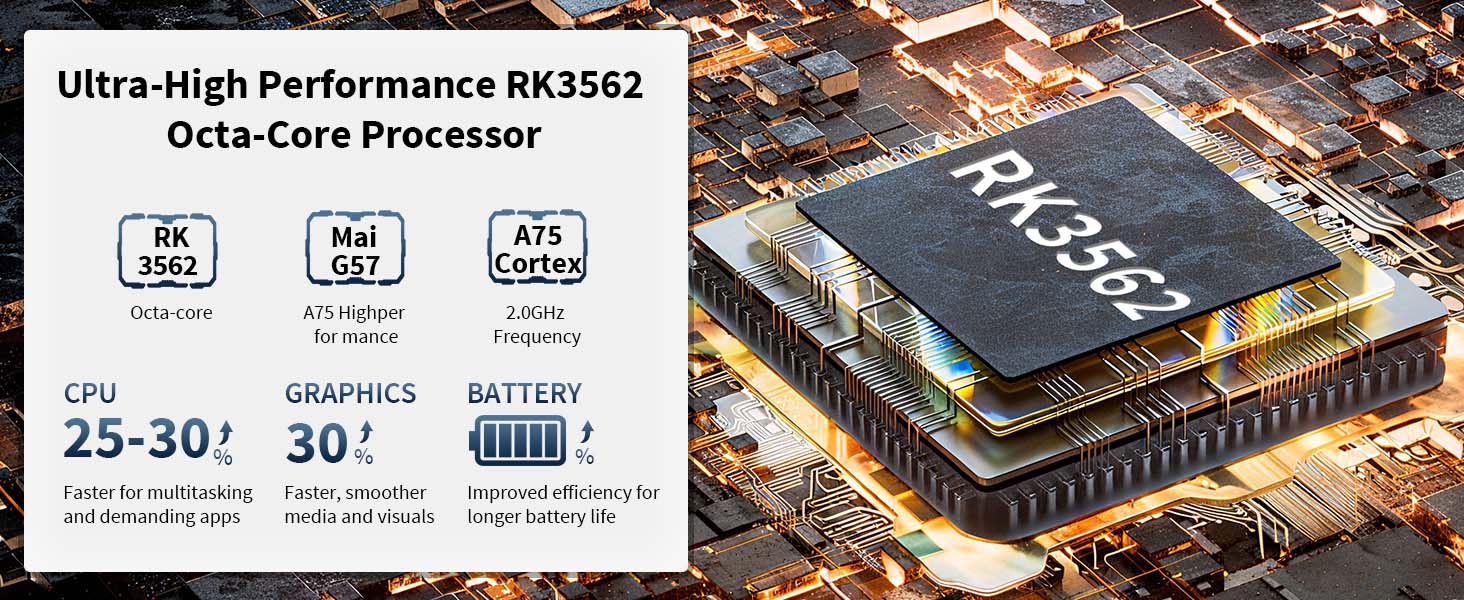
Image: Access to the Google Play Store.
6. Maintenance
6.1 Cleaning
- Use a soft, lint-free cloth to clean the screen and body of the tablet.
- Avoid using harsh chemicals, abrasive cleaners, or aerosol sprays.
- Ensure the tablet is powered off and unplugged before cleaning.
6.2 Software Updates
Regularly check for and install system updates to ensure optimal performance, security, and access to new features. Go to Settings > System > System update to check for available updates.
6.3 Storage Management
To maintain performance, periodically manage your tablet's storage:
- Delete unnecessary apps and files.
- Clear cache data for apps in Settings > Apps.
- Transfer large files to a TF card or cloud storage.
7. Troubleshooting
If you encounter issues with your tablet, refer to the following common solutions:
| Problem | Solution |
|---|---|
| Tablet does not power on | Ensure the tablet is fully charged. Press and hold the Power button for 10-15 seconds to force a restart. |
| Slow performance or apps crashing | Close unused apps. Clear app caches. Check for system updates. Restart the tablet. Ensure sufficient storage space. |
| Wi-Fi or Bluetooth connectivity issues | Toggle Wi-Fi/Bluetooth off and on. Restart your router (for Wi-Fi). Forget and re-pair Bluetooth devices. Ensure you are within range. |
| Battery drains quickly | Reduce screen brightness. Disable Wi-Fi, Bluetooth, and GPS when not in use. Close background apps. Check for apps consuming excessive power in battery settings. |
| Touchscreen unresponsive | Restart the tablet. Ensure the screen is clean and free of debris. If using a screen protector, ensure it is properly applied. |
If the problem persists, please refer to the Warranty and Support section for further assistance.
8. Specifications
| Feature | Detail |
|---|---|
| Model Name | TB02 |
| Operating System | Android 15 |
| Processor | 3562 Octa-Core (ARM) |
| RAM | 26GB (6GB physical + 20GB virtual) |
| Internal Storage | 256GB |
| Expandable Storage | Up to 2TB via TF card (microSD, not included) |
| Screen Size | 10.1 Inches |
| Display Resolution | 1280x800 Pixels (IPS) |
| Front Camera | 5MP |
| Rear Camera | 13MP |
| Battery Capacity | 8000mAh |
| Average Battery Life | 12 Hours (usage) |
| Wi-Fi | 2.4GHz & 5.0GHz Dual-Band |
| Bluetooth | Bluetooth 5.0 |
| GPS | Supported |
| Dimensions (LxWxH) | 10.7 x 7.5 x 2.5 inches |
| Item Weight | 2.97 pounds |
| Color | Black |
9. Warranty and Support
For specific warranty information and customer support, please refer to the warranty card included with your product packaging or visit the official Relndoo website. You may also contact the retailer where you purchased the device for assistance.