
Bosch SMV4HVX14E
Bosch SMV4HVX14E Serie 4 Dishwasher User Manual
Model: SMV4HVX14E
Introduction
This manual provides essential information for the installation, operation, maintenance, and troubleshooting of your Bosch SMV4HVX14E Serie 4 fully integrated smart dishwasher. Please read these instructions carefully before using the appliance for the first time to ensure safe and efficient operation.
The Bosch SMV4HVX14E is designed for 14 place settings, featuring customizable baskets, an EcoSilence Drive motor for quiet operation, and Home Connect for smart control. Its fully integrated design ensures seamless integration into your kitchen cabinetry.

Image: The Bosch SMV4HVX14E fully integrated dishwasher with its door open, showing the interior racks, seamlessly installed within kitchen cabinetry.
Setup and Installation
Unpacking
Carefully remove all packaging materials. Inspect the dishwasher for any transport damage. Do not connect a damaged appliance. Contact your supplier if damage is found.
What's in the Box
- Power cable
- User manual (this document)
- Inlet hose
- Drain hose
- Cutlery basket
Installation Requirements
The dishwasher is designed for full integration. A custom door panel (not included) must be fitted to the front of the appliance. Ensure proper water and electrical connections are available.
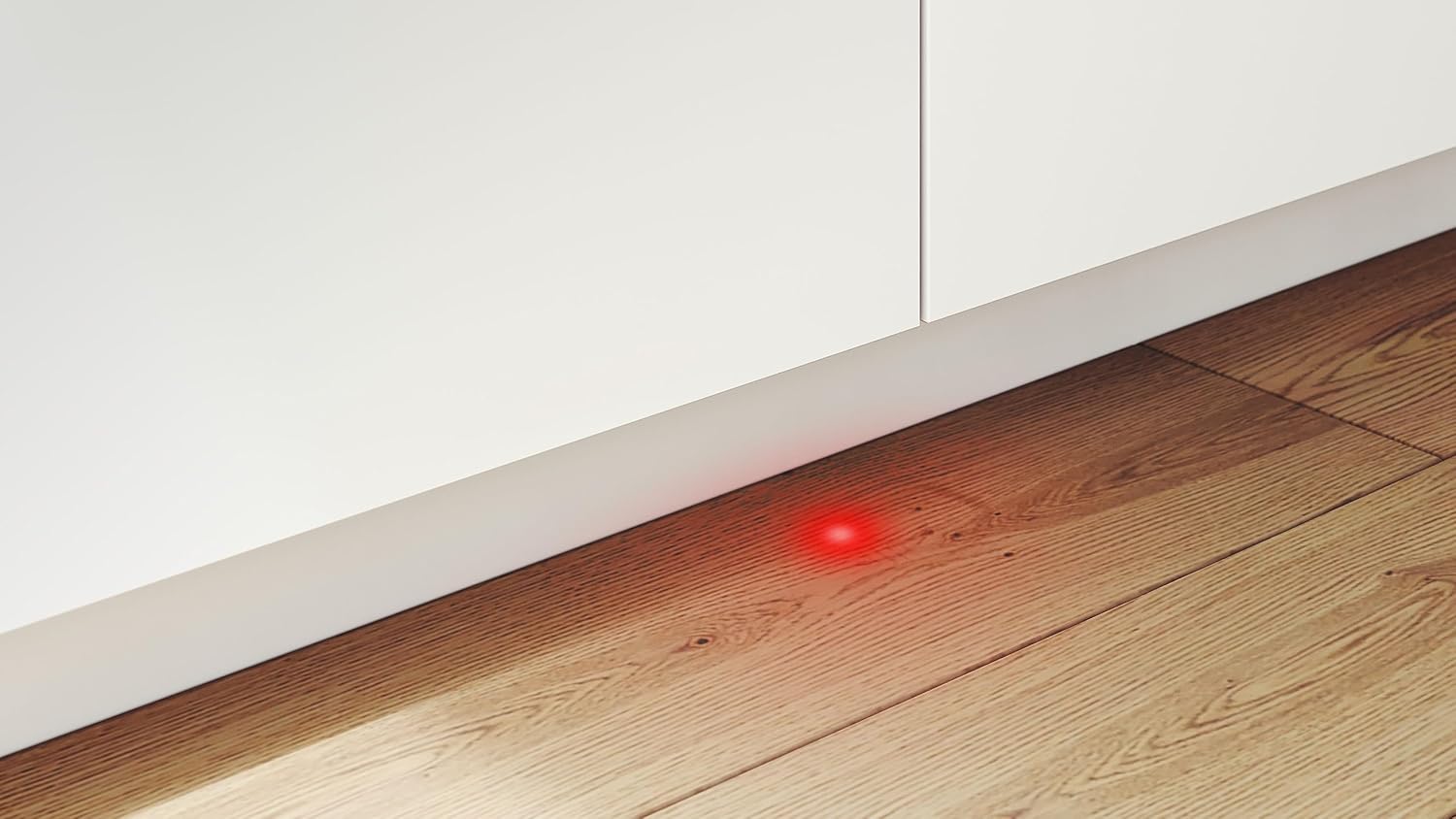
Image: Technical diagram illustrating the precise dimensions in millimeters for the dishwasher unit and the required cabinet opening for installation.

Image: Technical diagram detailing the recommended positions and lengths for the water inlet, water drain, and electrical power connections for the dishwasher.
Initial Use
- Water Hardness Setting: Determine your local water hardness and adjust the dishwasher's water softening system accordingly. Refer to the detailed instructions in the full manual for this procedure.
- Refill Salt Dispenser: Fill the salt dispenser with special dishwasher salt to prevent limescale buildup.
- Refill Rinse Aid Dispenser: Fill the rinse aid dispenser to ensure streak-free drying results.
- First Wash Cycle: Run an empty wash cycle with detergent to clean the appliance interior before loading dishes.
Operating Instructions
Control Panel Overview
The control panel is located on the top edge of the dishwasher door, visible when the door is slightly ajar. It features program buttons, special function buttons, a digital display, and the start button.

Image: A detailed view of the dishwasher's control panel, showing various program selection buttons, special function options, and the digital display.
Loading the Dishwasher
Load dishes, cutlery, and glasses into the baskets. Ensure items do not block the spray arms. The baskets are designed for flexibility to accommodate various items.
- Customizable Baskets: The upper and lower baskets feature foldable grids and removable glass supports, allowing you to adjust the space for different dish sizes.
- Third Cutlery Basket: A dedicated top-level basket provides space for cutlery, ensuring thorough cleaning.

Image: The interior of the dishwasher, showcasing the empty upper and lower baskets, ready for loading dishes.

Image: The lower basket of the dishwasher, neatly loaded with various plates, demonstrating efficient space utilization.
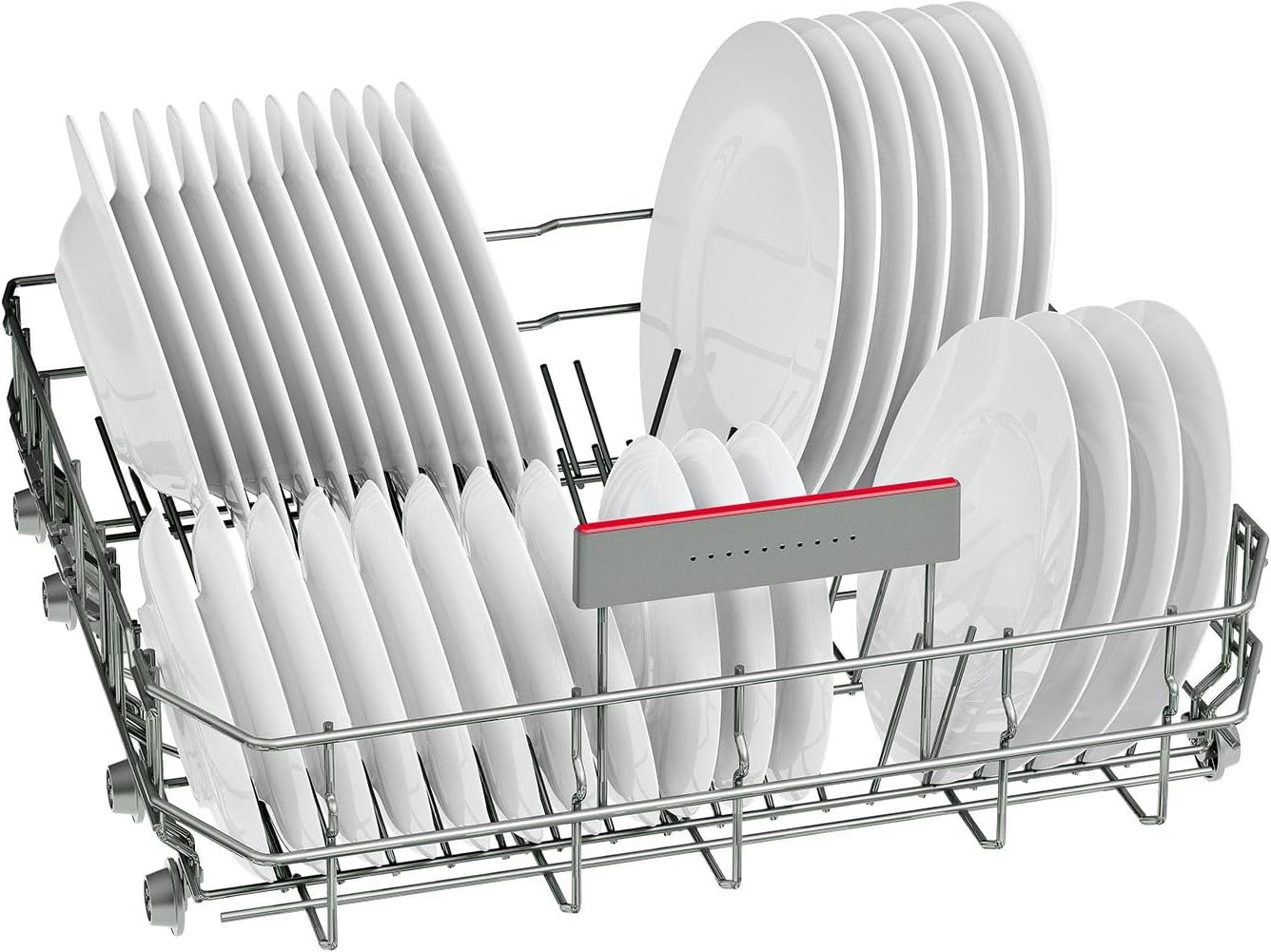
Image: The upper basket of the dishwasher, filled with glasses and smaller plates, illustrating how to load delicate items.

Image: A close-up of the third cutlery drawer, located at the very top of the dishwasher, organized with various forks, spoons, and knives.
Adding Detergent
Add the appropriate amount of dishwasher detergent to the dispenser before starting a cycle.
Program Selection
Select a wash program suitable for your load. Available programs include:
- Eco 50 °C
- Auto 45-65 °C
- Intensive 70 °C
- Express 65 °C
- Silent 50 °C
- Favorite (customizable program)
Special Functions
- Home Connect: Manage your dishwasher remotely via the Home Connect app on your smartphone. This allows for remote control, program customization, and downloading new programs.
- Programme Download: Add specific wash programs tailored to your individual needs through the Home Connect app.
Starting a Wash Cycle
Close the dishwasher door firmly. Press the Start button to begin the selected program.
InfoLight Indicator
A red light projection on the floor indicates when the dishwasher is operating. This light turns off when the cycle is complete.

Image: A bright red light, the InfoLight, is clearly visible on the kitchen floor, indicating that the fully integrated dishwasher is currently in operation.
Maintenance and Care
Cleaning Filters
Regularly check and clean the filter system at the bottom of the wash tub to ensure optimal cleaning performance and prevent blockages.

Image: A close-up view of the dishwasher's interior base, highlighting the central spray arm and the removable filter system.
Cleaning Spray Arms
Ensure the spray arm nozzles are not blocked by food particles. Remove and clean the spray arms if necessary.
Refilling Salt and Rinse Aid
Monitor the indicator lights for salt and rinse aid. Refill as needed to maintain wash and drying quality.
Machine Care Program
Utilize the dedicated Machine Care program periodically to clean and descale the dishwasher interior, ensuring hygiene and longevity.
Troubleshooting
If your dishwasher encounters an issue, consult the following general advice. For specific error codes or persistent problems, refer to the detailed troubleshooting section in the full user manual or use the Home Connect app for remote diagnostics.
- Dishes not clean: Check filter system, spray arms, detergent dosage, and ensure dishes are loaded correctly without blocking spray.
- Water not draining: Inspect the drain hose for kinks or blockages, and clean the filter system.
- Unusual noises: Ensure dishes are stable and not interfering with spray arms.
- Error codes on display: Consult the full manual for specific code meanings and recommended actions. The Home Connect app can also provide diagnostic information.
Technical Specifications
| Feature | Specification |
|---|---|
| Brand | Bosch |
| Model Name | SMV4HVX14E |
| Installation Type | Fully Integrated (Undercounter) |
| Product Dimensions (DxWxH) | 55P x 59.8W x 81.5H cm |
| Capacity | 14 Place Settings |
| Noise Level | 46 Decibels |
| Controls Type | Push Button |
| Special Features | Flexible loading, Home Connect app control |
| Voltage | 240 Volts |
| Energy Consumption | 2400 Watts |
| Item Weight | 33.5 Kilograms |
| Inlet Hose Length | 165 Centimeters |
| Drain Hose Length | 190 Centimeters |
Warranty Information
Your Bosch SMV4HVX14E dishwasher comes with a 2-year manufacturer warranty. Please retain your proof of purchase for warranty claims. For detailed terms and conditions, refer to the warranty documentation provided with your appliance or visit the official Bosch website.
Customer Support
For further assistance, technical support, or service requests, please contact Bosch customer service. You can find contact information on the official Bosch website or in the warranty documentation.
For remote diagnostics and smart features, utilize the Home Connect app.
Related documentsSMV4HVX14E


Ask a question about this manual
Ask about setup, troubleshooting, compatibility, parts, safety, or missing instructions. Manuals+ will review the question and use this page’s manual context to help answer it.