1. Introduction
Thank you for purchasing the GOWENIC Smart Bluetooth Wall Amplifier. This device integrates a 2.8-inch HD touchscreen, Bluetooth connectivity, FM radio, and multi-format support into a compact wall-mounted unit, designed to power ceiling speakers and provide a versatile audio experience. This manual provides detailed instructions for installation, operation, and maintenance to ensure optimal performance and longevity of your amplifier.
2. Safety Information
- Read all instructions carefully before installation and operation.
- Installation should be performed by a qualified electrician to prevent electric shock or fire hazards.
- Do not expose the device to water, moisture, or extreme temperatures.
- Ensure proper ventilation around the unit to prevent overheating.
- Use only specified power sources and accessories.
- Do not attempt to repair or modify the device yourself. Contact qualified service personnel.
- Keep out of reach of children.
3. Package Contents
Verify that all items listed below are included in your package:
- 1 x Electrical Box
- 1 x Smart Bluetooth Wall Amplifier
- 1 x Remote Control
- 1 x Instruction Manual
- 2 x Screws
- 1 x Screwdriver
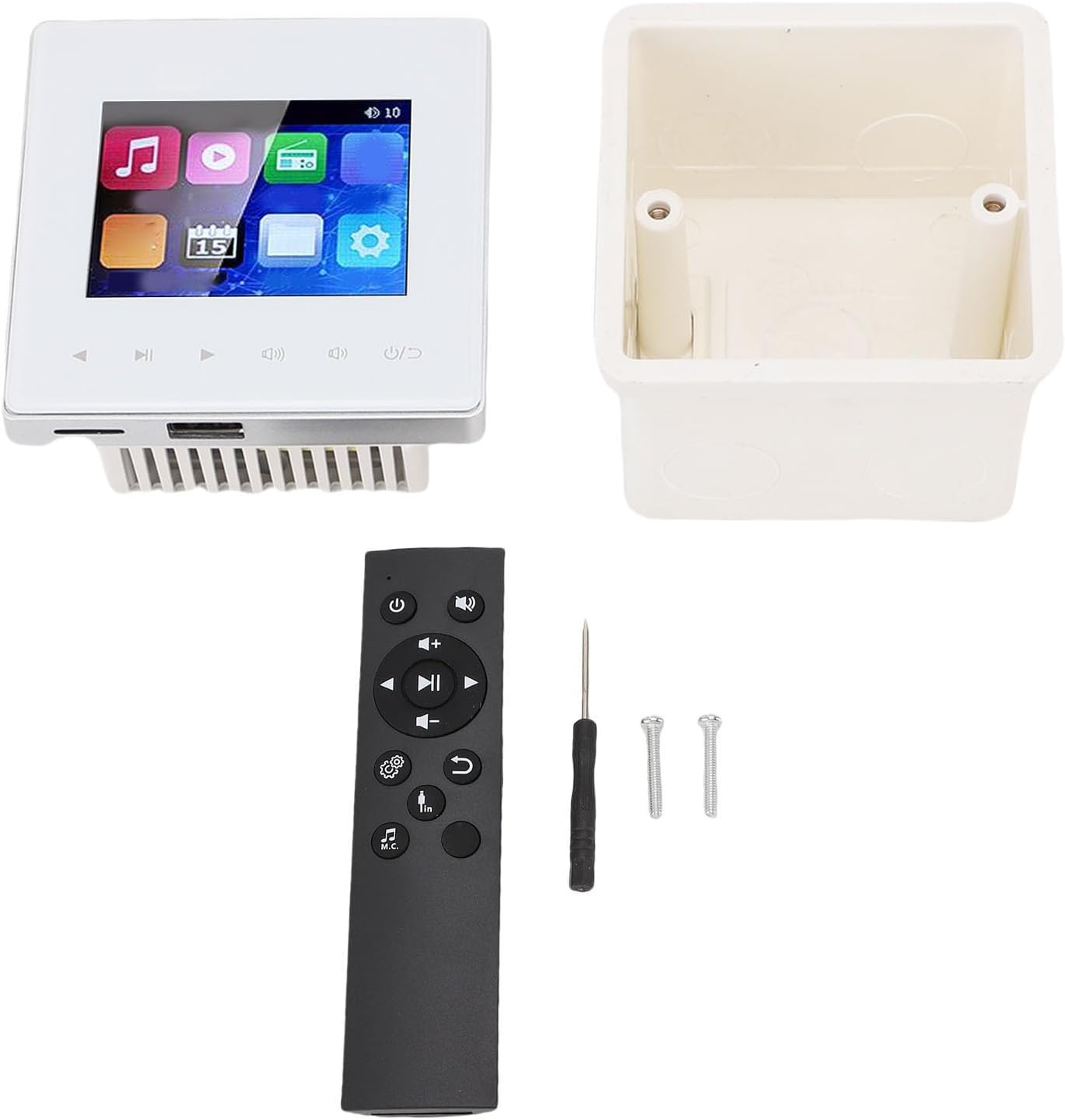
Image: Contents of the GOWENIC Smart Bluetooth Wall Amplifier package.
4. Specifications
| Item Type | Smart Bluetooth Wall Amplifier |
| Material | Aluminium alloy |
| Load Impedance | 4-8ohm |
| Output Power | 2x20W, 4x25W |
| Signal to Noise Ratio | ≥98dB |
| FM Radio Frequency | 87.5-108MHz |
| Remote Control Range | 10M |
| Remote Control Battery | 2 AAA Batteries (not included) |
| Memory Card Support | Maximum 32G (not included) |
| Package Dimensions | 6.3 x 4.72 x 3.15 inches |
| Item Weight | 12.4 ounces |
5. Installation and Setup
The GOWENIC Smart Bluetooth Wall Amplifier is designed for in-wall installation. Professional installation is recommended.
5.1 Wiring Diagram
Refer to the following image for the wiring connections. Ensure all power is disconnected before beginning installation.
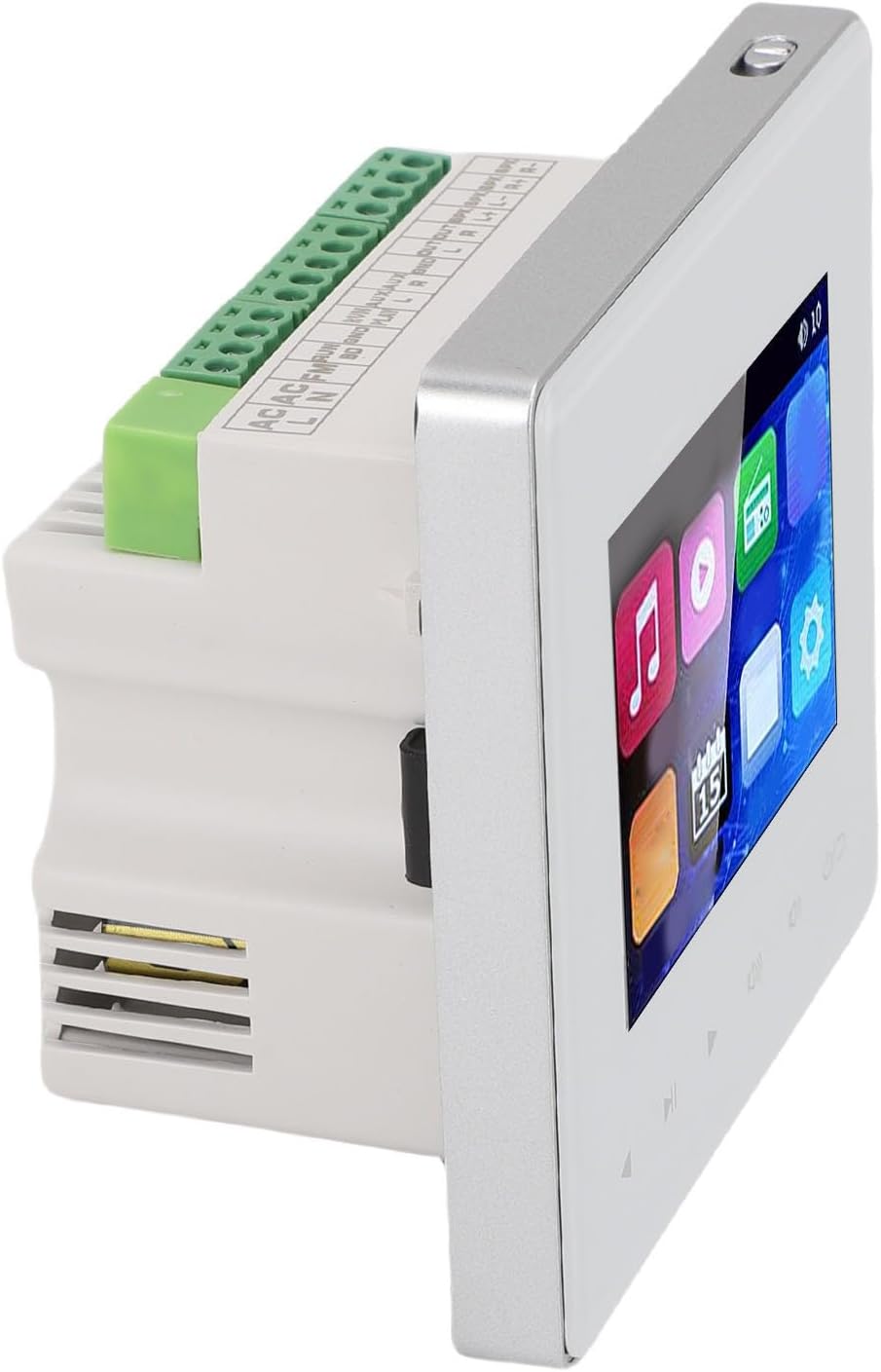
Image: Rear view of the amplifier showing wiring terminals for power, FM, and speaker connections.
- AC Power Input: Connect the AC power supply to the designated terminals (AC N, AC L).
- Speaker Outputs: Connect your ceiling speakers to the SPK OUT terminals. Ensure correct polarity (L+, L-, R+, R-). The amplifier supports 4-8 ohm speakers.
- FM Antenna: Connect an FM antenna to the FM terminal for radio reception.
- External Audio Input (PLAY): Connect external audio sources (e.g., TV, computer) to the PLAY L, PLAY R, and GND terminals.
- External Audio Output (OUT): Connect to other audio devices if needed.
5.2 Mounting
Install the electrical box into the wall cavity. Secure the amplifier unit into the electrical box using the provided screws and screwdriver after all wiring connections are made.
Image: The amplifier and its electrical box, ready for installation.
6. Operating Instructions
The amplifier features a 2.8-inch HD touchscreen for direct control and can also be operated via the included remote control or Bluetooth-connected devices.
6.1 Touchscreen Interface
The touchscreen displays various icons for different functions, including music playback, video, FM radio, calendar, and settings. Navigate by tapping the icons.
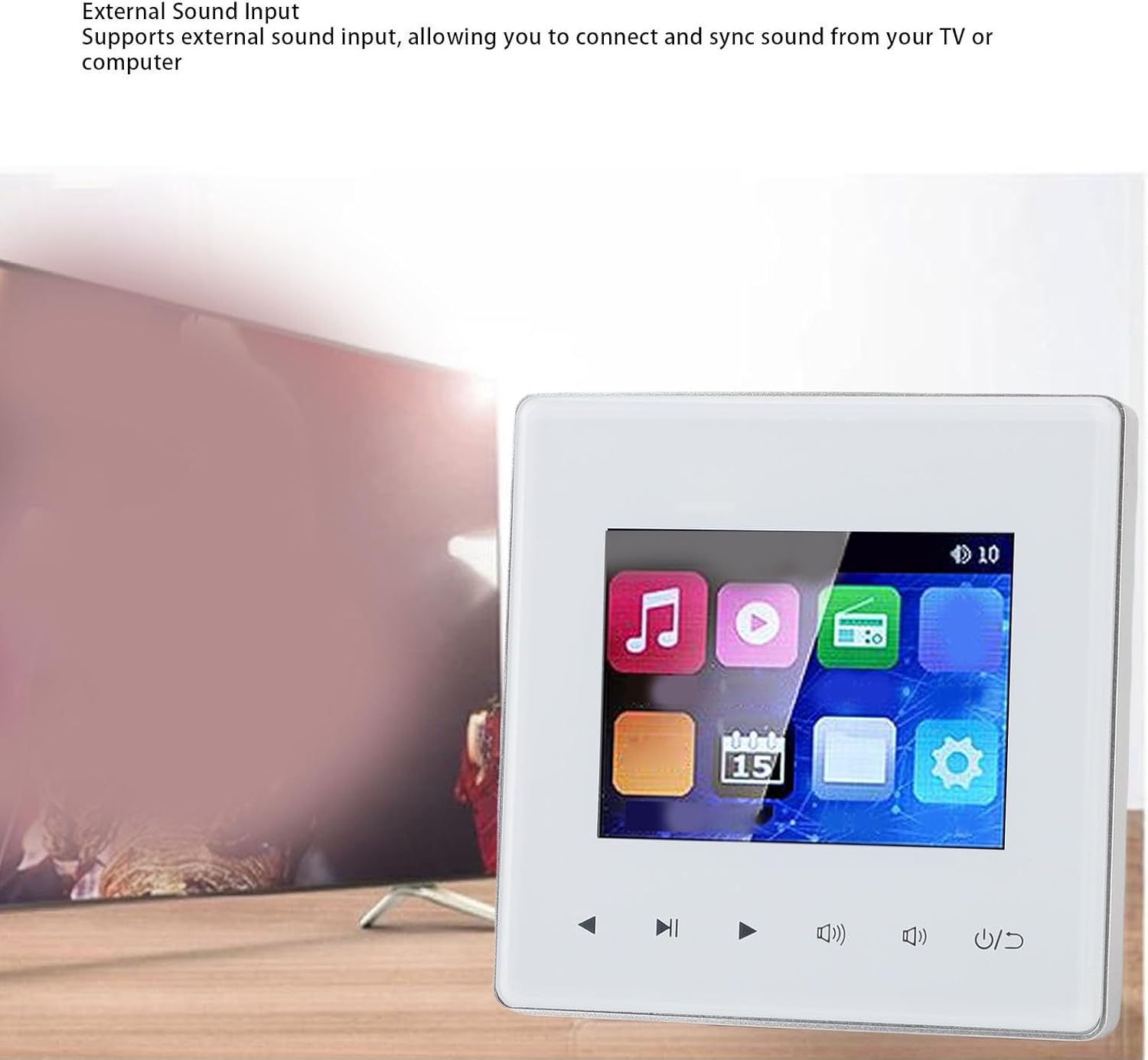
Image: The amplifier's touchscreen interface.
6.2 Bluetooth Connectivity
To connect an external Bluetooth device (e.g., smartphone, tablet):
- Ensure the amplifier's Bluetooth function is enabled (usually found in the settings menu).
- On your external device, search for available Bluetooth devices.
- Select the amplifier from the list (e.g., "GOWENIC Amplifier").
- Once paired, you can stream audio wirelessly from your device to the amplifier.
Video: Demonstration of Bluetooth connectivity with the wall amplifier, showing a smartphone pairing with the device.
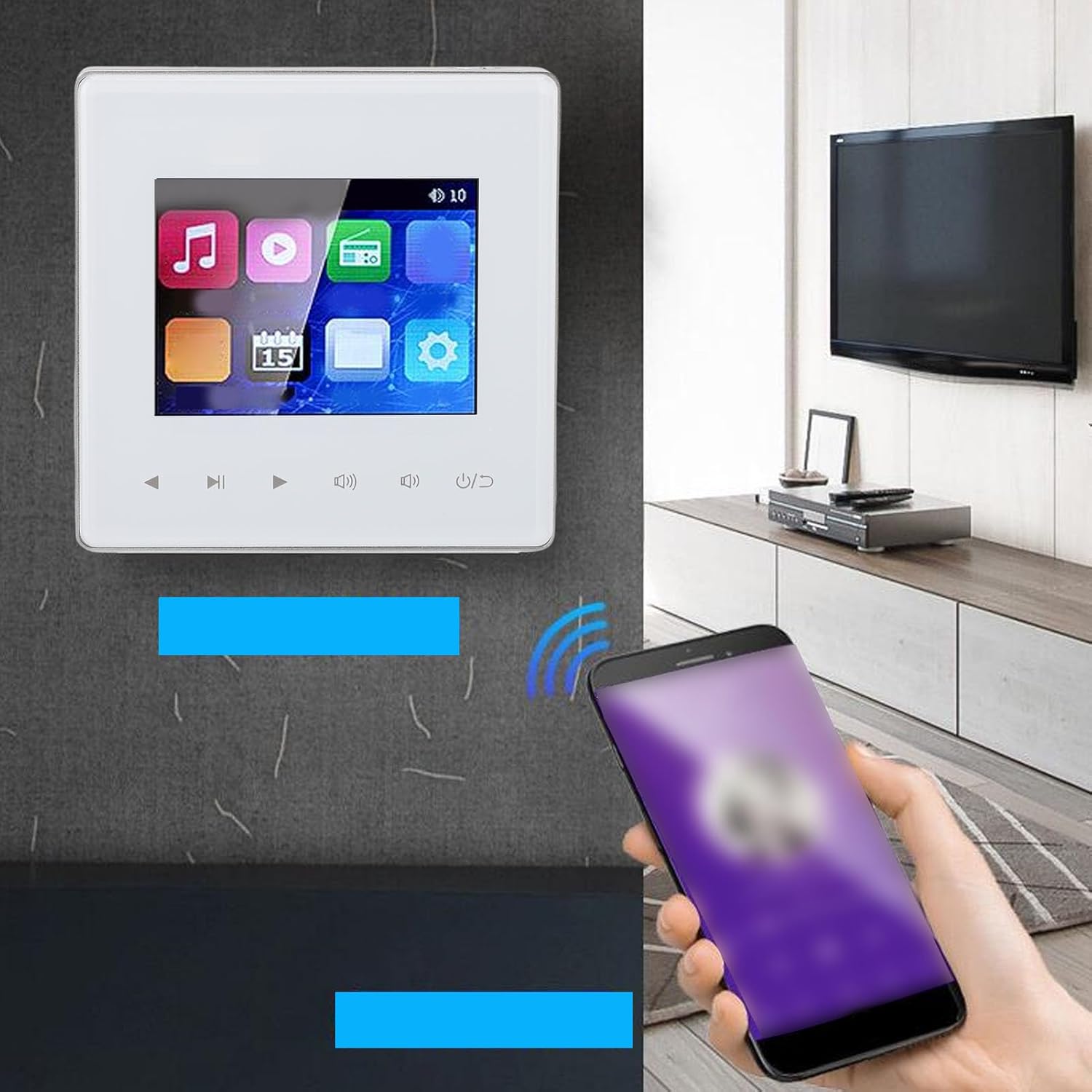
Image: The wall amplifier connected to a smartphone via Bluetooth.
6.3 FM Radio
The amplifier includes a built-in FM radio. To use:
- Ensure an FM antenna is connected to the amplifier.
- Select the FM radio icon on the touchscreen.
- Use the auto-scan function to find and save up to 30 radio stations.
- Tune to your desired station using the touchscreen controls or remote.
6.4 Multi-Format Support
The amplifier supports various audio and video formats, including MP3, WAV, and MPEG. You can play media files from a connected memory card (up to 32GB, not included) or via external audio input.

Image: The amplifier's interface showing media playback options.
6.5 External Sound Input
Connect external audio sources like a TV or computer to the amplifier using the designated audio input terminals (PLAY L, PLAY R, GND) as shown in the wiring diagram. Select the appropriate input source on the amplifier's touchscreen.

Image: Amplifier connected to an external sound source like a TV.
6.6 Timer Functionality
The timer function allows you to schedule automatic power on/off times for music playback.
- Access the timer settings through the amplifier's menu.
- Set desired "ON" and "OFF" times for music playback.
- Confirm your settings to activate the timer.
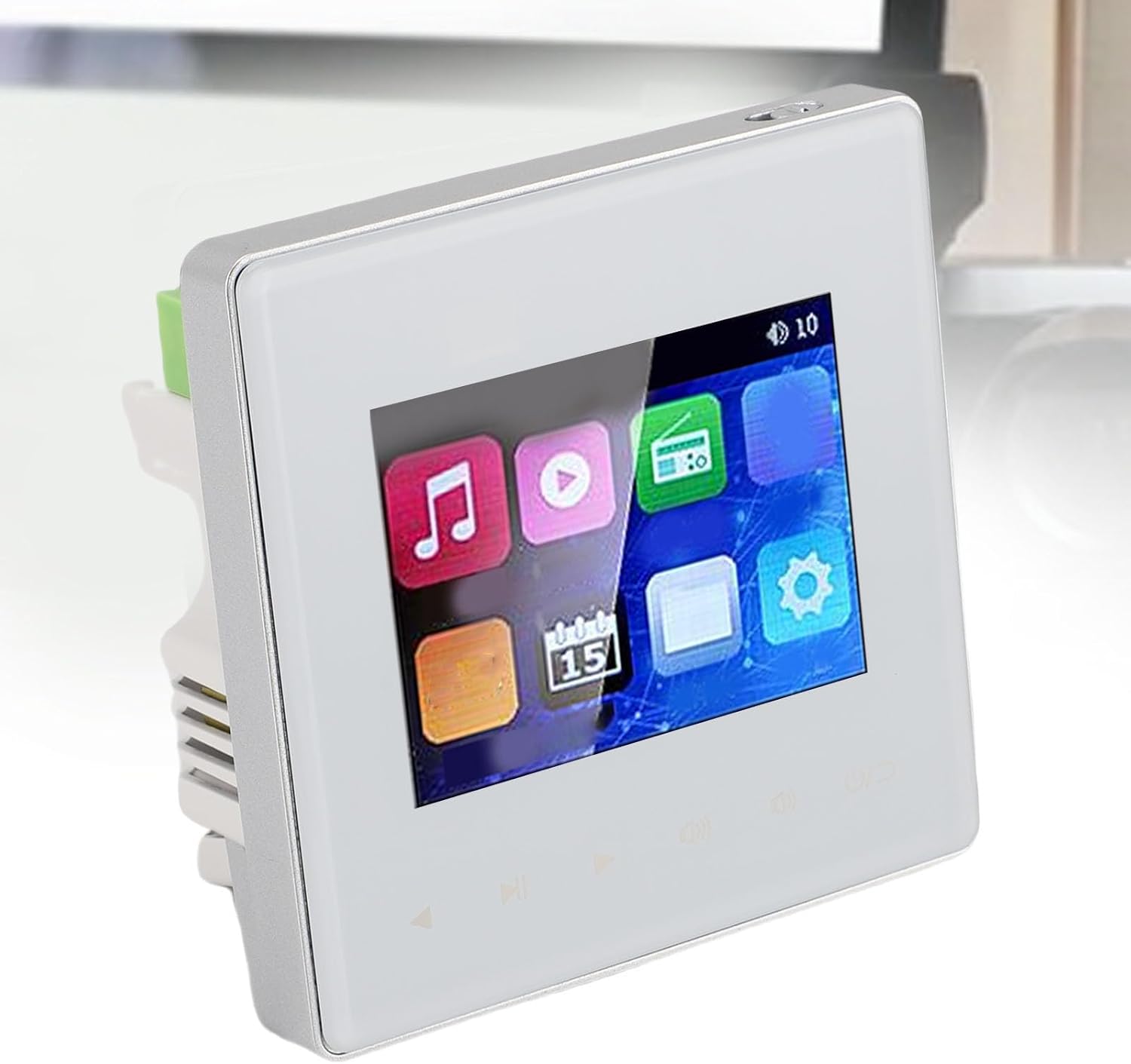
Image: Amplifier screen showing the timed music function settings.
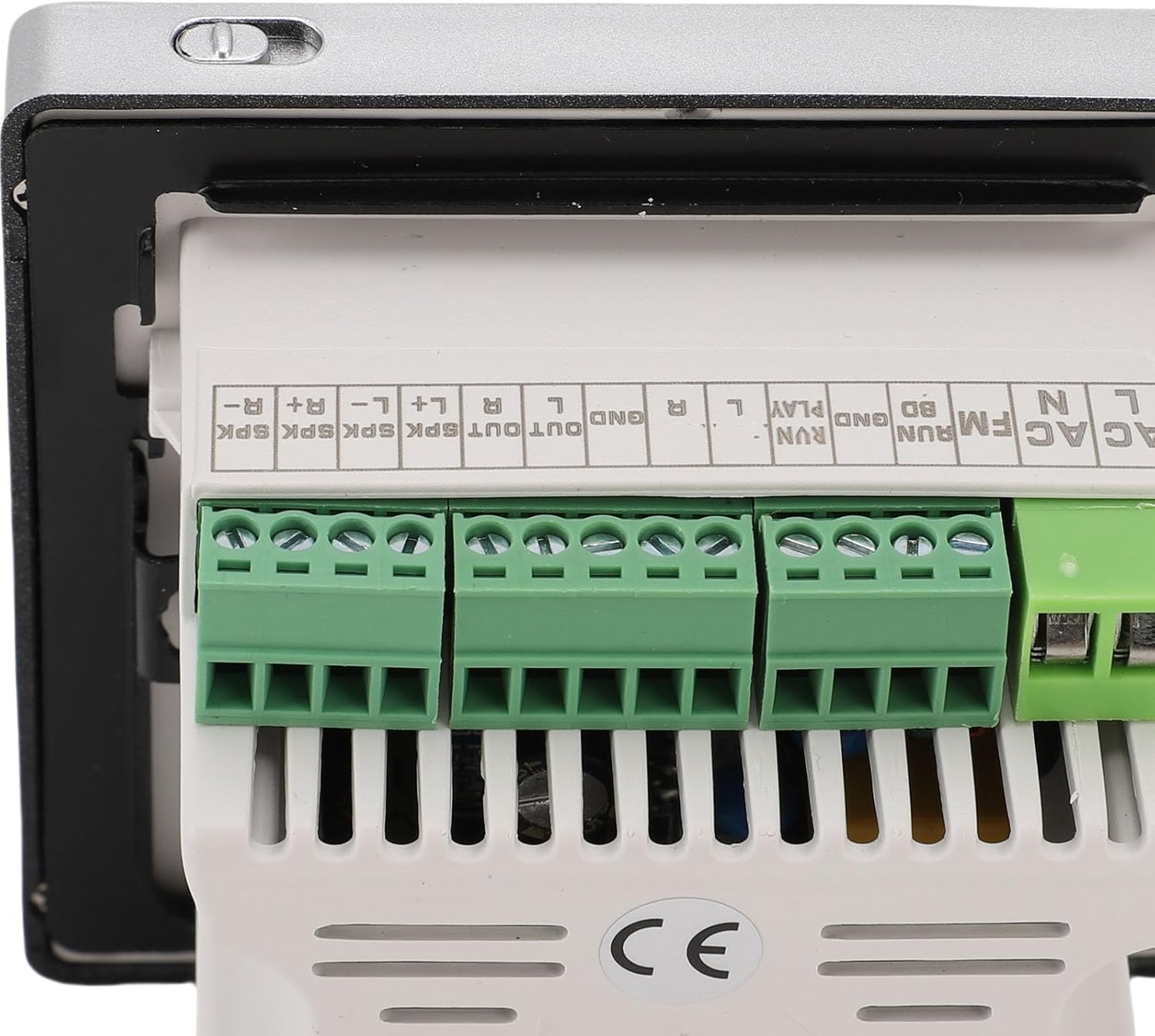
Image: Another view of the amplifier's screen showing the timed music function settings.
7. Maintenance
- Cleaning: Use a soft, dry cloth to clean the amplifier's surface and touchscreen. Do not use liquid cleaners or abrasive materials.
- Ventilation: Ensure the ventilation openings are clear of dust and debris to prevent overheating.
- Remote Control: Replace AAA batteries in the remote control when its range or responsiveness decreases.
8. Troubleshooting
| Problem | Possible Cause | Solution |
|---|---|---|
| No power | Power cable disconnected; circuit breaker tripped | Check power connections; reset circuit breaker |
| No sound from speakers | Speaker wires loose; incorrect input selected; volume too low | Check speaker connections; select correct input source; increase volume |
| Bluetooth not connecting | Bluetooth not enabled; device too far; amplifier not in pairing mode | Enable Bluetooth on both devices; move device closer; restart amplifier and try pairing again |
| Poor FM radio reception | Antenna not connected or poorly positioned | Ensure FM antenna is securely connected and reposition for better signal |
| Remote control not working | Dead batteries; obstruction between remote and amplifier | Replace AAA batteries; ensure clear line of sight to amplifier's IR receiver |
9. Warranty and Support
For warranty information and technical support, please refer to the documentation provided at the time of purchase or contact your retailer. GOWENIC may offer additional support resources on their official website.