
1. Introduction
This manual provides comprehensive instructions for the Gotopceed Shower Light with Bluetooth Speaker, Model CY-01. This device combines a multi-color ocean wave projector light, a Bluetooth speaker, and a white noise machine, designed for use in shower and bathroom environments. Please read this manual thoroughly before use to ensure proper operation and to maximize your product experience.
2. What's in the Box
- 1 x Ocean Wave Projector Light
- 1 x USB Charging Cable
- 1 x Remote Control (AAA batteries included)
- 1 x User Manual

Image: The Gotopceed Shower Light package contents, showing the main unit, remote, USB cable, and instruction manual.
3. Product Features
- Immersive Wireless Audio: Stream music or podcasts via Bluetooth.
- Built-in Nature Soundscapes: Features 4 pre-programmed white noise options for relaxation.
- Water-Resistant Design: Engineered to withstand splashes and steam in shower environments.
- Dynamic Lighting Modes: Offers both ambient glow (with shade) and ocean wave projection (shade removed).
- 16 Vibrant Colors: Choose from a spectrum of 16 colors to customize your atmosphere.
- Dual Control Options: Operate via responsive touch panel on the device or the included remote control.
- USB Rechargeable: Integrated battery provides 5-10 hours of operation on a 3-4 hour charge.

Image: The shower light projecting purple ocean waves, illustrating its Bluetooth music and white noise capabilities.
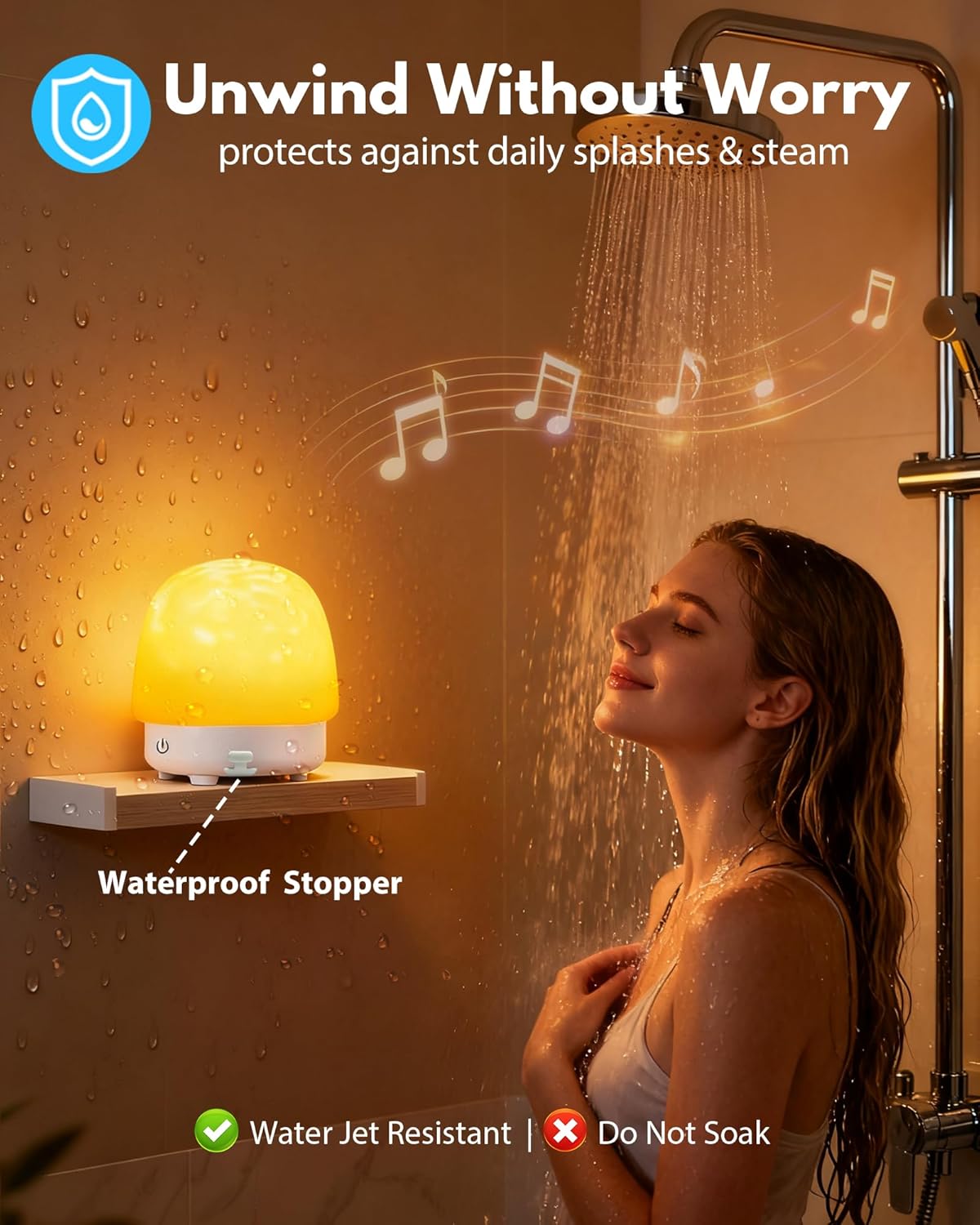
Image: The shower light in a shower environment, demonstrating its splash-resistant build. Note: Do not soak the device.
4. Setup
4.1 Charging the Device
- Connect the provided USB charging cable to the charging port on the device.
- Plug the other end of the USB cable into a standard USB power adapter (not included) or a computer USB port.
- The charging indicator light will illuminate. A full charge typically takes 3-4 hours.
- Once fully charged, the indicator light may change or turn off. The device offers 5-10 hours of battery life depending on usage.
4.2 Remote Control Battery Installation
The remote control requires 2 AAA batteries, which are included. Insert them according to the polarity markings inside the battery compartment.
5. Operating Instructions
5.1 Power On/Off
- To Power On: Press and hold the power button on the device or press the 'On' button on the remote control.
- To Power Off: Press and hold the power button on the device or press the 'Off' button on the remote control.
5.2 Bluetooth Pairing
- Ensure the device is powered on. The Bluetooth indicator light will flash, indicating it is in pairing mode.
- On your mobile device, enable Bluetooth and search for available devices.
- Select "CY-01" (or similar product name) from the list of devices.
- Once paired, the Bluetooth indicator light will stop flashing and remain solid. You can now stream audio from your device.
5.3 Light Modes and Color Selection
- Ambient Glow Mode: Keep the translucent shade attached to the device for a soft, diffused light.
- Ocean Wave Projection Mode: Gently remove the translucent shade to project dynamic water ripples onto walls and ceilings.
- Color Selection: Use the color buttons on the remote control or tap the touch panel on the device to cycle through 16 vibrant colors.
- Brightness Adjustment: Use the brightness buttons on the remote control or the touch panel to adjust the light intensity.
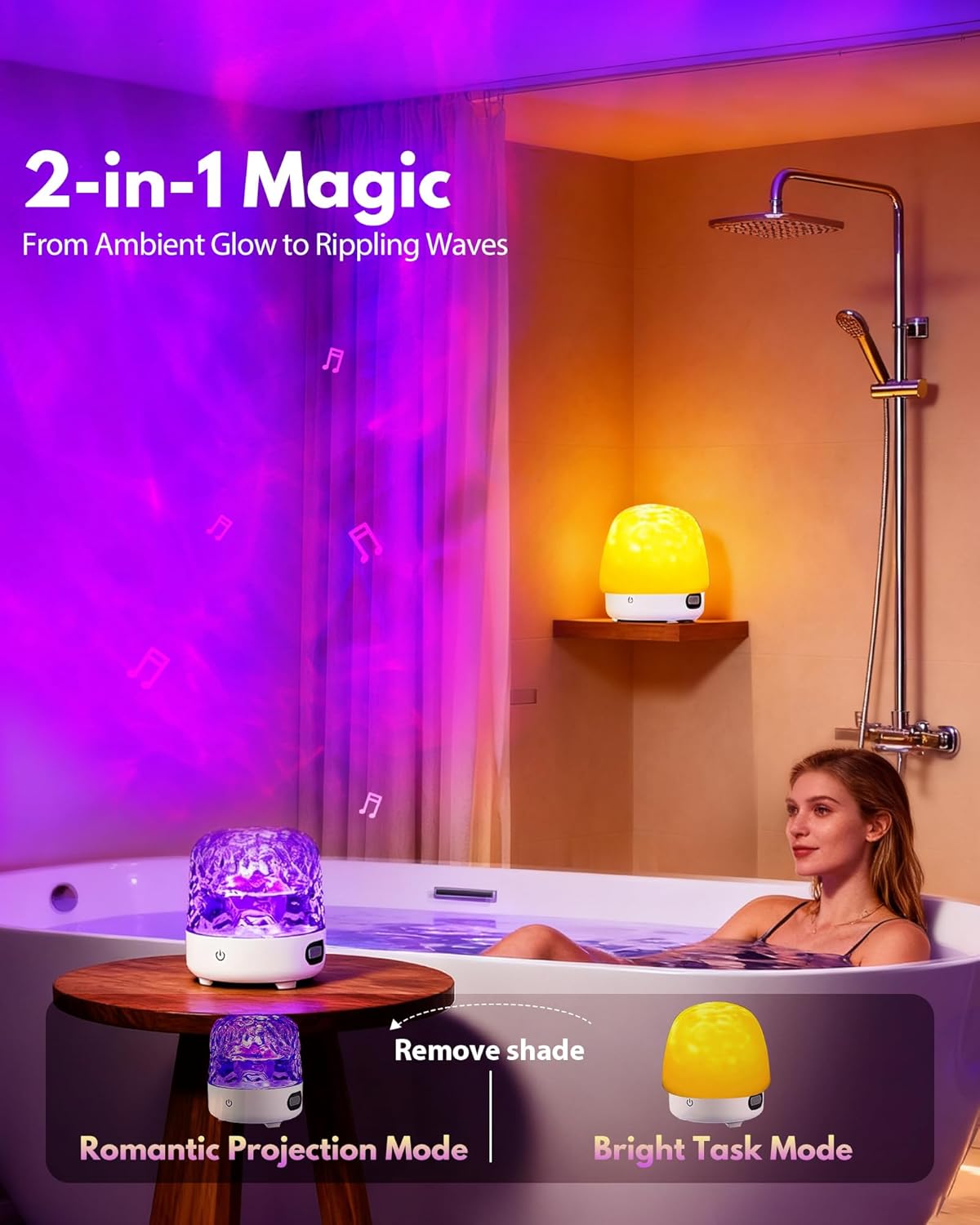
Image: Illustration of the two lighting modes: ambient glow (shade on) and ocean wave projection (shade off).

Image: The shower light displaying various colors, highlighting the 16-color option for personalized ambiance.
5.4 White Noise / Nature Sounds
The device includes 4 built-in nature soundscapes. Press the dedicated white noise button on the remote control to cycle through these sounds. Adjust the volume using the remote control or your connected Bluetooth device.
5.5 Control Options
- Touch Control: The top surface of the device is a responsive touch panel for basic functions like power, color change, and brightness.
- Remote Control: Use the included remote for full control over power, light modes, colors, brightness, white noise, and audio playback (play/pause, skip tracks).

Image: The shower light being controlled by touch, showing its intuitive interface.
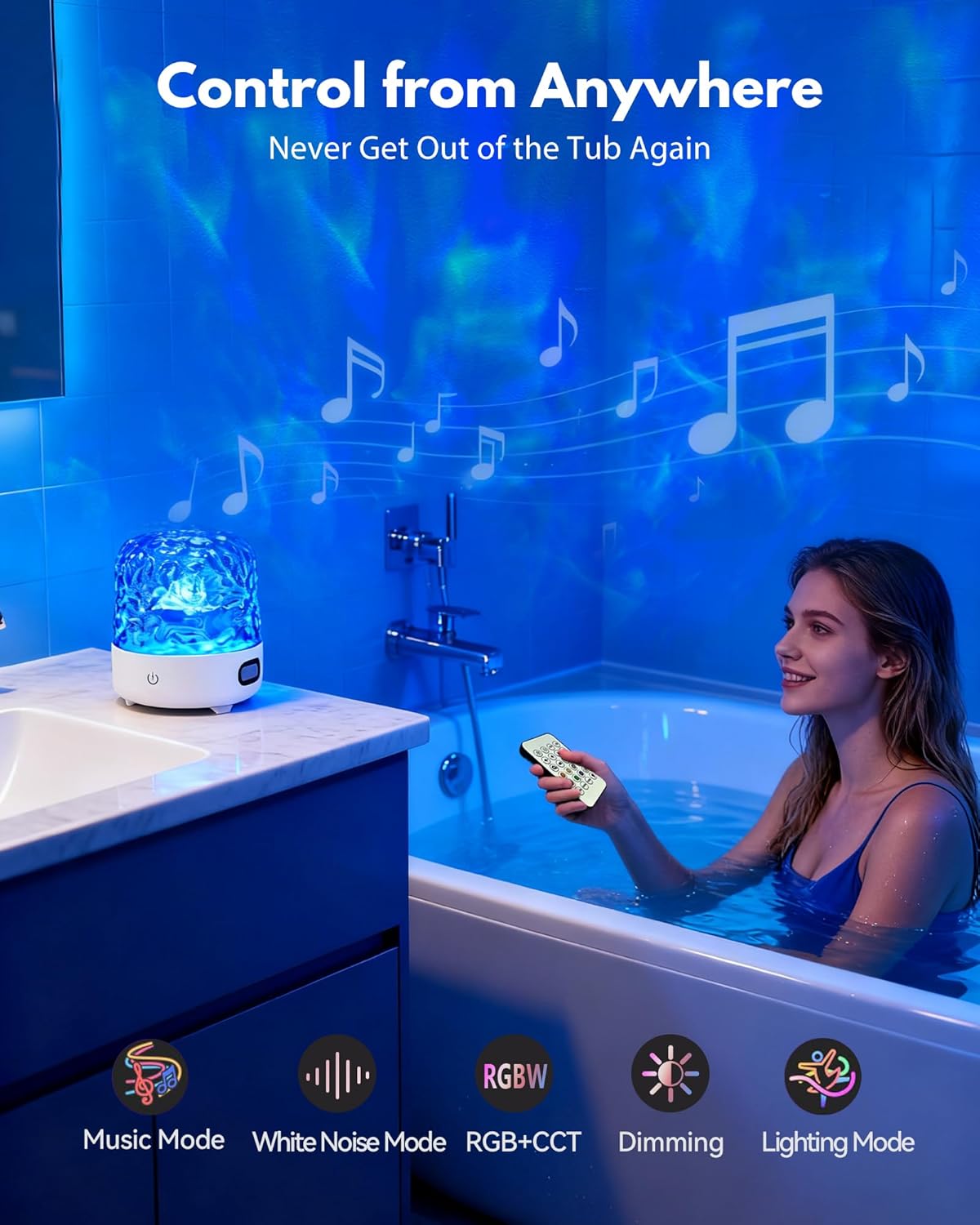
Image: The remote control in use, allowing for adjustments without leaving the bath or shower.
6. Maintenance
- Cleaning: Wipe the device with a soft, damp cloth. Do not use abrasive cleaners or solvents.
- Water Exposure: The device is splash-resistant but not designed for submersion. Avoid prolonged exposure to direct water jets or dropping it into water.
- Storage: Store in a cool, dry place when not in use.
7. Troubleshooting
- Device does not power on:
- Ensure the device is fully charged. Connect it to the USB charging cable and allow it to charge for at least 30 minutes before attempting to power on again.
- Remote control is not working:
- Check if the AAA batteries are correctly installed and not depleted. Replace batteries if necessary. Ensure there are no obstructions between the remote and the device.
- Bluetooth pairing fails:
- Make sure the device is in pairing mode (indicator light flashing). Ensure your mobile device's Bluetooth is enabled and within range. Try turning both devices off and on again. Disconnect from other Bluetooth devices if connected.
- No sound from speaker:
- Check the volume level on both the device and your connected mobile device. Ensure Bluetooth is successfully paired. Test with different audio sources.
- Light projection is dim or unclear:
- Ensure the translucent shade is removed for projection mode. Adjust the brightness settings. Ensure the room is sufficiently dark for optimal projection visibility.
8. Specifications
| Feature | Specification |
|---|---|
| Model Number | CY-01 |
| Color | White |
| Shape | Semicircular |
| Material | Plastic, Crystal (Shade) |
| Power Source | Battery Powered (USB Rechargeable) |
| Battery Life | 5-10 Hours |
| Charging Time | 3-4 Hours |
| Remote Control Batteries | 2 AAA batteries (included) |
| Light Features | Color-changing, Sound activation, Ocean Wave Projection |
| Weight | 1.22 Pounds |
| Manufacturer | Zhongshan chunyan light-decoration co., Itd |
9. Warranty and Support
This Gotopceed product is covered by a 2-year manufacturer's warranty from the date of purchase. This warranty covers defects in materials and workmanship under normal use. It does not cover damage caused by misuse, accidents, unauthorized modifications, or improper maintenance.
For warranty claims or technical support, please contact your retailer or the manufacturer directly with your purchase details and model number (CY-01).