
Important Safety Instructions
Please read these instructions carefully before using your Russell Hobbs Swift Dry Iron. Keep this manual for future reference.
- Always ensure the voltage on the rating label corresponds to your mains voltage.
- Do not immerse the iron, cord, or plug in water or any other liquid.
- Keep the iron out of reach of children when it is switched on or cooling down.
- Never leave the iron unattended when connected to the power supply.
- Unplug the iron from the outlet when not in use and before cleaning.
- Do not operate any appliance with a damaged cord or plug, or after the appliance malfunctions or has been damaged in any manner.
- Use the iron only for its intended household purpose.
- The soleplate can become extremely hot. Avoid direct contact with skin.
Product Overview
The Russell Hobbs 1200W Swift Dry Iron is designed for efficient and effective dry ironing. It features a PTFE-coated soleplate for smooth gliding and an adjustable thermostat for various fabric types.
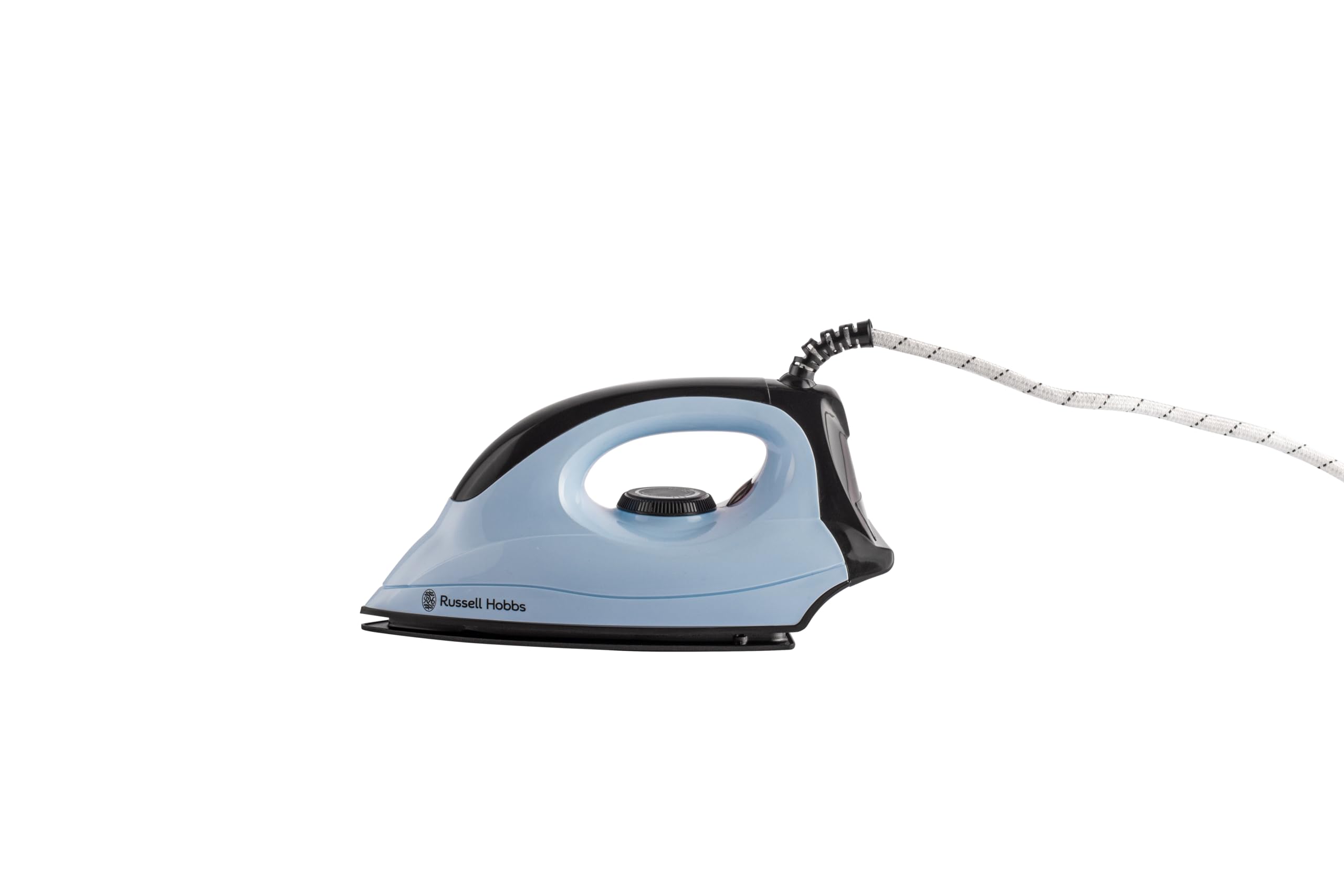
Image: Side view of the Russell Hobbs 1200W Swift Dry Iron, showing its ergonomic design and power cord.
Key Features:
- 1200W Power: Provides rapid heating for quick wrinkle removal.
- PTFE-Coated Soleplate: Ensures smooth gliding over fabrics and prevents sticking.
- Adjustable Thermostat: Allows precise temperature control for different fabric types.
- LED Power Indicator: Illuminates when the iron is heating and ready for use.
- 360° Swivel Cord: Offers flexibility and prevents tangling during use.
Setup
Before first use, ensure the iron is clean and free from any packaging materials.
- Unpack the iron and remove all protective films or stickers from the soleplate.
- Wipe the soleplate with a soft, damp cloth to remove any manufacturing residue. Dry thoroughly.
- Place the iron on a stable, heat-resistant surface, such as an ironing board.
- Ensure the power cord is fully extended and not tangled.
Operating Instructions
1. Preparing for Ironing:
- Sort laundry according to fabric type (e.g., cotton, linen, synthetics). This allows you to iron items requiring lower temperatures first.
- Ensure the garment is clean. Dirt or stains may become fixed by the heat.
2. Temperature Control:

Image: Top view of the iron, highlighting the adjustable thermostat dial for fabric selection.
- Plug the iron into a suitable power outlet. The LED power indicator will illuminate.
- Turn the thermostat dial to the desired temperature setting based on the fabric type. Refer to the fabric care labels on your garments.
- Allow the iron to heat up. The LED indicator will turn off when the set temperature is reached, indicating the iron is ready for use. It will cycle on and off during ironing to maintain the temperature.
Temperature Guide:
- Low (•): Synthetics, Silk
- Medium (••): Wool
- High (•••): Cotton, Linen
3. Ironing:
- Always test the iron on an inconspicuous area of the garment first, especially for delicate fabrics.
- Move the iron smoothly over the fabric.
- For best results, iron garments inside out to prevent shine on certain fabrics.
4. After Ironing:
- Turn the thermostat dial to the 'Min' or 'Off' position.
- Unplug the iron from the power outlet.
- Allow the iron to cool down completely on its heel rest before storing.
Maintenance and Care
Cleaning the Soleplate:

Image: View of the PTFE-coated soleplate of the iron.
- Always ensure the iron is unplugged and completely cool before cleaning.
- To clean the soleplate, wipe it with a soft, damp cloth. For stubborn marks, a mild, non-abrasive cleaner specifically designed for iron soleplates can be used.
- Do not use abrasive scourers, powders, or chemical cleaners as these can damage the PTFE coating.
Storage:
- Once the iron has completely cooled, store it upright on its heel rest to protect the soleplate.
- Wrap the power cord neatly around the cord wrap area (if available) or secure it with a tie.
- Store the iron in a dry, safe place, away from direct sunlight and moisture.
Troubleshooting
| Problem | Possible Cause | Solution |
|---|---|---|
| Iron does not heat up. | Not plugged in; power outlet faulty; thermostat set to 'Off' or 'Min'. | Check plug connection; test outlet with another appliance; turn thermostat to desired setting. |
| Iron is not hot enough. | Thermostat set too low for fabric; not enough time to heat up. | Adjust thermostat to a higher setting; allow more time for the iron to reach temperature. |
| Soleplate is sticking to fabric. | Temperature too high for fabric; soleplate is dirty. | Reduce temperature setting; clean the soleplate as per maintenance instructions. |
| LED indicator not working. | Iron not receiving power; internal fault. | Check power connection; if problem persists, contact customer support. |
Specifications
| Model Number: | RDI1200 |
| Power: | 1200W |
| Soleplate Material: | PTFE-Coated |
| Product Dimensions: | Approximately 5L x 5W Centimeters (Base) |
| Item Weight: | 1 Kilogram |
| Country of Origin: | India |
Warranty
This Russell Hobbs 1200W Swift Dry Iron (Model RDI1200) comes with a 2-year warranty from the date of purchase.
The warranty covers manufacturing defects under normal household use. It does not cover damage caused by misuse, neglect, accidental damage, or unauthorized repairs. Please retain your purchase receipt as proof of purchase for warranty claims.
For detailed warranty terms and conditions, please refer to the warranty card included with your product or contact Russell Hobbs customer support.
Customer Support
If you have any questions, require assistance, or need to make a warranty claim, please contact Russell Hobbs customer support.
Please have your product model number (RDI1200) and proof of purchase ready when contacting support.
For more information, you may visit the official Russell Hobbs website or contact their local service center.
Contact details are typically provided on the product packaging or warranty card.


