1. Introduction
This manual provides essential information for setting up, operating, and maintaining your Dell Inspiron 15 Business Laptop. Designed for work, school, and home office use, this laptop combines robust performance with portability. It features a 15.6-inch Full HD touchscreen, an Intel 10-Core i5-1334U processor, 16GB of RAM, and a 512GB SSD, running on Windows 11 Pro.
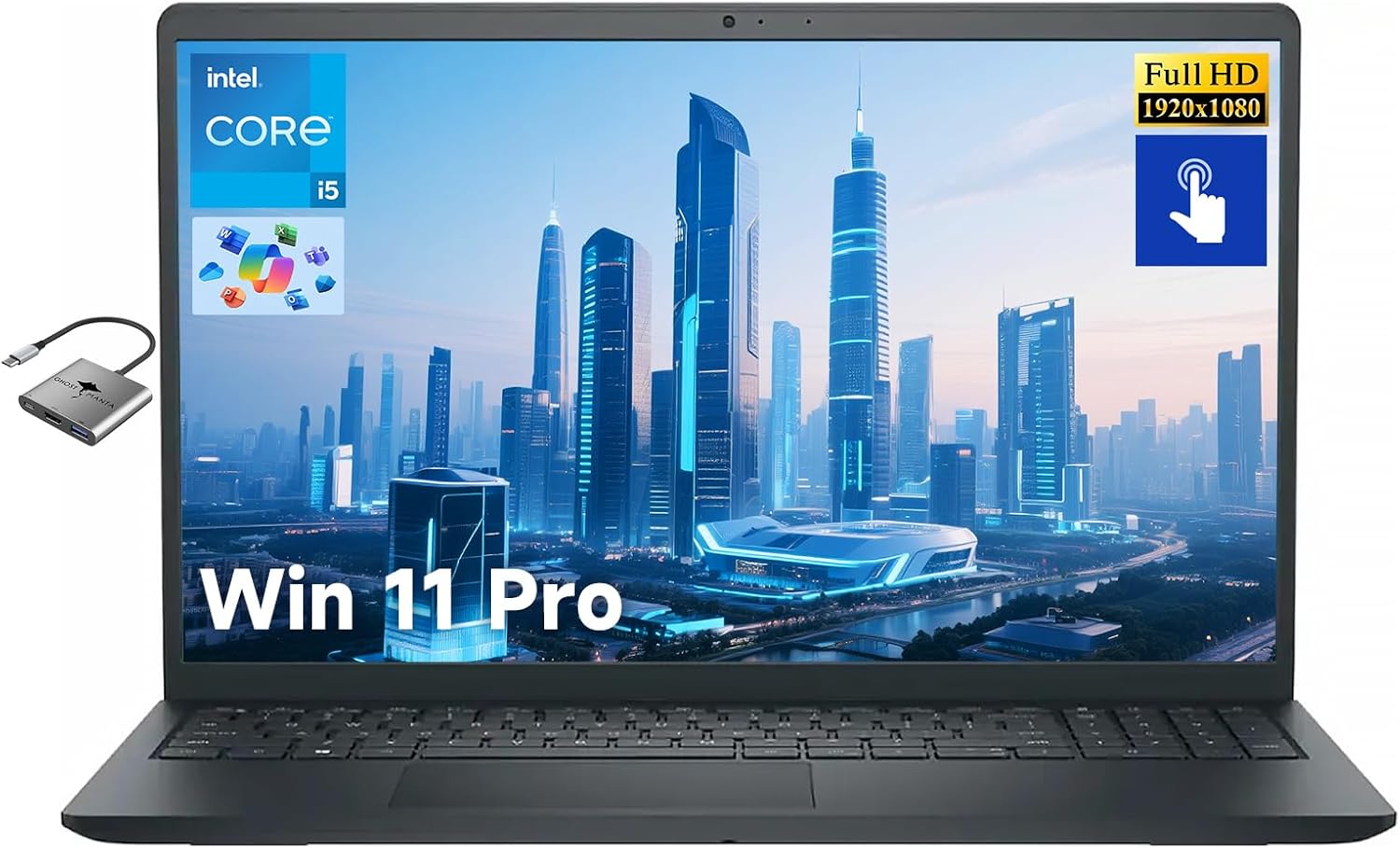
The Dell Inspiron 15 Business Laptop, showcasing its 15.6-inch Full HD touchscreen display and pre-installed Windows 11 Pro operating system.
2. Setup
2.1 Initial Power-On
- Unpack your laptop and all accessories from the box.
- Connect the power adapter to the laptop's power jack and then to a power outlet.
- Open the laptop lid and press the power button, typically located on the top-right of the keyboard.
- Follow the on-screen instructions to complete the initial setup of Windows 11 Pro. This includes selecting your region, connecting to Wi-Fi, and creating a user account.
2.2 Connecting Accessories
Utilize the provided USB-C Hub for expanded connectivity options.

Included 3-in-1 USB-C Hub (Ghost Manta brand) providing additional HDMI and USB ports, connecting via USB-C.
3. Operating
3.1 Touchscreen Usage
- Tap: Select items or open applications.
- Tap and Hold: Access contextual menus.
- Swipe: Scroll through content or navigate between screens.
- Pinch-to-Zoom: Enlarge or reduce content size.
3.2 Keyboard and Trackpad
- The full-size keyboard provides a comfortable typing experience.
- The precision trackpad supports multi-touch gestures for intuitive navigation.
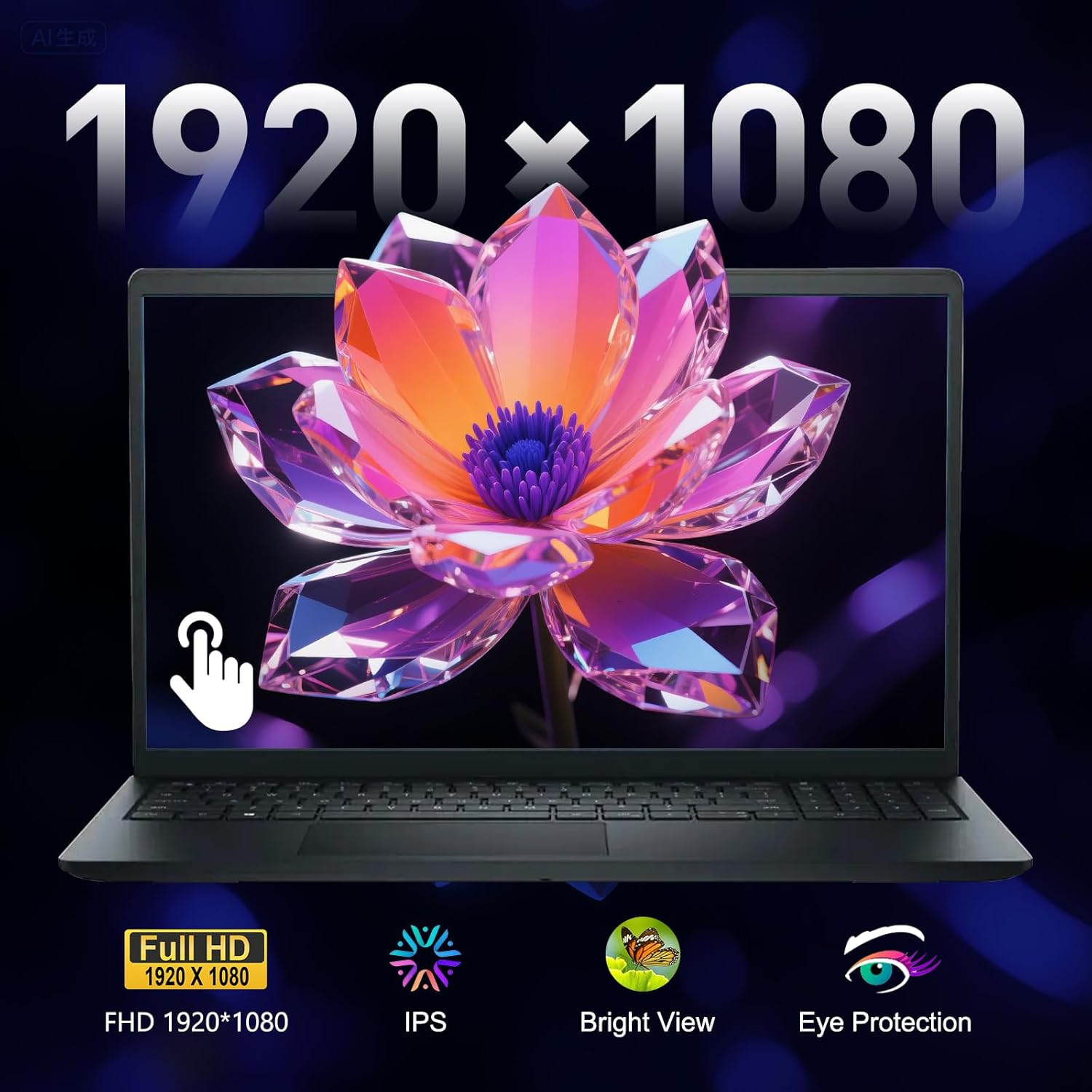
Detailed view of the 15.6-inch Full HD (1920x1080) anti-glare touchscreen, featuring IPS technology, Bright View, and Eye Protection for enhanced viewing comfort.
4. Connectivity
4.1 Wireless Connectivity
- Wi-Fi 6 (802.11ax): Provides fast and reliable wireless internet access.
- Bluetooth: For connecting wireless peripherals such as mice, keyboards, and headphones.
4.2 Physical Ports
The Dell Inspiron 15 is equipped with a variety of ports for all your peripheral needs:
- USB 3.2 Gen 1 Type-C
- USB 3.2 Gen 1 Type-A
- HDMI 1.4
- Headset Jack
- SD Card Reader
- Power Jack

An illustration detailing the various ports available on the laptop, including USB 3.2 Gen 1 Type-C, USB 3.2 Gen 1 Type-A, HDMI 1.4, Headset Jack, SD Card Reader, and Power Jack.
5. Performance
This laptop is configured for high-level performance to handle demanding tasks efficiently.
- Processor: Intel 10-Core i5-1334U (up to 4.6 GHz) for smooth multitasking and application handling.
- RAM: 16GB DDR4 RAM ensures responsive performance even with multiple applications open.
- Storage: 512GB PCIe SSD provides ample space and fast boot-up and load times.
- Graphics: Integrated Intel Iris Xe Graphics for clear visuals and light graphical tasks.
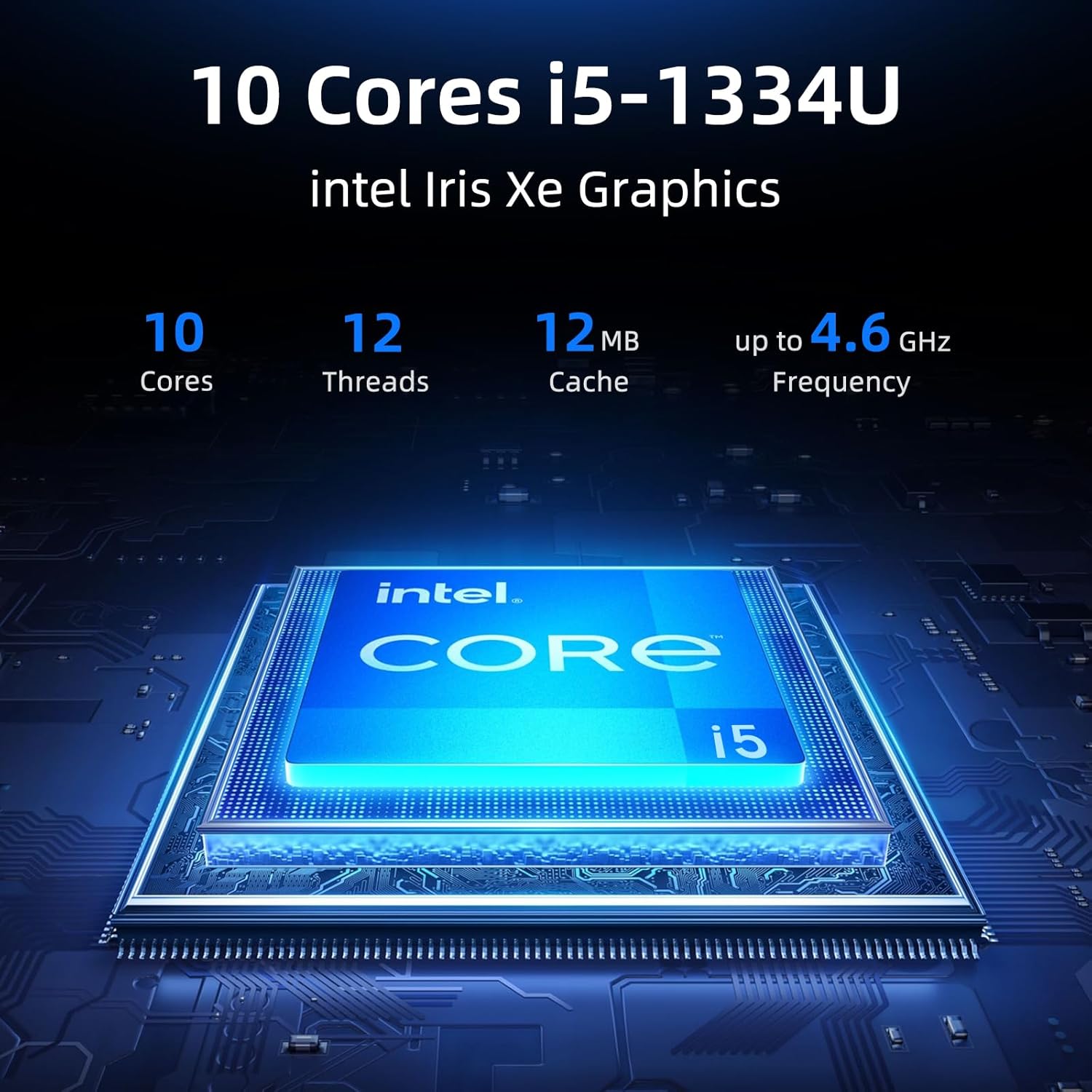
Information graphic highlighting the Intel 10-Core i5-1334U processor, detailing its core count, thread count, cache size, and maximum clock speed.

The laptop's screen displaying various applications, highlighting its capability for multitasking and demanding software.
6. Battery Life
The Dell Inspiron 15 is designed for extended use on a single charge.
- Average Battery Life: Up to 10 hours, depending on usage patterns and settings.
- For optimal battery longevity, it is recommended to keep the laptop plugged in when possible, especially during intensive tasks.
7. Maintenance
Regular maintenance helps ensure the longevity and optimal performance of your laptop.
- Cleaning: Use a soft, lint-free cloth to clean the screen and exterior. Avoid harsh chemicals.
- Ventilation: Ensure the laptop's vents are clear of obstructions to prevent overheating.
- Software Updates: Regularly update Windows 11 Pro and Dell drivers for security and performance improvements.
8. Troubleshooting
If you encounter issues, try these basic troubleshooting steps:
- No Power: Verify the power adapter is securely connected to both the laptop and the power outlet.
- System Unresponsive: Press and hold the power button for 10-15 seconds to force a shutdown, then restart the laptop.
- Wi-Fi Issues: Check your router and modem, and ensure Wi-Fi is enabled on the laptop. Try restarting your network devices.
- Slow Performance: Close unnecessary applications, check for background updates, or restart the system.
9. Specifications
| Feature | Detail |
|---|---|
| Brand | Dell |
| Model Name | Inspiron 15 |
| Screen Size | 15.6 Inches |
| Screen Resolution | 1920 x 1080 pixels (FHD) |
| Processor | Intel 10-Core i5-1334U (up to 4.6 GHz) |
| RAM | 16 GB DDR4 |
| Hard Drive | 512 GB SSD |
| Graphics Coprocessor | Integrated Intel Iris Xe Graphics |
| Operating System | Windows 11 Pro |
| Wireless Type | 802.11ax (Wi-Fi 6) |
| Average Battery Life | Up to 10 Hours |
| Item Weight | 3.65 lbs (1.66 kg) |
| Product Dimensions | 14.11 x 9.25 x 0.61 inches |
| Color | Black |
10. What's in the Box
Your Dell Inspiron 15 Business Laptop package includes:
- 1 x Dell Laptop
- 1 x Fast Charger
- 1 x User Manual
- Windows 11 Pro (pre-installed)
- Ghost Manta Laptop Accessories: Type-C to HDMI cable, Type-C to Type-C Extension cable, USB 3.0 Hub
11. Warranty and Support
For warranty information and technical support, please refer to the official Dell support website or contact Dell customer service. Details regarding your specific warranty coverage can be found with your product registration or by using your service tag on the Dell support portal.
Official product video from Dell providing a general overview of the Dell 15 Laptop's design and key features.


