
1. Introduction
This manual provides essential information for setting up, operating, maintaining, and troubleshooting your Dell 16 Laptop DC16251. Please read this guide thoroughly to ensure proper use and to maximize the lifespan of your device.
The Dell 16 Laptop DC16251 features a 16-inch 16:10 FHD+ display, an Intel Core 7 150U processor, 16GB DDR5 RAM, and a 1TB SSD. It operates on Windows 11 Home and includes Intel Graphics.
2. Key Features
- Display: 16-inch FHD+ (1920x1200) 16:10 aspect ratio display with Dell ComfortView Plus for reduced blue light emissions.
- Processor: Intel Core 7 150U Processor with 10 cores and a maximum speed of 5.4 GHz.
- Memory: 16GB DDR5 RAM (5200 MHz).
- Storage: 1TB M.2 PCIe NVMe Solid State Drive (SSD).
- Graphics: Integrated Intel Graphics.
- Operating System: Windows 11 Home.
- Connectivity: Wi-Fi 6E (802.11ax) and Bluetooth 5.3.
- Ports: 1x HDMI 1.4, 1x USB 3.2 Gen 1 Type-A, 1x USB Type-C with Power Delivery 3.2 (10Gbps) & DisplayPort 1.4, 1x Universal Audio Jack, 1x SD Card Reader, 1x Wedge-shaped lock slot.
- Security: Fingerprint Reader.
- Keyboard: Full-size backlit keyboard with numeric keypad.
- Webcam: FHD camera with wide dynamic range and temporal noise reduction.
- Design: Platinum Silver finish with 50% recycled aluminum in the top cover and 50% low emission aluminum in the palm rest.

Image: Dell 16 Laptop DC16251 in Platinum Silver, showcasing its sleek design.
3. Setup
3.1 Initial Power-On
- Unpack your Dell 16 Laptop and all accessories from the box.
- Connect the 65 Watt AC Adapter to the laptop's power jack and plug it into a power outlet.
- Open the laptop lid. The laptop may power on automatically, or you may need to press the power button.
3.2 Windows 11 Home Setup
Follow the on-screen prompts to complete the Windows 11 Home setup process:
- Language and Region: Select your preferred language and region.
- Network Connection: Connect to a Wi-Fi network. Ensure you have your network password ready.
- Updates: The system may check for and install updates. This process can take some time.
- License Agreement: Review and accept the Microsoft Software License Terms.
- Device Naming: You can name your device or skip this step for now.
- Microsoft Account: Sign in with your Microsoft account or create a new one.
- PIN Creation: Create a PIN for faster and more secure sign-in.
- Privacy Settings: Configure your privacy settings, including location and diagnostic data.
- Experience Customization: Select how you plan to use your PC (e.g., for work, school, entertainment).
Video: This video demonstrates the initial setup process for a Dell laptop, including selecting language, connecting to Wi-Fi, and configuring Windows settings.
4. Operating Instructions
4.1 Display Features
The 16-inch FHD+ display offers crisp visuals. Dell ComfortView Plus technology reduces harmful blue light emissions, enhancing eye comfort during extended use. The 16:10 aspect ratio provides more vertical screen space, which is beneficial for productivity tasks like document editing and web browsing.
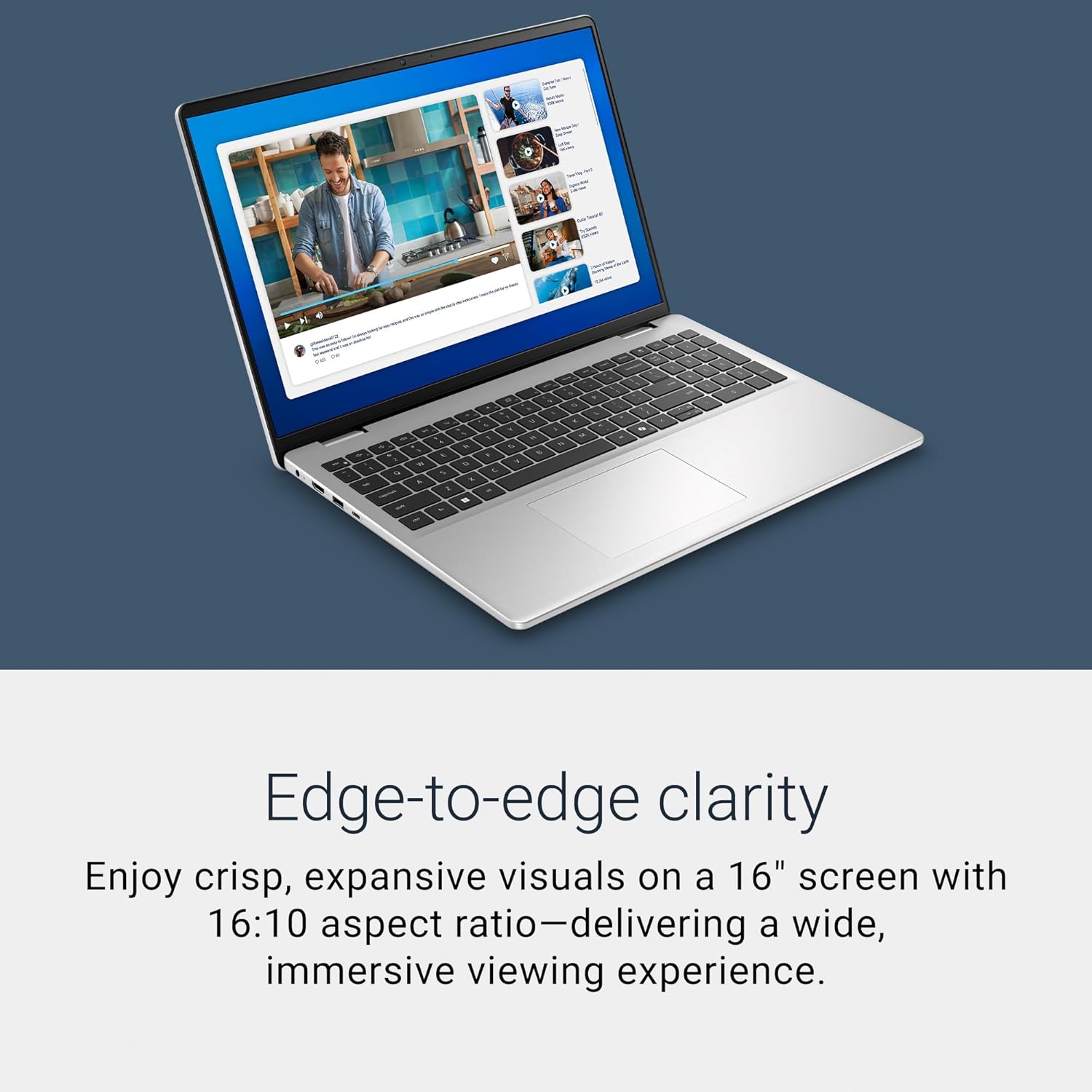
Image: The Dell 16 Laptop display demonstrating edge-to-edge clarity and vibrant visuals.
4.2 Keyboard and Touchpad
The full-size backlit keyboard includes a numeric keypad for efficient data entry. The touchpad provides precise cursor control and supports multi-touch gestures for navigation.

Image: Close-up of the Dell 16 Laptop keyboard, highlighting the Windows Copilot Key for AI assistance.
4.3 Webcam and Audio
The integrated FHD camera is designed with wide dynamic range and temporal noise reduction, ensuring clear and sharp images during video calls, even in varying lighting conditions. The laptop features two tuned speakers for clear audio output.
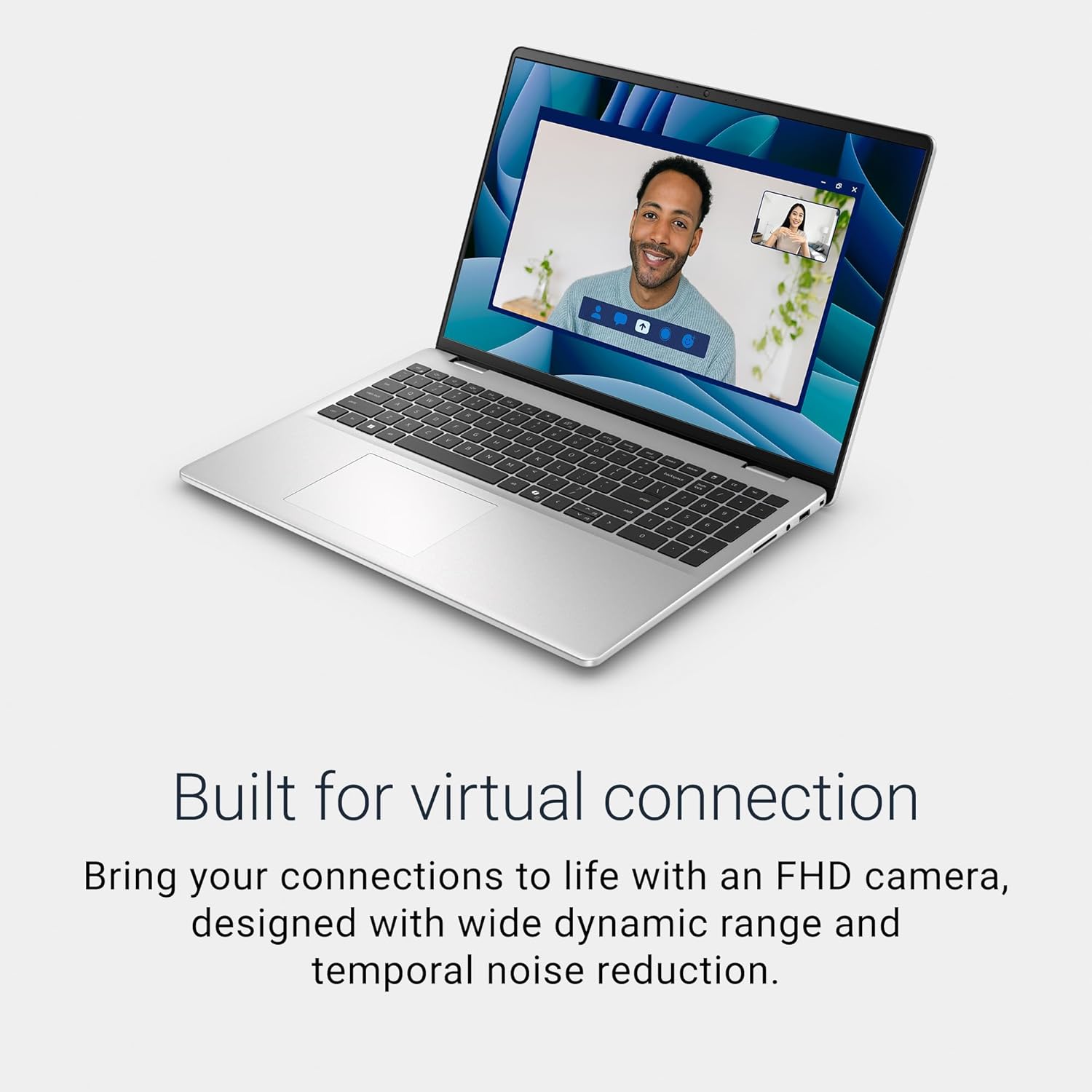
Image: The Dell 16 Laptop displaying a video call, illustrating the clarity of the FHD camera.
4.4 Adaptive Thermals
Your laptop is equipped with adaptive thermal technology that senses when it's on a stable surface. It automatically adjusts its power and thermal performance to run more efficiently, optimizing cooling and preventing overheating.
5. Ports and Connections
The Dell 16 Laptop offers a variety of ports for connecting external devices and peripherals:
- USB Type-C with Power Delivery 3.2 (10Gbps) & DisplayPort 1.4: For high-speed data transfer, power delivery, and connecting to external displays.
- USB 3.2 Gen 1 Type-A: Standard USB port for connecting peripherals like mice, keyboards, and external storage.
- HDMI 1.4: For connecting to external monitors or televisions.
- Power Jack: For connecting the AC adapter to charge the laptop.
- Universal Audio Jack: For connecting headphones or headsets.
- SD Card Reader: For reading and writing data from SD memory cards.
- Wedge-shaped Lock Slot: For securing your laptop with a compatible security cable.

Image: A diagram illustrating the location and type of ports on the Dell 16 Laptop.
6. Maintenance
6.1 Software Updates
Regularly check for and install Windows updates to ensure your system has the latest security patches and performance improvements. Go to Settings > Windows Update to manage updates.
6.2 Cleaning and Care
- Screen: Use a soft, lint-free cloth lightly dampened with water or a screen cleaner. Avoid harsh chemicals.
- Keyboard and Chassis: Use a soft cloth to wipe surfaces. For dust, use compressed air.
- Ventilation: Ensure the laptop's vents are clear of obstructions to maintain proper airflow and prevent overheating.
6.3 Battery Care
To prolong battery life, avoid extreme temperatures and fully discharging the battery frequently. For optimal performance, keep the battery charged between 20% and 80% when possible.
7. Troubleshooting
7.1 Common Issues
- No Power: Ensure the AC adapter is securely connected to both the laptop and a working power outlet. Check the power indicator light.
- Display Problems: If the screen is blank or flickering, try restarting the laptop. Ensure external monitors are correctly connected if applicable.
- Connectivity Issues: For Wi-Fi problems, restart your router and the laptop. Check network settings in Windows. For Bluetooth, ensure the device is paired correctly.
- Slow Performance: Close unnecessary applications, check for malware, and ensure your system is up-to-date.
7.2 Seeking Further Assistance
For more complex issues or technical support, please refer to the official Dell Support website or contact Dell customer service. You can find detailed troubleshooting guides and driver downloads there.
8. Specifications
| Feature | Specification |
|---|---|
| Brand | Dell |
| Model Name | Dell 16 DC16251 Laptop |
| Screen Size | 16 Inches |
| Resolution | 1920x1200 (FHD+) |
| Display Technology | LCD |
| Refresh Rate | 60 Hz |
| CPU Model | Intel Core 7 150U |
| Processor Speed | 1.8 GHz (up to 5.4 GHz) |
| RAM Memory Installed Size | 16 GB DDR5 (5200 MHz) |
| Hard Disk Size | 1 TB SSD |
| Graphics Coprocessor | Intel Graphics |
| Operating System | Windows 11 Home |
| Connectivity Technology | Bluetooth 5.3, Wi-Fi 6E |
| Total USB Ports | 3 (1x USB Type-C, 2x USB 3.2 Gen 1 Type-A) |
| HDMI Ports | 1 |
| Item Weight | 4.37 Pounds |
| Item Dimensions L x W x Thickness | 9.82"L x 14.05"W x 0.75"Th |
| Battery Energy Content | 54 Watt Hours |
9. Warranty and Support
9.1 Warranty Information
Your Dell 16 Laptop DC16251 comes with a 1-Year Basic Onsite Service after remote diagnosis with Hardware-Only Support. This service provides support when and where you need it. Dell will dispatch a technician to your home, office, or location of choice if an issue covered by the Limited Hardware Warranty cannot be resolved remotely. Onsite service is provided by Dell Marketing L.P. Availability varies. For complete details, refer to Dell's official service contracts.

Image: Information regarding Dell's 1-Year Onsite Service after remote diagnosis.
9.2 Dell Product Sustainability
Dell is committed to sustainability. The Dell 16 Laptop DC16251 is designed with 50% recycled aluminum in the top cover and 50% low emission aluminum in the palm rest, featuring an etched logo on the lid that reduces manufacturing waste. This commitment extends to circular design principles, aiming for a better future.
Video: This video highlights Dell's commitment to product sustainability through the use of recycled and repurposed materials in their designs.


