
Introduction
The Qanba Sapphire is a high-performance leverless arcade stick designed for precision and speed in fighting games and arcade titles. Officially licensed for PlayStation 5 and PlayStation 4, it also offers compatibility with PC. This manual provides essential information for setting up, operating, maintaining, and troubleshooting your Qanba Sapphire.
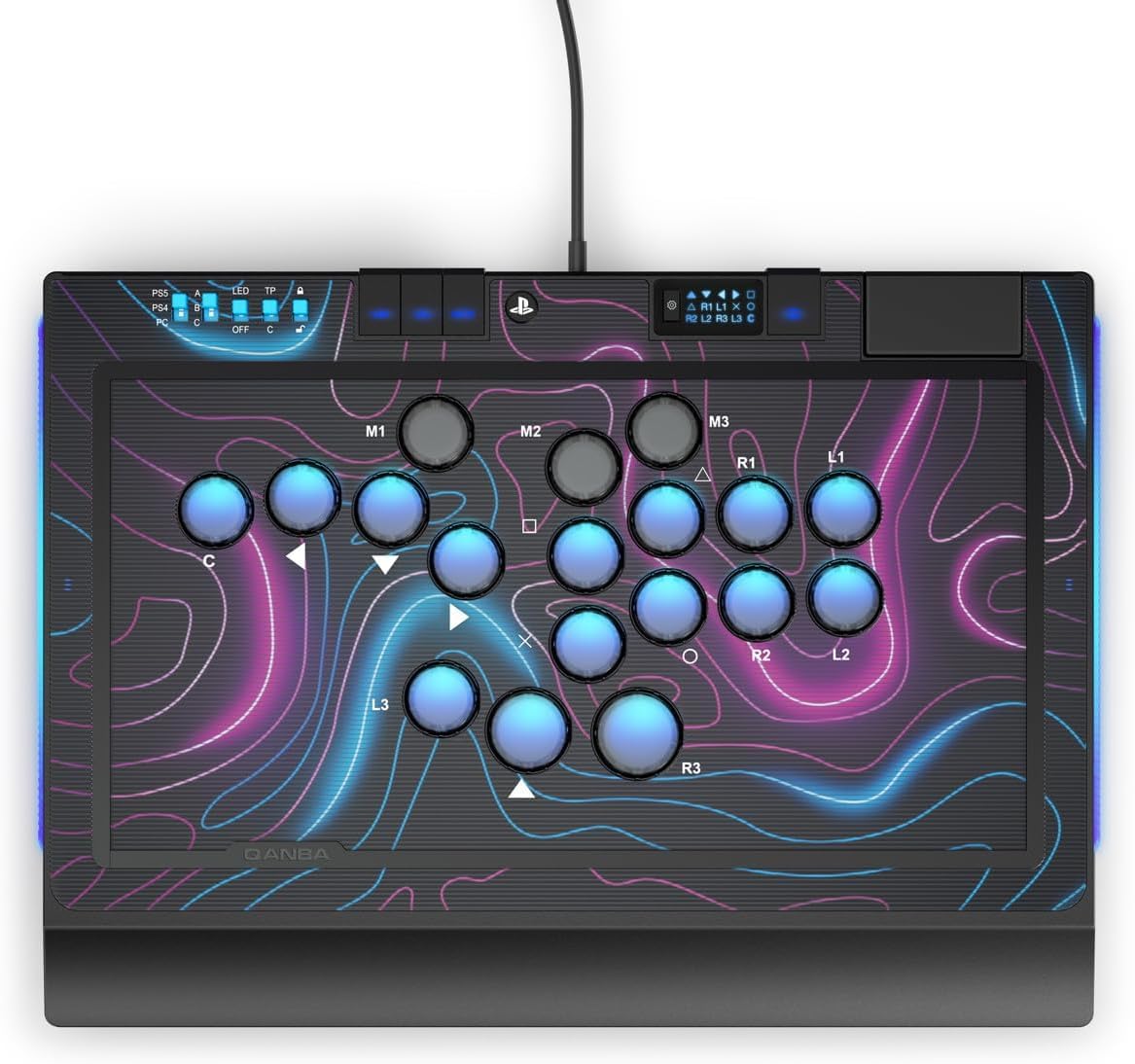
Image: Top-down view of the Qanba Sapphire Leverless Arcade Stick, showcasing its button layout and ergonomic wrist rest.
Setup
Follow these steps to connect your Qanba Sapphire arcade stick to your gaming system.
- Unpack the Device: Carefully remove the Qanba Sapphire from its packaging. Ensure all components, including the detachable USB-C cable, are present.
- Connect to Console/PC:
- Locate the USB-C port on the Qanba Sapphire.
- Insert one end of the provided USB-C cable into the arcade stick. The USB-C port features a locking mechanism for secure connection.
- Connect the other end of the USB-C cable to an available USB port on your PlayStation 5, PlayStation 4, or PC.
- System Recognition: Your system should automatically detect the Qanba Sapphire. For PC, drivers may install automatically. If not, check the official Qanba website for driver downloads.
- Microphone Connection (Optional): If you wish to use a headset, connect your 3.5mm microphone jack to the dedicated port on the arcade stick.
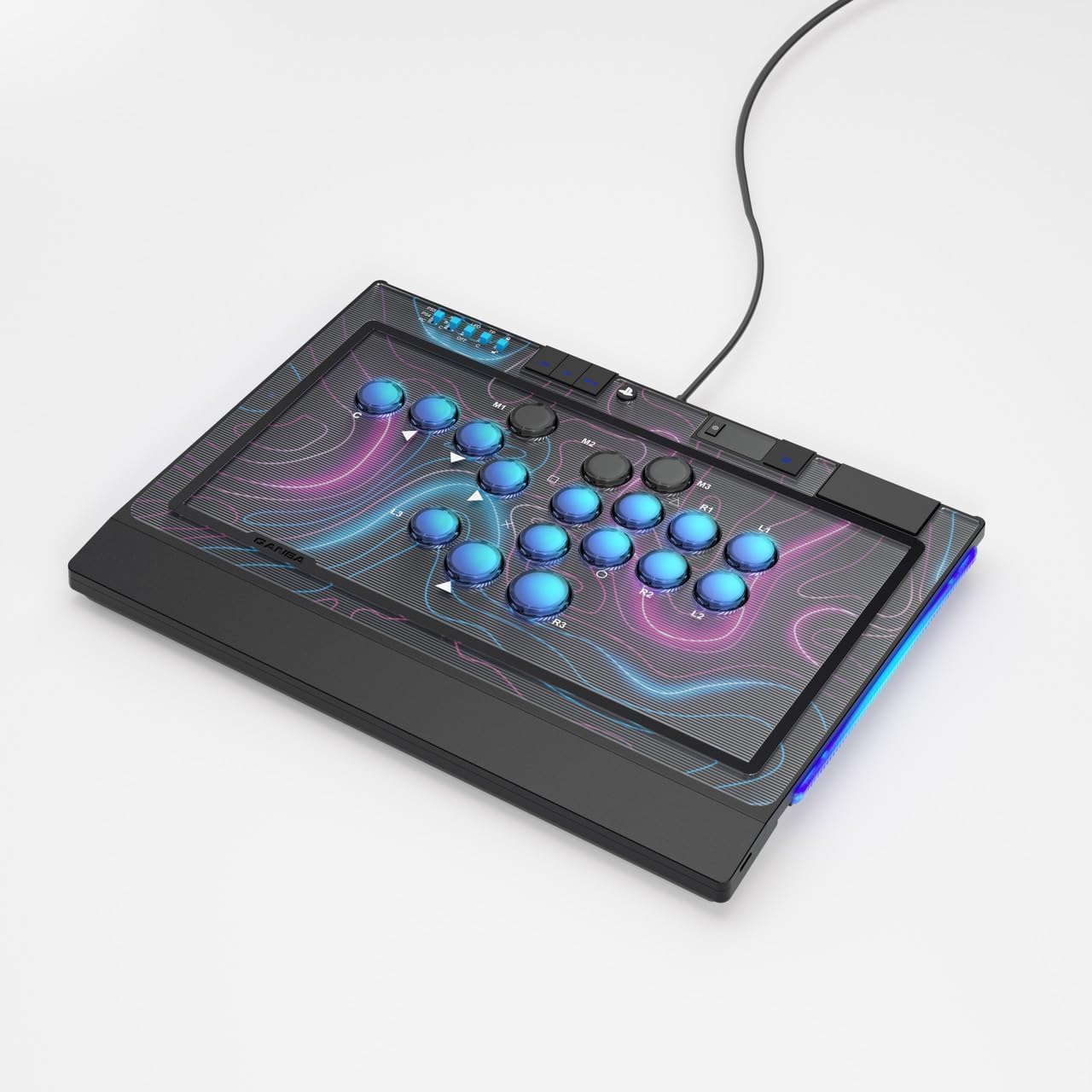
Image: The Qanba Sapphire connected via its detachable USB-C cable, ready for use.
Operating Instructions
The Qanba Sapphire is designed for intuitive control and extensive customization. Familiarize yourself with its features for optimal performance.
Button Layout and Functionality
The arcade stick features 18 highly responsive buttons, utilizing Cherry Silver microswitches for rapid and precise input. The leverless design allows for quick command execution.
- Action Buttons: Standard PlayStation action buttons (Square, Triangle, Circle, Cross) and shoulder buttons (L1, L2, R1, R2) are present.
- Directional Inputs: Directional inputs are handled by dedicated buttons, replacing a traditional joystick.
- Customizable Buttons: All 18 buttons are fully customizable to suit your playstyle. Refer to the system settings or game-specific options for remapping.

Image: A detailed view of the Qanba Sapphire's button layout and integrated touchpad.
Integrated Touchpad
A touchpad is integrated into the design, providing functionality similar to the PlayStation controller's touchpad. This is particularly useful for navigating menus or specific game mechanics.
Macro Functionality
The Qanba Sapphire includes a macro switch capable of recording up to 3 command combos. This allows for complex sequences to be executed with a single button press. Consult the detailed macro programming guide (if provided separately or online) for specific instructions on recording and assigning macros.
LED Mode and Button Height Adjustment
- LED ON/OFF: The device features an LED mode that can be toggled on or off. Locate the dedicated switch or button for LED control.
- Adjustable Button Height: The height of the buttons can be adjusted to optimize comfort and responsiveness. Refer to the specific mechanism for adjustment, typically involving a tool or a twist-and-lock system.
Microphone Input
The 3.5mm microphone input allows for headset connection. A dedicated "mute" button is available for quick audio control during gameplay.
Maintenance
Proper care will ensure the longevity and performance of your Qanba Sapphire arcade stick.
- Cleaning: Use a soft, dry cloth to wipe down the surface of the arcade stick. For stubborn dirt, a slightly damp cloth with mild soap can be used, ensuring no liquid enters the buttons or ports. Avoid abrasive cleaners.
- Storage: Store the device in a cool, dry place away from direct sunlight and extreme temperatures. Its compact size makes it easy to transport and store.
- Cable Care: Handle the USB-C cable carefully. Avoid sharp bends or excessive pulling. Utilize the USB-C locking system to prevent accidental disconnections.
- Button Longevity: While designed for durability, avoid excessive force on the buttons.
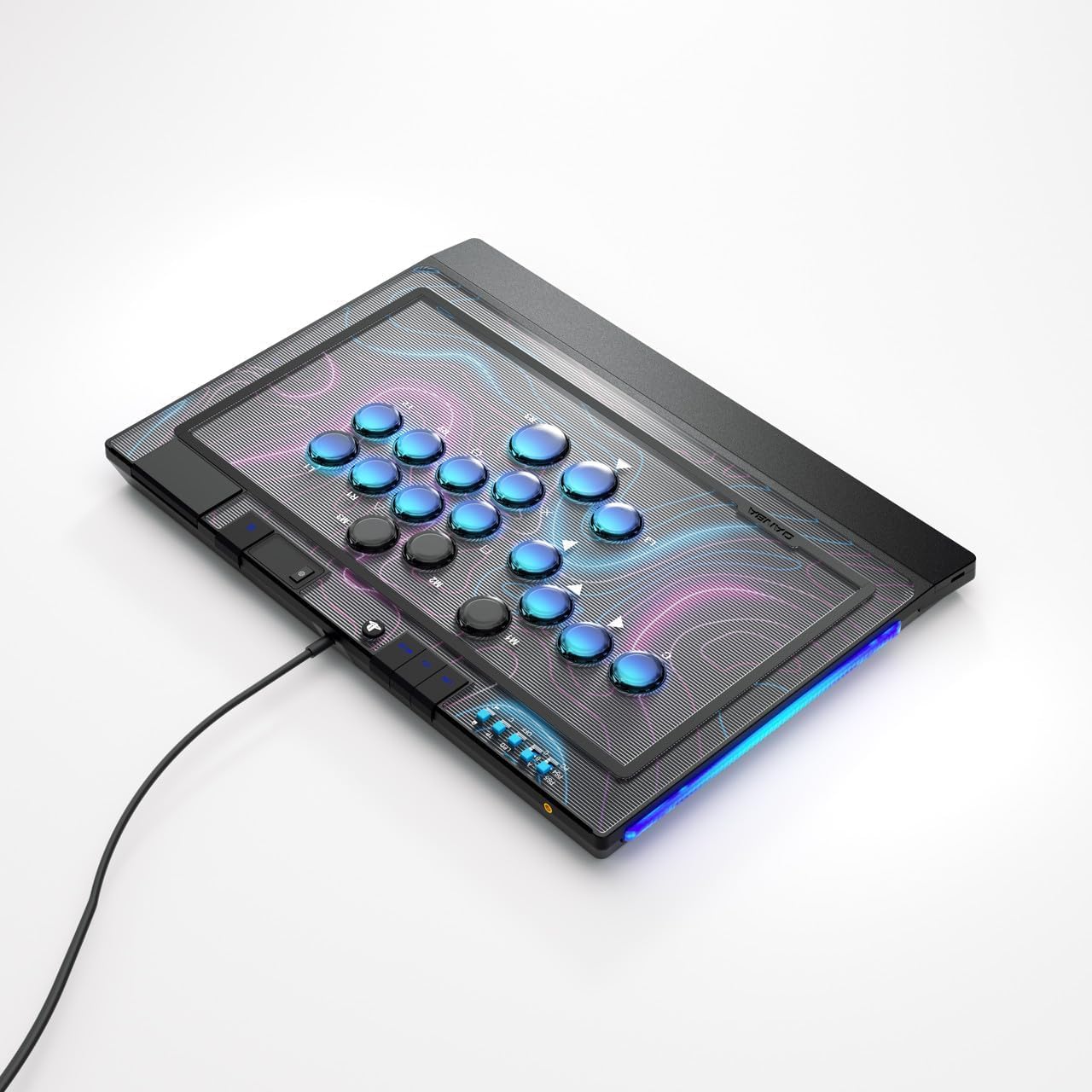
Image: Side view of the Qanba Sapphire, highlighting its compact and portable design.
Troubleshooting
If you encounter issues with your Qanba Sapphire, try the following solutions:
| Problem | Possible Solution |
|---|---|
| Device not recognized by console/PC |
|
| Buttons are unresponsive |
|
| Microphone not working |
|
Specifications
Key technical details for the Qanba Sapphire Leverless Arcade Stick:
- Model Number: QAN-LEV-SAP
- Compatibility: PlayStation 5, PlayStation 4, PC
- Connectivity: Detachable USB-C cable with locking mechanism
- Buttons: 18 customizable buttons with Cherry Silver microswitches
- Special Features: Integrated touchpad, macro switch (up to 3 combos), LED ON/OFF mode, adjustable button height, ergonomic wrist rest, customizable cover.
- Audio: 3.5mm microphone input with mute button
- Dimensions: 36.6 × 26 × 3 cm (approximately 14.4 x 10.2 x 1.2 inches)
- Weight: 1.66 kg (approximately 3.66 lbs)
- Package Dimensions: 41 x 30 x 8.5 cm (approximately 16.1 x 11.8 x 3.3 inches)
- Package Weight: 2.95 kg (approximately 6.5 lbs)

Image: The Qanba Sapphire showcasing its customizable top panel, allowing for personalized artwork.
Warranty and Support
Qanba products are designed for quality and durability. For warranty information, technical support, or service inquiries, please refer to the official Qanba website or contact your retailer.
- Official Website: qanba.com
- Customer Service: Contact details can typically be found on the official website or your purchase documentation.

