
1. Introduction
Thank you for choosing the VENTISOL P295W Air Purifier. This device is engineered to provide superior air purification for large rooms, covering up to 2500 sq.ft. With its advanced double-sided H13 filtration system and smart features, it effectively removes pet dander, allergens, smoke, and other airborne pollutants, ensuring a healthier living environment.
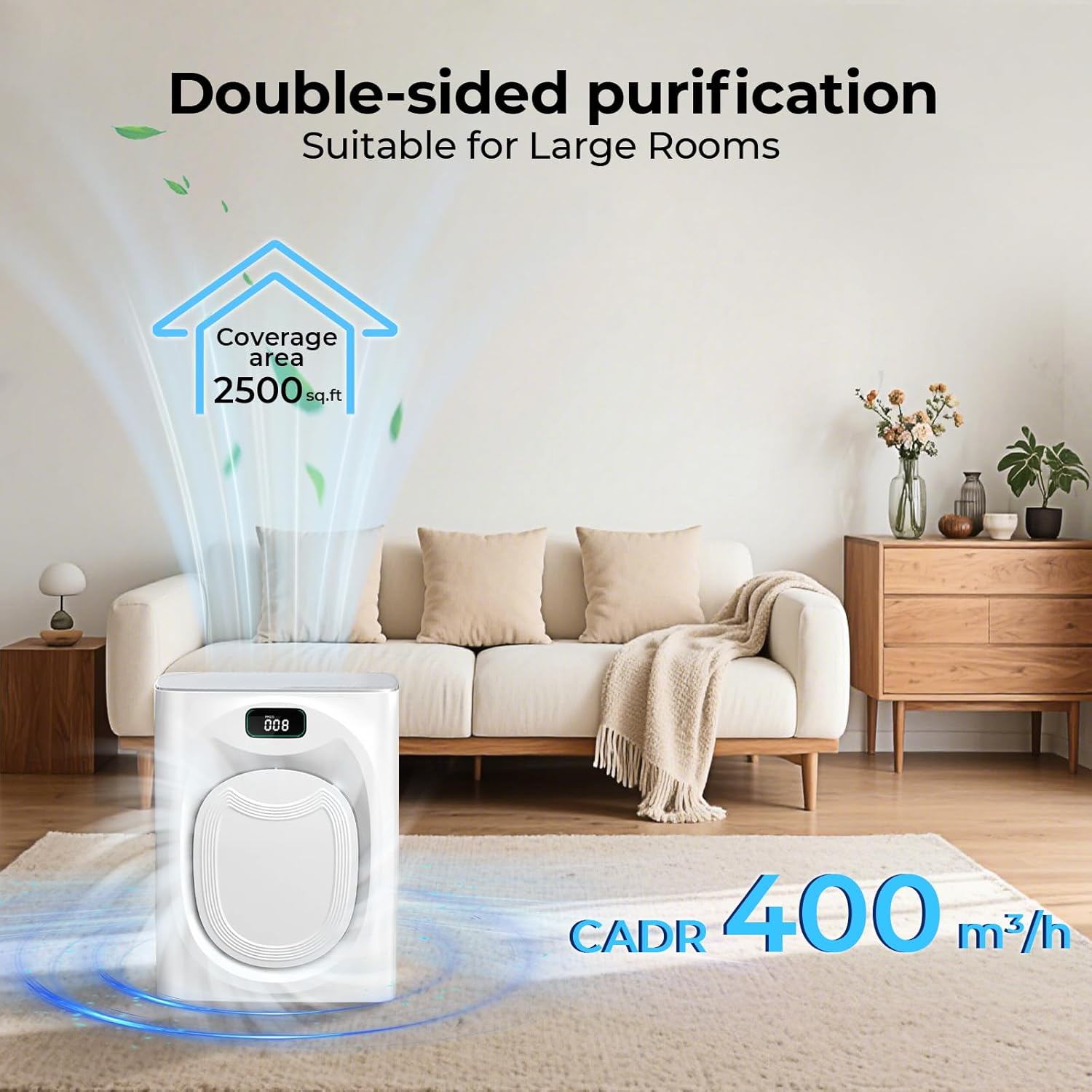
Image 1.1: The VENTISOL P295W Air Purifier in a modern living room setting, demonstrating its compact design.
2. Important Safety Information
Please read all instructions carefully before using this appliance to prevent injury and damage. Keep this manual for future reference.
- Always place the air purifier on a firm, level surface.
- Keep the power cord away from heated surfaces.
- Do not operate if the power cord or plug is damaged.
- Do not block air inlets or outlets.
- Unplug the appliance before cleaning or performing any maintenance.
- This appliance is not intended for use by persons (including children) with reduced physical, sensory or mental capabilities, or lack of experience and knowledge, unless they have been given supervision or instruction concerning use of the appliance by a person responsible for their safety.
WARNING: This product can expose you to chemicals including formaldehyde, which is known to the State of California to cause cancer. For more information, go to www.P65Warnings.ca.gov.
3. Package Contents
Upon unpacking, please ensure all items listed below are present and in good condition:
- VENTISOL P295W Air Purifier Unit
- H13 True HEPA Filters (pre-installed)
- Washable Pre-filters (4 included, 2 pre-installed, 2 spare)
- Power Cord
- User Manual (this document)
Video 3.1: An unboxing and setup guide for the VENTISOL P295W Air Purifier, demonstrating how to access and install the filters and connect the power.
4. Setup Instructions
- Unpack the Unit: Carefully remove the air purifier from its packaging.
- Remove Filter Packaging: The H13 filters come sealed in plastic bags for protection. Open the side panels of the air purifier by gently pulling them outwards. Remove the filters and unwrap them from their plastic bags.
- Install Filters: Insert the unwrapped H13 filters back into their compartments. Ensure they are seated correctly. Close the side panels until they click into place.
- Connect Power: Plug the power cord into the designated port at the bottom of the air purifier, then plug the other end into a standard electrical outlet.
- Placement: Place the air purifier on a flat, stable surface, ensuring adequate space around the air inlets and outlets for optimal airflow.

Image 4.1: The side panel of the air purifier opened, revealing the filter compartment. Filters must be removed from plastic before use.

Image 4.2: An exploded view showing the multi-layer filtration system, including the washable pre-filter, H13 True HEPA filter, and activated carbon filter.
5. Operating Instructions
5.1 Power On/Off
Press the power button on the top control panel to turn the unit on or off. The display will illuminate upon activation.
5.2 Double-Sided Air Intake
The P295W features double-sided air intakes, significantly enhancing purification efficiency by drawing air from two directions. This design allows for faster cleaning of large spaces.
Video 5.1: A demonstration of the air purifier's double-sided air intake, highlighting its efficiency in drawing air from multiple directions.
5.3 PM2.5 Air Quality Monitor & Auto Mode
The integrated dust sensor displays real-time PM2.5 air quality levels on the screen. In Auto Mode, the fan speed automatically adjusts based on the detected air quality to maintain optimal purification.

Image 5.2: The air purifier's display showing PM2.5 levels and indicating air quality status (Good, Moderate, Poor).
5.4 Fan Speed Adjustment
The unit offers 6 fan speed modes (I/II/III/IIII/Automatic/Sleep). Press the fan speed button to cycle through the manual speed settings (P1-P4) or select Automatic mode.

Image 5.3: An internal view of the air purifier highlighting the 55-blade centrifugal fan, which provides over 30% more airflow.
5.5 Sleep Mode
Activate Sleep Mode for quiet operation, with noise levels as low as 26dB. This mode ensures a peaceful environment for rest while continuing to purify the air. The display lights will dim or turn off in this mode.
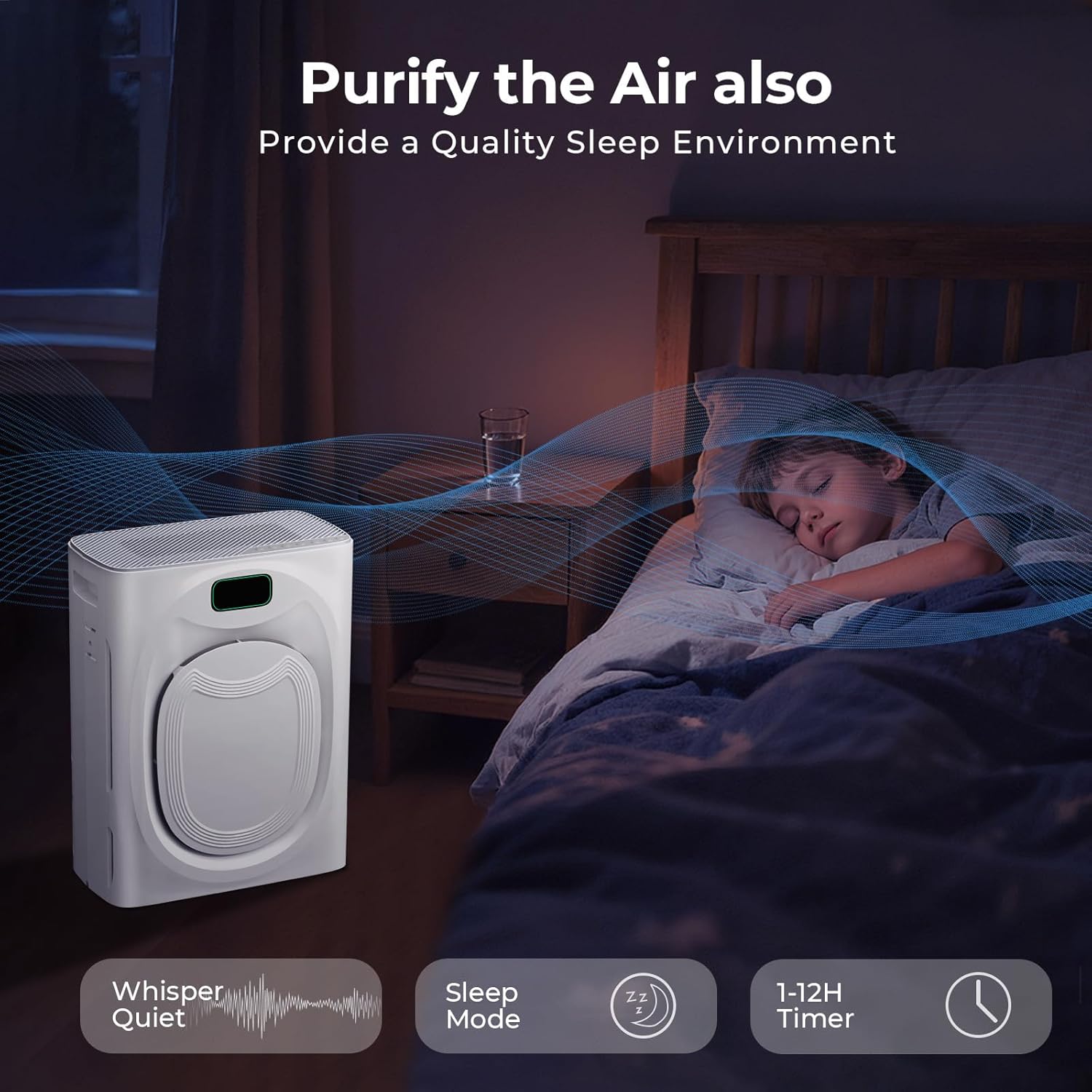
Image 5.4: The air purifier operating quietly in a bedroom, illustrating its suitability for creating a quality sleep environment.
5.6 Timer Function
Set the operating time from 1 to 12 hours using the timer button. The unit will automatically turn off after the set duration.
5.7 Child Lock
To prevent accidental changes to settings, activate the Child Lock feature. Press and hold the child lock button for 3 seconds to engage or disengage.

Image 5.5: Close-up of the control panel showing the child lock icon, indicating the feature is active.
5.8 Smart Life App Control
Control your air purifier remotely using the Smart Life App. Download the app, connect your device via Bluetooth, and enjoy features like on/off control, wind speed adjustment, timing, and real-time air quality monitoring from your smartphone.

Image 5.6: A smartphone screen showing the Smart Life App interface, used for remote control of the air purifier.
6. Maintenance
6.1 Washable Pre-filters
The air purifier includes 4 washable pre-filters (2 pre-installed, 2 spare). These can be rinsed with water to extend the lifespan of the main H13 filters. Ensure the pre-filters are completely dry before re-installing.

Image 6.1: A washable pre-filter being cleaned under running water, demonstrating the ease of maintenance.
6.2 Filter Replacement Reminder
The filter indicator light will illuminate after approximately 2000 hours of use, reminding you to replace the H13 filters for optimal performance. Press the "Filter Element" button to check usage time, and press and hold for 3 seconds to reset after replacement. We recommend replacing filters every 3-6 months, depending on usage and air quality.

Image 6.2: The control panel showing the filter replacement reminder icon, indicating when maintenance is due.
7. Troubleshooting
If you encounter any issues with your VENTISOL P295W Air Purifier, please refer to the following common problems and solutions:
| Problem | Possible Cause | Solution |
|---|---|---|
| Unit does not turn on. | Power cord not properly connected; no power from outlet. | Check power cord connection; test outlet with another device. |
| Weak airflow. | Filters are dirty or blocked; air inlets/outlets obstructed. | Clean or replace filters; ensure no obstructions around the unit. |
| Unusual noise. | Foreign object in fan; unit not on a stable surface. | Turn off and unplug, check for obstructions; place on a flat surface. |
| Air quality reading remains high. | Filters need replacement; high pollution source nearby. | Replace filters; remove or reduce pollution source. |
If the problem persists, please contact customer support.
8. Specifications
- Model: P295W
- Coverage Area: Up to 2500 sq.ft
- CADR: 400m³/h
- Filtration: Double-Sided H13 True HEPA Filters, Washable Pre-filters
- Fan Speeds: 6 modes (I/II/III/IIII/Automatic/Sleep)
- Noise Level (Sleep Mode): As low as 26dB
- Features: PM2.5 Air Quality Monitor, 1-12 Hour Timer, Child Lock, Smart Life App Control
- Product Dimensions: 12"D x 7.16"W x 16.49"H
- Item Weight: 7.9 Pounds
- Power Source: DC/AC
- Certifications: CARB, ETL, ROHS, DOE, FCC
9. Warranty and Support
VENTISOL offers a 1-year warranty for the P295W Air Purifier. For any operational assistance, troubleshooting, or warranty claims, please contact our customer support team. We are available 24 hours a day, 7 days a week to ensure your air purifier works properly for a long time.
Contact Information: Please refer to the contact details provided on the product packaging or the official VENTISOL website.
We recommend purchasing official VENTISOL replacement filters to maintain optimal purification performance and ensure product longevity.