
1. Introduction
Welcome to your new NIMO 15.6" IPS FHD Student Laptop, Model N154. This manual provides essential information to help you get started, operate, and maintain your device. Designed for both home and business use, this laptop combines performance with user-friendly features to enhance your productivity and entertainment experience.
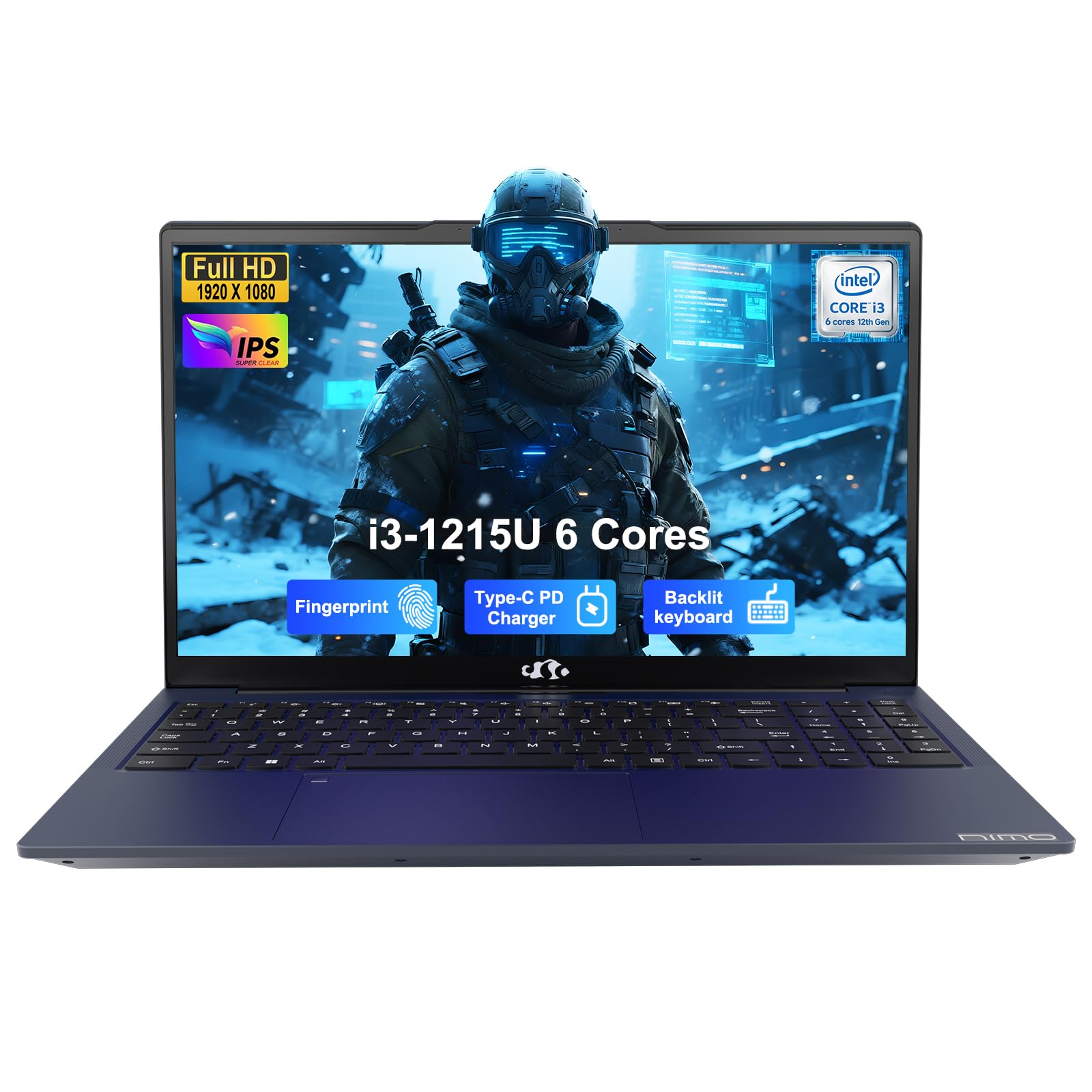
Image: The NIMO 15.6-inch IPS FHD Student Laptop, showcasing its sleek design.
2. What's in the Box
Please check the package contents to ensure all items are present:
- 1 x NIMO N154 Laptop
- 1 x Type-C 65W PD Fast Charger
- 1 x User Manual (this document)
- Windows 11 Home (pre-installed)
3. Initial Setup
3.1. Charging the Laptop
Before first use, fully charge your NIMO laptop using the included 65W USB-C PD Fast Charger. Connect the charger to the Type-C port on your laptop and a power outlet. The charging indicator light will illuminate.

Image: The 65W USB-C PD Fast Charger, capable of charging the laptop, tablet, and smartphone.
3.2. Powering On and Initial Configuration
Press the power button to turn on your laptop. Follow the on-screen instructions to complete the Windows 11 Home setup, including language selection, network connection, and user account creation.
4. Operating Your Laptop
4.1. Display
Your laptop features a 15.6-inch Full HD (1920x1080) IPS anti-glare display. This screen provides clear visuals and reduces eye strain during extended use. The 180° open angle allows for flexible viewing positions.
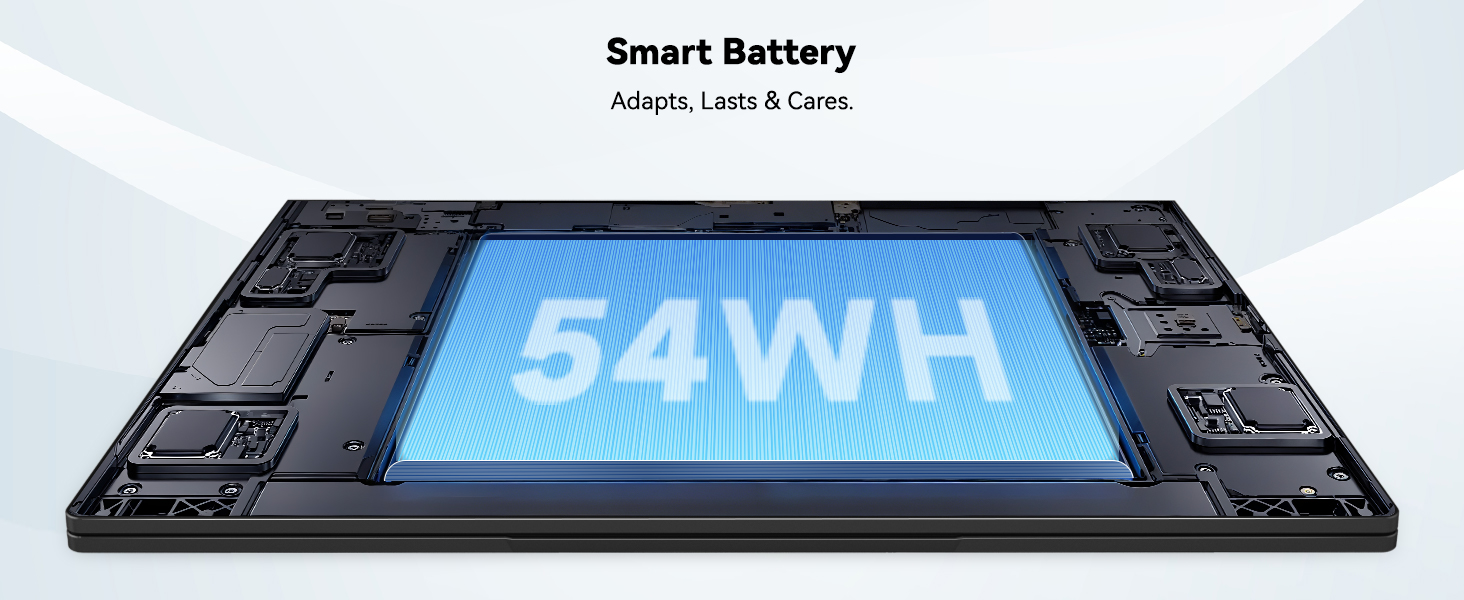
Image: The laptop's 15.6-inch Full HD IPS display with vibrant colors.
4.2. Keyboard and Touchpad
The ergonomic backlit keyboard allows for comfortable typing in various lighting conditions, with adjustable brightness. The touchpad includes an integrated fingerprint sensor for secure, one-touch login.

Image: Features of the laptop's input, including backlit keyboard, webcam shield, fingerprint sensor, and numeric keypad.
4.3. Fingerprint Login
Utilize the fingerprint sensor on the touchpad for quick and secure access to your laptop. Configure your fingerprint in the Windows settings for enhanced security.

Image: Close-up of the integrated fingerprint scanner on the touchpad for secure login.
4.4. Ports and Connectivity
The NIMO N154 laptop offers a variety of ports for versatile connectivity:
- USB 2.0 Port: 1
- USB 3.0 Ports: 3
- HDMI Port: For external display connections.
- Type-C Port: Supports 65W Power Delivery for charging and data transfer.
- Micro SD Card Slot: For expanding storage or transferring files.
- Headphone Combo Jack: For audio input/output.
- Kensington Lock Slot: For physical security.
The laptop also features Wi-Fi 6 for fast and reliable wireless internet access.

Image: Diagram illustrating the various ports available on the NIMO laptop, including USB, HDMI, Type-C, Micro SD, headphone jack, and Kensington lock.
4.5. Audio and Webcam
Integrated speakers provide clear audio for video calls, online classes, and media consumption. The 2.0MP webcam is suitable for video conferencing, complemented by a privacy switch for enhanced security.

Image: Details on the 1080p FHD camera and privacy camera convenience features.
4.6. Processor and Performance
Powered by the 6-Core Intel i3-1215U processor, your laptop is designed for efficient multitasking, handling numerous browser tabs, spreadsheets, and video calls without significant slowdowns.
Image: Visual representation of the 12th Gen Intel Core i3-1215U Processor, highlighting its 6 cores, 8 threads, 15W power consumption, and 3.7 GHz Turbo Boost.
5. Maintenance
5.1. Cleaning
Regularly clean your laptop to ensure optimal performance and longevity. Use a soft, lint-free cloth for the screen and exterior. For stubborn marks, dampen the cloth with a small amount of water or a screen-safe cleaner. Avoid harsh chemicals.
5.2. Software Updates
Keep your operating system and drivers updated to benefit from the latest security patches and performance improvements. Windows Update can be accessed through the Settings menu.
5.3. Battery Care
To maximize battery life, avoid extreme temperatures and fully discharging the battery frequently. For long-term storage, charge the battery to around 50-70%.

Image: An illustration of the laptop's internal battery, labeled 54WH, emphasizing smart battery management.
6. Troubleshooting
6.1. Laptop Not Powering On
- Ensure the charger is securely connected to both the laptop and a working power outlet.
- Check if the power adapter is functioning correctly.
- Try holding the power button for 10-15 seconds to perform a hard reset.
6.2. Wi-Fi Connectivity Issues
- Verify that Wi-Fi is enabled in Windows settings.
- Restart your router and modem.
- Ensure your Wi-Fi drivers are up to date.
6.3. Slow Performance
- Close unnecessary applications running in the background.
- Check for and install any pending Windows updates.
- Ensure your storage (SSD) has sufficient free space.
For further assistance, please refer to the Warranty and Support section.
7. Specifications
| Feature | Specification |
|---|---|
| Model Name | NIMO N154 |
| Screen Size | 15.6 Inches |
| Screen Resolution | 1920 x 1080 pixels (Full HD) |
| Processor | Intel Core i3-1215U (6 Cores, up to 4.4 GHz) |
| RAM | 8 GB DDR4 (3200 MHz) |
| Hard Drive | 512 GB SSD |
| Graphics Coprocessor | Integrated Graphics |
| Operating System | Windows 11 Home |
| Wireless Type | Wi-Fi 6 (802.11a/b/g/n/ac) |
| USB 2.0 Ports | 1 |
| USB 3.0 Ports | 3 |
| Average Battery Life | 9 Hours |
| Item Weight | 3.75 pounds |
| Product Dimensions | 14.07 x 8.98 x 0.76 inches |
| Special Features | Fingerprint Reader, HD Audio, Memory Card Slot, Numeric Keypad |
8. Warranty and Support
NIMO is committed to providing quality products and excellent customer service.
8.1. Warranty Information
Your NIMO N154 laptop comes with a comprehensive 2-year warranty, covering manufacturing defects and hardware malfunctions under normal use. This warranty ensures your investment is protected.

Image: Text indicating '2-Year Support' for Nimo products.
8.2. Return Policy
We offer a 90-day return policy from the date of purchase. If you are not satisfied with your product, you may return it within this period according to the terms and conditions.

Image: Text indicating '90-Day Return' for Nimo products.
8.3. Contact Support
Our dedicated US-based support team is available to assist you with any questions or issues. You can reach us via email at service@nimopc.com. We aim to provide professional and high-quality customer service.

Image: A customer service representative wearing a headset, representing professional customer assistance.


