
1. Product Overview
The Contixo F33 is a high-performance 4K GPS drone designed for aerial photography and videography. It features a 2-axis gimbal with Electronic Image Stabilization (EIS) for smooth footage, advanced flight modes, and obstacle avoidance for enhanced safety. The drone is equipped with a 5.5-inch touch screen remote control for intuitive operation and offers an extended flight time of up to 42 minutes per battery.

Figure 1: Contixo F33 Drone and Remote Control
2. Setup and Preparation
2.1 Unboxing and Initial Inspection
Carefully unpack all components from the carrying case. Verify that all items listed in the 'Included Components' section are present and undamaged. The drone comes in a compact, foldable design for easy transport.

Figure 2: Foldable and Portable Drone Design
2.2 Battery Installation and Charging
The F33 drone uses a 3500 mAh Lithium Ion battery. Ensure batteries are fully charged before first use. The remote control also has an integrated battery.
- To install the battery, align it with the drone's battery compartment and push until it clicks into place.
- To charge, connect the provided USB-C cable to the battery's charging port. The battery features LED indicators to show the charge level.
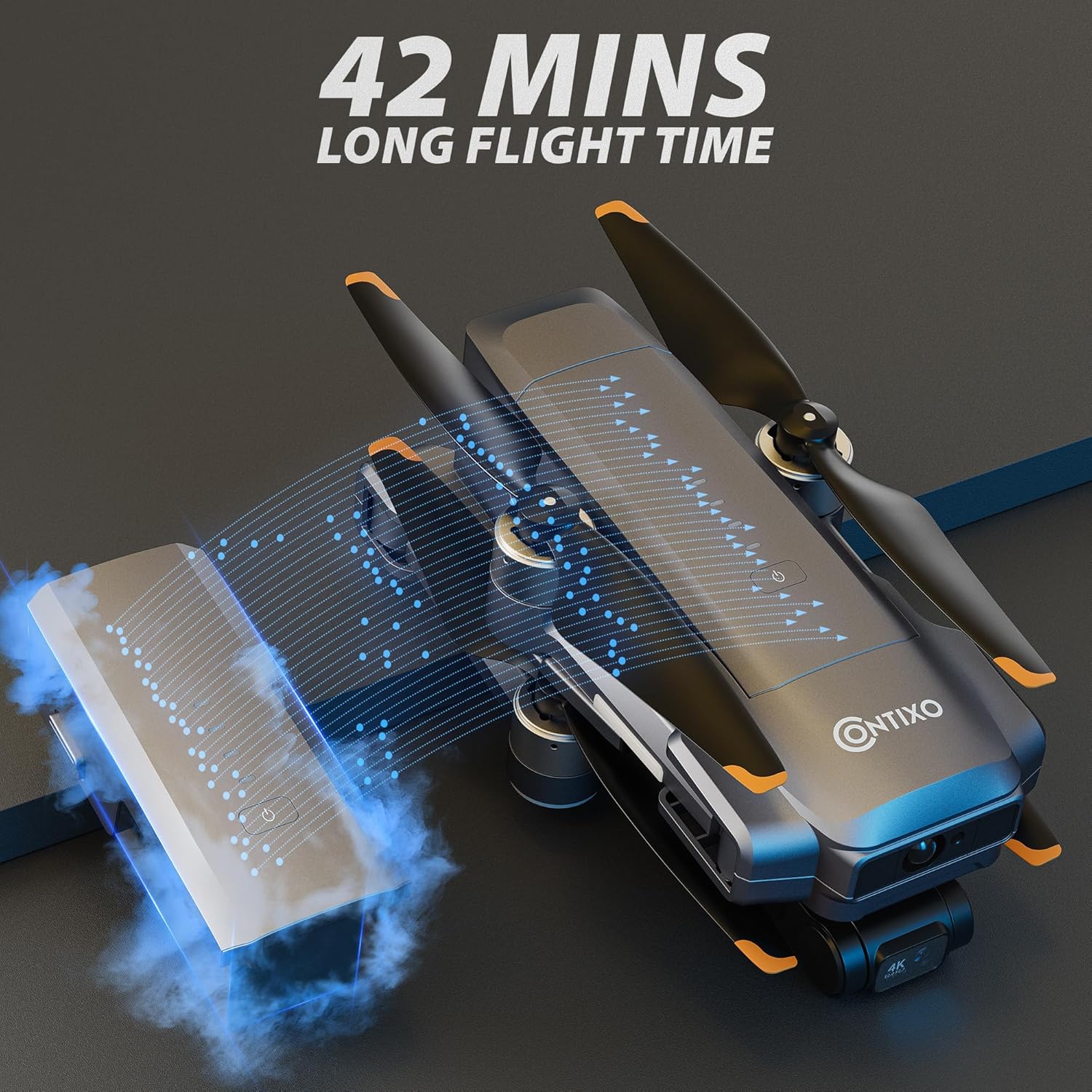
Figure 3: Drone Battery and Charging
2.3 Remote Control Setup
The remote control features a 5.5-inch touch screen for live video feed and control. It connects to your smartphone via a cable for a stable signal.
- Extend the phone holder on the remote control.
- Place your smartphone securely in the holder.
- Connect your smartphone to the remote control using the appropriate USB cable (USB-C, Micro USB, or Lightning).
- Power on the remote control and drone. Follow on-screen prompts to connect.
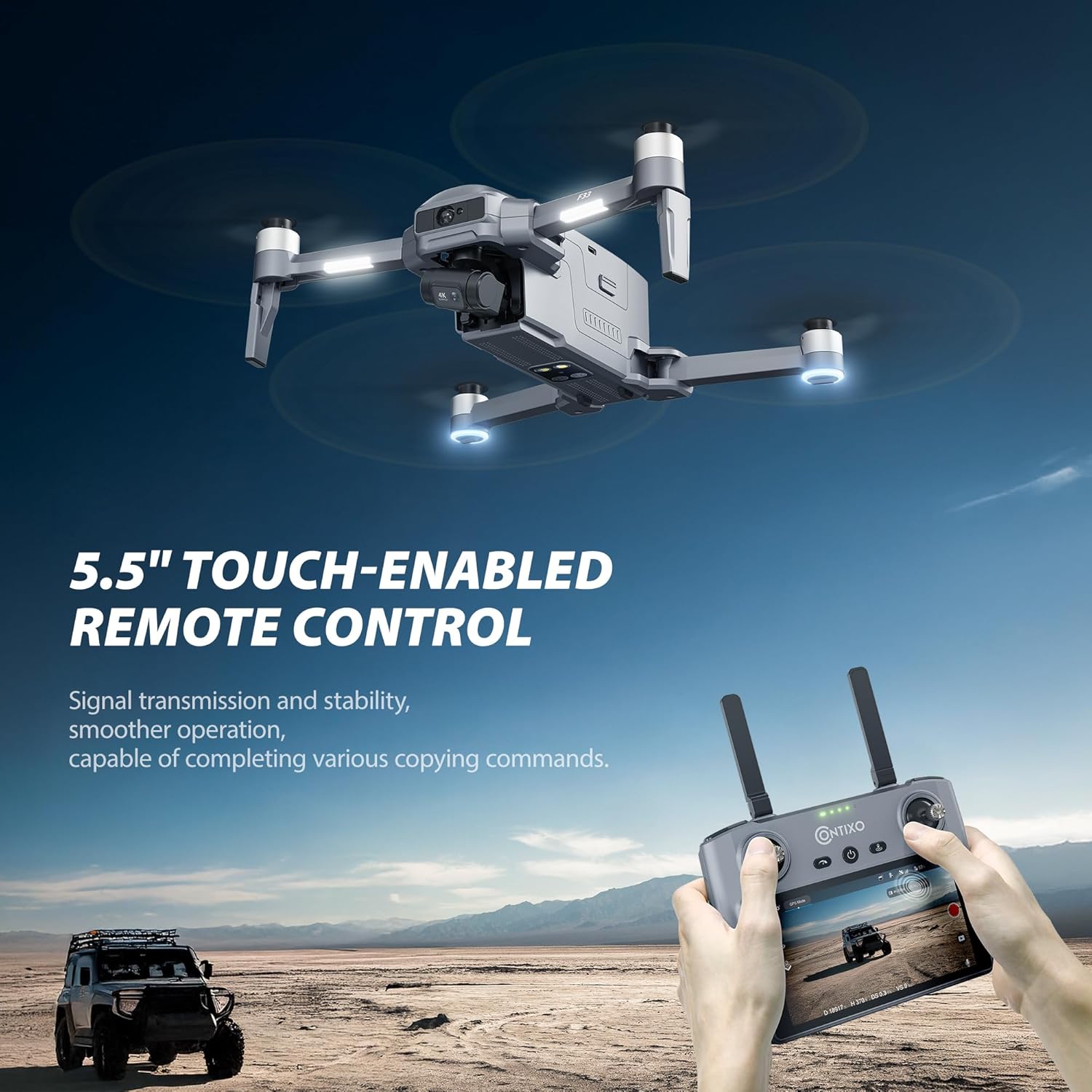
Figure 4: 5.5-inch Touch Screen Remote Control
2.4 FAA Registration
The Contixo F33 drone weighs over 249 grams, requiring registration with the FAA for recreational or commercial use. Please visit the FAA website for registration details and to obtain your drone's identification number.
3. Operating Instructions
3.1 Pre-Flight Checklist
- Ensure all batteries (drone and remote) are fully charged.
- Check propellers for any damage or obstructions.
- Ensure the gimbal protector is removed.
- Perform compass calibration as instructed by the remote control.
- Fly in an open area, away from obstacles, people, and restricted airspace.
3.2 Takeoff and Landing
- One-key Takeoff: Place the drone on a flat, open surface. Press the One-key Takeoff button on the remote control. The drone will automatically ascend and hover.
- Manual Takeoff: Push both joysticks down and outwards to start the motors. Then, gently push the left joystick up to ascend.
- One-key Landing: Press the One-key Landing button. The drone will automatically descend and land.
- Manual Landing: Gently pull the left joystick down to descend.
3.3 Flight Modes and Features
The Contixo F33 offers various intelligent flight modes to enhance your flying experience:
- GPS Return Home: Automatically brings the drone back to its takeoff point if the signal is lost, battery is low, or the button is pressed.
- Follow Me: The drone will automatically follow the remote control or a designated subject.
- Orbit Mode: The drone flies in a circular path around a central point, capturing a 360-degree video.
- One-key Spiral/Far Fly/Skyrocket: Pre-programmed flight paths for dynamic shots.
- Fixed Speed Cruise: Maintains a constant speed and direction.

Figure 5: Advanced Flight Modes
3.4 Camera Operation
The 4K UHD camera with 2-axis gimbal and EIS ensures stable and high-quality footage.
- Photo/Video: Use the dedicated buttons on the remote control to capture 4K photos and 4K/30FPS videos.
- Gimbal Control: Adjust the camera angle (80° adjustable) using the remote control's gimbal dial.
- EIS: Electronic Image Stabilization automatically reduces blur and shakiness in videos.

Figure 6: 2-Axis Gimbal Stability

Figure 7: Electronic Image Stabilization (EIS) for Smooth Video
3.5 Obstacle Avoidance
The drone is equipped with front-side laser obstacle avoidance sensors to detect and avoid obstacles during flight, enhancing safety.
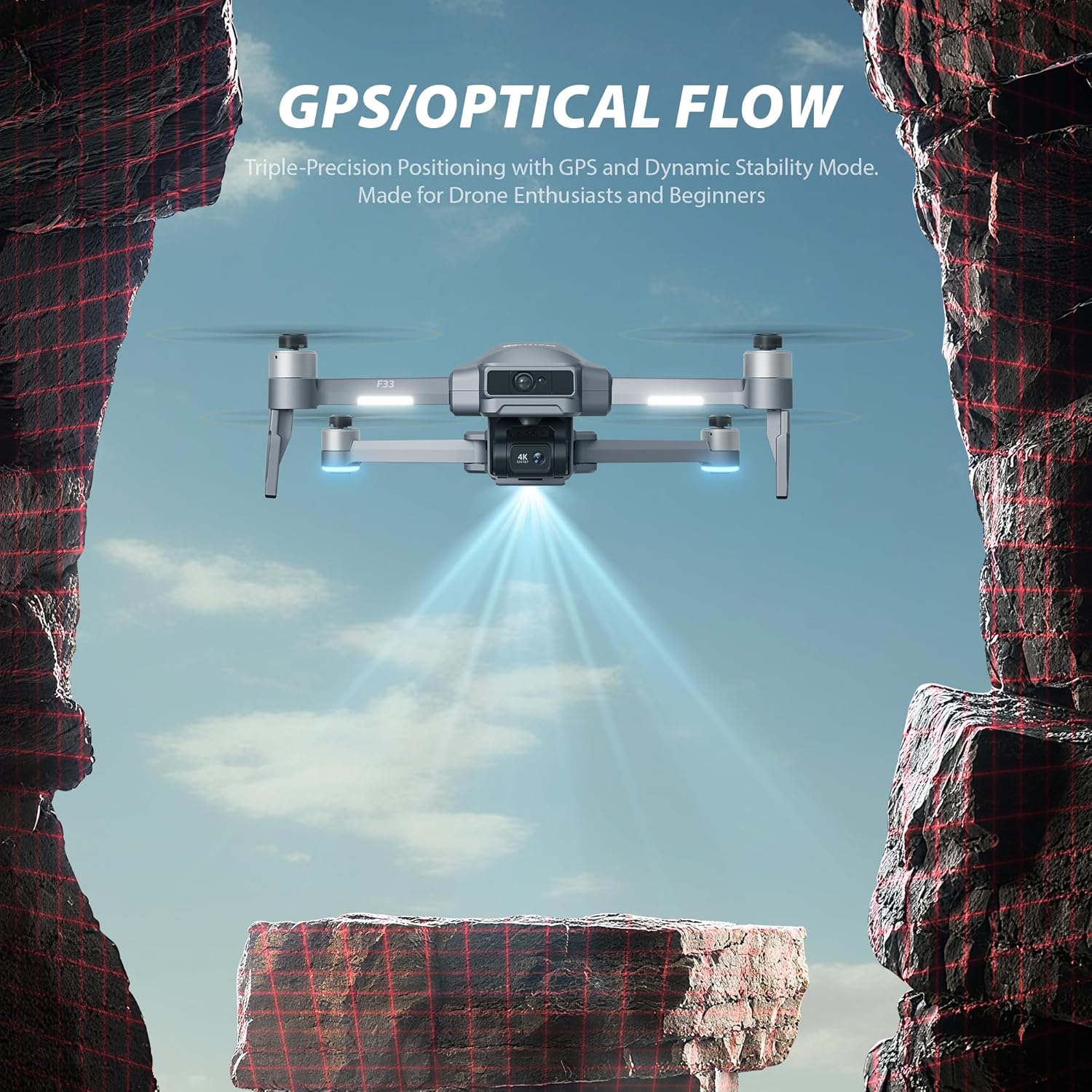
Figure 8: GPS and Optical Flow for Stable Positioning
4. Maintenance and Care
- Regularly inspect propellers for cracks or damage. Replace immediately if any damage is found.
- Clean the drone's body and camera lens with a soft, dry cloth.
- Store batteries in a cool, dry place, away from direct sunlight and extreme temperatures.
- Do not store batteries fully charged for extended periods.
5. Troubleshooting
- Drone not connecting: Ensure both drone and remote control are powered on and fully charged. Check cable connections between remote and smartphone.
- GPS signal loss: Fly in an open area with a clear view of the sky. Avoid areas with tall buildings or strong magnetic interference.
- Unstable flight: Recalibrate the compass and gyroscope as per the user manual. Check for damaged propellers.
- For detailed troubleshooting steps, refer to the comprehensive user manual included in your package.
Video 1: Preview of convenient after-sale customer support for troubleshooting assistance.
6. Specifications
| Feature | Detail |
|---|---|
| Brand | Contixo |
| Model Name | F33A |
| Product Dimensions | 10.83"L x 2.56"W x 12.6"H |
| Item Weight | 6.6 pounds |
| Color | Black |
| Material | Plastic |
| Video Capture Resolution | 4K |
| Video Capture Format | MP4 |
| Battery Capacity | 3500 Milliamp Hours |
| Max Flight Time | 42 minutes per battery |
| Remote Control Technology | Bluetooth |
| Wireless Communication Technology | Bluetooth |
| Optical Sensor Technology | Optical Flow, CMOS |
| Skill Level | Professional |
| Special Features | 20,000ft Range Digital Real-time Transmission, Long Distance Control, 4K Photo & 4K/30fps Video, 2 Axis Gimbal with EIS, 42min Long Battery Life, 5.5" touch screen, Beginner Friendly, One-key takeoff / landing, GPS Return home, Follow Me, Orbit Mode, Front side laser obstacle avoidance, One-key spiral, One-key far fly, One-key skyrocket, Optical flow, Professional adult drones |
7. Included Components
The Contixo F33 drone package includes:
- 1 x F33 Drone
- 1 x Screen Remote Control
- 1 x Battery (additional batteries may be purchased separately)
- 8 x Propeller Blades
- 1 x USB Cable
- 1 x Carrying Case
- 1 x 32GB SD Card
- 1 x User Manual
8. Warranty and Support
For warranty information, technical support, or service inquiries, please refer to the contact details provided in the user manual or visit the official Contixo website. Contixo is committed to customer satisfaction and offers continuous after-sale services support.