
Introduction
Thank you for choosing the NBDDIGITAL S100F 5K 64MP Digital Camera. This manual provides essential information for setting up, operating, maintaining, and troubleshooting your camera. Please read it thoroughly before use to ensure proper functionality and to maximize your photography and videography experience.
1. Setup
1.1 Package Contents
Verify that all items listed below are included in your package:
- NBDDIGITAL S100F Camera Body
- 52mm Wide-Angle Lens
- Macro Lens
- 2 x Rechargeable Batteries
- Battery Charger
- Shoulder Strap
- Camera Bag
- 64GB TF Card
- Card Reader
- USB Data Cable

Image: All included accessories for the NBDDIGITAL S100F camera.
1.2 Unboxing and Initial Setup
Watch this video for a visual guide on unboxing your camera and performing the initial setup steps, including battery and TF card installation.
Video: Unboxing the NBDDIGITAL S100F 5K 64MP Digital Camera and initial component overview.
1.3 Battery Installation
- Open the battery compartment cover located at the bottom of the camera.
- Insert the battery into the compartment, ensuring the correct orientation as indicated by the markings.
- Close the battery compartment cover until it clicks securely into place.
1.4 TF Card Installation
- Locate the TF card slot, typically near the battery compartment or on the side of the camera.
- Insert the TF card with the metal contacts facing down and the logo facing the icon, pushing it gently until it clicks into place.
- To eject, push the TF card in again until you hear a click, and it will spring out.

Image: Instructions for TF card installation and removal.
1.5 Lens Attachment
The camera comes with a wide-angle lens and a macro lens. These can be attached to the main camera lens.
- Align the threads of the desired lens (wide-angle or macro) with the threads on the front of the camera's primary lens.
- Gently rotate the accessory lens clockwise until it is securely fastened.
- To remove, rotate counter-clockwise.

Image: The NBDDIGITAL S100F camera with its wide-angle and macro lens attachments.
2. Operating Instructions
2.1 Power On/Off
Press and hold the power button (usually located on the top of the camera) for a few seconds to turn the camera on or off.
2.2 Basic Photography
The NBDDIGITAL S100F captures high-resolution 64MP photos with various features to enhance your shots.
- Autofocus (AF): The camera features contrast detection autofocus. Half-press the shutter button to focus, then fully press to capture the image.

Image: Guide on activating autofocus by half-pressing the shutter button.

Image: Demonstrating autofocus and anti-shake features with a moving subject.
- Self-Timer: Set a delay of 2s, 5s, or 10s before the photo is taken, allowing you to be in the shot.

Image: Examples of self-timer photography at 2, 5, and 10 seconds.
- Continuous Shooting: Capture a rapid sequence of photos (3P/5P/10P) by holding down the shutter button, ideal for action shots.
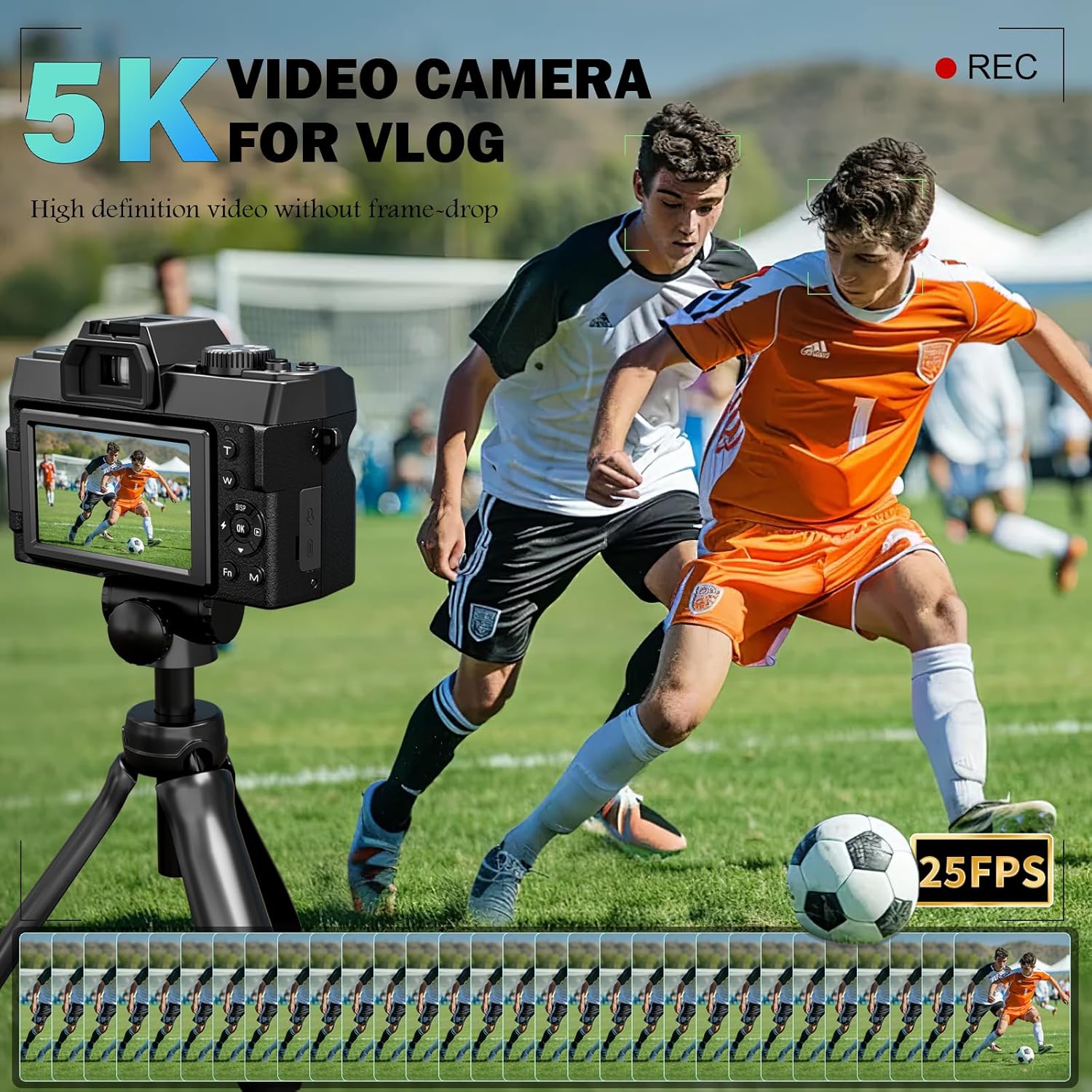
Image: Continuous shooting mode capturing a skateboarder's movement.
2.3 Video Recording
Record ultra-crisp 5K videos at 25fps or 4K videos at 30fps.
- Switch the camera to video mode using the mode dial.
- Press the record button to start and stop recording.

Image: The camera capturing 5K video footage of a sports event.
2.4 Zoom Function
Utilize the 16X digital zoom to magnify distant subjects.
- In photo or video mode, use the zoom controls (often marked 'W' for wide and 'T' for telephoto) to adjust the digital zoom level.

Image: Visual representation of the 16X digital zoom capability.
2.5 Flash Usage
The built-in flash provides additional illumination in low-light conditions.
- Access flash settings through the camera menu or a dedicated flash button.
- Select from Auto, On, or Off modes based on your lighting environment.

Image: Demonstrating the effect of the built-in flash in low light.
2.6 Shooting Modes and Filters
Explore various built-in modes and filters to enhance your creative output.
- Modes: Includes time-lapse, scene, and other preset modes. Select these via the mode dial or menu.
- Filters: Apply various filters (e.g., Normal, Warm, Contrast, Negative, Natural, B&W) to your photos for different artistic effects.

Image: Overview of creative shooting modes and filter options.
2.7 Wi-Fi Connectivity and Webcam Functionality
Connect your camera to a smartphone via Wi-Fi for remote control and file transfer, or use it as a webcam.
- Wi-Fi Connection: Enable Wi-Fi in the camera settings. Scan the QR code displayed on the camera screen with your smartphone to download the companion app and connect.
- USB Transfer: Connect the camera to a computer using the USB data cable to transfer files directly.
- Webcam Mode: Connect the camera to your computer via USB and select webcam mode from the camera's menu to use it for live streaming or video calls.

Image: Demonstrating Wi-Fi connectivity, USB transfer, and webcam functionality.

Image: Step-by-step guide for Wi-Fi connection setup.
For app download, scan this QR code: https://qr19.cn/BIamDW
3. Maintenance
3.1 Cleaning the Camera and Lenses
- Use a soft, lint-free cloth to gently wipe the camera body.
- For lenses, use a specialized lens cleaning solution and a microfiber cloth to avoid scratches. Never use abrasive materials.
- Use a blower brush to remove dust from the lens surface before wiping.
3.2 Battery Care
- Charge batteries fully before first use.
- Store batteries in a cool, dry place when not in use.
- Avoid exposing batteries to extreme temperatures.
3.3 Storage
When not in use, store the camera in its provided bag in a dry, dust-free environment away from direct sunlight and moisture.
4. Troubleshooting
This section addresses common issues you might encounter with your NBDDIGITAL S100F camera.
Q: How do I adjust the picture quality?
A: Press the 'Fn' (Function) button, then use the directional pad to select 'Photo Resolution'. Press 'OK' to confirm and choose your desired image quality (e.g., 64MP) and aspect ratio.

Image: Guide for adjusting picture quality settings.
General Troubleshooting Tips:
- Camera not turning on: Ensure the battery is fully charged and correctly inserted.
- Images are blurry: Check if autofocus is enabled and functioning. Ensure lenses are clean.
- TF card error: Reinsert the TF card. If the issue persists, try formatting the card (this will erase all data) or use a different TF card.
- Wi-Fi connection issues: Ensure the camera's Wi-Fi is enabled and your smartphone is connected to the camera's Wi-Fi network. Restart both devices if necessary.
5. Specifications
| Feature | Description |
|---|---|
| Model Name | S100F |
| Brand | NBDDIGITAL |
| Effective Still Resolution | 64 MP |
| Video Resolution | 5K |
| Digital Zoom | 16 x |
| Screen Size | 3 Inches (180° Flip Screen) |
| Image Stabilization | Anti-Shake |
| Autofocus Technology | Contrast Detection |
| Connectivity Technology | Wi-Fi |
| Supported File Format | MOV, JPG |
| Lens Type | Macro & Wide-angle (52mm) |
| Memory Storage Capacity | 64 GB (TF Card included) |
| Battery Type | Lithium-Ion Polymer |
| Item Weight | 0.94 Kilograms |
| Water Resistance Level | Not Water Resistant |
6. Warranty and Support
6.1 Warranty Information
The NBDDIGITAL S100F camera comes with a 1-Year Warranty from the date of purchase. This warranty covers manufacturing defects and malfunctions under normal use. Please retain your proof of purchase for warranty claims.
6.2 Customer Support
For technical assistance, troubleshooting not covered in this manual, or warranty inquiries, please contact NBDDIGITAL customer support through the retailer where you purchased the product or visit the official NBDDIGITAL store on Amazon: NBDDIGITAL Store.