
1. Introduction
The MFVLP D16 Smart Watch is designed to enhance your daily life with its comprehensive features, including Bluetooth calling, smart notifications, extensive sports tracking, and continuous health monitoring. This manual provides essential information for setting up, operating, and maintaining your device.
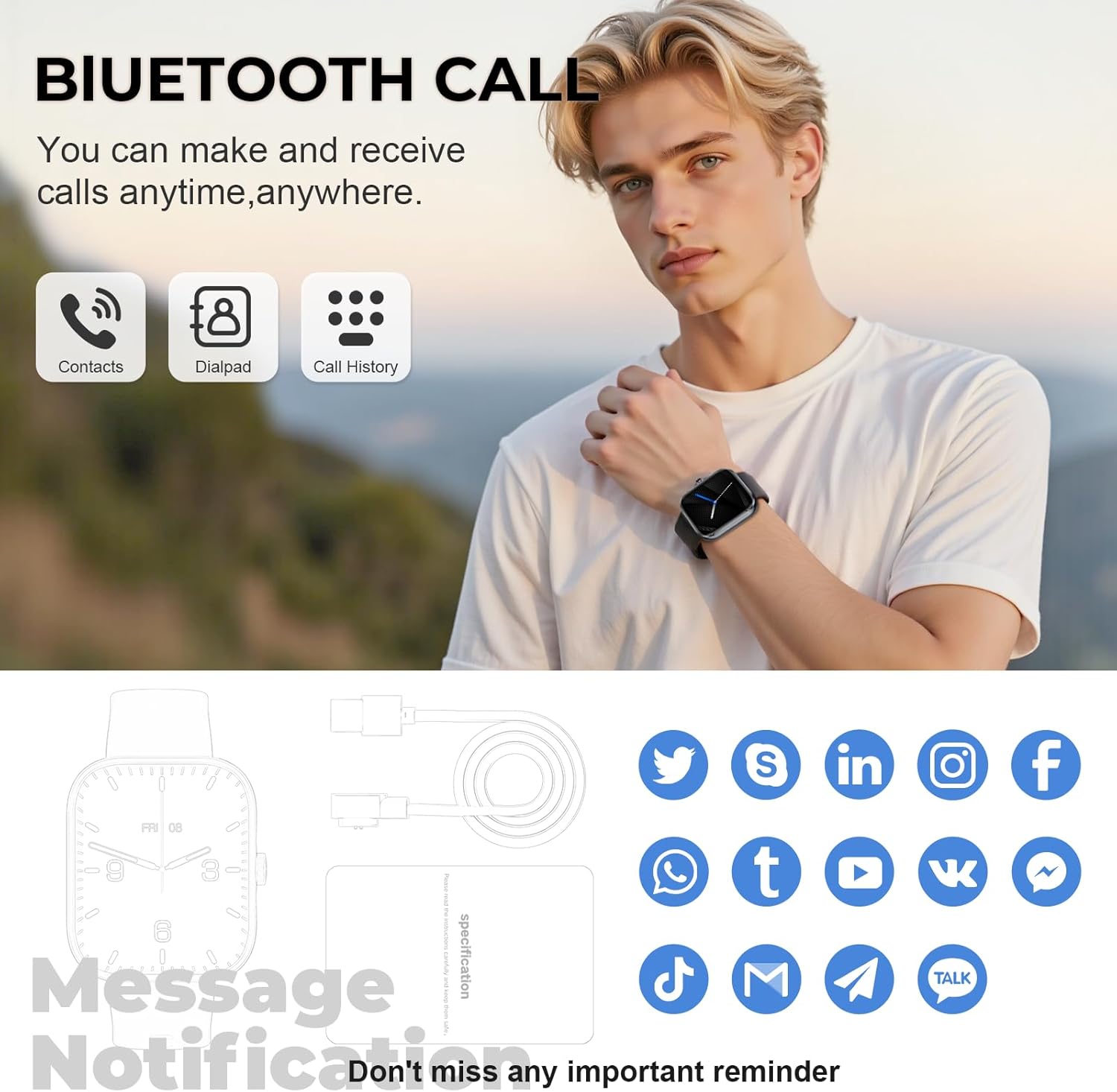
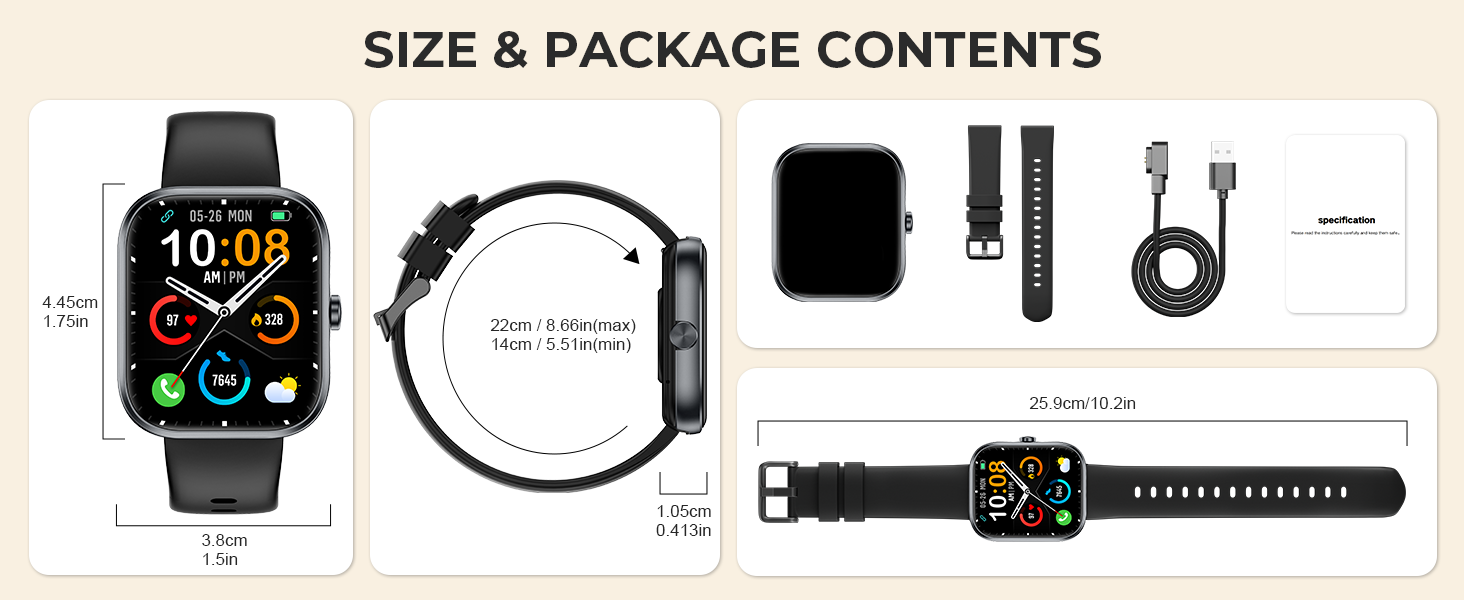
The MFVLP D16 Smart Watch features a clear display showing time, date, and health data.
2. Package Contents
Please verify that all items are present in your package:
- Smart Watch * 1
- Watch Band * 1
- Magnetic charging cable * 1
- User Manual * 1
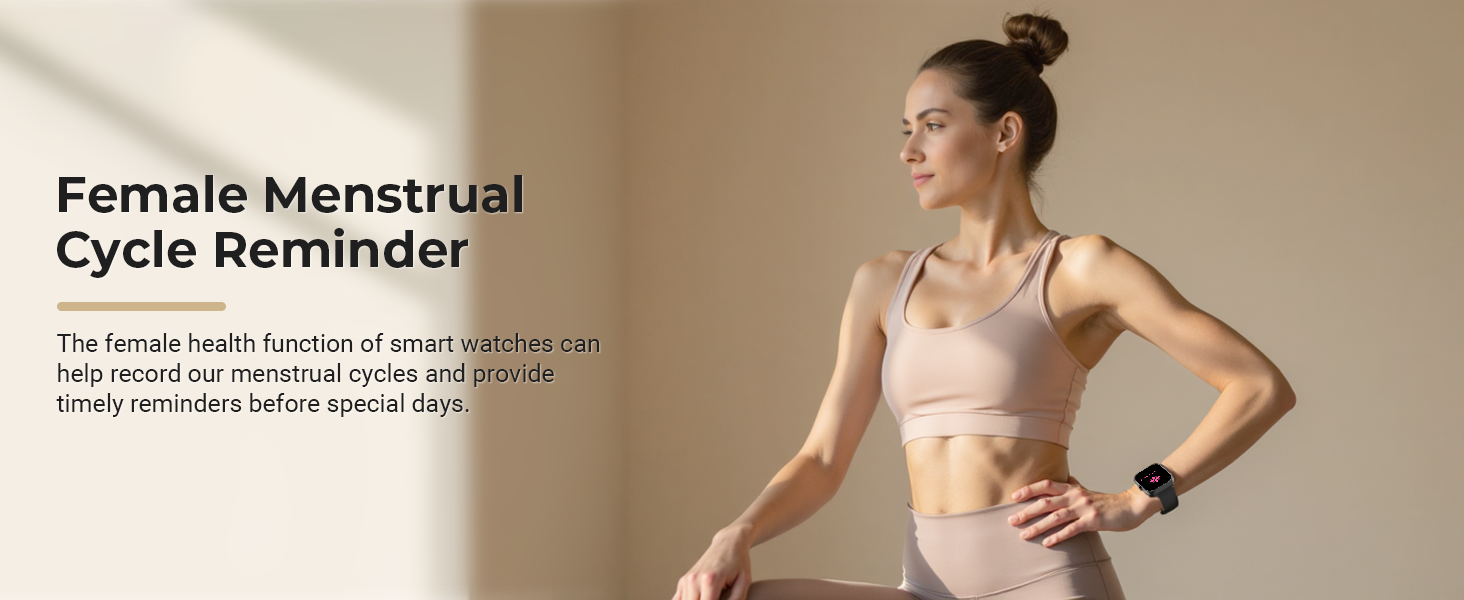
Illustration of the smart watch, watch band, charging cable, and user manual.
3. Setup Guide
3.1 App Installation
- Search for and download the "GloryFit" app from the Apple App Store or Google Play Store.
- Alternatively, scan the QR code provided in the watch's settings or the manual to download the "GloryFit" app.
3.2 Device Pairing
- After installing the app, open "GloryFit" and log in or register.
- Ensure Bluetooth is enabled on your smartphone.
- In the app, navigate to the device section and select "Add Device" or "Bind Device".
- The app will scan for nearby devices. Select "D16" from the list to initiate pairing.
- Confirm the pairing request on both your phone and the smart watch.
- Once connected, the app will display the device as connected, and you can begin synchronizing data.
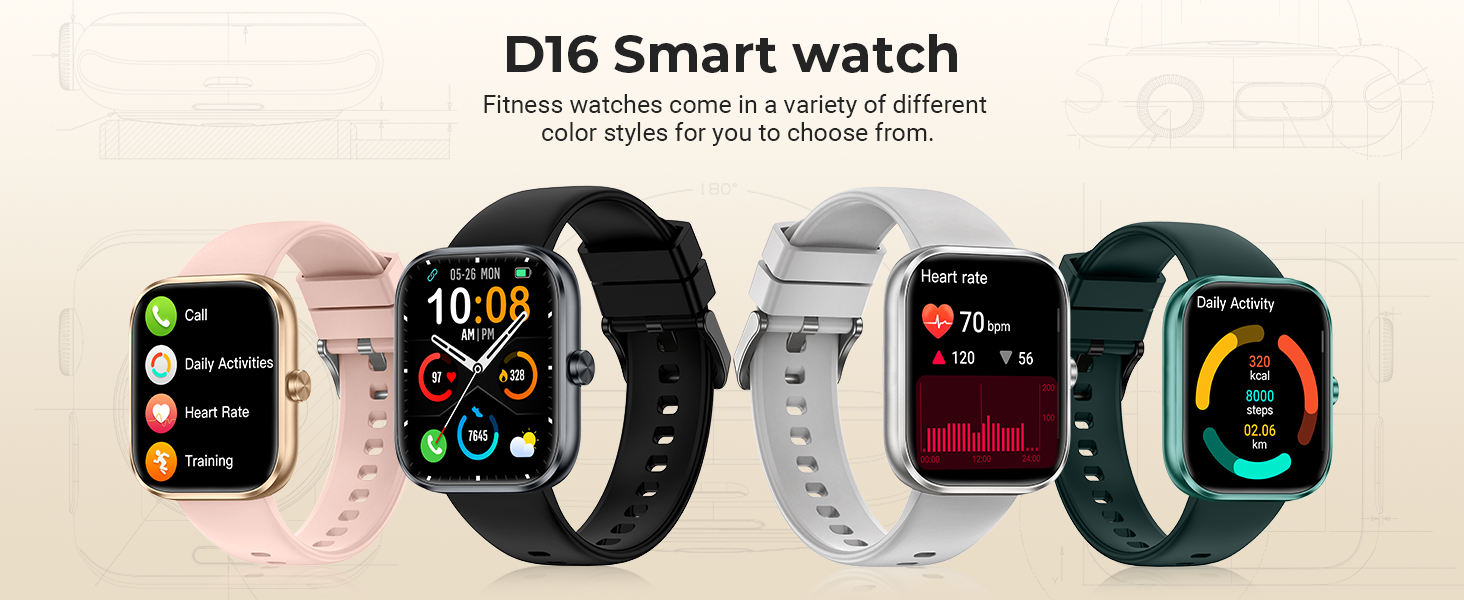
Visual guide for the connection steps using the GloryFit application.
4. Operating Instructions
4.1 Basic Controls
- Touchscreen: Swipe left/right, up/down, and tap to navigate menus and select functions.
- Side Button: Press to return to the home screen or wake the display. Long press for power options.
4.2 Bluetooth Calls and Smart Notifications
The D16 Smart Watch supports Bluetooth 5.3 technology, enabling you to make and receive calls directly from your wrist. It also displays notifications from various social platforms and messaging apps.
- Making Calls: Access the dial pad or contacts list on the watch to initiate a call.
- Receiving Calls: Answer or decline incoming calls directly from the watch.
- Notifications: The watch will vibrate and display incoming messages and alerts from configured apps.

The smart watch allows you to manage calls directly from your wrist.
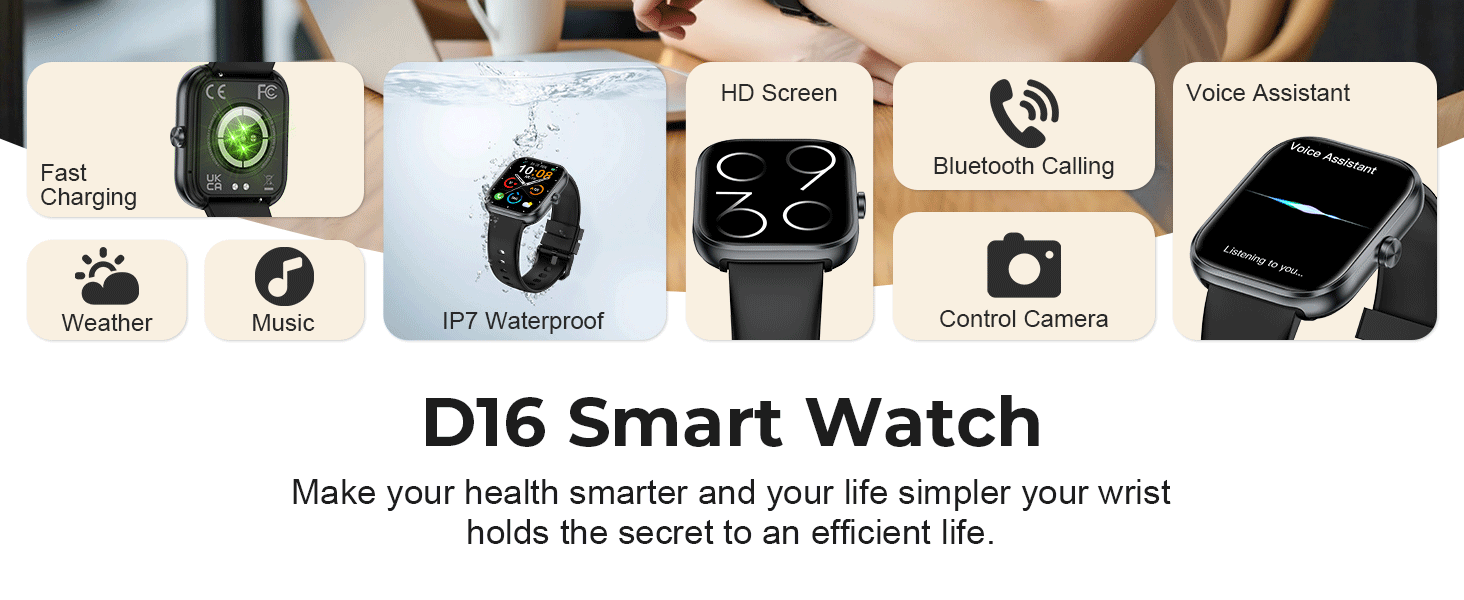
Receive notifications from your favorite apps directly on your smart watch.
4.3 Health Monitoring
The D16 Smart Watch provides continuous monitoring of key health metrics:
- Heart Rate Monitor: Tracks your heart rate 24/7, providing real-time data.
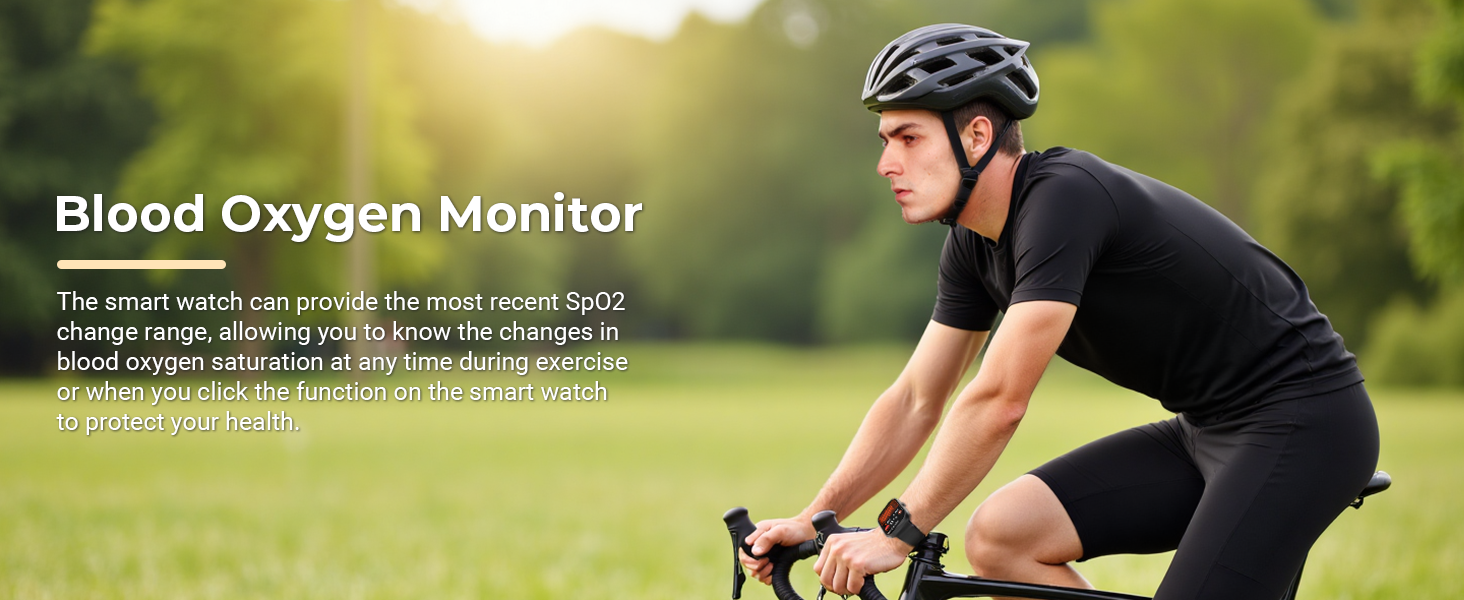
- Blood Oxygen Monitor: Measures your blood oxygen saturation (SpO2) levels.
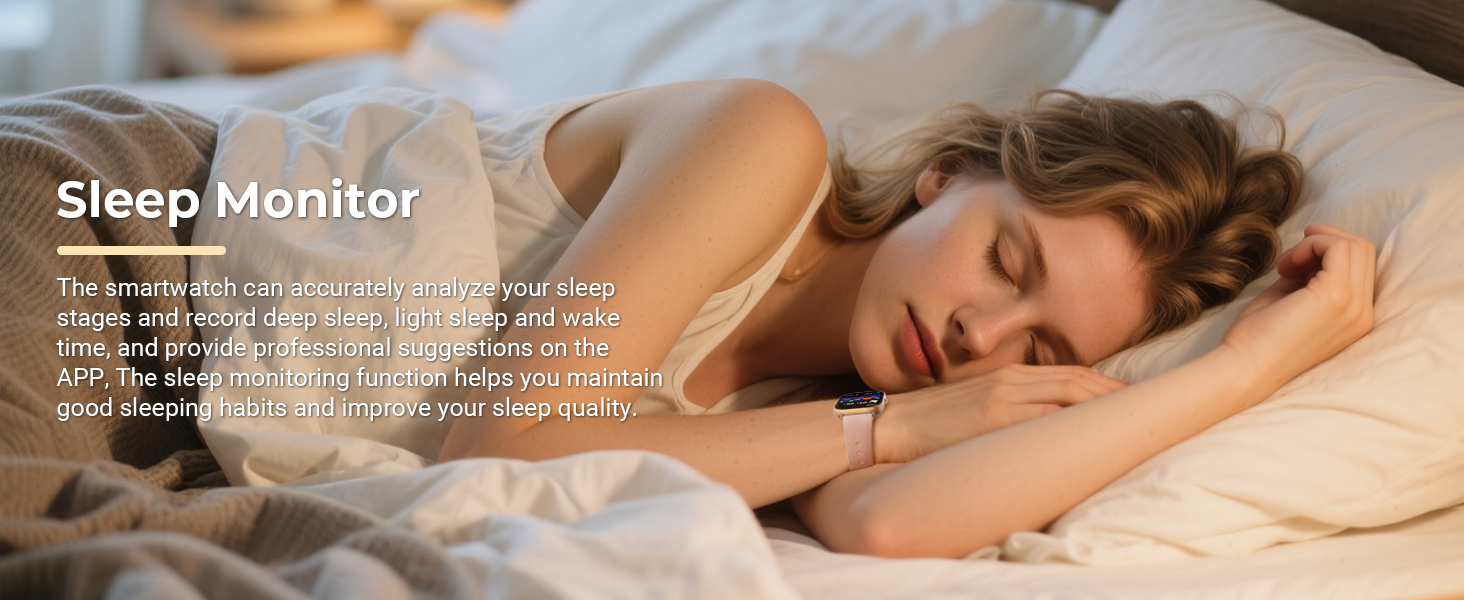
- Sleep Monitor: Automatically monitors your sleep patterns, including deep sleep, light sleep, and wake times, offering comprehensive analysis.
- Female Menstrual Cycle Tracking: Helps women track their menstrual cycles and provides timely reminders.
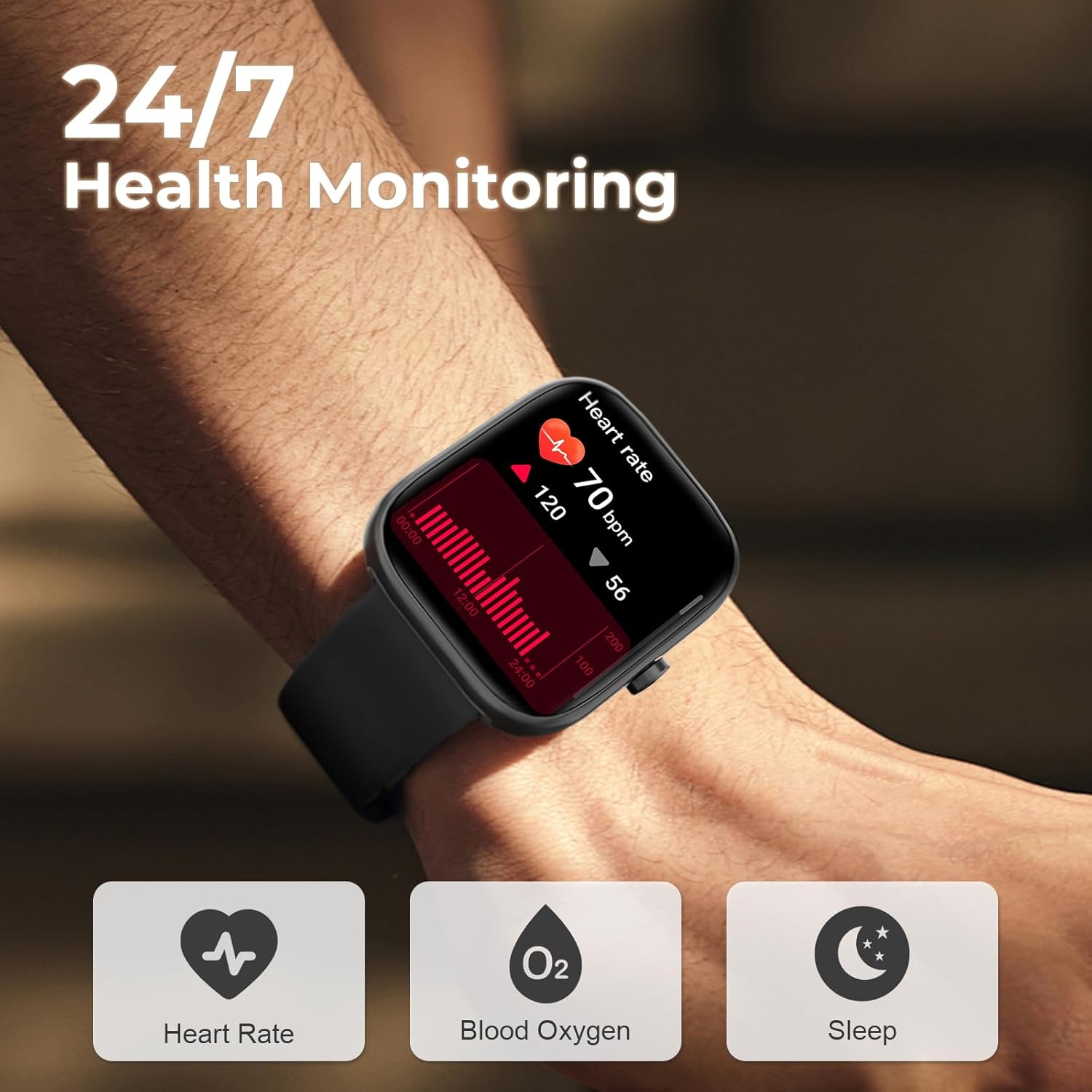
The watch provides 24/7 health monitoring for heart rate, blood oxygen, and sleep.
4.4 Sports Modes
With over 110 sports modes, the D16 Smart Watch records your activity data in real-time, including steps, distance, and calories burned, to support your fitness goals.
- Activity Tracking: Monitors steps, distance, and calories for various activities.
- Sport-Specific Data: Provides detailed metrics for activities like cycling, rock climbing, tennis, skiing, running, and more.

The smart watch supports over 110 sports modes for comprehensive activity tracking.
4.5 Custom Dials
Personalize your watch face by choosing from over 100 online dials available through the GloryFit application, or set your favorite photos as custom wallpapers.
Choose from a variety of customizable watch faces to match your style.
4.6 Other Functions
The D16 Smart Watch includes a range of practical functions:
- Music Control: Play, pause, skip tracks on your smartphone.
- Camera Remote Control: Remotely trigger your phone's camera shutter.
- Sedentary Reminder: Alerts you to move after periods of inactivity.
- Alarm Clock: Set alarms directly on your watch.
- Calculator: Perform basic calculations.
- Flashlight: Use the screen as a light source.
- Find Your Phone: Locate your paired smartphone.
- Voice Assistant: Access your phone's voice assistant.
Overview of additional features available on the smart watch.
5. Battery and Charging
The D16 Smart Watch is equipped with a 300mAh battery, offering extended usage times.
- Charging Time: Approximately 2 hours for a full charge using the magnetic charging cable.
- Average Usage: 5-7 days on a single charge, depending on feature usage.
- Standby Time: Up to 30 days.
Information on battery life and charging for the smart watch.
6. Waterproof Information
The D16 Smart Watch has an IP68 waterproof rating, making it suitable for daily activities such as washing hands, showering, and sweating during exercise. It is resistant to dust and immersion in fresh water up to 1.5 meters for 30 minutes.
Important Note: The watch is not recommended for use in hot water, saunas, or sea water, as these conditions may compromise the waterproof seal.

The smart watch is IP68 rated for water and dust resistance.
7. Troubleshooting
If you encounter issues with your MFVLP D16 Smart Watch, please refer to the following common solutions:
- Watch Not Turning On: Ensure the watch is fully charged. Connect it to the magnetic charging cable and a power source for at least 30 minutes.
- Unable to Pair with Phone:
- Make sure Bluetooth is enabled on your phone and the watch is within range.
- Restart both your phone and the watch.
- Ensure the GloryFit app is updated to the latest version.
- Forget the device in your phone's Bluetooth settings and try pairing again through the app.
- No Notifications Received:
- Check if notification permissions are enabled for the GloryFit app in your phone's settings.
- Ensure the specific app notifications are enabled within the GloryFit app settings.
- Verify that the watch is properly connected via Bluetooth.
- Disable and re-enable notifications in the app.
- Inaccurate Health Data (Heart Rate/Steps):
- Ensure the watch is worn snugly on your wrist, about one finger's width from your wrist bone.
- Clean the sensor on the back of the watch.
- Environmental factors and individual physiology can affect accuracy.
- Screen Unresponsive: Restart the watch by long-pressing the side button and selecting the restart option. If unresponsive, allow the battery to drain completely and then recharge.
8. Specifications
| Model Number | D16 |
| Screen Size | 1.83 Inches TFT-LCD |
| Resolution | 240*284 |
| Connectivity | Bluetooth 5.3 |
| Battery Capacity | 300 mAh |
| Charging Time | Approx. 2 hours |
| Battery Life (Typical Use) | 5-7 days |
| Standby Time | Up to 30 days |
| Waterproof Rating | IP68 |
| Health Monitoring | Heart Rate, Blood Oxygen, Sleep, Menstrual Cycle |
| Sports Modes | 110+ |
| Compatible Systems | iOS / Android |
| Item Weight | 40 Grams |
9. Safety Information
Please read the following safety guidelines carefully to ensure proper use and prevent damage to your device or personal injury:
- Medical Disclaimer: This device is not a medical device and should not be used for diagnosis, treatment, or prevention of any disease. For medical conditions, consult a healthcare professional.
- Charging Safety: Use only the provided magnetic charging cable. Do not use damaged cables or chargers. Ensure the charging contacts are clean and dry before charging.
- Water Exposure: While IP68 waterproof, avoid prolonged immersion, hot water, or corrosive liquids. Do not press buttons underwater.
- Temperature: Avoid exposing the device to extreme temperatures (very hot or very cold) or direct sunlight for extended periods.
- Cleaning: Clean the watch with a soft, dry cloth. Avoid using harsh chemicals or abrasive materials.
- Battery: Do not attempt to replace the battery yourself. Contact customer support for battery-related issues.
- Interference: Keep the watch away from strong magnetic fields to prevent interference with its functions.
10. Warranty and Support
For warranty information, technical support, or service inquiries, please refer to the contact details provided on the product packaging or the official MFVLP website. Keep your purchase receipt as proof of purchase for warranty claims.


