
RORRY T1-10000
RORRY CharmGo Portable Charger User Manual
Model: T1-10000 | Brand: RORRY
1. Introduction
Thank you for choosing the RORRY CharmGo Portable Charger. This compact and powerful 10000mAh power bank is designed for convenient on-the-go charging, featuring built-in cables and PD 30W fast charging capabilities. This manual provides essential information for safe and efficient use of your device.
2. Product Overview
The RORRY CharmGo Portable Charger is equipped with integrated charging cables and a keychain design for ultimate portability.
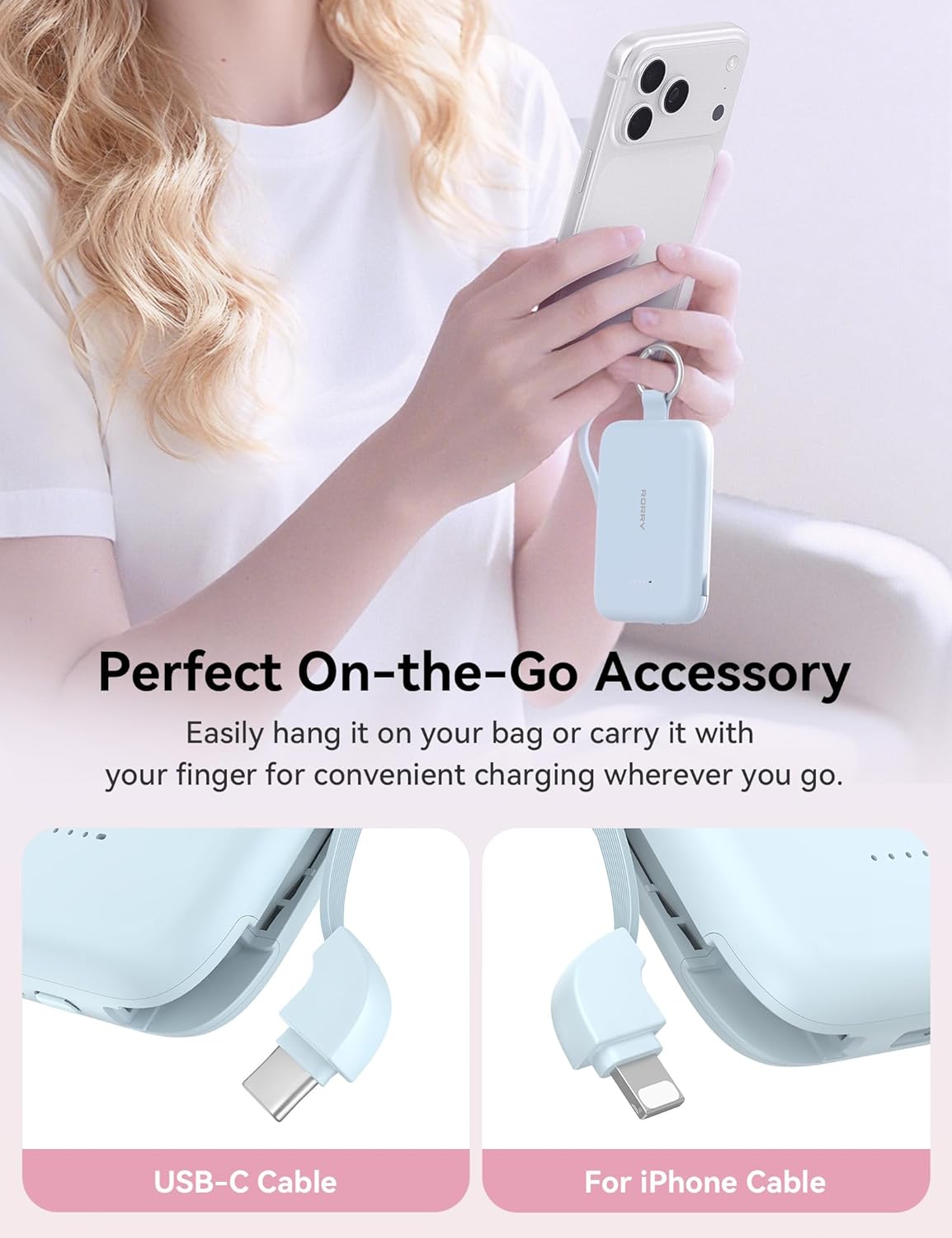
Figure 1: RORRY CharmGo Portable Charger with keychain.

Figure 2: Built-in USB-C and Lightning cables for versatile charging.

Figure 3: Illustrating PD 30W fast charging capability.

Figure 4: 10000mAh large capacity for multiple charges.
3. Package Contents
- RORRY CharmGo Portable Charger (Model: T1-10000)
- USB-C to USB-C charging cable (for recharging the power bank)
- User Manual
4. Setup and Initial Charge
Before first use, fully charge your RORRY CharmGo Portable Charger.
- Connect to Power: Use the provided USB-C to USB-C cable to connect the power bank's USB-C input port to a compatible wall adapter (not included).
- Charging Indication: The LED indicator lights on the power bank will illuminate to show the charging status. Each light typically represents 25% of the battery capacity. All four lights will be solid when fully charged.
- Full Charge Time: A full recharge of the power bank takes approximately 1.7 hours with a suitable PD charger.
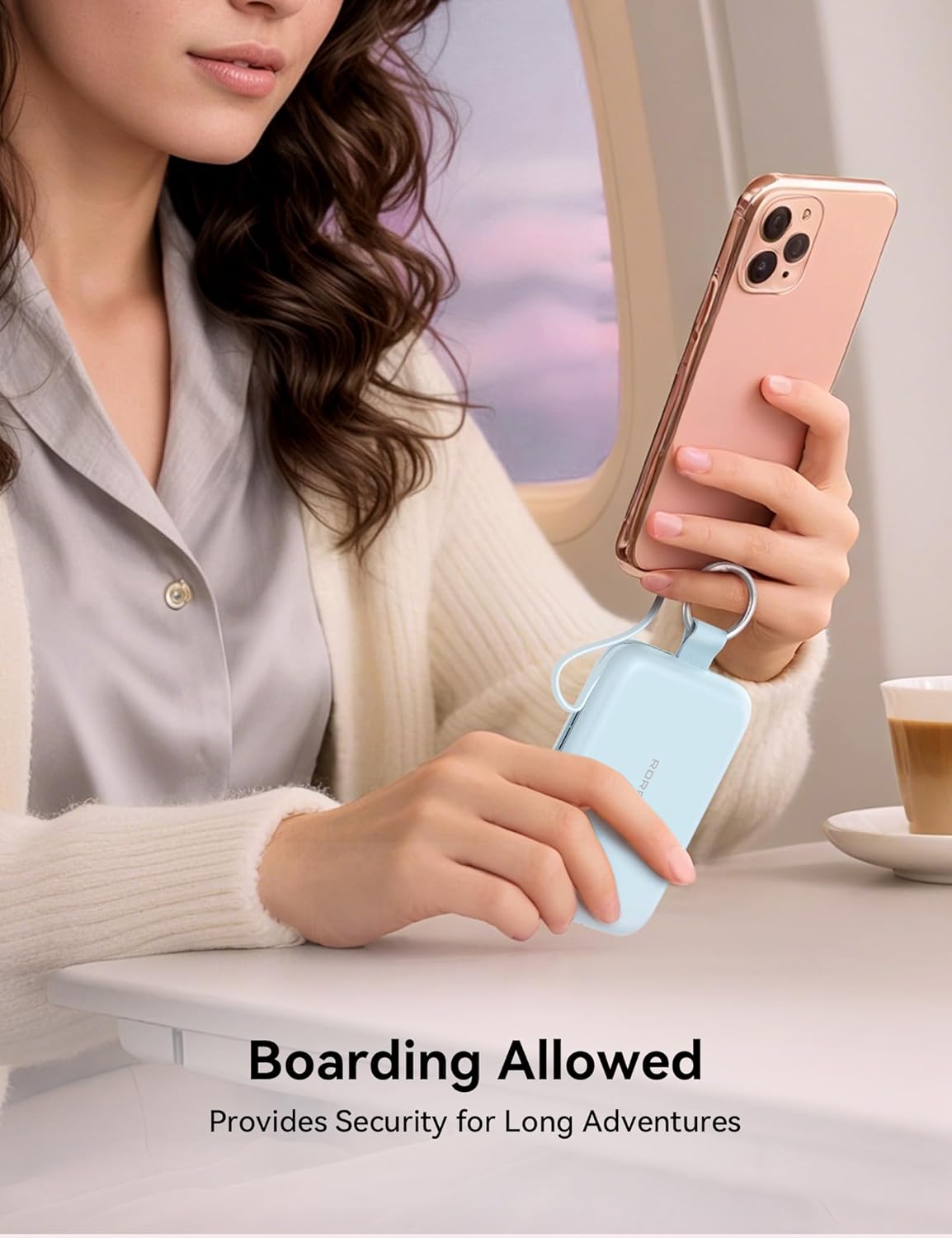
Figure 5: Recharging the portable charger.
5. Operating Instructions
The RORRY CharmGo offers versatile charging options for your devices.
5.1 Charging Your Devices
- Using Built-in Cables:
- Locate the built-in Lightning cable (for Apple devices) or the built-in USB-C cable.
- Gently pull out the desired cable from its slot.
- Connect the cable to your device's charging port. The power bank will automatically begin charging.
- Using the USB-C Output Port:
- If your device requires a different cable or you prefer to use your own, connect it to the dedicated USB-C output port on the power bank.
- The power bank will automatically detect and charge your device.
- Charging Multiple Devices: The RORRY CharmGo can charge up to three devices simultaneously using its built-in cables and the additional USB-C output port.

Figure 6: Charging an iPhone with the built-in Lightning cable.

Figure 7: Simultaneous charging of multiple devices.
5.2 Checking Battery Level
Press the power button on the side of the power bank to check the remaining battery level via the LED indicator lights.
6. Device Compatibility
The RORRY CharmGo Portable Charger is widely compatible with various devices:
- Apple Devices: iPhone 17/16/15/14/13/12/11/Air/Plus/Pro/Pro Max, AirPods 2/3/4/Pro/Pro 2/Pro 3.
- Android Devices: Samsung Galaxy S24/S23/S22/S21/S20/+/Ultra/FE, Pixel, Moto, LG, and other Android tablets.
- Other Devices: Nintendo Switch, Steam Deck, and laptops supporting up to 30W charging.

Figure 8: Universal compatibility with a wide range of devices.
7. Specifications
| Feature | Detail |
|---|---|
| Model Name | T1-10000 |
| Brand | RORRY |
| Battery Capacity | 10000 Milliamp Hours |
| Charging Technology | PD 30W Fast Charging |
| Built-in Cables | Lightning, USB Type C |
| Additional Ports | 1 x USB Type C (Input/Output) |
| Battery Cell Type | Lithium Polymer |
| Item Weight | 128 Grams |
| Item Dimensions (L x W x Thickness) | 3.86"L x 2.85"W x 0.65"Th |
| Special Features | Built-in Cables, Fast Charging, LED Indicator Lights, Pocket Size, Slim |
8. Care and Maintenance
- Keep the power bank away from water, fire, and extreme temperatures.
- Avoid dropping or subjecting the device to strong impacts.
- Do not attempt to disassemble or modify the power bank.
- Clean the device with a soft, dry cloth. Do not use harsh chemicals or abrasive materials.
- Store in a cool, dry place when not in use.
9. Troubleshooting
- Device not charging: Ensure the power bank is charged. Check cable connections. Try a different cable or port.
- Power bank not charging: Ensure the charging cable and wall adapter are functioning correctly. Check the power bank's input port for debris.
- Slow charging: Verify that your device and the power bank support fast charging. Ensure you are using a compatible fast-charging adapter for recharging the power bank.
10. Official Product Videos
RORRY Portable Charger, Fast Charging Power Bank
This video provides an overview of the RORRY Portable Charger, highlighting its fast charging capabilities and compact design.
RORRY Portable Charger 10000mAh PD30W Fast Charging Portable
This video demonstrates the 10000mAh capacity and PD30W fast charging features of the RORRY portable charger.
11. Warranty and Support
The RORRY CharmGo Portable Charger comes with a 12-month warranty from the date of purchase. For warranty claims, technical support, or any inquiries, please contact RORRY customer service through the retailer where the product was purchased or visit the official RORRY website.
Related documentsT1-10000


Ask a question about this manual
Ask about setup, troubleshooting, compatibility, parts, safety, or missing instructions. Manuals+ will review the question and use this page’s manual context to help answer it.