
Introduction
Thank you for choosing the mingwear T8 Smartwatch. This manual provides essential information for setting up, operating, maintaining, and troubleshooting your device. Please read it carefully to ensure optimal performance and longevity of your smartwatch.
What's in the Box
Upon unpacking, please verify that all items are present:
- mingwear T8 Smartwatch
- Charging Cable
- User Manual (this document)
Setup
1. Charging the Smartwatch
Before initial use, fully charge your mingwear T8 Smartwatch. Connect the charging cable to the charging port on the back of the watch and plug the USB end into a standard USB power adapter (not included) or a computer's USB port. The watch display will indicate charging status. A full charge typically takes approximately 2 hours.
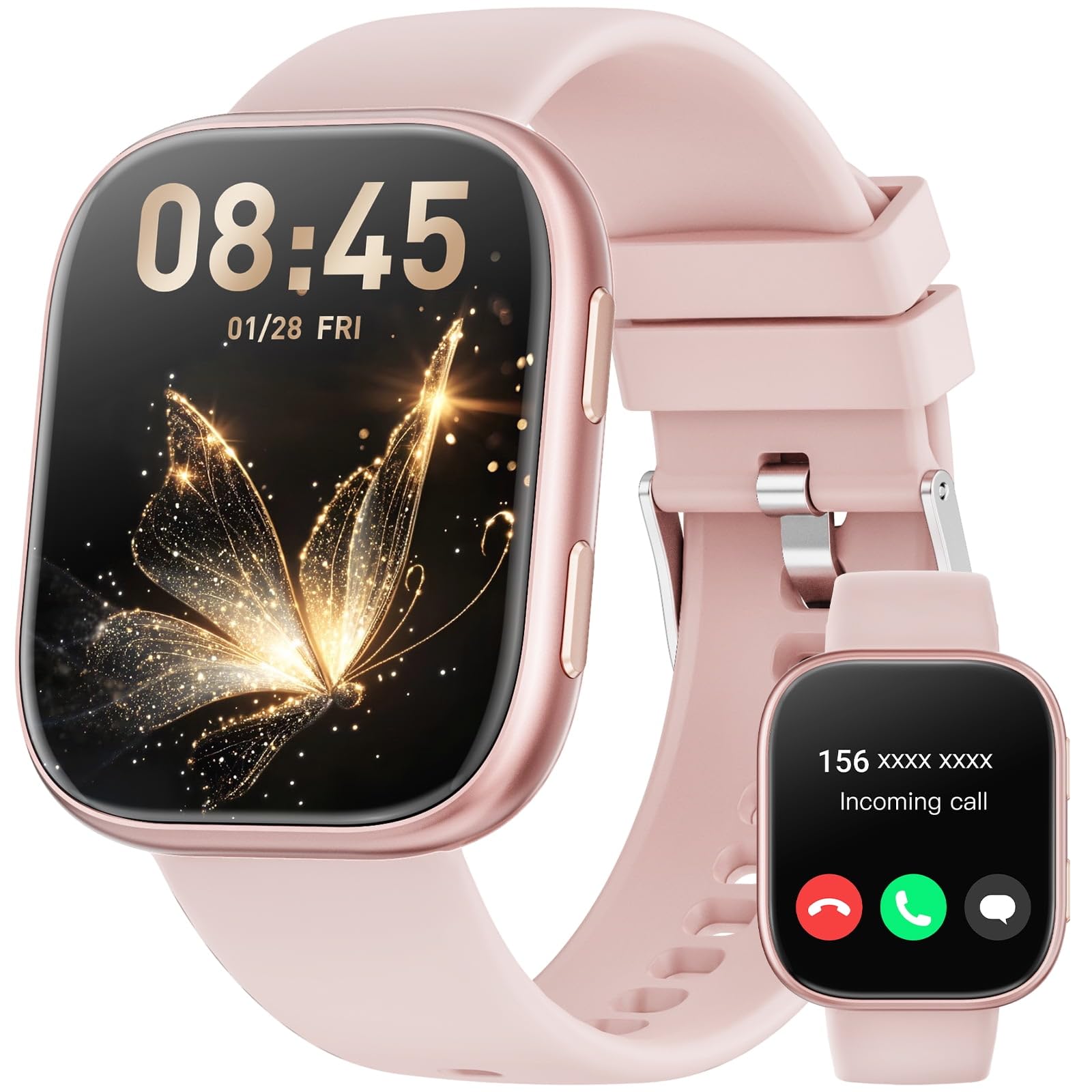
Image: The mingwear T8 Smartwatch, showcasing its display and design. This image represents the product during typical use.
2. Pairing with Your Smartphone
To unlock all features, pair your smartwatch with your smartphone (Android or iPhone) via the companion application. The app name is typically provided in the quick start guide or on the watch screen during initial setup. Search for and download the app from your phone's app store.
- Ensure your smartphone's Bluetooth is enabled.
- Open the companion app on your smartphone.
- Follow the in-app instructions to search for and connect to your mingwear T8 Smartwatch.
- Confirm the pairing request on both your phone and the smartwatch.
Once paired, the watch will synchronize data and notifications with your phone.
Operating
Basic Navigation
- Touchscreen: Swipe left/right, up/down to navigate menus and screens. Tap to select an option.
- Side Button: Press to return to the home screen or wake the display. Long press for power options.
Key Features
- Fitness Tracker: Monitors steps, distance, calories burned, and heart rate. Access data via the watch or the companion app.
- 100+ Sport Modes: Select a specific sport mode before starting an activity for accurate tracking. Swipe to the 'Workout' or 'Sport' menu and choose your activity.
- Make and Answer Calls: Once paired, you can make and receive calls directly from your smartwatch. Ensure Bluetooth calling is enabled in the app settings.
- Notifications: Receive alerts for calls, messages, and app notifications from your paired smartphone. Customize notification settings in the companion app.
- IP68 Waterproof: The watch is resistant to dust and can withstand immersion in water up to 1.5 meters for 30 minutes. It is suitable for daily use, hand washing, and light rain. Not recommended for hot showers, saunas, or diving.
Maintenance
- Cleaning: Wipe the watch and strap regularly with a soft, dry cloth. For stubborn dirt, use a slightly damp cloth and mild soap, then dry thoroughly. Avoid harsh chemicals.
- Water Resistance: While IP68 rated, avoid exposing the watch to hot water, steam, or high-velocity water. After exposure to water, ensure the charging contacts are dry before charging.
- Battery Care: To prolong battery life, avoid extreme temperatures. Charge the watch before the battery is completely depleted. If storing for an extended period, charge it to about 50% and recharge every few months.
Troubleshooting
- Watch not turning on: Ensure the watch is fully charged. Connect it to the charger for at least 30 minutes.
- Cannot pair with phone: Check if Bluetooth is enabled on your phone. Ensure the watch is within range. Restart both the watch and phone, then try pairing again. Verify the correct companion app is installed.
- Inaccurate fitness data: Ensure the watch is worn snugly on your wrist, not too tight or too loose. Update the companion app and watch firmware to the latest versions.
- Notifications not received: Check notification settings in the companion app and your phone's system settings to ensure permissions are granted for the app to send notifications.
- Call function not working: Confirm that Bluetooth calling is enabled in the companion app and that the watch is properly connected to your phone's Bluetooth for both media and calls.
Specifications
| Brand | mingwear |
| Model Name | T8 |
| Display Size | 1.85 Inch |
| Operating System | Wear OS 1.5 |
| Water Resistance | IP68 |
| Special Feature | Activity Tracker, 100+ Sport Modes, Call Function |
| Compatible Devices | Smartphone (Android & iPhone) |
| GPS | No GPS |
| UPC | 607603387479 |
Warranty Information
The mingwear T8 Smartwatch comes with a standard manufacturer's warranty against defects in materials and workmanship. The specific duration and terms of the warranty may vary by region. Please refer to the warranty card included with your product or contact customer support for detailed information. This warranty does not cover damage caused by misuse, accidents, unauthorized modifications, or normal wear and tear.
Support
For further assistance, technical support, or warranty claims, please contact mingwear customer service. Contact details can typically be found on the official mingwear website or on the product packaging. When contacting support, please have your product model (T8) and purchase information ready.