
Introduction
Thank you for choosing the Lemega IR1S Internet Radio. This manual provides essential information for the safe and efficient operation of your device. Please read it thoroughly before use and retain it for future reference.
The Lemega IR1S is a versatile audio device offering a wide range of listening options, including Internet Radio, FM radio, podcast playback, and Bluetooth streaming. It also features an alarm clock and can be powered by mains electricity or AA batteries for portability.
What's in the Box
Upon unpacking, please ensure all items listed below are present and in good condition:
- Lemega IR1S Internet Radio Unit
- Power Adapter
- Owner's Manual (this document)
If any items are missing or damaged, please contact your retailer or LEMEGA customer support.
Product Overview
The Lemega IR1S combines modern connectivity with classic radio functionality in a compact design. Key features include:
- Internet Radio & Podcast Player: Access over 50,000 Internet Radio stations and a vast library of podcasts worldwide via Wi-Fi.
- FM Radio: Enjoy local broadcasts with clear digital sound.
- 150 Presets: Store your favorite stations across all modes for quick access.
- Bluetooth Streaming: Wirelessly connect your smartphone or tablet to stream audio.
- Alarm Clock Functions: Wake up to your preferred radio station or a buzzer, with snooze and sleep timer options.
- Portability: Operates on mains power or AA batteries (not included) for up to 10 hours of portable listening.
- Full-Colour Display: Provides clear information and easy navigation.
- Headphone Jack: For private listening.
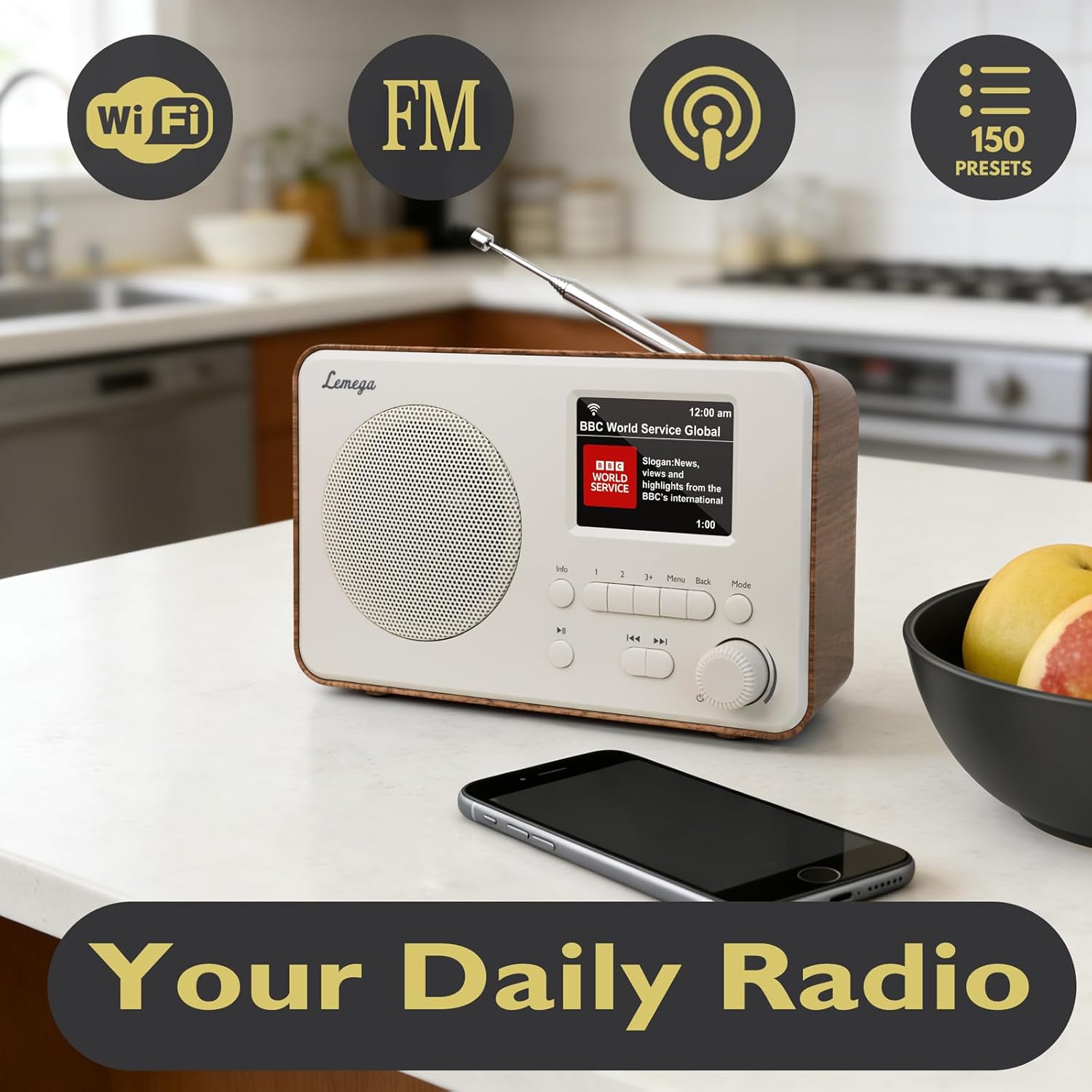
Image: The Lemega IR1S Internet Radio in walnut finish, displayed on a kitchen counter. Icons for Wi-Fi, FM, Podcasts, and 150 Presets are shown above the radio, highlighting its main features.
Setup
1. Powering On
- Mains Power: Connect the provided power adapter to the DC IN socket on the back of the radio and then plug it into a wall outlet.
- Battery Power: For portable use, insert 4 x AA batteries (not included) into the battery compartment on the back of the radio. Ensure correct polarity. The radio can operate for up to 10 hours on batteries.
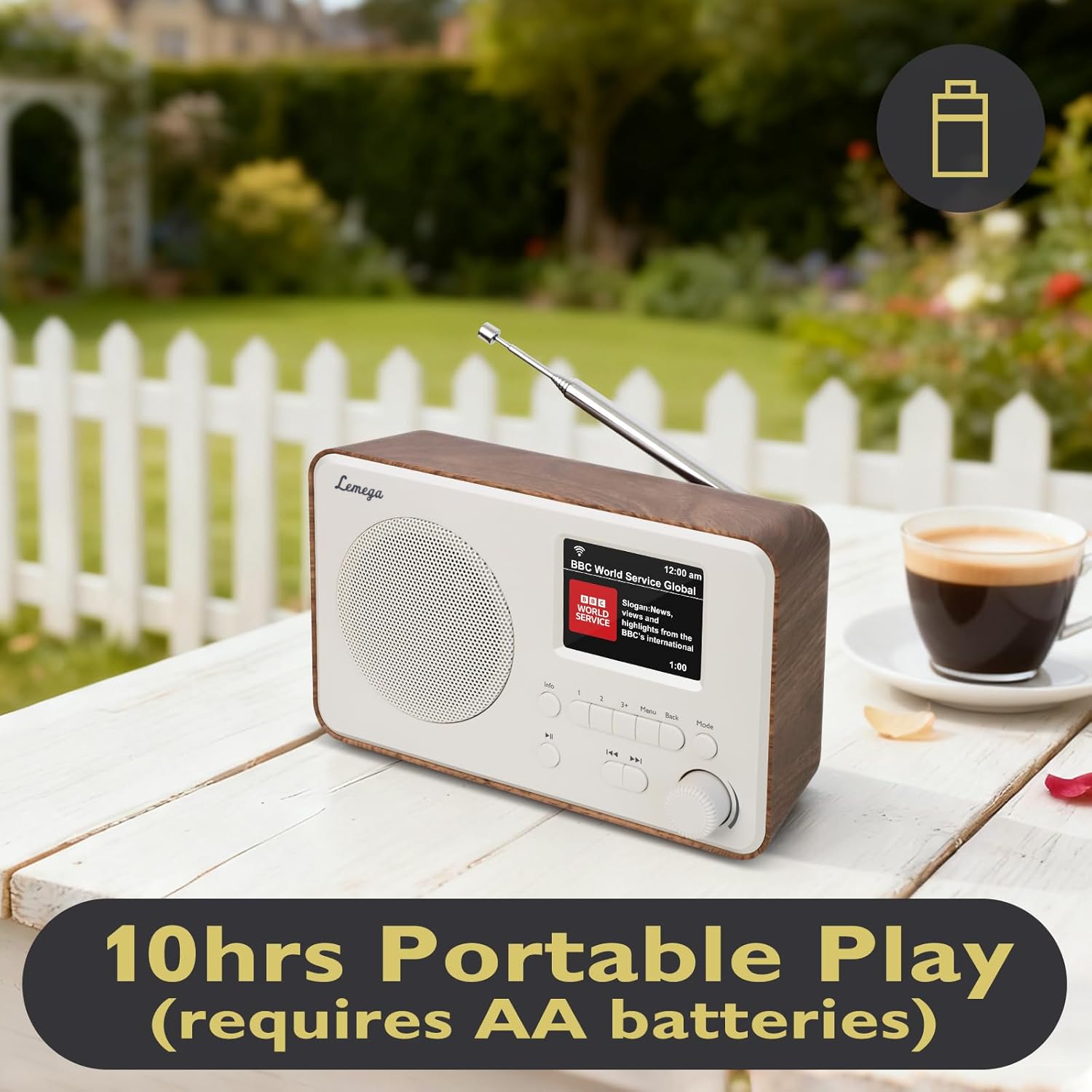
Image: The Lemega IR1S Internet Radio placed on an outdoor table with a coffee cup, illustrating its portability and battery operation for use in various locations.
2. Initial Setup and Network Connection
- When you power on the radio for the first time, it will guide you through an initial setup wizard.
- Select your preferred language.
- The radio will then scan for available Wi-Fi networks. Select your home network from the list.
- Enter your Wi-Fi password using the control knob and buttons. Confirm your selection.
- Once connected, the radio will display the current time and date, synchronized via the internet.
Operating Instructions
1. Internet Radio
- From the main menu, select "Internet Radio".
- You can browse stations by location, genre, or search for specific stations.
- Use the control knob to navigate and select stations.
- Press the "Mode" button to switch between different radio modes.

Image: A close-up view of the Lemega IR1S radio's front panel, highlighting its clear full-color display showing "BBC World Service Global" and its intuitive control buttons and rotary knob for easy navigation.
2. Podcasts
- From the main menu, select "Podcasts".
- Browse podcasts by category, country, or search for specific titles.
- The radio remembers your last played episode, allowing you to resume listening.
3. FM Radio
- Press the "Mode" button until "FM Radio" is selected.
- Extend the telescopic antenna for optimal reception.
- The radio will automatically scan for available FM stations.
- Use the control knob to tune to different stations.
4. Bluetooth Streaming
- Press the "Mode" button until "Bluetooth" is selected. The radio will enter pairing mode.
- On your smartphone or tablet, go to Bluetooth settings and select "Lemega IR1S" from the list of available devices.
- Once paired, you can stream audio from your device to the radio.

Image: The Lemega IR1S Internet Radio on a kitchen counter, with a smartphone displaying music playback next to it, demonstrating Bluetooth streaming capability.
5. Presets
- To save a station: While listening to a station, press and hold one of the preset buttons (1, 2, 3, or "3+" for more options) until "Stored" appears on the display.
- To recall a station: Briefly press the desired preset button.
- The radio supports up to 150 presets across all radio modes.
6. Alarm Clock and Sleep Timer
- Access alarm settings through the main menu. You can set multiple alarms.
- Choose to wake up to Internet Radio, FM, or a buzzer.
- The sleep timer allows you to set a duration after which the radio will automatically turn off.
Maintenance
- Cleaning: Use a soft, dry cloth to clean the radio's surface. Do not use abrasive cleaners or solvents.
- Battery Replacement: If using batteries, replace all AA batteries simultaneously when the low battery indicator appears.
- Antenna: Handle the telescopic antenna carefully to avoid damage.
- Storage: If storing the radio for an extended period, remove the batteries to prevent leakage.
Troubleshooting
| Problem | Possible Cause / Solution |
|---|---|
| No power |
|
| No Internet Radio connection |
|
| Poor FM reception |
|
| Bluetooth pairing issues |
|
Specifications
- Model: IR1S
- Product Dimensions: 6.5 x 2 x 4 inches (16.5 x 5.1 x 10.2 cm)
- Item Weight: 1.23 pounds (0.56 kg)
- Connectivity Technology: Bluetooth, Wi-Fi
- Tuner Technology: Internet Radio, FM
- Power Source: Corded Electric (Power Adapter included), AA Batteries (not included)
- Compatible Devices: Earphone, Smartphone
- Included Components: Owner's Manual, Power Adapter
Official Product Video
Video: An official product video showcasing the features and usage of the Lemega IR1S Internet Radio, including its various radio modes, Bluetooth connectivity, and portable design.
Warranty and Support
LEMEGA products are designed for reliability and performance. For warranty information, please refer to the warranty card included with your purchase or visit the official LEMEGA website. For technical support or further assistance, please contact LEMEGA customer service through their official channels.
You can visit the LEMEGA Store on Amazon for more product information and support resources.


