
Introduction
Thank you for choosing the Brookstone Electric Heated Plush Blanket. This manual provides essential information for the safe and efficient operation, maintenance, and care of your new heated blanket. Please read all instructions thoroughly before first use and retain this manual for future reference.
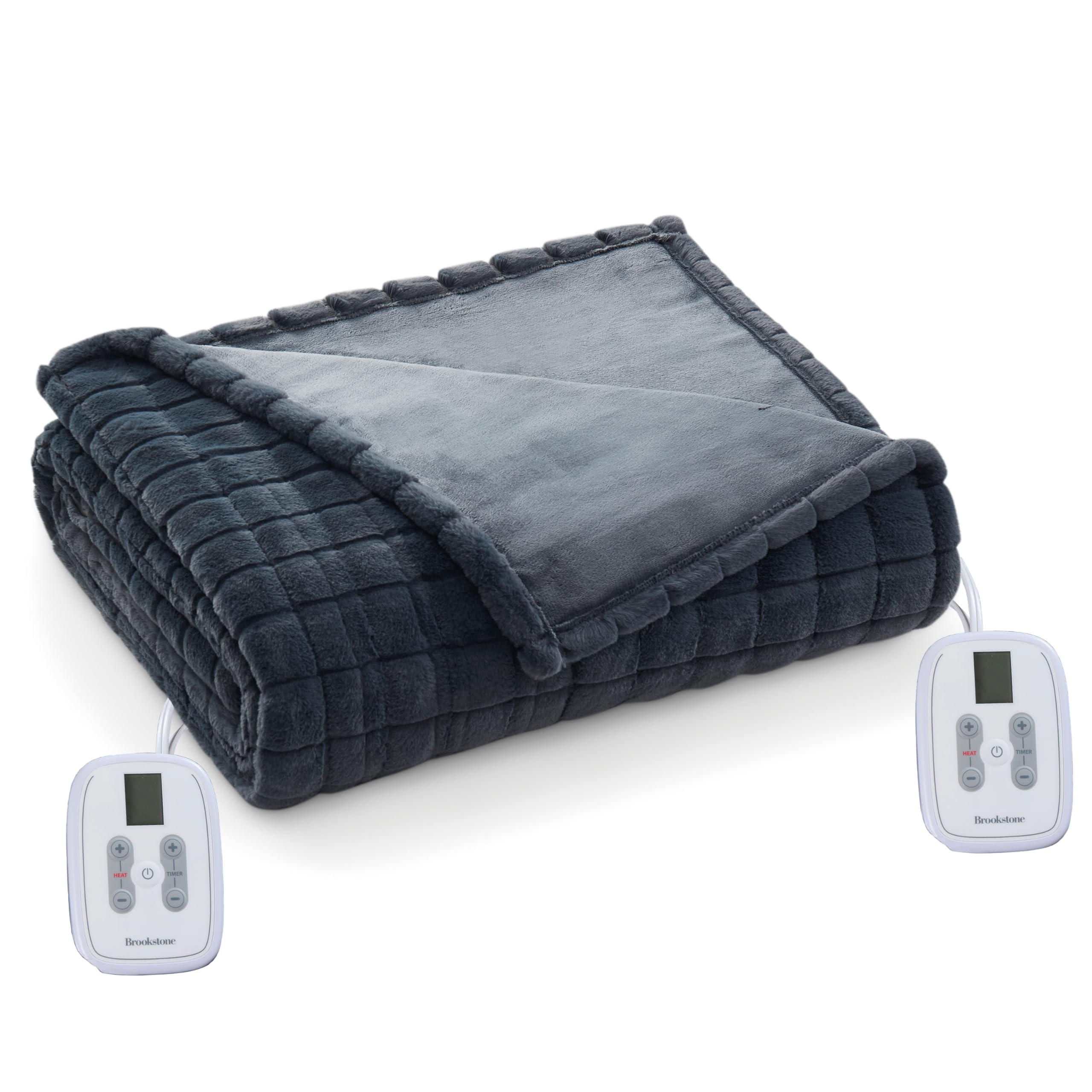
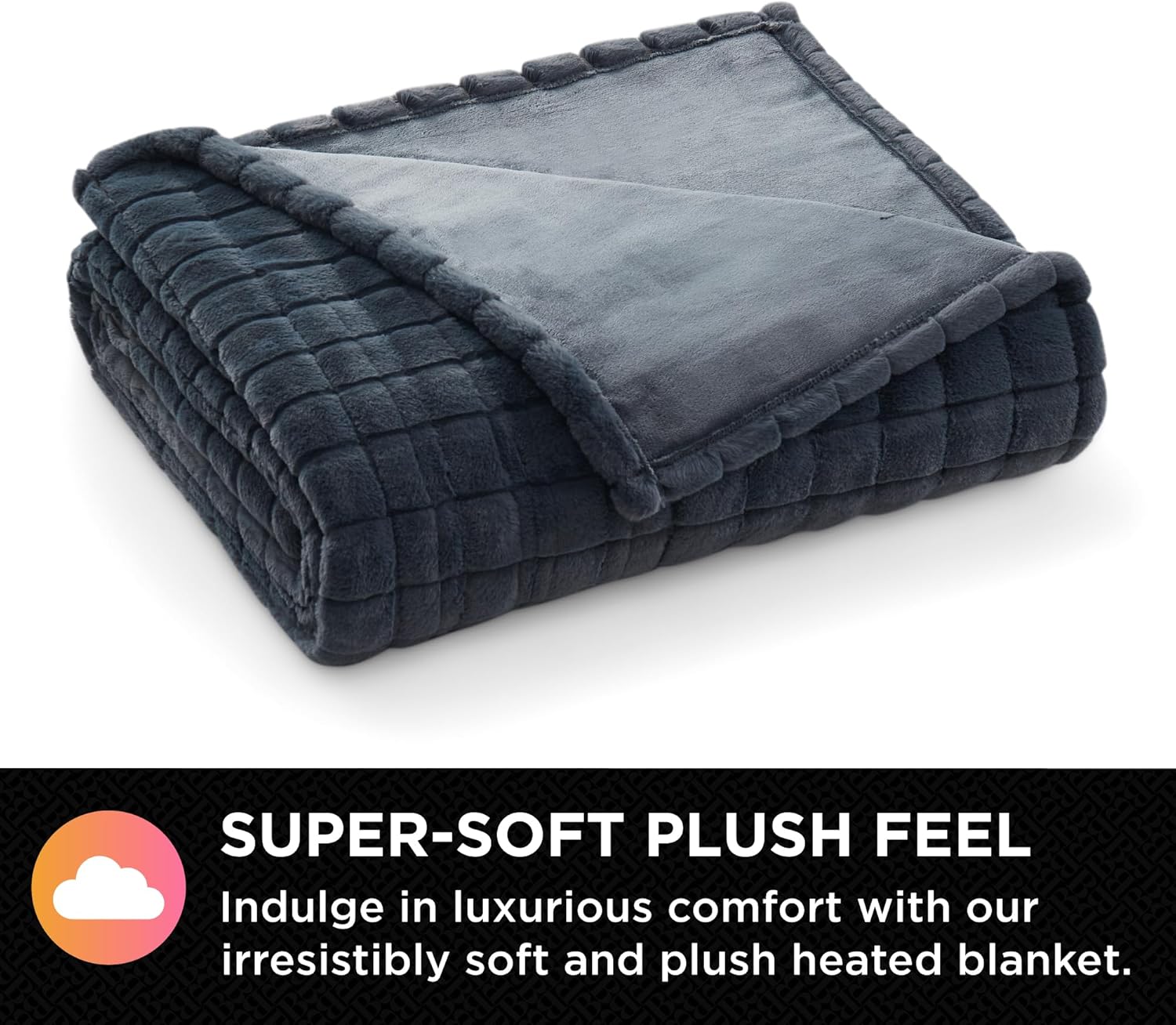
This blanket is designed to provide customizable warmth with 10 heat settings and an adjustable timer, ensuring comfort during colder periods. Its soft polyester velvet material offers a luxurious feel, and the dual zone controller (for Full/Queen and King sizes) allows for personalized heat levels on each side of the bed.
Important Safety Information
WARNING: To reduce the risk of burns, electric shock, fire, or injury, this product must be used in accordance with the following instructions:
- Read all instructions carefully before using this heated blanket.
- Do not use with infants, children, incapacitated persons, or any person insensitive to heat.
- Do not use with pets.
- Never use the blanket if it is wet.
- Do not dry clean this product. Dry cleaning solvents may damage the insulation of the heating element.
- Do not bleach or iron the blanket.
- Always unplug the blanket from the electrical outlet when not in use.
- Do not tuck in or fold the blanket while it is in operation. Ensure it is spread flat.
- Ensure the controller is not covered by other bedding or objects during use to prevent overheating.
- Inspect the blanket, cord, and controller regularly for any signs of wear or damage. Do not use if damaged.
- Do not use pins or other metallic objects with this blanket.
Setup Instructions
- Unpack the Blanket: Carefully remove the heated blanket from its packaging. Unfold it completely and lay it flat on your bed.
- Connect the Controller: Locate the connector on the blanket. Firmly plug the controller cord into the blanket connector. Ensure a secure connection. For Full/Queen and King sizes, there are two controllers and two connectors, one for each side of the blanket.
- Plug into Power Outlet: Plug the power cord(s) from the controller(s) into a standard 110-120V AC electrical outlet. Ensure the outlet is easily accessible.

Operating Instructions
Your Brookstone Electric Heated Plush Blanket features 10 heat settings and an adjustable timer for personalized comfort.
- Power On/Off: Press the power button on the controller to turn the blanket on or off. The display will illuminate when powered on.
- Adjust Heat Settings: Use the '+' and '-' buttons under 'HEAT' to cycle through the 10 available heat settings. Start with a lower setting and increase as desired.

- Set the Timer: Use the '+' and '-' buttons under 'TIMER' to set the desired operating time. The blanket features a 12-hour auto shut-off for safety and energy efficiency.
- Dual Zone Control (Full/Queen & King sizes): If you have a Full/Queen or King size blanket, each side has its own controller, allowing two users to independently adjust their heat and timer settings.

Maintenance and Care
Proper care will extend the life of your heated blanket. Always follow these instructions:
- Before Washing: Disconnect all power cords from the blanket and the electrical outlet. Ensure the blanket is completely cool.
- Machine Wash: Machine wash on a gentle cycle in cold water. Do not use bleach.
- Machine Dry: Tumble dry on low heat. Ensure the blanket is completely dry before reconnecting to power or storing. Do not iron.
- Storage: When not in use, store the blanket loosely folded in a cool, dry place. Avoid tightly folding or placing heavy objects on top, which could damage the internal wiring.
Troubleshooting
If you experience issues with your heated blanket, please refer to the following common solutions:
- Blanket Not Heating:
- Ensure all power cords are securely connected to both the blanket and the electrical outlet.
- Verify that the electrical outlet is functional by plugging in another appliance.
- Check if the controller is powered on and a heat setting is selected.
- Controller Display Not Working:
- Unplug the blanket from the wall outlet, wait 1 minute, then plug it back in.
- Ensure the controller cord is firmly connected to the blanket.
- Uneven Heating:
- Ensure the blanket is spread flat on the bed and not folded, bunched, or tucked in.
- Avoid placing heavy objects on the blanket while it is in use.
If these steps do not resolve the issue, please contact Brookstone customer support.
Specifications
| Feature | Detail |
|---|---|
| Model | F/Q (Full/Queen) |
| Dimensions | 84 inches (W) x 90 inches (L) |
| Material | Polyester Velvet |
| Color | Gray Grid |
| Heat Settings | 10 |
| Controller | Dual Zone Controller (for F/Q and King sizes) |
| Timer | Adjustable, with 12-hour auto shut-off |
| Care Instructions | Machine Washable, Dryer Safe |
| Certifications | ETL Certified |
| UPC | 042075656188 |
| ASIN | B0FQL5FQQX |

Warranty and Support
For warranty information or customer support regarding your Brookstone Electric Heated Plush Blanket, please refer to the product packaging or contact Brookstone customer service directly. Keep your purchase receipt as proof of purchase.