
1. Product Overview
The Brookstone Electric Heated Plush Blanket provides customizable warmth and comfort. This full-size blanket, measuring 77 inches by 84 inches, features 10 heat settings and an adjustable timer with a 12-hour auto shut-off for safety and energy efficiency. Made from soft polyester velvet, it is designed for ease of use and maintenance.
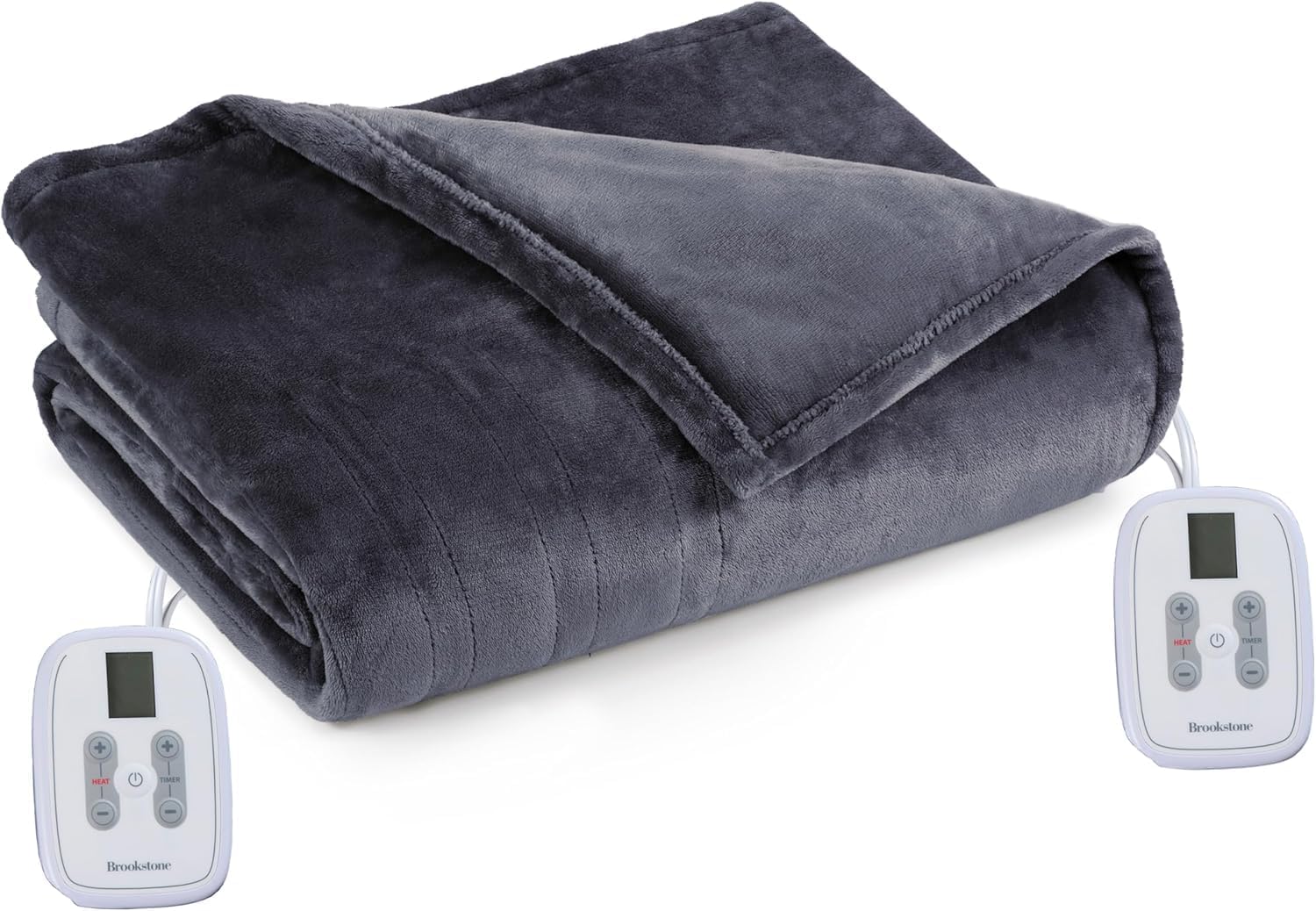
Image 1: The Brookstone Electric Heated Plush Blanket in charcoal, folded, with its two attached controllers.
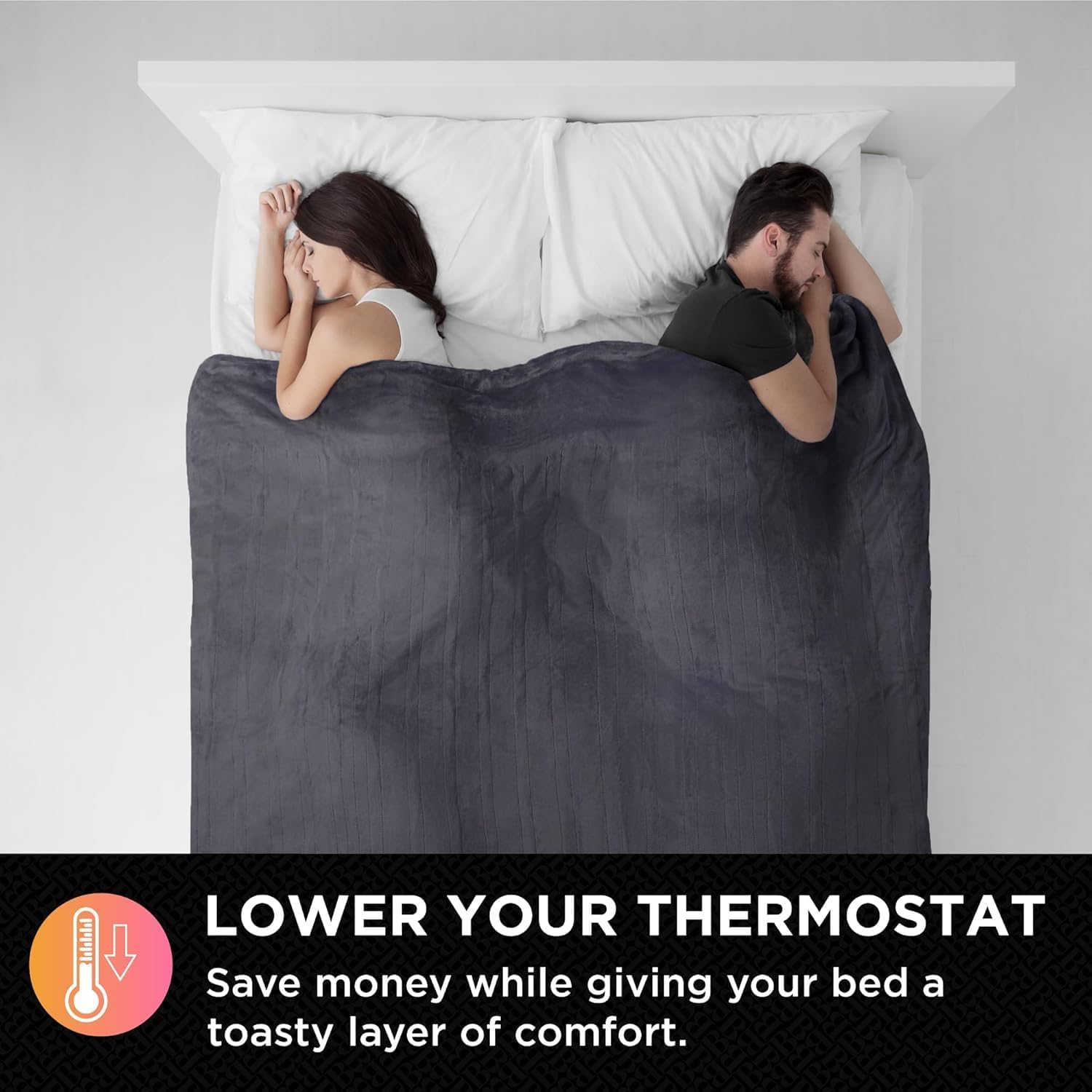
Image 2: A couple sleeping comfortably under the heated blanket, illustrating its use for warmth.
2. Setup Instructions
- Unpack the Blanket: Carefully remove the blanket and its components from the packaging.
- Position the Blanket: Place the heated blanket on your bed, ensuring it is spread evenly without folds or creases.
- Connect the Controller(s): For Full, Queen, and King sizes, the blanket includes dual zone controllers. Connect each controller's cord securely to the corresponding port on the blanket. Ensure the connection is firm.
- Plug into Power: Plug the power cord(s) from the controller(s) into a standard 110-120 volt AC wall outlet. Avoid using extension cords or power strips.

Image 3: A detailed view of the power cord connection point on the blanket, highlighting ease of connection.
3. Operating Instructions
- Power On: Press the power button on the controller to turn on the blanket. The display will illuminate.
- Adjust Heat Settings: Use the '+' and '-' buttons on the controller to select your desired heat level from 1 to 10. Level 1 is the lowest heat, and Level 10 is the highest.
- Set Timer: Use the timer buttons to set the desired operating duration. The blanket features an adjustable timer with a 12-hour auto shut-off for safety.
- Dual Zone Control (Full/Queen/King): If your blanket is a Full, Queen, or King size, it comes with two controllers, allowing independent heat settings for each side of the bed. Each user can adjust their side's warmth to their preference.
- Power Off: Press the power button again to turn off the blanket. Unplug the blanket from the wall outlet when not in use.

Image 4: Visual representation of the 10 heat settings available on the blanket, ranging from warm to hot.

Image 5: A couple utilizing the dual zone controllers to customize their individual heat settings on the blanket.
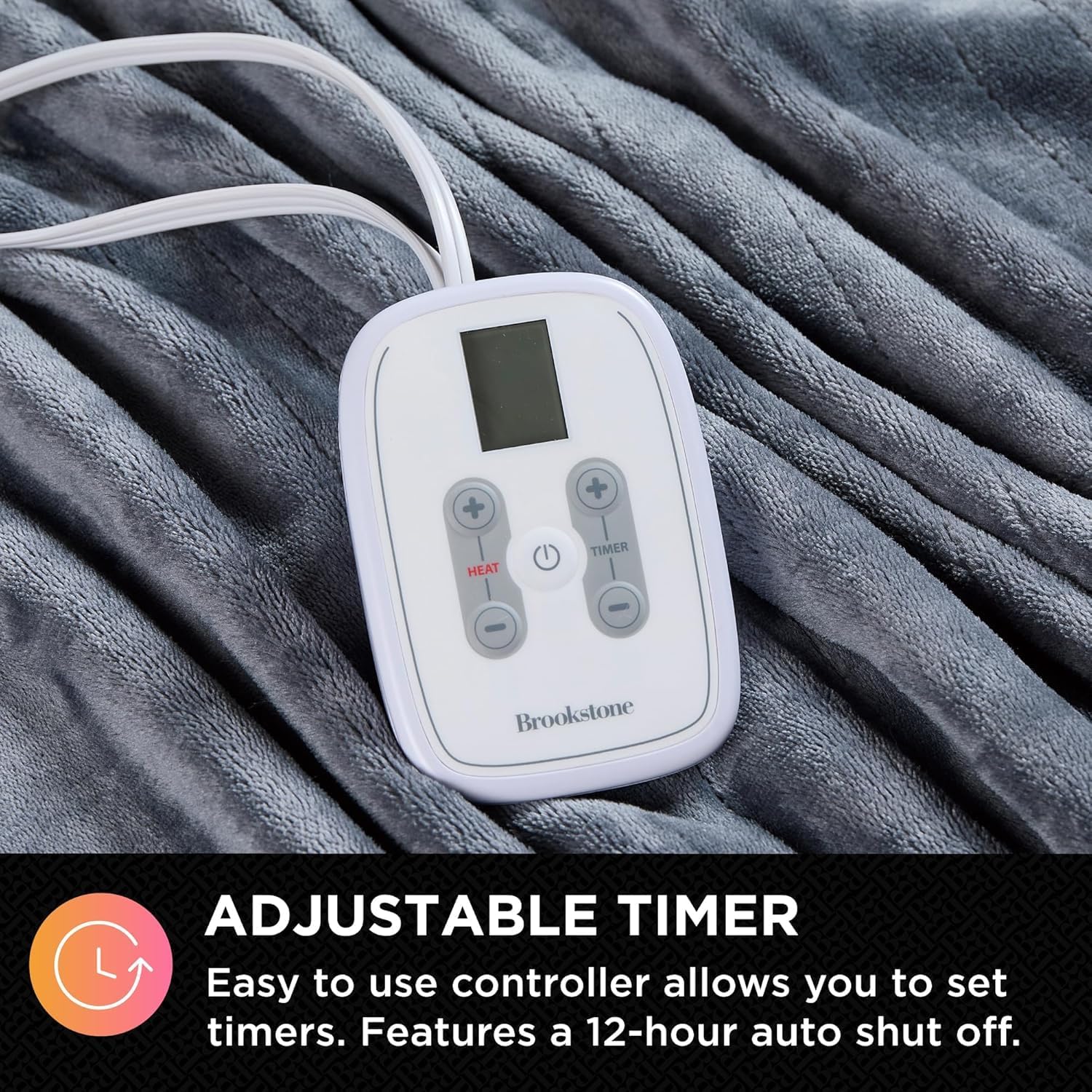
Image 6: A close-up of the user-friendly controller, highlighting the adjustable timer function.
4. Maintenance and Care
Proper care ensures the longevity and performance of your heated blanket. Always follow these instructions carefully.
Washing Instructions:
- Disconnect Power: Before washing, always ensure the blanket is unplugged from the wall outlet and the controller(s) are detached from the blanket.
- Machine Wash: The blanket is machine washable. Wash on a gentle cycle with cold water. Do not bleach.
- Rinse Thoroughly: Ensure all detergent is rinsed out.
- Tumble Dry: Tumble dry on low heat. Do not iron or dry clean. Ensure the blanket is completely dry before reconnecting the controller(s) or plugging it back in.

Image 7: A close-up of the blanket's plush polyester velvet material, emphasizing its soft texture and easy care.
Video: Heated Blanket - Care and Washing Instructions
Video 1: This video demonstrates the proper steps for washing and drying a heated blanket, including disconnecting components and ensuring they are dry before reassembly.
5. Troubleshooting
- Blanket Not Heating:
- Ensure all connections between the blanket, controller(s), and wall outlet are secure.
- Verify the wall outlet is functional by plugging in another appliance.
- Check if the timer has expired, causing the auto shut-off feature to activate.
- Uneven Heating:
- Ensure the blanket is spread flat on the bed without any folds or bunching, which can impede heat distribution.
- Controller Display Not Working:
- Unplug the blanket from the wall outlet for a few minutes, then plug it back in to reset the system.
- Ensure the controller is firmly connected to the blanket.
- Automatic Shut-Off:
- The blanket features a 12-hour auto shut-off for safety. If the blanket turns off unexpectedly, check the timer setting or simply restart it.
If issues persist after following these steps, please contact customer support.
6. Specifications
| Feature | Detail |
|---|---|
| Model Number | B0FQKZPL5Y |
| Brand | Brookstone |
| Size | Full (77in x 84in) |
| Color | Charcoal |
| Material | Polyester Velvet |
| Heat Settings | 10 |
| Auto Shut-Off | 12-Hour |
| Controller Type | Dual Zone Controller (Full/Queen/King sizes) |
| Care Instructions | Machine Washable, Dryer Safe |
| Certifications | ETL Certified |
| Item Weight | 5.76 pounds |
7. Warranty and Support
This Brookstone Electric Heated Plush Blanket is designed for durability and performance. For specific warranty details, please refer to the product packaging or contact Brookstone customer service directly. Keep your purchase receipt for warranty claims.
For further assistance or inquiries, please visit the official Brookstone website or contact their customer support.