Introduction
Thank you for choosing the VANIR VANIR-1 Bluetooth 5.4 Open-Ear Wireless Earbuds. This manual provides essential instructions for setting up, operating, maintaining, and troubleshooting your new earbuds. Please read this manual thoroughly before use to ensure optimal performance and longevity of your device.
Safety Information
- Do not expose the earbuds or charging case to extreme temperatures, humidity, or corrosive environments.
- Avoid dropping, impacting, or disassembling the device.
- Keep away from children and pets.
- Use only the provided charging cable or a certified equivalent.
- Prolonged exposure to loud volume may cause hearing damage. Adjust volume to a safe level.
- Be aware of your surroundings when using open-ear earbuds, especially in traffic or hazardous situations.
Package Contents
Ensure all items are present in your package:
- VANIR VANIR-1 Open-Ear Wireless Earbuds (L/R)
- Charging Case
- USB-C Charging Cable
- User Manual
Product Overview
The VANIR VANIR-1 earbuds feature an open-ear design for comfort and situational awareness, along with a compact charging case.
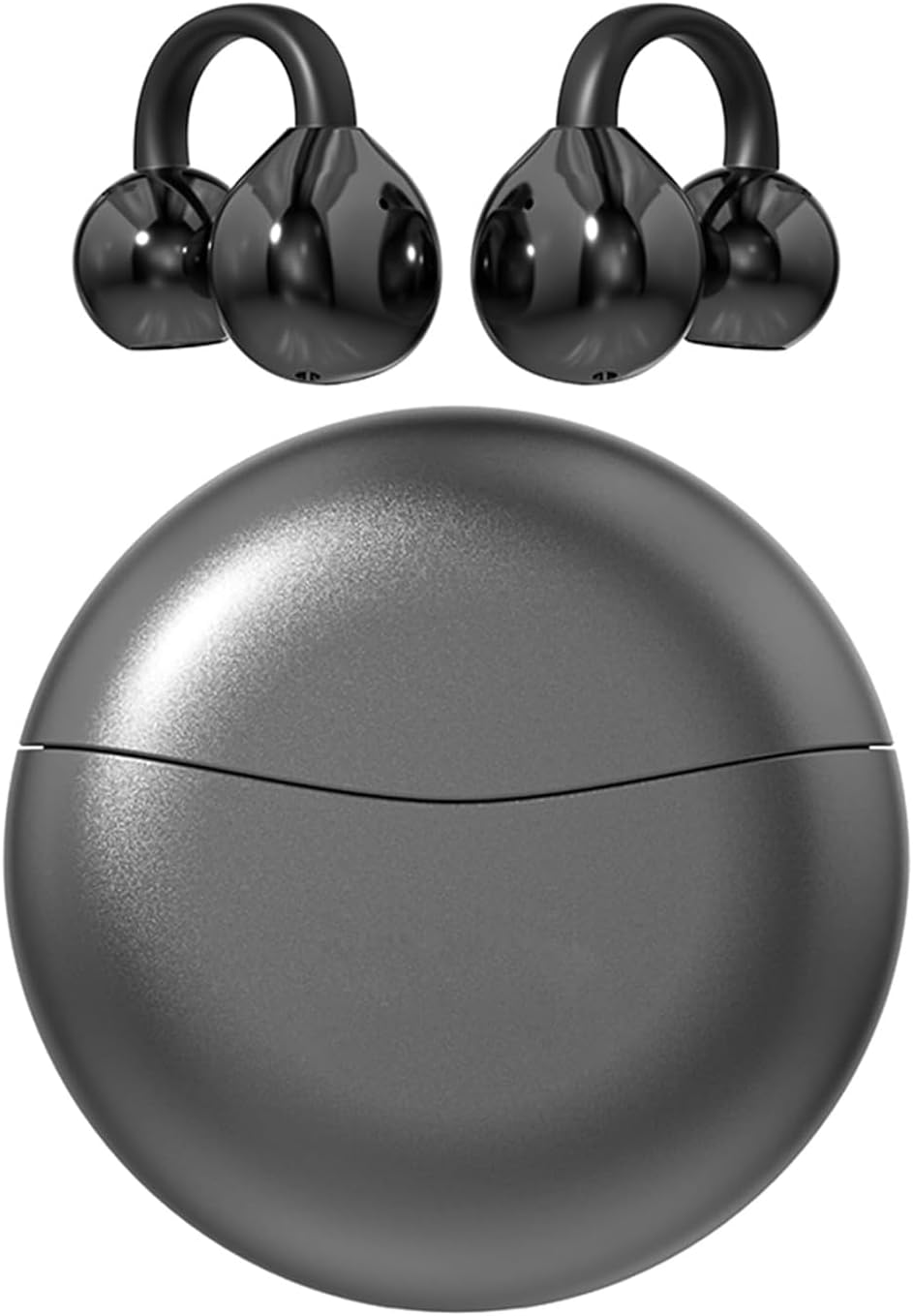
Image: VANIR VANIR-1 Open-Ear Wireless Earbuds and their charging case.

Image: A diagram illustrating the comfortable open-ear fit of the VANIR earbuds compared to traditional in-ear designs.
- Open-Ear Design: Sits gently on the ear without entering the ear canal, ensuring comfort and awareness of surroundings.
- Touch Control Area: For managing music, calls, and voice assistant.
- Charging Contacts: Located on the earbuds and inside the case.
- USB-C Charging Port: On the charging case for quick power replenishment.
Setup
1. Charging the Earbuds and Case
Before first use, fully charge the earbuds and charging case.
- Place the earbuds into the charging case, ensuring they are properly seated.
- Connect the USB-C charging cable to the charging port on the case and to a power source.
- The indicator lights on the case will show charging status. A full charge typically takes approximately 2 hours.

Image: The VANIR earbuds in their charging case, highlighting the USB-C charging port and battery life information (6 hours individual use, 60 hours total range).
2. Pairing with Your Device
The earbuds will automatically enter pairing mode when taken out of the case for the first time.
- Open the charging case and remove both earbuds. They will automatically power on and attempt to pair with each other.
- On your smartphone or Bluetooth-enabled device, go to the Bluetooth settings.
- Search for available devices and select "VANIR-1" from the list.
- Once connected, you will hear a confirmation tone, and the earbuds' indicator lights will turn off or flash slowly.
- For subsequent uses, the earbuds will automatically connect to the last paired device when removed from the case.
Operating
Power On/Off
- Power On: Open the charging case or long-press the touch control area on both earbuds for 3 seconds.
- Power Off: Place the earbuds back into the charging case and close the lid, or long-press the touch control area on both earbuds for 5 seconds.
Music Control
- Play/Pause: Single tap either earbud.
- Next Track: Double tap the right earbud.
- Previous Track: Double tap the left earbud.
Call Control
- Answer/End Call: Single tap either earbud.
- Reject Call: Long-press either earbud for 2 seconds.
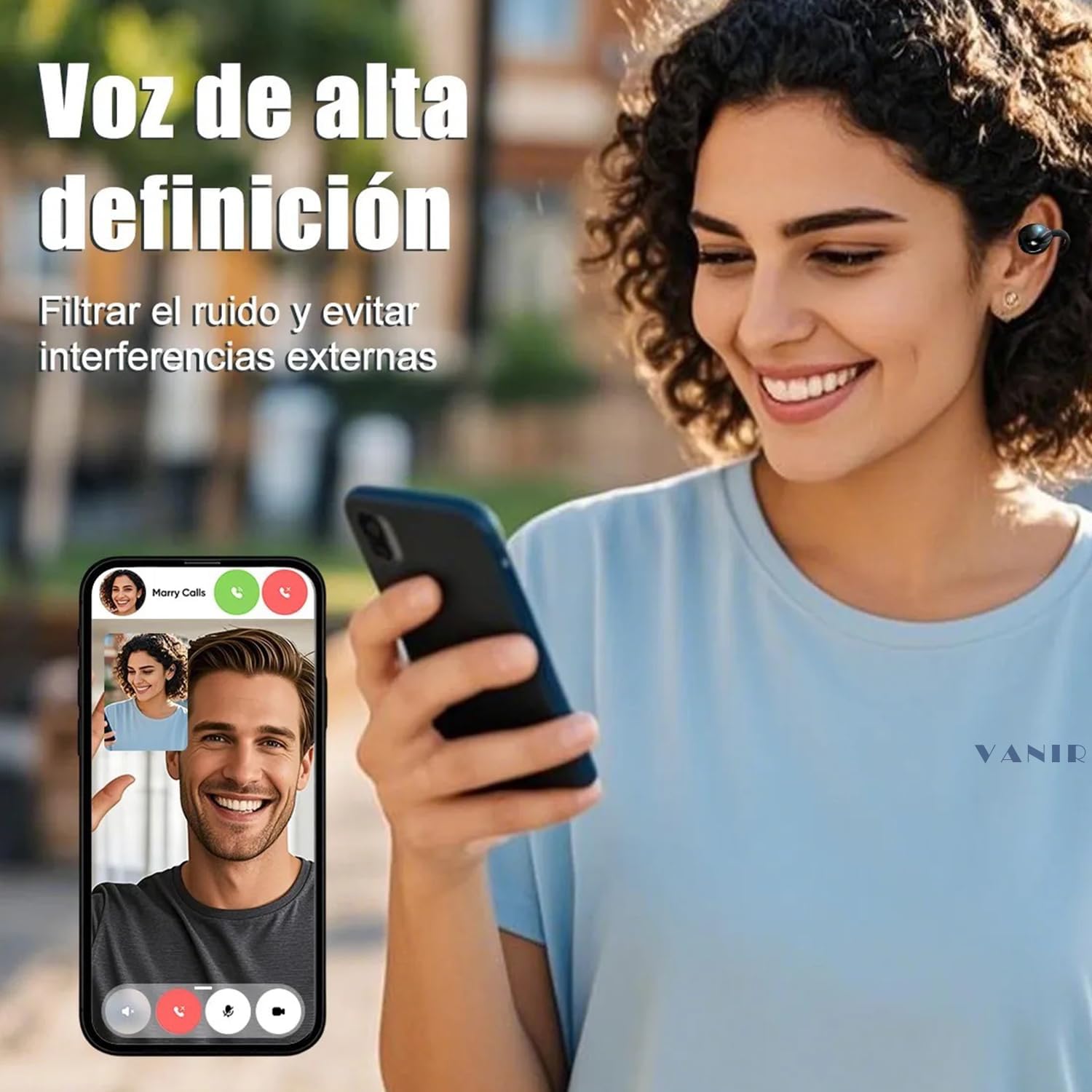
Image: A woman using VANIR earbuds during a phone call, demonstrating the high-definition voice feature and external noise filtering.
Volume Control
- Increase Volume: Triple tap the right earbud.
- Decrease Volume: Triple tap the left earbud.
Voice Assistant
- Activate Voice Assistant: Long-press either earbud for 2 seconds (when not on a call).
Maintenance
Cleaning
- Gently wipe the earbuds and charging case with a soft, dry, lint-free cloth.
- Do not use harsh chemicals, cleaning solvents, or strong detergents.
- Ensure charging contacts are clean and dry for optimal charging.
Storage
- When not in use, store the earbuds in their charging case to protect them and keep them charged.
- Store in a cool, dry place, away from direct sunlight and extreme temperatures.

Image: A woman running in light rain, illustrating the IPX5 water and sweat resistance of the earbuds, making them suitable for outdoor activities.
Troubleshooting
| Problem | Possible Cause | Solution |
|---|---|---|
| Earbuds not powering on | Low battery | Charge the earbuds and charging case. |
| Cannot pair with device | Bluetooth off, out of range, or already paired to another device | Ensure Bluetooth is on, earbuds are in pairing mode, and within 10 meters. Disconnect from other devices. |
| No sound or low volume | Volume too low, earbuds not connected, or media paused | Adjust volume on device and earbuds. Check Bluetooth connection. Ensure media is playing. |
| One earbud not working | Low battery, not paired correctly, or connection issue | Re-seat both earbuds in the case, close and open the lid. Re-pair with your device. Ensure both are charged. |
| Touch controls unresponsive | Earbuds not powered on, or temporary glitch | Ensure earbuds are on. Place them back in the case, close, then reopen to reset. |
Specifications
| Feature | Detail |
|---|---|
| Model Name | VANIR-1 |
| Connectivity Technology | Bluetooth 5.4 |
| Ear Placement | Open-Ear (Supra-aural) |
| Driver Size | 13mm (Diafragmas) |
| Noise Control | ENC (Environmental Noise Cancellation) |
| Frequency Response | 20000 Hz |
| Sensitivity | 92 dB |
| Impedance | 32 Ohms |
| Battery Life (Earbuds) | Up to 6 hours (individual use) |
| Total Playback Time | Up to 36 hours (with charging case) |
| Charging Time | Approx. 2 hours |
| Charging Port | USB Type-C |
| Water Resistance | IPX5 (Sweat and light rain resistant) |
| Control Type | Touch Control |
| Maximum Operating Distance | 15 Meters |
| Material | Acrylonitrile Butadiene Styrene (ABS) |
| Compatibility | iOS, Android, Tablets, Laptops, and other Bluetooth devices |

Image: The VANIR earbuds demonstrating broad compatibility with various devices including smartwatches, televisions, desktop computers, laptops, smartphones, and tablets.
Warranty and Support
VANIR products are designed for reliability and performance. For warranty information or technical support, please refer to the warranty card included in your package or contact VANIR customer service through the retailer where you purchased the product. Please have your model number (VANIR-1) and purchase details ready.


