
Introduction
Thank you for choosing the Pointcinco Hybrid Active Noise Cancelling Headphones, Model IM01. These over-ear Bluetooth headphones are designed to provide an immersive audio experience with advanced noise cancellation technology, deep bass, and HiFi stereo sound. This manual will guide you through the setup, operation, and maintenance of your new headphones to ensure optimal performance and longevity.
The IM01 headphones feature Hybrid Active Noise Cancelling (ANC) to block ambient noise, a Transparency mode for situational awareness, and Bluetooth 6.0 for stable wireless connectivity. Enjoy up to 50 hours of playtime, comfortable memory foam earcups, and a foldable design for portability.
What's Included
Your Pointcinco IM01 headphones package includes the following items:
- Active Noise Cancelling Headphones (IM01)
- 3.5mm Audio Cable
- USB Type-C Charging Cable
- User Manual (this document)

Product Features
- Hybrid Active Noise Cancelling (ANC): Blocks ambient noise, allowing focus on audio. Features a Transparency mode to hear surroundings without removing headphones.
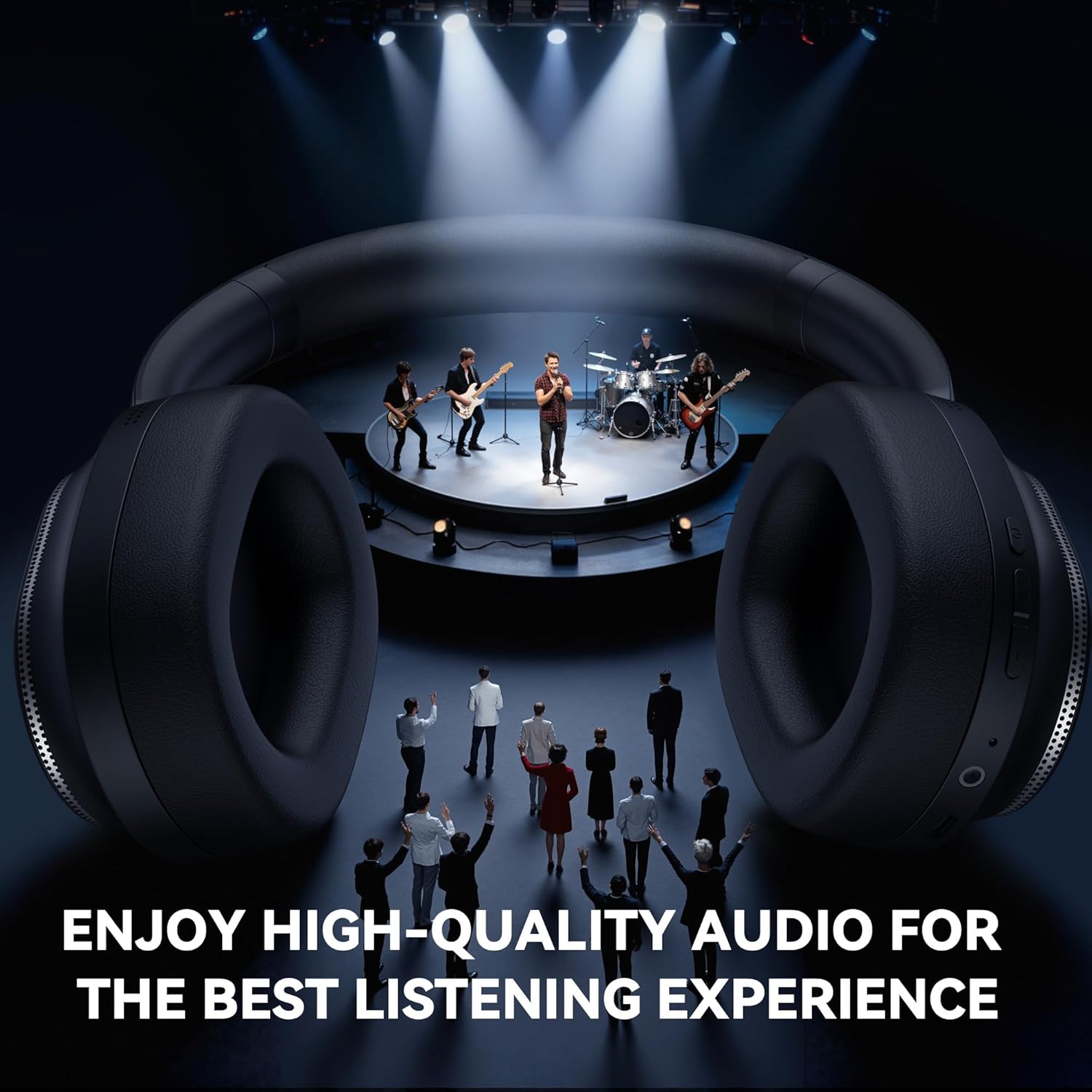
- Latest Bluetooth 6.0 & Stereo Sound: Provides ultra-stable connectivity and fast pairing. Equipped with powerful 40mm composite diaphragm drivers for immersive HiFi stereo sound and deep bass.
- Long Battery Life: Built-in 600mAh battery offers up to 35 hours of playtime with ANC ON and 50 hours with ANC OFF. A full charge takes approximately 2.5 hours.
- All-Day Comfort: Designed with memory foam ear cups wrapped in protein leather and an automatically adjusting headband for extended comfortable wear.
- Wireless & Wired Connectivity: Supports Bluetooth 6.0 wireless connection and a 3.5mm wired connection for versatile use with various devices.
- Foldable Design: Earcups fold and swivel for compact storage and portability, ideal for travel.


Setup
- Charge the Headphones: Before first use, fully charge your headphones using the provided USB Type-C cable. Connect the cable to the charging port on the earcup and a compatible USB power source. The LED indicator will show charging status.
- Power On: Press and hold the Power button on the earcup for 3-5 seconds until the LED indicator flashes and you hear an audible prompt.
- Bluetooth Pairing:
- With the headphones powered on, they will automatically enter pairing mode (LED will flash blue/red).
- On your device (smartphone, tablet, laptop), go to Bluetooth settings and enable Bluetooth.
- Search for available devices and select "IM01" from the list.
- Once connected, the LED indicator will turn solid blue, and you will hear a confirmation tone.
- Adjust Fit: Adjust the headband and rotate the earcups to achieve a comfortable and secure fit over your ears.
Operating Instructions
- Power On/Off: Press and hold the Power button for 3-5 seconds.
- Play/Pause: Short press the Power button to play or pause music.
- Volume Control: Use the Volume Up (+) and Volume Down (-) buttons to adjust the listening volume.
- Next/Previous Track: Long press the Volume Up (+) button for the next track, and long press the Volume Down (-) button for the previous track.
- Answer/End Call: Short press the Power button to answer an incoming call or end an ongoing call.
- Reject Call: Long press the Power button to reject an incoming call.
- ANC/Transparency Mode: Press the dedicated ANC button to cycle between Active Noise Cancelling (ANC ON), Transparency Mode, and ANC OFF.
- Wired Mode: Insert the 3.5mm audio cable into the AUX port on the headphones and the other end into your audio device. Bluetooth will automatically disable when wired.
Charging and Battery Life
The headphones are equipped with a built-in 600mAh rechargeable battery.
- Charging Time: Approximately 2.5 hours for a full charge.
- Playtime (ANC ON): Up to 35 hours.
- Playtime (ANC OFF): Up to 50 hours.
- Charging Indicator: The LED indicator will typically show red while charging and turn off or change color when fully charged (refer to specific LED behavior in the quick start guide if available).
Use only the provided USB Type-C charging cable to charge the headphones. Do not use damaged cables or chargers.
Maintenance
- Cleaning: Wipe the headphones with a soft, dry cloth. Do not use harsh chemicals or abrasive materials.
- Storage: When not in use, store the headphones in a cool, dry place. Utilize the foldable design to minimize space.
- Avoid Extreme Conditions: Do not expose the headphones to extreme temperatures, humidity, or direct sunlight.
- Handle with Care: Avoid dropping or subjecting the headphones to strong impacts.
Troubleshooting
- Cannot Power On: Ensure the headphones are fully charged.
- Cannot Pair via Bluetooth:
- Make sure the headphones are in pairing mode (LED flashing).
- Ensure Bluetooth is enabled on your device and it is within range (typically 10 meters).
- Forget/remove "IM01" from your device's Bluetooth list and try pairing again.
- Restart both the headphones and your device.
- No Sound:
- Check the volume levels on both the headphones and your connected device.
- Ensure the headphones are properly paired.
- If using wired mode, ensure the 3.5mm cable is fully inserted into both ports.
- ANC Not Working Effectively: Ensure the ANC mode is activated. Adjust the fit of the headphones to ensure a good seal around your ears.
Specifications
| Feature | Detail |
|---|---|
| Model Name | IM01 |
| Brand | Pointcinco |
| Connectivity Technology | Wired, Wireless (Bluetooth 6.0) |
| Headphones Jack | 3.5 mm Jack |
| Earpiece Shape | Over Ear |
| Noise Control | Active Noise Cancellation |
| Battery Life | Up to 50 Hours (ANC OFF), 35 Hours (ANC ON) |
| Charging Time | 2.5 Hours |
| Audio Driver Type | Dynamic Driver |
| Item Weight | 11.4 ounces |
| Material | Plastic |
Warranty and Support
For warranty information or technical support, please refer to the contact details provided in the product packaging or visit the official Pointcinco website. Keep your purchase receipt for warranty claims.
