
Introduction
Welcome to the user manual for your Mesqool DAB/DAB+/FM Solar Crank Emergency Radio, Model 1030DAB. This manual provides detailed instructions for the safe and efficient operation of your device. Please read it thoroughly before use and retain it for future reference.
Product Overview
Key Features
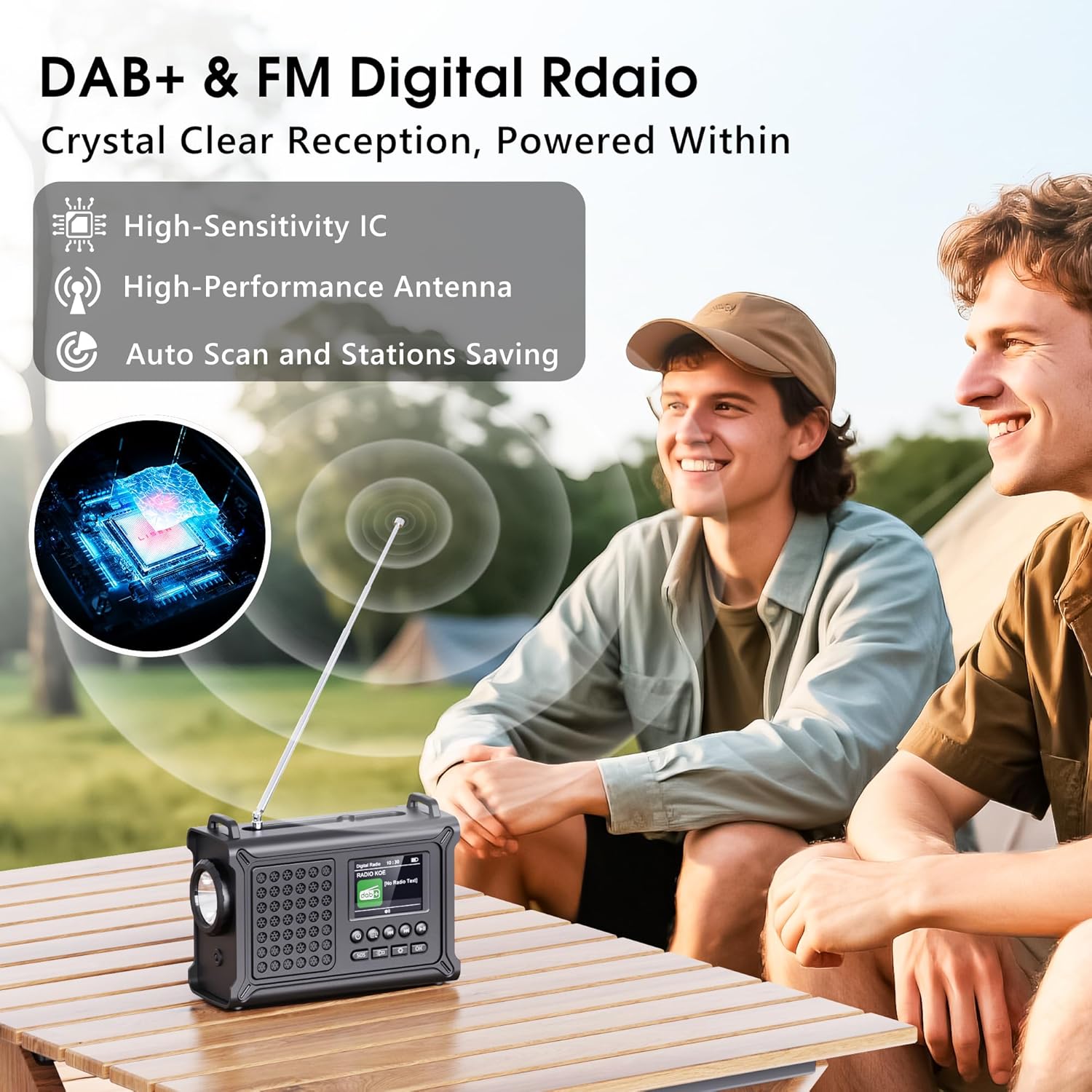
- DAB/DAB+/FM Digital Radio with 2.4-inch TFT color display.
- High-sensitivity IC and high-performance antenna for optimal reception.
- 80 station presets (40 DAB+/40 FM).
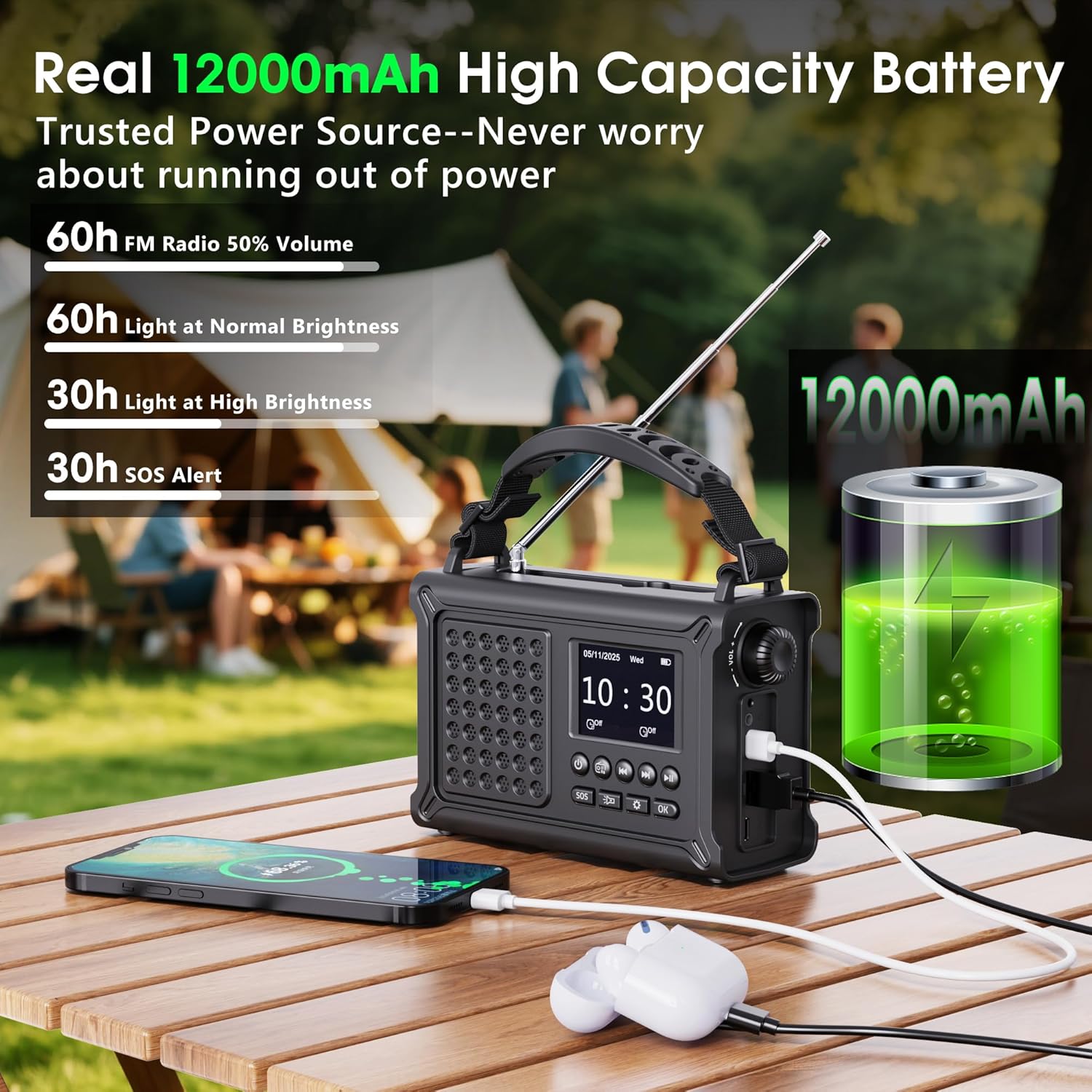
- 5 Power Modes: 12000mAh rechargeable battery, hand crank, 8500mm² solar panel, Type-C charging, 3x AAA batteries (not included).
- 57mm full-range speaker with neodymium magnet for clear sound.
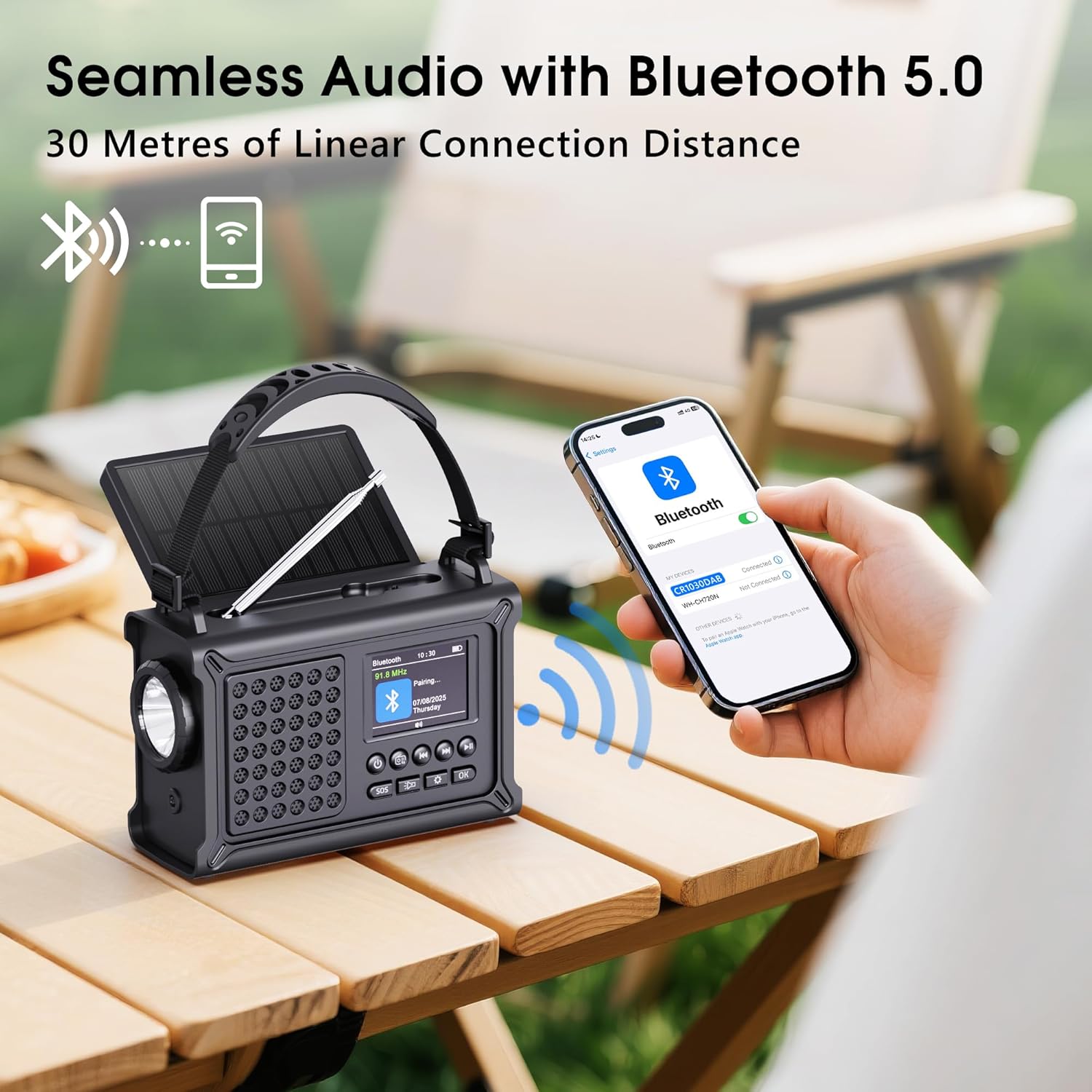
- Bluetooth 5.0 connectivity with a range of up to 30 meters.
- Integrated flashlight (2 levels) and adjustable reading lamp (12 LEDs, 2 levels).
- 120 dB SOS alarm with flashing red light.
- Sleep timer and dual alarm clock function.
- 3.5mm headphone jack.
- IPX6 water resistance and IPX4 dust protection.
Components Included
- Recharge Cable
- User Manual
- Carrying Handle
- DAB Radio
Setup
Before first use, fully charge the radio using one of the available methods.
Charging Methods
- USB Type-C Charging: Connect the provided Type-C cable to the radio's charging port and a compatible USB power adapter (not included).
- Solar Charging: Place the radio with the solar panel facing direct sunlight. The 8500mm² monocrystalline solar panel will convert sunlight into energy to charge the internal battery. This method is ideal for maintaining charge or slow charging in outdoor environments.
- Hand Crank Charging: Extend the hand crank handle and rotate it clockwise or counter-clockwise at a steady pace. This method is for emergency power generation.
- AAA Battery Power: Open the battery compartment and insert 3 AAA batteries (not included) with correct polarity. This serves as an alternative power source.
Powering On/Off
Press and hold the power button to turn the radio on or off.

Operating Instructions
Radio Operation (DAB/DAB+ and FM)
- Extend the telescopic antenna for optimal signal reception.
- Press the "Mode" button to select DAB or FM mode.
- In DAB mode, perform an auto-scan to find available stations. The radio can store up to 40 DAB stations.
- In FM mode, use the tuning controls to scan for stations. The radio can store up to 40 FM stations.
- Use the navigation buttons to browse through saved stations.

Bluetooth Connectivity
- Press the "Mode" button to select Bluetooth mode.
- The radio will enter pairing mode, indicated on the 2.4-inch TFT display.
- On your smartphone or tablet, search for Bluetooth devices and select "Mesqool Radio" (or similar name).
- Once paired, you can stream audio from your device to the radio. The effective range is up to 30 meters.
Flashlight and Reading Lamp
- To activate the flashlight, press the dedicated flashlight button. Press again to cycle through brightness levels.
- To activate the reading lamp, open the solar panel cover to reveal the lamp. Press the reading lamp button to turn it on and adjust brightness.

SOS Alarm Function
In an emergency, press the "SOS" button. This will activate a 120 dB siren and a flashing red light to attract attention. Press the button again to deactivate.
Clock and Alarm Functions
The radio features an integrated clock. Refer to the on-screen menu for setting the time, dual alarms, and sleep timer. Alarms can be set to wake you with your preferred radio station.
Headphone Use
Connect 3.5mm headphones to the headphone jack for private listening.
Maintenance
Care and Maintenance
- Clean the radio with a soft, dry cloth. Do not use abrasive cleaners or solvents.
- Keep the device away from extreme temperatures, direct sunlight for prolonged periods (beyond charging), and excessive moisture.
- Ensure the solar panel is clean for efficient charging.
- When not in use for extended periods, store the radio in a cool, dry place and periodically charge the internal battery to prolong its lifespan.
Troubleshooting
Common Issues and Solutions
| Problem | Solution |
|---|---|
| No power / Radio does not turn on. | Check battery level. Charge the internal battery using USB-C, solar, or hand crank. Ensure AAA batteries (if used) are correctly inserted and not depleted. |
| Poor radio reception. | Extend the telescopic antenna fully. Try repositioning the radio to a location with better signal. Perform an auto-scan for stations again. |
| Bluetooth not connecting. | Ensure the radio is in Bluetooth mode. Check that Bluetooth is enabled on your external device and it is within the 30-meter range. Forget the device on your phone and re-pair. |
| Flashlight/Reading lamp not working. | Check battery level. Ensure the lamp is properly activated via its dedicated button. |
| SOS alarm not activating. | Ensure the SOS button is pressed firmly. Check battery level. |
Specifications
Technical Specifications
- Brand: Mesqool
- Model Number: 1030DAB
- Color: Black
- Connectivity Technology: USB, Bluetooth 5.0
- Tuning Technology: DAB+, FM
- Special Features: SOS Alarm, Integrated Clock, Portable, Flashlight, Reading Lamp
- Dimensions: 17.3L x 12.1W x 7.4H cm
- Item Weight: 704 Grams
- Material: Acrylonitrile Butadiene Styrene (ABS)
- Battery: 12000mAh rechargeable (internal), supports 3x AAA (external, not included)
- Solar Panel: 8500mm² Monocrystalline
- Speaker: 57mm Full-Range with Neodymium Magnet
- Display: 2.4-inch TFT Color
- Water Resistance: IPX6
- Dust Protection: IPX4
Warranty and Support
Warranty Information
Specific warranty details are not provided in the product information. Please refer to the retailer or manufacturer's official website for warranty terms and conditions.
Customer Support
For technical assistance or product inquiries, please contact Mesqool customer support through their official channels. Contact information can typically be found on the product packaging or the manufacturer's website.
