1. Introduction
This manual provides detailed instructions for the safe and efficient use of your Baseus EP10 NC Bluetooth In-Ear Earbuds. Please read this manual thoroughly before using the product and retain it for future reference.
Package Contents
- Earbuds
- Charging Case
- USB Charging Cable
- Eartips
2. Product Overview and Features
The Baseus EP10 NC earbuds are designed to deliver a superior audio experience with advanced noise cancellation and clear call quality.
Key Features
- Advanced Noise Reduction: Hybrid ANC technology with up to -43 dB noise reduction, effectively blocking external sounds.
- 12mm Super Bass Drivers: Dynamic drivers with adaptive SuperBass algorithm for rich and powerful bass.
- 4-Mic AI ENC for Clear Calls: Equipped with 4 microphones and AI Environmental Noise Cancellation to isolate your voice from background noise.
- Extended Battery Life: Up to 41 hours total playtime with the charging case (ANC off); 7 hours of playback per charge (ANC off).
- IP55 Water and Dust Resistance: Resistant to sweat, splashes, and rain, suitable for workouts and outdoor use.
- Bluetooth 6.0 Connectivity: Offers reduced latency, stable connection, and increased transmission range.
- Customizable Audio: Personalize your sound with 24 customizable equalization settings via the Baseus app.
Visual Guide to Features
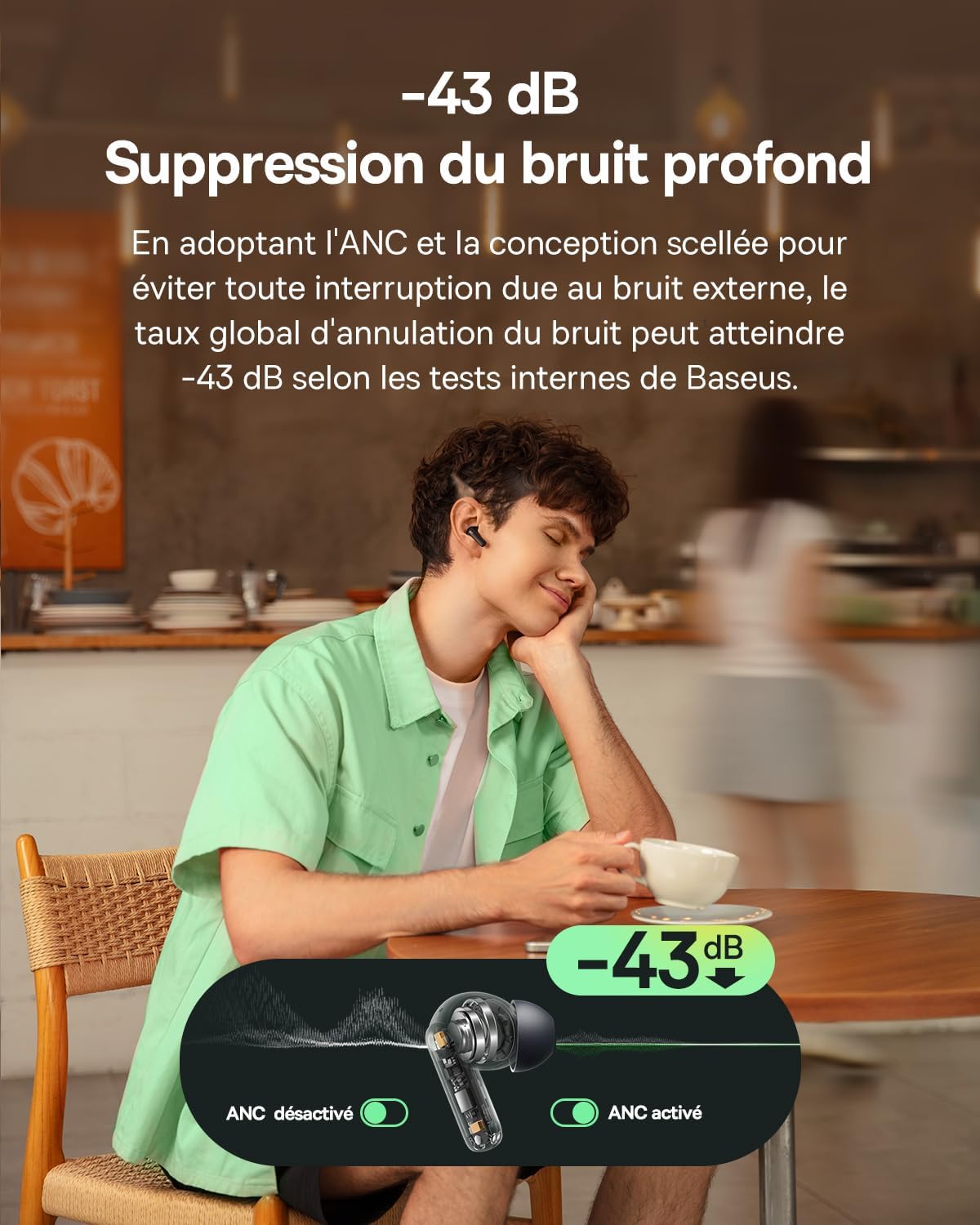
Image: The Baseus EP10 NC earbuds feature -43 dB deep noise cancellation, effectively blocking external sounds for an immersive listening experience. The image shows a user enjoying music in a cafe with ANC activated.

Image: An exploded view of the 12mm dynamic drivers with SuperBass technology, designed to deliver powerful and rich bass for an enhanced audio experience.
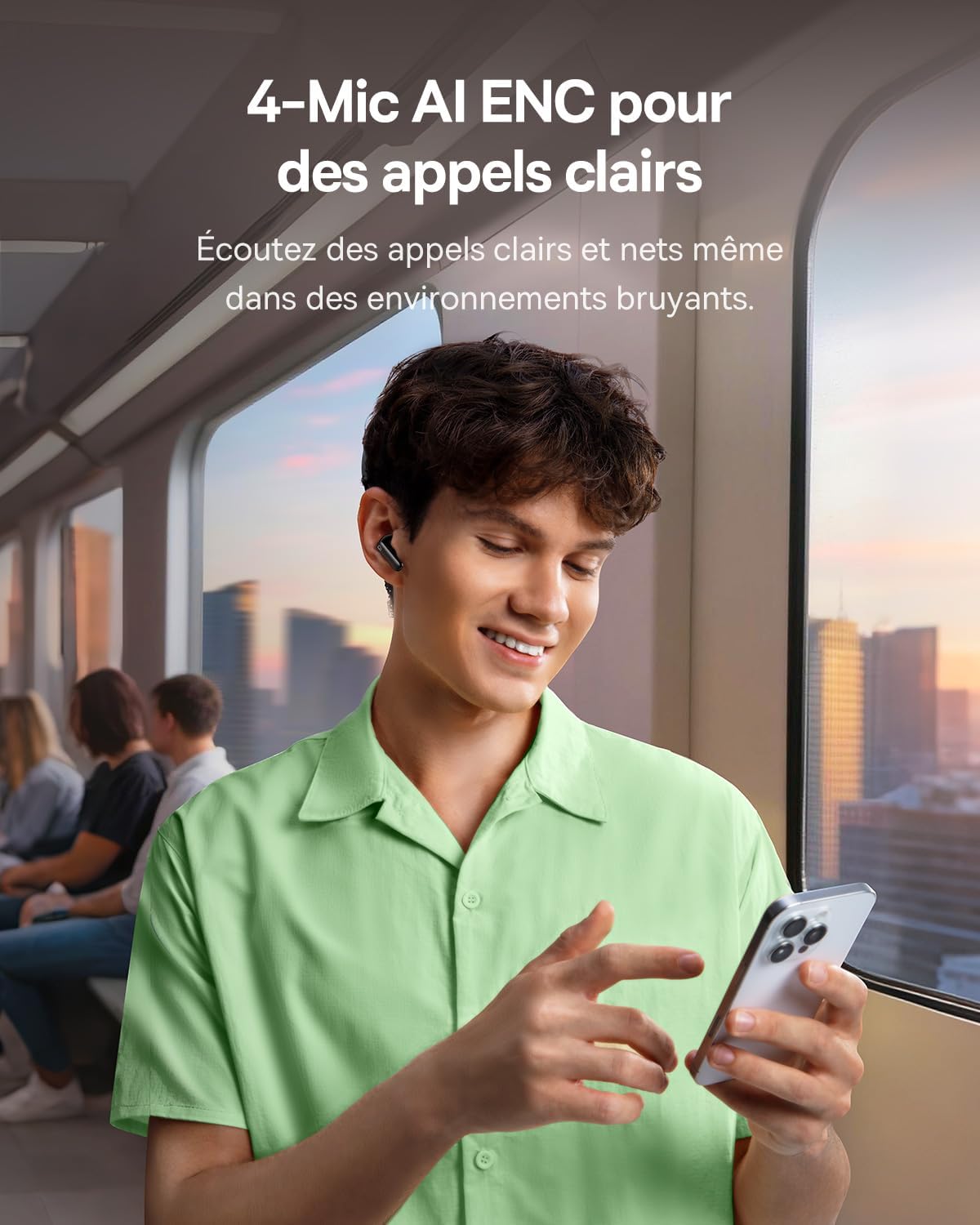
Image: A user making a phone call in a busy environment, illustrating the 4-Mic AI ENC technology that ensures clear voice transmission by isolating background noise.
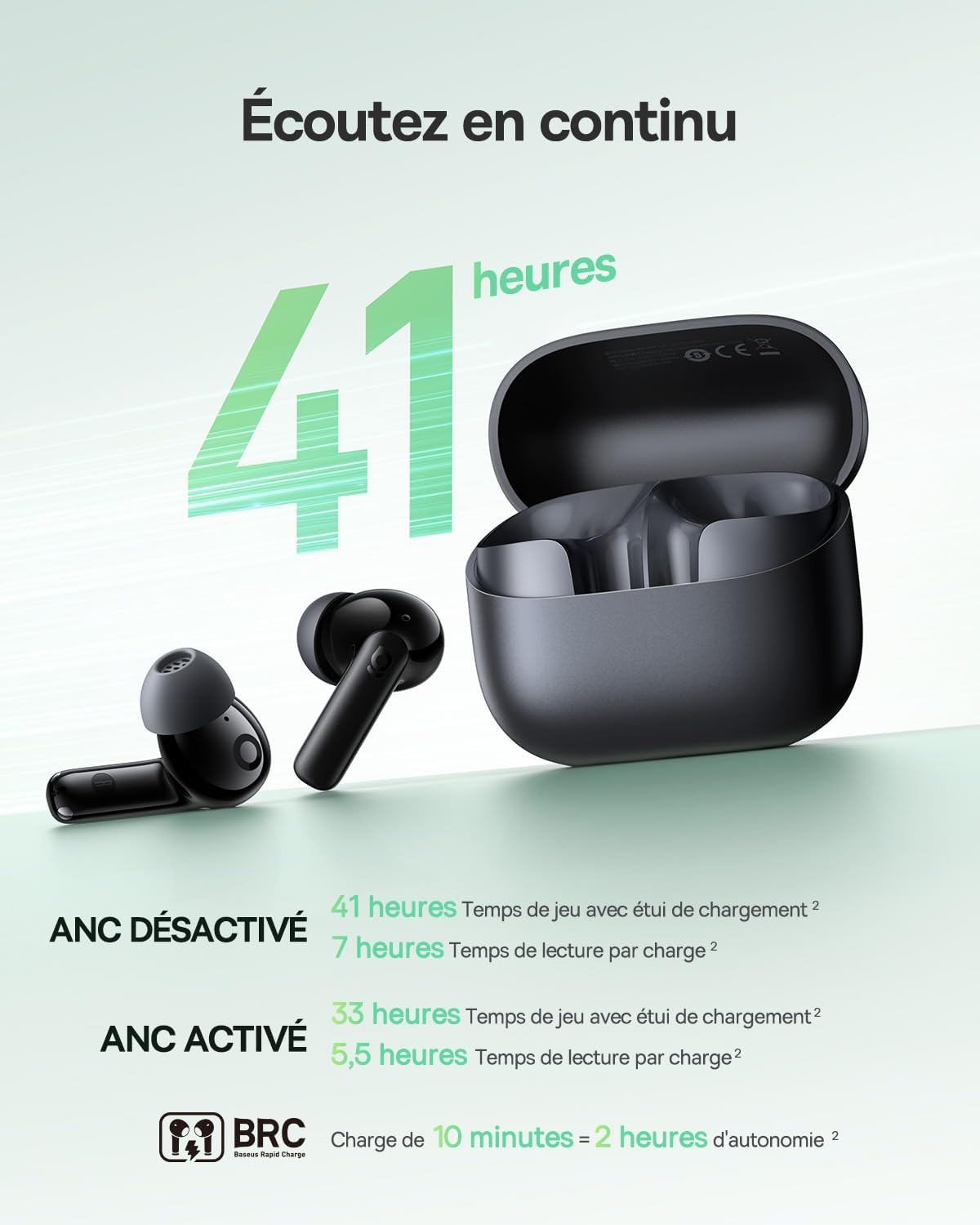
Image: The Baseus EP10 NC earbuds and charging case, highlighting the impressive 41-hour total battery life and rapid charging capability (10 minutes charge for 2 hours playback).

Image: The earbuds with water droplets, demonstrating their IP55 rating for resistance against dust, sweat, splashes, and rain, making them suitable for various activities.

Image: A visual representation of the Bluetooth 6.0 chip, emphasizing its benefits such as reduced latency, stable connectivity, and increased transmission range.

Image: A smartphone screen displaying the Baseus app's EQ mode with 24 predefined equalization settings, allowing users to customize their audio experience.
3. Setup
Initial Charging
Before first use, fully charge the earbuds and the charging case.
- Place the earbuds into the charging case.
- Connect the charging case to a power source using the provided USB cable.
- The indicator lights on the case will show the charging status.
Pairing with a Device
- Open the charging case. The earbuds will automatically enter pairing mode.
- On your device (smartphone, tablet, laptop), enable Bluetooth.
- Search for "Baseus EP10 NC" in the list of available Bluetooth devices.
- Select "Baseus EP10 NC" to connect. A voice prompt will confirm successful pairing.
4. Operating Instructions
Touch Controls
The earbuds feature touch controls for various functions:
| Function | Action |
|---|---|
| Play/Pause | Single tap on either earbud |
| Next Track | Double tap right earbud |
| Previous Track | Double tap left earbud |
| Answer/End Call | Single tap on either earbud |
| Reject Call | Press and hold either earbud for 2 seconds |
| Activate Voice Assistant | Triple tap on either earbud |
| ANC/Transparency Mode | Press and hold right earbud for 2 seconds |
Using the Baseus App
Download the official Baseus app to unlock additional features and customization options, including:
- Customizable EQ settings (24 presets available).
- Firmware updates.
- Finding your earbuds.
- Personalized touch control settings.
5. Maintenance
Cleaning
Regularly clean your earbuds and charging case to ensure optimal performance and hygiene.
- Use a soft, dry, lint-free cloth to wipe the earbuds and case.
- For stubborn dirt, slightly dampen the cloth with water. Avoid using harsh chemicals or abrasive materials.
- Gently remove any earwax or debris from the eartips and speaker mesh using a small, soft brush or cotton swab.
Storage
When not in use, store the earbuds in their charging case to protect them from dust, damage, and to keep them charged.
Avoid exposing the earbuds to extreme temperatures, humidity, or direct sunlight.
6. Troubleshooting
Earbuds not pairing
- Ensure the earbuds are charged and out of the case.
- Turn off and on Bluetooth on your device.
- Forget "Baseus EP10 NC" from your device's Bluetooth list and try pairing again.
- Reset the earbuds (refer to the app or Baseus support for specific reset instructions).
No sound or low volume
- Check the volume levels on both your device and the earbuds.
- Ensure the earbuds are properly connected to your device.
- Clean any debris from the earbud speakers.
ANC not working effectively
- Ensure ANC mode is activated via touch control or the Baseus app.
- Adjust the fit of the earbuds in your ears to ensure a proper seal.
7. Specifications
| Feature | Detail |
|---|---|
| Brand | Baseus |
| Model Name | Baseus Bass EP10 NC |
| Connectivity Technology | Wireless (Bluetooth) |
| Wireless Communication Technology | Bluetooth 6.0 |
| Noise Cancellation | Active Noise Cancellation (Hybrid ANC up to -43 dB) |
| Microphones | 4-Mic AI ENC for clear calls |
| Drivers | 12mm Dynamic Super Bass |
| Battery Life | Up to 41 hours (with charging case, ANC off); 7 hours per charge (ANC off) |
| Fast Charging | 10 minutes charge for 2 hours playback |
| Water Resistance | IP55 (Sweat and rain resistant) |
| Control Type | Touch Control, Application |
| Compatible Devices | Computer, Laptop, Tablet, Phone |
| Material | Acrylonitrile Butadiene Styrene (ABS), Polycarbonate (PC) |
| Impedance | 16 Ohms |
| Ear Placement | In-Ear |
| Form Factor | True Wireless |
8. Warranty and Support
For warranty information and technical support, please refer to the official Baseus website or contact their customer service.
Note: Information regarding specific warranty periods or detailed support contacts is not available in this document.
9. Safety Information
- Do not disassemble or modify the product.
- Keep away from extreme temperatures and direct sunlight.
- Avoid prolonged listening at high volumes to prevent hearing damage.
- Dispose of the product responsibly according to local regulations.


