1. Introduction
The Apple MagSafe Charger is designed to provide fast and efficient wireless charging for compatible iPhone models and AirPods with a wireless charging case. Its perfectly aligned magnets ensure a secure connection for optimal charging performance.
1.1. What's in the Box
- MagSafe Charger
- USB‑C integrated cable (1m)
1.2. Key Features
- Magnetic alignment for compatible iPhone models.
- Faster wireless charging up to 25W when paired with a 30W power adapter.
- Certified for Qi2.2 and Qi charging standards.
- Compatible with iPhone 8 or later and AirPods models with a wireless charging case.
- Integrated 1-meter USB-C cable.
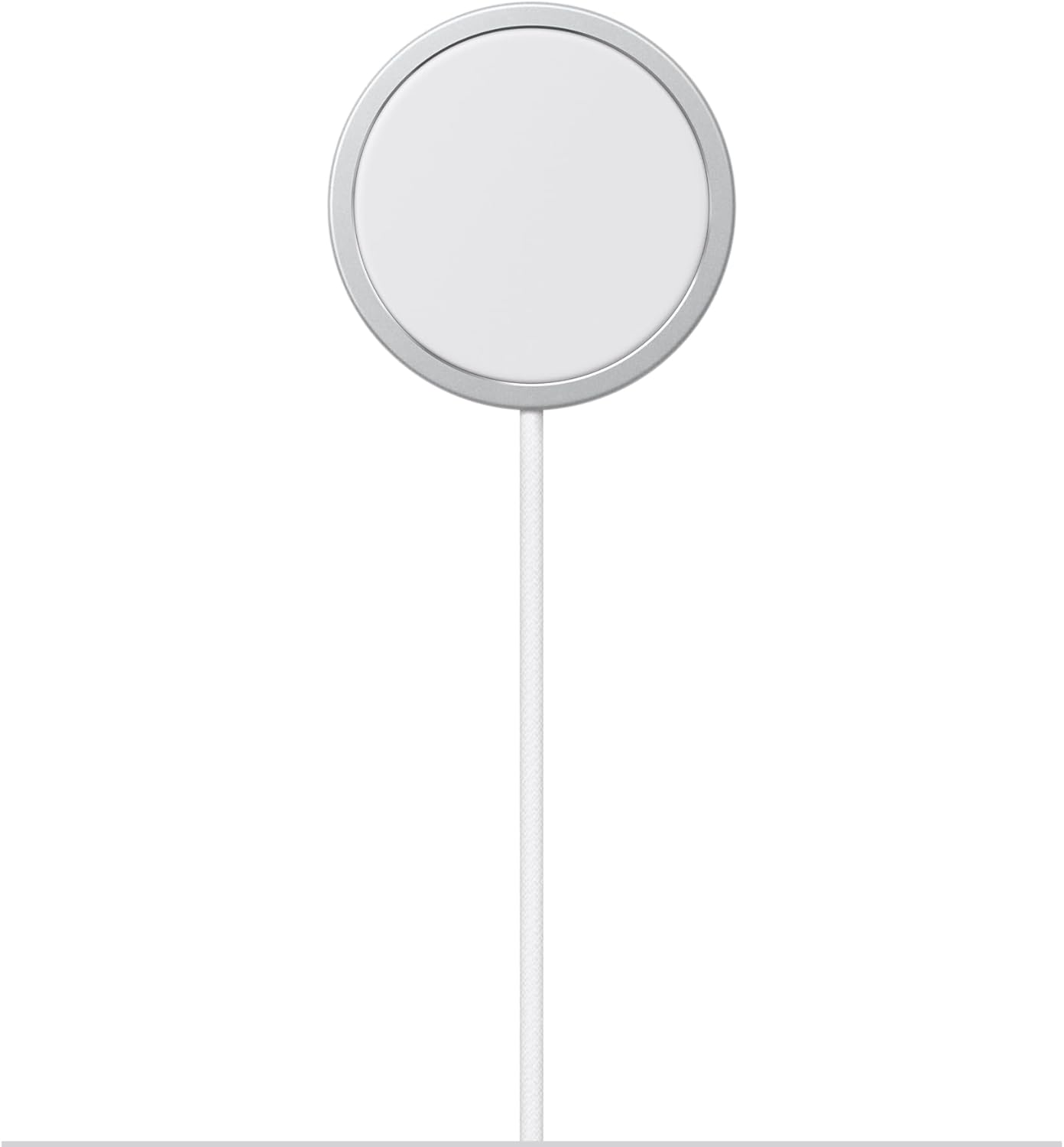
Image: Front view of the Apple MagSafe Charger with its integrated USB-C cable.
2. Setup
Follow these steps to set up your MagSafe Charger:
- Connect to Power: Plug the USB-C end of the MagSafe Charger's integrated cable into a compatible USB-C power adapter (sold separately). For optimal fast charging, a 30W or higher power adapter is recommended.
- Power Source: Plug the power adapter into a wall outlet.
- Placement: Place the MagSafe Charger on a flat, stable surface.

Image: The Apple MagSafe Charger with its cable coiled, illustrating its compact design.
3. Operating Instructions
Using your MagSafe Charger is simple:
- Align Device: Place your compatible iPhone (iPhone 12 series or later for magnetic alignment) or AirPods with a wireless charging case onto the MagSafe Charger. The magnets will automatically align the device for optimal charging.
- Charging Indicator: Your device's screen will indicate that it is charging. For iPhones, the battery icon will show a charging symbol.
- Fast Charging: To achieve faster wireless charging speeds (up to 25W), ensure you are using a 30W or higher USB-C power adapter.
- Removing Device: Gently lift your device from the MagSafe Charger when charging is complete or when you need to use your device.
3.1. Compatibility
The MagSafe Charger is compatible with:
- iPhone 8 and later models (magnetic alignment for iPhone 12 series and newer).
- AirPods models with a wireless charging case.
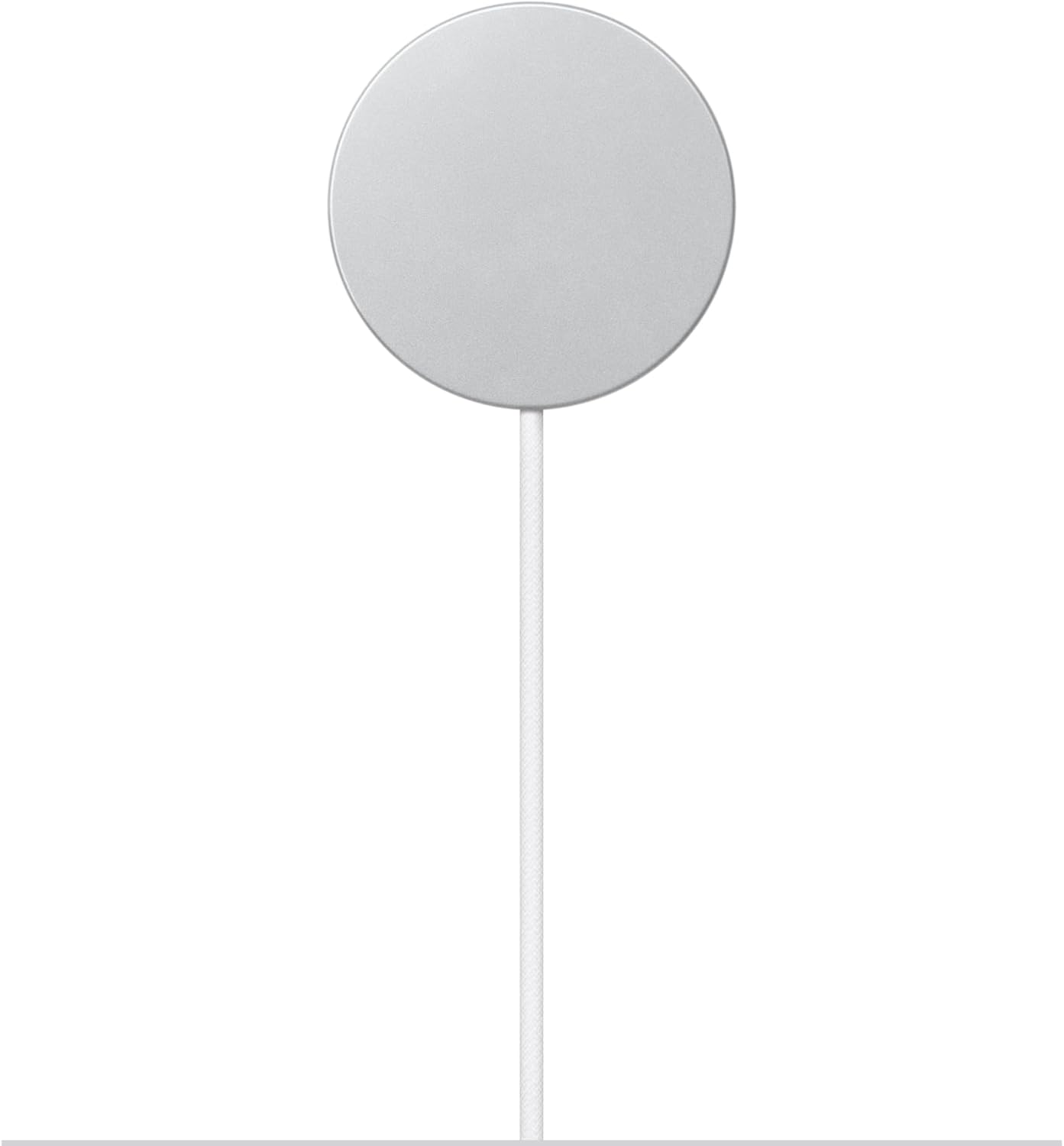
Image: Back view of the Apple MagSafe Charger, showing its sleek, unadorned surface.
4. Maintenance
Proper care will ensure the longevity of your MagSafe Charger:
- Cleaning: Disconnect the charger from power before cleaning. Use a soft, lint-free cloth slightly dampened with water to wipe the surface of the charger. Avoid using abrasive cleaners, aerosols, or solvents.
- Storage: Store the charger in a cool, dry place when not in use. Avoid extreme temperatures.
- Cable Care: Do not bend or crimp the cable excessively. Avoid placing heavy objects on the cable.
5. Troubleshooting
If you encounter issues with your MagSafe Charger, refer to the following common problems and solutions:
| Problem | Possible Solution |
|---|---|
| Device not charging. |
|
| Slow charging. |
|
| Charger or device gets warm. |
|
6. Specifications
| Feature | Detail |
|---|---|
| Model Number | MGD74LL/A |
| Brand | Apple |
| Connector Type | USB Type C |
| Input Voltage | 120 Volts |
| Wattage | Up to 25 watts (with compatible power adapter) |
| Cable Length | 1 meter |
| Color | White |
| Item Weight | 3.03 ounces |
| Package Dimensions | 4.21 x 3.58 x 0.71 inches |
| Manufacturer | Apple |
7. Warranty and Support
Apple products are covered by a limited warranty. For detailed warranty information, please refer to the warranty documentation included with your product or visit the official Apple support website.
For technical support, troubleshooting assistance, or to inquire about repairs, please visit support.apple.com or contact Apple Support directly.
You may also consider purchasing AppleCare+ for extended coverage and technical support.