
Introduction
Welcome to your Apple Watch SE 3 GPS + Cellular 40mm. This manual provides essential information for setting up, operating, maintaining, and troubleshooting your device. The Apple Watch SE 3 is designed to integrate seamlessly with your daily life, offering advanced health monitoring, fitness tracking, communication features, and safety capabilities.
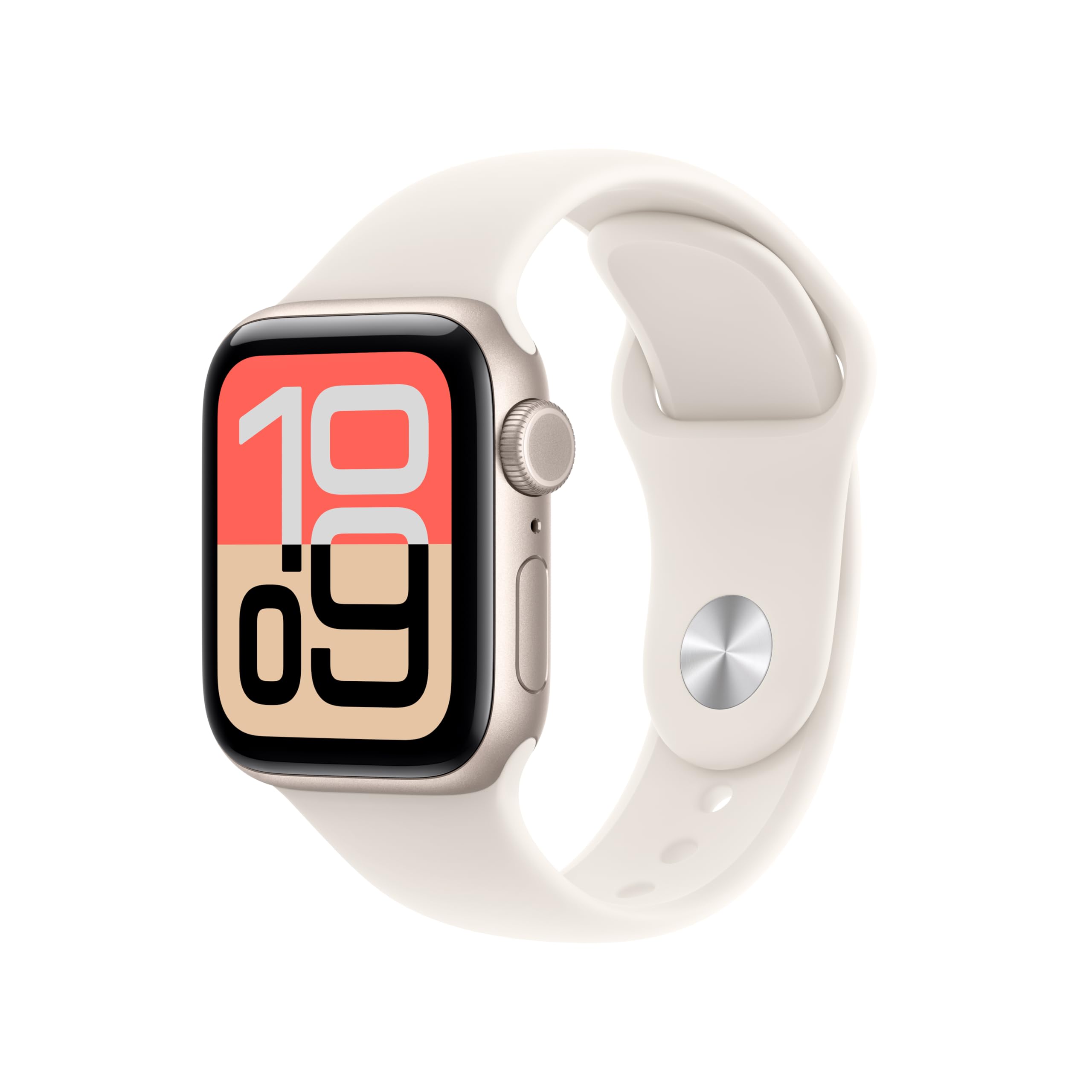
Image: The Apple Watch SE 3 GPS + Cellular 40mm Smartwatch, showcasing its sleek design and digital crown.
What's in the Box
Upon opening your Apple Watch SE 3 package, you should find the following items:
- Apple Watch SE 3 GPS + Cellular 40mm Starlight Aluminium Case
- Starlight Sport Band
- Apple Watch Magnetic Charger to USB-C Cable (1m)
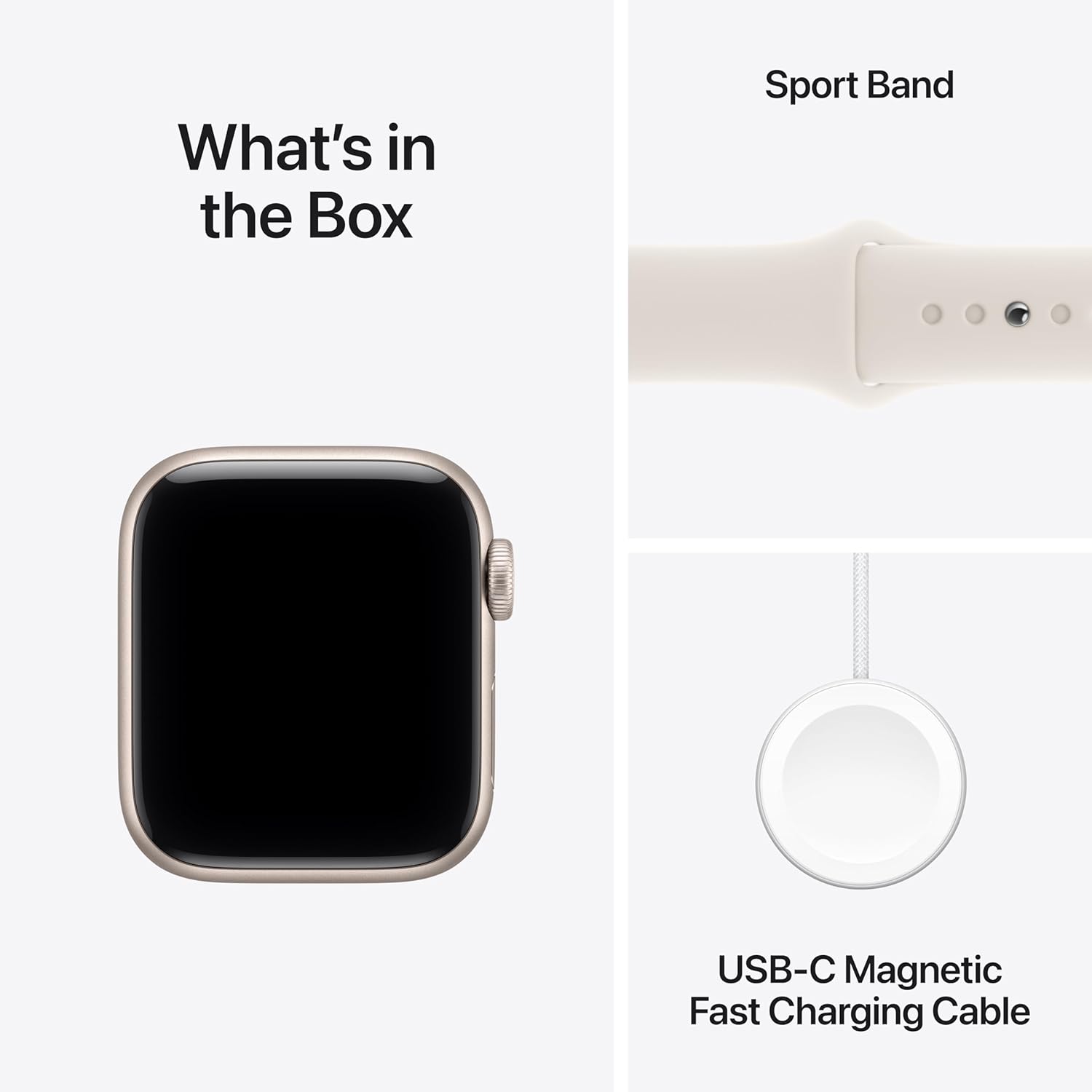
Image: A visual representation of the Apple Watch SE 3, its sport band, and the USB-C magnetic fast charging cable included in the box.
Setup
To begin using your Apple Watch SE 3, follow these initial setup steps:
- Charge Your Apple Watch: Connect the magnetic charging cable to your Apple Watch and a USB-C power adapter (sold separately) or a USB-C port. Ensure the watch has sufficient charge before proceeding.
- Power On: Press and hold the side button until the Apple logo appears.
- Pair with iPhone: Open the Apple Watch app on your iPhone. Tap 'Start Pairing' and follow the on-screen instructions. Position your iPhone so the Apple Watch appears in the viewfinder.
- Set Up as New or Restore: Choose to set up as a new Apple Watch or restore from a backup.
- Sign In with Apple ID: Enter your Apple ID and password.
- Create a Passcode: Set a secure passcode for your watch.
- Cellular Setup (GPS + Cellular models only): Follow the prompts to set up cellular service with your carrier. This allows your watch to make calls, send texts, and use data independently of your iPhone.
- Customize Settings: Adjust preferences for activity, health, and notifications.
Operating Your Apple Watch SE 3
Health Features
The Apple Watch SE 3 offers various health monitoring capabilities:
- Heart Rate Monitoring: Track your heart rate throughout the day and receive notifications for high, low, or irregular rhythms.
- Sleep Tracking: Monitor your sleep patterns, including sleep stages, and receive a daily sleep score.
- Temperature Sensing: Provides insights into your health, including retrospective ovulation estimates.
- Medications App: Helps you track and manage your medication schedule.
- Mindfulness App: Features state of mind tracking to support mental well-being.
- Noise App: Alerts you to high decibel levels that could impact your hearing.
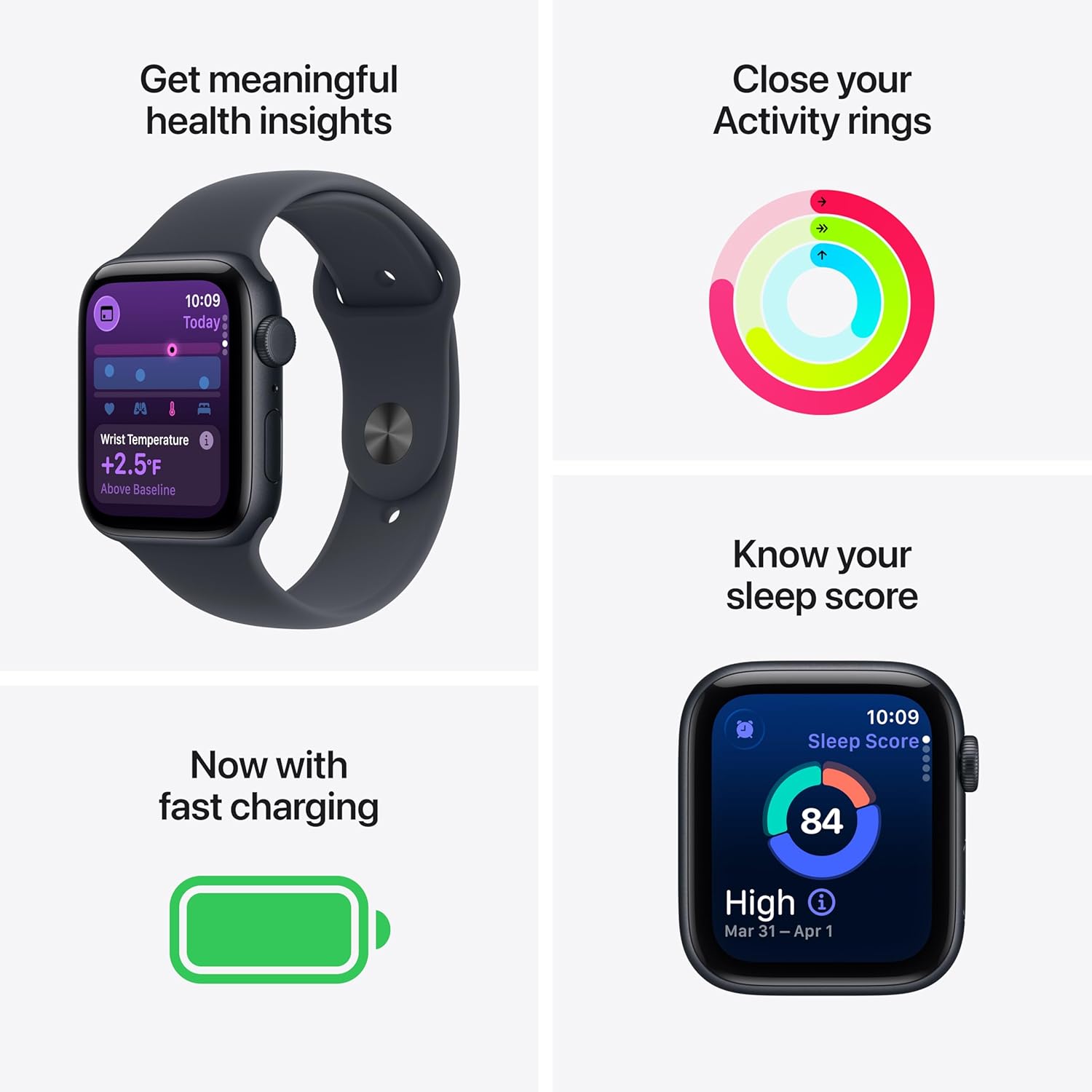
Image: A four-panel image showing the Apple Watch SE 3 displaying meaningful health insights like wrist temperature, activity rings, sleep score, and a fast charging indicator.
Fitness Tracking
Your Apple Watch SE 3 is a comprehensive fitness partner:
- Activity Rings: Track your daily movement with Move, Exercise, and Stand rings.
- Workout App: Choose from a wide range of workouts, including running, cycling, swimming, and more, with real-time metrics.
- GPS: Built-in GPS accurately tracks your routes and distance during outdoor activities.

Image: Two Apple Watch SE 3 screens side-by-side, one showing the colorful activity rings and the other displaying an 'Outdoor Run' workout in progress.
Connectivity
Stay connected with your Apple Watch SE 3:
- GPS + Cellular: Make calls, send texts, and stream music without your iPhone nearby. Supports 5G and LTE.
- Wi-Fi and Bluetooth: Connects to Wi-Fi 4 (802.11n) and Bluetooth 5.3 for seamless integration with your devices.
- Apple Pay: Make secure payments directly from your wrist.

Image: A person wearing an Apple Watch SE 3 and AirPods, with text highlighting the speedy 5G connectivity feature.
Always-On Display
The Always-On Retina display allows you to see the time and watch face information at a glance without needing to raise your wrist. It features OLED and LTPO technology for efficient power consumption and up to 1,000 nits maximum brightness.

Image: A close-up of the Apple Watch SE 3 on a wrist, showcasing the Always-On display with the time and other information visible.
Battery Life
The Apple Watch SE 3 provides all-day battery life, up to 18 hours of normal use. In Low Power Mode, this can extend up to 32 hours. It supports fast charging, reaching up to 80% charge in approximately 45 minutes, or 15 minutes of charging for up to 8 hours of normal use.
Safety Features
Your Apple Watch SE 3 includes important safety features:
- Emergency SOS: Quickly call emergency services by pressing and holding the side button.
- International Emergency Calling: Works even when traveling abroad.
- Crash Detection: Can detect a severe car crash and automatically connect you with emergency services.
- Fall Detection: Detects hard falls and can initiate an emergency call if you are unresponsive.
- Check In: Automatically notifies a loved one when you've arrived at your destination.
Maintenance
To ensure the longevity and optimal performance of your Apple Watch SE 3:
- Cleaning: Regularly clean your Apple Watch and band with a soft, lint-free cloth. For stubborn spots, slightly dampen the cloth with fresh water. Avoid harsh chemicals or abrasive materials.
- Water Resistance: The Apple Watch SE 3 is water resistant up to 50 meters. It can be used for shallow-water activities like swimming in a pool or ocean. It should not be used for scuba diving, waterskiing, or other activities involving high-velocity water or submersion below shallow depths.
- Avoid Extreme Temperatures: Do not expose your Apple Watch to extreme heat or cold, as this can damage the battery and internal components.
- Software Updates: Keep your watchOS software updated to ensure you have the latest features and security enhancements.
Troubleshooting
Here are solutions to common issues you might encounter:
| Issue | Solution |
|---|---|
| Watch not pairing with iPhone | Ensure both devices have Bluetooth and Wi-Fi enabled. Restart both devices. Check if the Apple Watch app on your iPhone is updated. |
| Poor battery life | Reduce background app refresh, turn off Always-On Display if not needed, limit notifications, and use Low Power Mode. Check battery health in Settings > Battery. |
| Notifications not appearing | Check iPhone settings for notifications (Watch app > Notifications). Ensure Do Not Disturb or Sleep Focus is not active on either device. |
| Cellular not working | Verify your cellular plan is active for your Apple Watch with your carrier. Check cellular signal strength. Restart your watch. |
| Screen unresponsive | Force restart your Apple Watch by holding both the side button and Digital Crown for at least 10 seconds until you see the Apple logo. |
Specifications
| Feature | Detail |
|---|---|
| Model Number | MEP64LW/A |
| Case Material | Aluminum |
| Screen Size | 40 Millimeters |
| Display | Always-On Retina display with OLED and LTPO, 1,000 nits brightness, 326 pixels per inch |
| Chip | S10 SiP with 64-bit dual-core processor, 4-core Neural Engine |
| Storage Capacity | 64 GB |
| Operating System | watchOS |
| Connectivity | 5G and LTE, Wi-Fi 4 (802.11n), Bluetooth 5.3, L1 GPS, GNSS, Galileo and QZSS |
| Sensors | Second-generation optical heart sensor, Temperature Sensor, Compass, Always-on altimeter, High-g accelerometer, High dynamic range gyroscope, Ambient light sensor |
| Battery Life | Up to 18 hours (normal use), up to 32 hours (Low Power Mode) |
| Water Resistance | 50 meters |
| Weight (GPS + Cellular) | 26.4 grams (40mm) |
Warranty and Support
Your Apple Watch SE 3 comes with a limited warranty. For extended coverage and peace of mind, consider AppleCare+.
AppleCare+ provides expert technical support and additional hardware coverage, including unlimited incidents of accidental damage protection, each subject to a service fee. This service ensures that if something unexpected happens to your device, it can be repaired with genuine Apple parts or replaced.
For detailed information on warranty, service options, and to purchase AppleCare+, please visit the official Apple Support website or contact Apple customer service.
Video: An official Apple video explaining the benefits and services offered by AppleCare+ for your Apple Watch.


