
1. Introduction
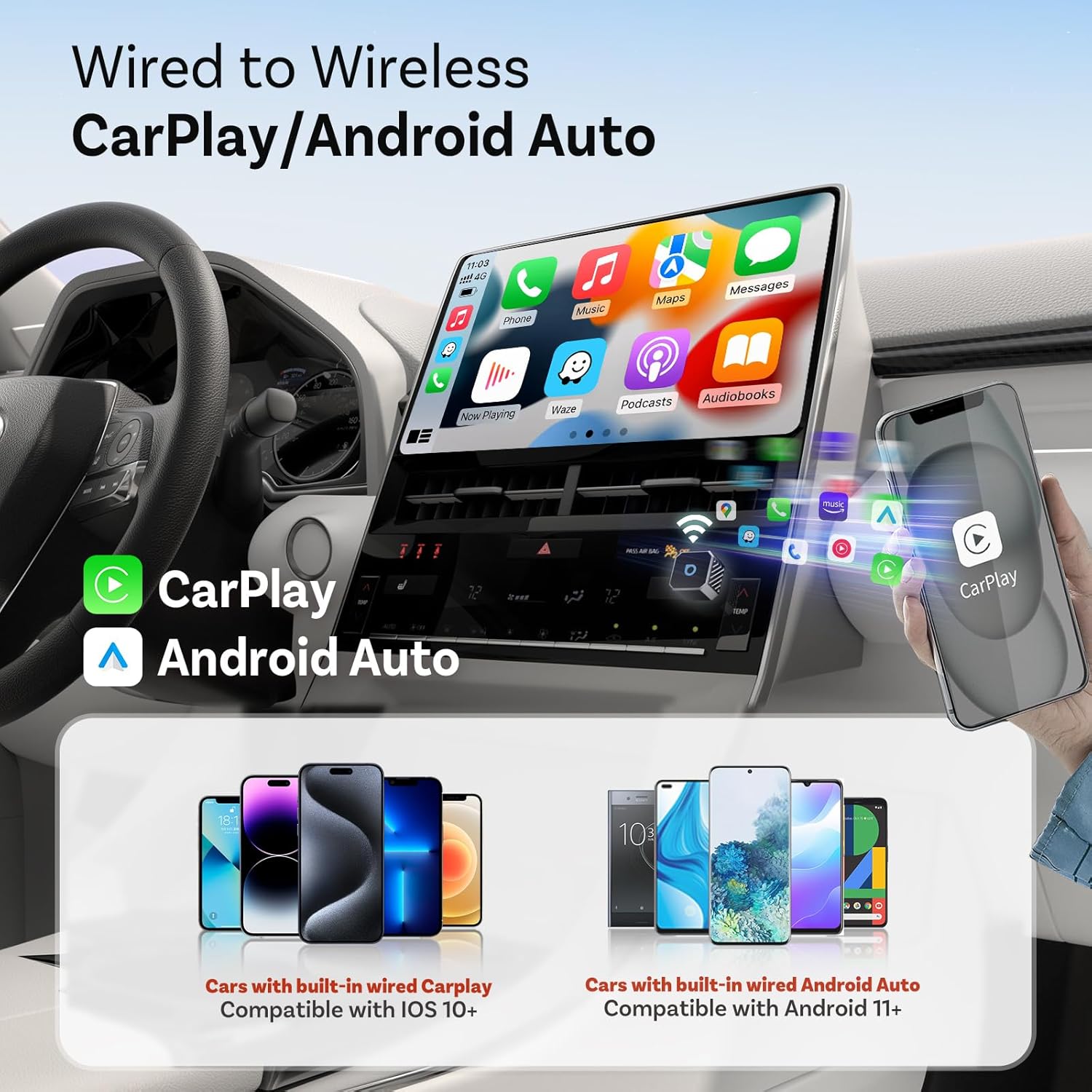
The OTTOCAST Mini 3.0 (Pot) is a compact 2-in-1 wireless adapter designed to convert your car's existing wired CarPlay or Android Auto system into a seamless wireless experience. This device allows for automatic pairing and provides access to your favorite navigation, music, and communication applications directly on your car's infotainment screen without the need for physical cable connections.
2. What's in the Box
The package includes the following items:
- Ottocast Mini Pot x 1
- USB Plug Adapter (Type A to C) x 1
- User Manual x 1

3. Compatibility
The OTTOCAST Mini 3.0 (Pot) is designed for wide compatibility with various vehicles and smartphones:
- Vehicle Compatibility: Works with most cars manufactured from 2016 onwards that are equipped with factory-wired CarPlay or Android Auto.
- Smartphone Compatibility: Supports iPhones running iOS 10+ and Android phones running Android 11+ with 5GHz WiFi capability.
Please note: This adapter is not available for BMW or Tesla vehicles.

To verify if your specific car model is compatible, please visit the official compatibility checker: https://check.adaptermanual.com/AMZ/
4. Setup Instructions
Follow these steps for initial setup and pairing:
- Plug In the Adapter: Connect the OTTOCAST Mini Pot to your car's USB port that supports wired CarPlay or Android Auto. If your car uses a USB-C port, utilize the provided USB-A to USB-C adapter. The adapter's indicator light will illuminate.
- Enable Bluetooth & Wi-Fi: On your smartphone, ensure both Bluetooth and Wi-Fi are turned on.
- Pair with Your Phone: On your car's infotainment screen, navigate to the Bluetooth settings. Look for the device name displayed on the screen (e.g., "CAR2-XXXX" or "SmartDongle-XXXX"). Select it to initiate pairing.
- Confirm Pairing: A pairing request will appear on your smartphone. Confirm the request and allow any prompts for contacts or favorites synchronization.
- Launch Wireless CarPlay/Android Auto: Once paired, CarPlay or Android Auto should automatically launch on your car's display, providing a wireless connection.

Setup Video Guide
5. Operating Instructions
Once the OTTOCAST Mini Pot is set up, operating it is straightforward:
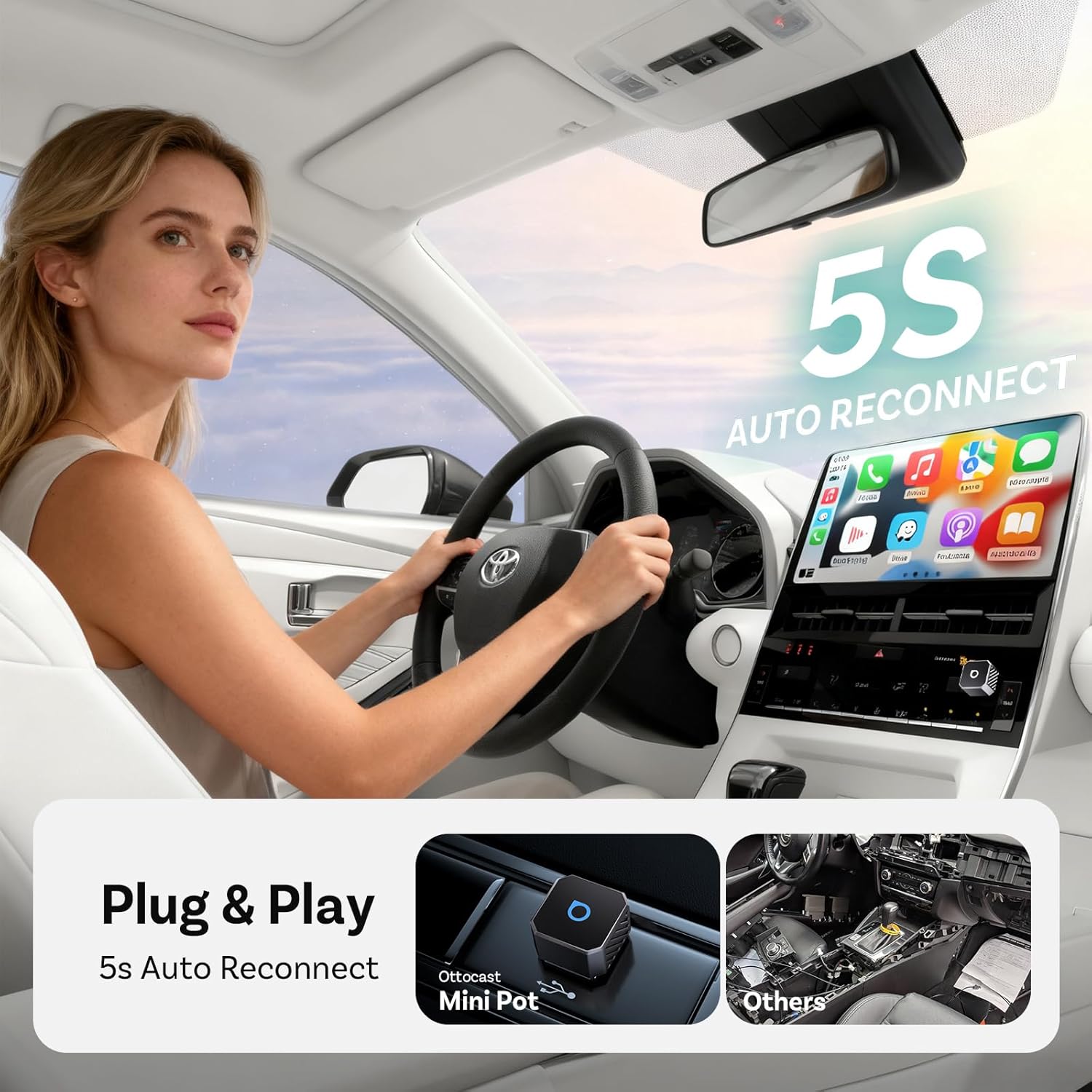
- Automatic Connection: After the initial pairing, the adapter will automatically connect your smartphone to CarPlay or Android Auto each time you start your vehicle, provided Bluetooth is enabled on your phone.
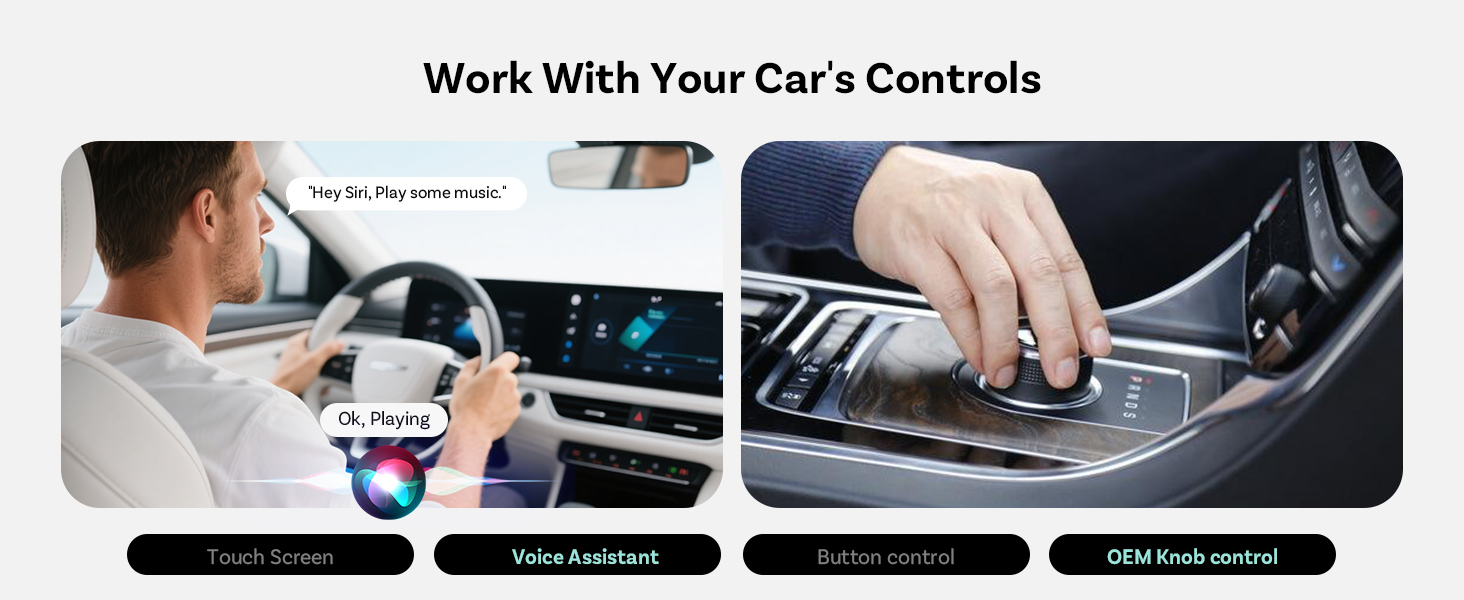
- Control Interface: Continue to use your car's original controls, including the touchscreen, steering wheel buttons, and OEM knob control, to navigate and interact with CarPlay or Android Auto.
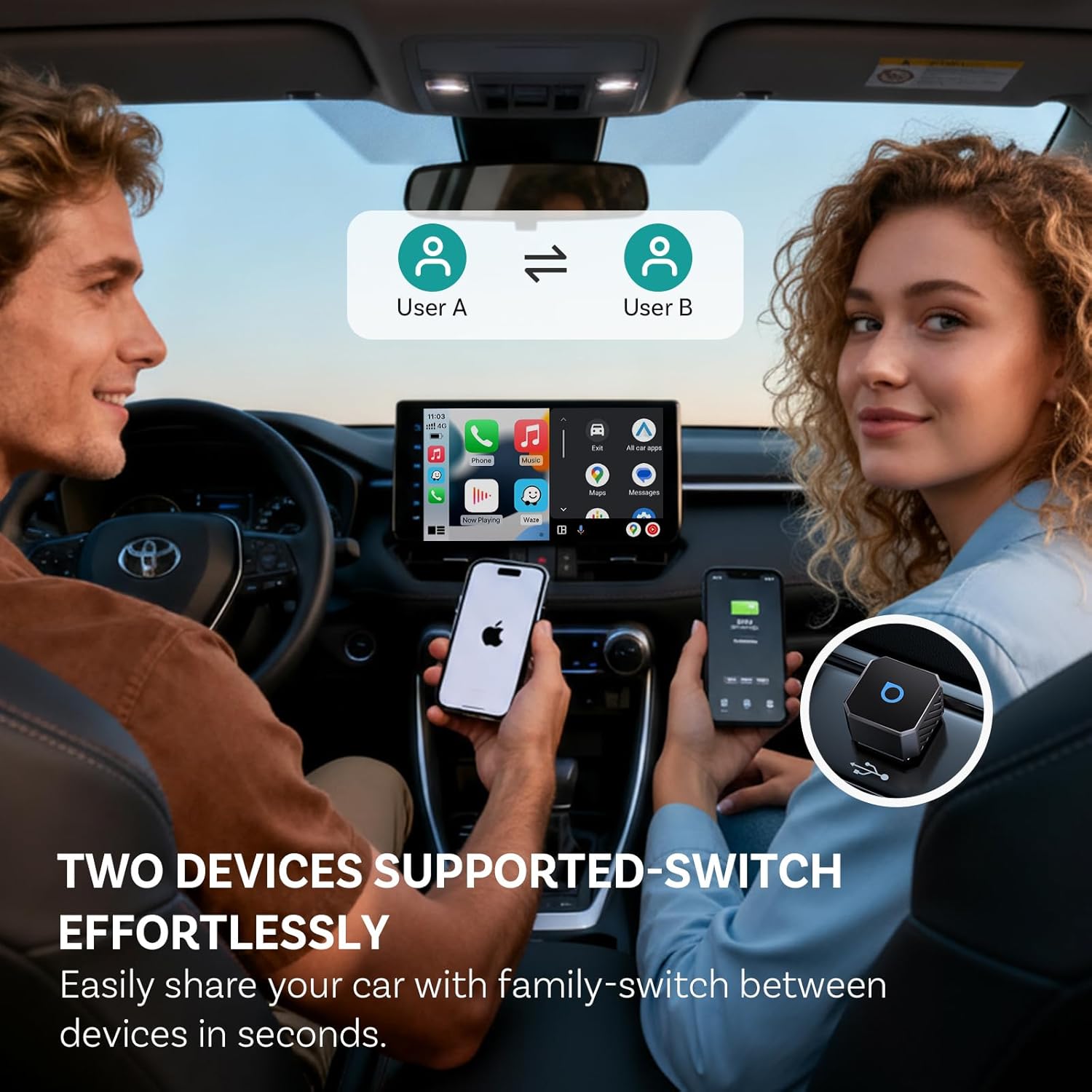
- Multi-User Support: The device supports connecting up to two different smartphones. You can easily switch between paired users via your car's infotainment system settings.

6. Key Features
- Simple Wireless Experience: Eliminates the need for plugging and unplugging cables, allowing your favorite apps to start wirelessly every time you drive.
- Fast Auto Connection: The OTTOCAST Mini Pot reconnects instantly once you start your engine, ensuring your media and navigation are ready quickly.
- Stable and Reliable Design: Its compact and secure design with a tapered connector ensures consistent performance without random disconnections, even on long drives.
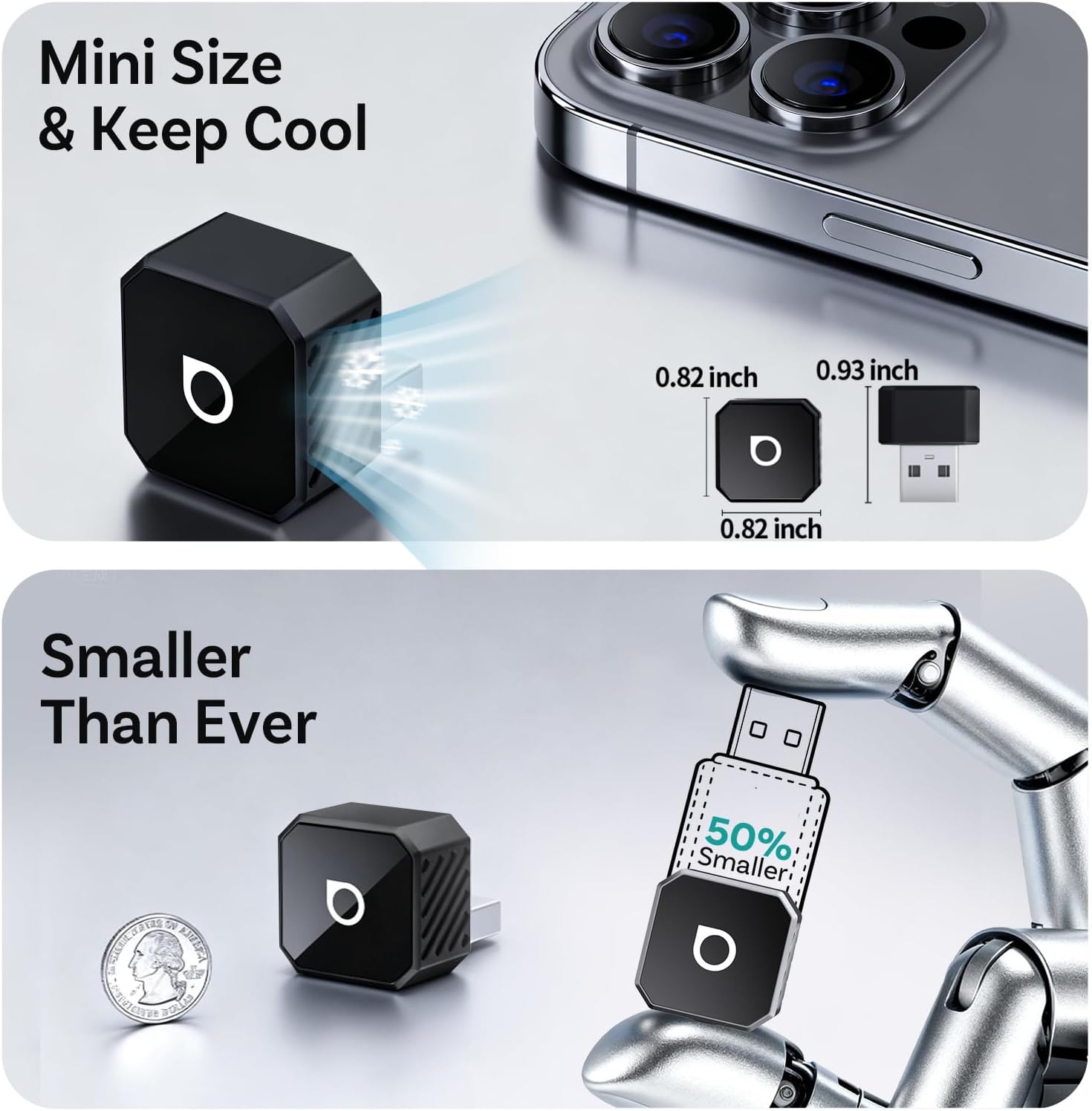
- Compact Size: The device features a mini size that keeps cool and is significantly smaller than previous models, minimizing intrusion in your car's console.
- 5GHz WiFi: Utilizes 5GHz WiFi for enhanced speed and stability, providing a smooth and responsive user experience.
- GPS Passthrough: Incorporates exclusive technology for stable GPS navigation, ensuring accurate location tracking.


Product Overview Videos
7. Maintenance
To ensure the longevity and optimal performance of your OTTOCAST Mini 3.0 (Pot) adapter, follow these simple maintenance guidelines:
- Keep Clean: Regularly wipe the device with a soft, dry cloth to remove dust and debris. Avoid using harsh chemicals or abrasive materials.
- Avoid Extreme Conditions: Do not expose the adapter to extreme temperatures (hot or cold), direct sunlight for prolonged periods, or excessive moisture.
- Handle with Care: Avoid dropping the device or subjecting it to strong impacts.
8. Troubleshooting
If you encounter issues with your OTTOCAST Mini 3.0 (Pot), try the following solutions:
- No Connection/Frequent Disconnections:
- Ensure your phone's Bluetooth and Wi-Fi are both enabled.
- Verify the adapter is plugged into the correct USB port in your car (the one designated for wired CarPlay/Android Auto).
- Restart your car's infotainment system and your smartphone.
- Unplug the OTTOCAST Mini Pot, wait 10 seconds, and plug it back in.
- If using Android Auto and experiencing flickering or disconnections, try clearing the cache and storage for the Android Auto app on your phone (Settings > Apps > Android Auto > Storage > Clear Cache/Clear Storage).
- Slow Performance/Lag:
- Ensure your phone's operating system and the OTTOCAST adapter's firmware are up to date. Check for updates via the Ottocast app (if available) or the device's web interface.
- Minimize background apps running on your smartphone.
- No Audio:
- Check your car's volume settings and ensure your phone's media volume is up.
- Confirm that your car's audio source is set to CarPlay/Android Auto.
Troubleshooting Video
9. Specifications
| Product Dimensions | 0.82 x 0.82 x 0.93 inches |
| Item Weight | 1.44 ounces |
| Item Model Number | CA505-T1 |
| Special Feature | Low Latency |
| Brand | OTTOCAST |
| Connectivity Technology | USB |
| Power Source | Corded Electric |
| Material | Metal, Plastic |
10. Warranty and Support
Your OTTOCAST Mini 3.0 (Pot) comes with a 2-year warranty, providing extra peace of mind. This includes a hassle-free replacement for 2 years from the date of purchase. Proof of purchase is required for warranty claims.

For any questions, technical assistance, or warranty claims, please contact OTTOCAST customer support:
- Email: Support@ottocast.com
- Support is available 7 days a week, 24 hours a day.


