
1. Introduction
This manual provides detailed instructions for the setup, operation, and maintenance of your MELCAM 2K Webcam (Model DS042K). Please read this manual thoroughly before using the product to ensure proper functionality and to maximize your user experience. This webcam is designed to enhance your video communication with high-resolution video, integrated lighting, and clear audio.
2. What's in the Box
- MELCAM 2K Webcam (DS042K)
3. Setup and Installation
3.1 Physical Installation
The MELCAM 2K Webcam features a flexible clip for easy attachment to various devices:
- Attach to Monitor/Laptop: Open the flexible clip and place the webcam securely on top of your monitor or laptop screen. Adjust the clip to ensure stability.
- Desktop Placement: The flexible clip can also be folded to create a stable base for placing the webcam directly on your desk.
- Tripod Mounting: The webcam is compatible with standard tripods. Locate the tripod screw hole on the bottom of the clip and attach it to your tripod (tripod not included unless specified).
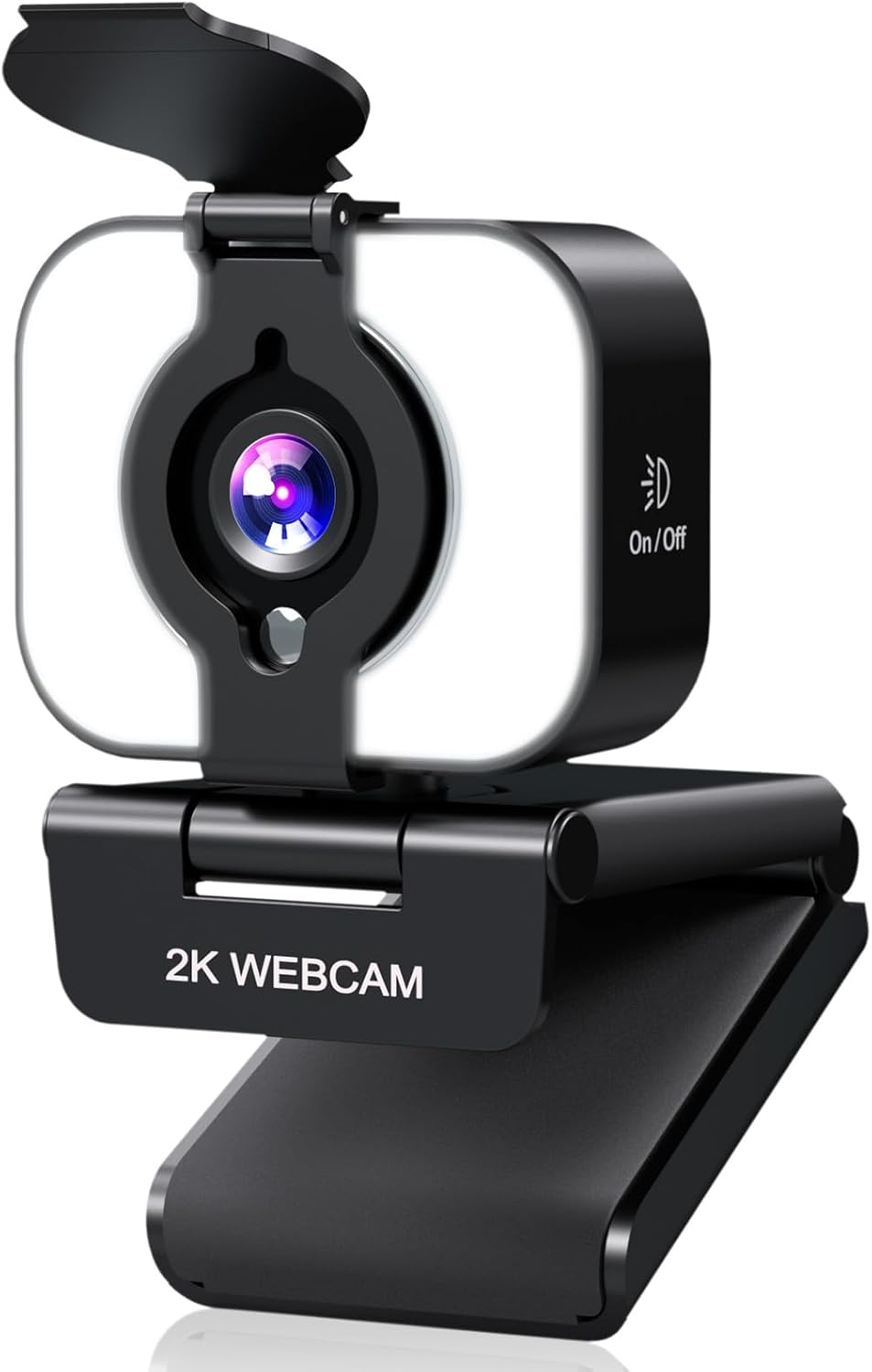
Figure 1: MELCAM 2K Webcam with its flexible mounting clip.
3.2 Plug & Play Connectivity
The MELCAM 2K Webcam is designed for simple plug-and-play operation, requiring no additional drivers for most operating systems.
- Connect via USB: Plug the USB cable from the webcam into an available USB port on your computer (PC or Mac).
- System Recognition: Your operating system should automatically detect and install the necessary components for the webcam. This may take a few moments.
- Select Camera in Application: Open your preferred video conferencing or streaming application (e.g., Zoom, Skype, Microsoft Teams, OBS). Navigate to the video/camera settings within the application and select "MELCAM 2K Webcam" as your video input device.

Figure 2: Simple USB plug-and-play setup.
4. Key Features and Operation
4.1 Crystal-Clear 2K Resolution
The MELCAM 2K Webcam delivers video at a resolution of 2560 x 1440 pixels, providing sharp and detailed images for your video calls, streaming, and recordings. This higher resolution ensures a professional and clear visual presence.
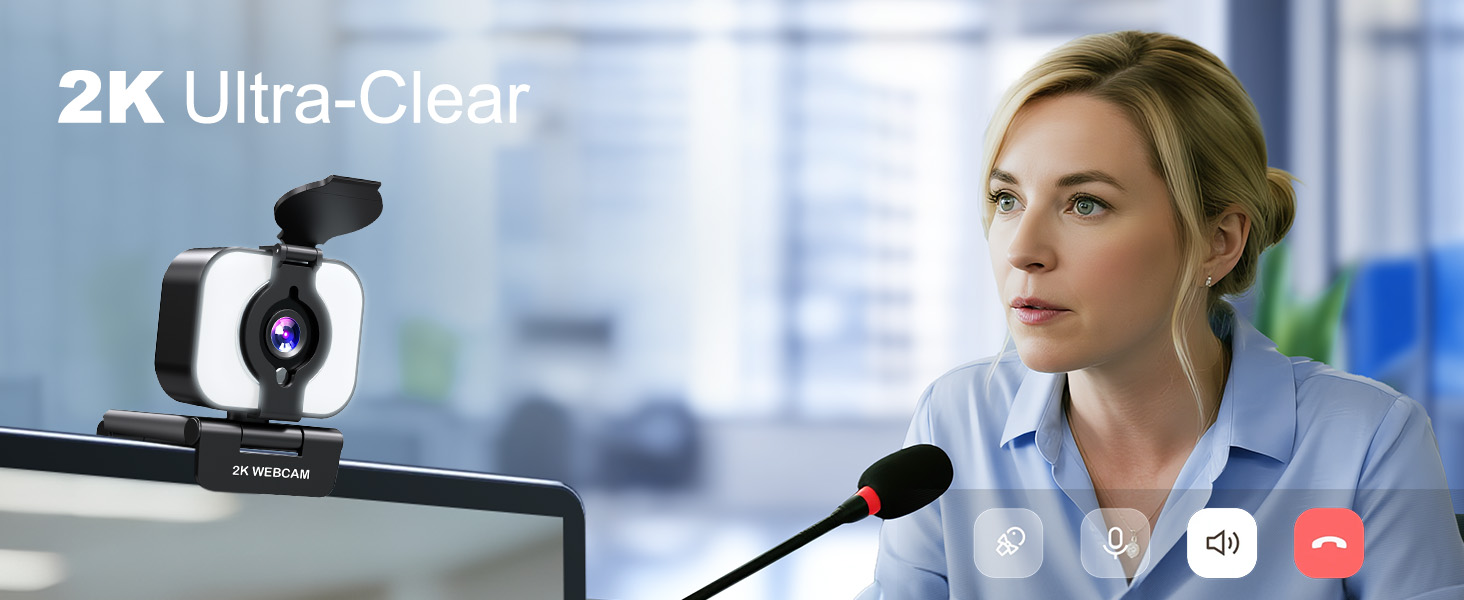
Figure 3: Enhanced clarity with 2K resolution.
4.2 Integrated 3-Level Ring Light
The webcam features an integrated ring light with three adjustable brightness levels to ensure optimal lighting in various environments.
- Adjusting Brightness: Tap the touch-sensitive button on the front of the webcam to cycle through Low, Medium, and High brightness settings.
- Power On/Off: Continue tapping to turn the light off.

Figure 4: Adjusting the 3-level fill light.
4.3 Built-in Privacy Cover
For enhanced privacy and security, the webcam includes a physical privacy cover.
- Activate Privacy: Simply slide the cover over the lens when the webcam is not in use.
- Deactivate Privacy: Slide the cover back to expose the lens when you are ready to use the webcam.

Figure 5: Using the built-in flip privacy cover.
4.4 Autofocus and Noise-Canceling Microphone
The webcam features an autofocus function that keeps you sharp and clear, even if you move during a call. The integrated noise-canceling microphone reduces background distractions, ensuring your voice is heard clearly.

Figure 6: PDAF Autofocus in action.

Figure 7: Noise-Canceling Microphone for clear communication.
4.5 Flexible Angle Adjustment
The webcam offers versatile positioning options:
- Horizontal Rotation: The camera head can rotate 360 degrees horizontally.
- Vertical Tilt: The camera lens can tilt 90 degrees up/down.
- Wide Viewing Angle: Provides an 81.6-degree wide viewing angle to capture more of your surroundings.

Figure 8: Flexible angle adjustment for optimal positioning.
4.6 Wide Compatibility
The MELCAM 2K Webcam is compatible with a broad range of operating systems and applications:
- Operating Systems: Supports Mac and Windows.
- Applications: Works seamlessly with popular platforms such as Zoom, Microsoft Teams, Skype, OBS, and more.

Figure 9: Wide compatibility with various platforms.
5. Specifications
| Feature | Description |
|---|---|
| Brand | MELCAM |
| Model Number | DS042K |
| Video Capture Resolution | 2K (2560 x 1440) |
| Photo Sensor Technology | CMOS |
| Connectivity Technology | USB |
| Special Features | Ring Light, Privacy Cover, Autofocus, Noise-Canceling Microphone |
| Item Weight | 5.6 ounces |
| Package Dimensions | 4.57 x 3.43 x 2.6 inches |
6. Troubleshooting
- No Video/Image:
- Ensure the USB cable is securely connected to both the webcam and your computer.
- Try plugging the webcam into a different USB port.
- Verify that the privacy cover is not blocking the lens.
- Check your application's settings to ensure the MELCAM 2K Webcam is selected as the video input.
- Restart your computer and try again.
- No Audio/Poor Audio Quality:
- Ensure the webcam is selected as the microphone input in your application's audio settings.
- Check your computer's sound settings to ensure the microphone is enabled and not muted.
- Adjust the microphone volume in your system or application settings.
- Minimize background noise in your environment for optimal performance of the noise-canceling microphone.
- Ring Light Not Working:
- Ensure the webcam is properly connected via USB, as the light draws power from the USB connection.
- Tap the touch-sensitive button on the front of the webcam to cycle through brightness levels and turn it on.
7. Official Product Video
Video: MELCAM 2K Webcam for PC with light. This video demonstrates the webcam's features and functionality, including the integrated light.
8. Warranty and Support
For warranty information and customer support, please refer to the contact details provided on the product packaging or the official MELCAM website. Keep your purchase receipt for warranty claims.