
1. Introduction
This manual provides detailed instructions for the proper use and maintenance of your AUTOPHIX 7210P+ OBD2 Scanner and AUTOPHIX BAS100 Car Battery Tester. These devices are designed to assist in vehicle diagnostics and battery health assessment, ensuring optimal performance and longevity of your automotive systems.
Package Contents:
- 1x AUTOPHIX 7210P+ Scan Tool
- 1x AUTOPHIX BAS100 12V 24V Battery Tester
- User Manual (this document)
- Necessary connection cables
2. Setup
2.1. AUTOPHIX 7210P+ OBD2 Scanner Setup
- Locate the OBD2 Port: The OBD2 port is typically located under the dashboard on the driver's side of the vehicle. Refer to your vehicle's owner's manual if you cannot find it.
- Connect the Scanner: Plug the scanner's OBD2 cable into the vehicle's OBD2 port. Ensure a secure connection.
- Power On: The scanner will usually power on automatically once connected to the vehicle's OBD2 port. If not, turn the vehicle's ignition to the 'ON' position (engine off).
2.2. AUTOPHIX BAS100 Car Battery Tester Setup
- Prepare the Battery: Ensure the vehicle's ignition is off and all accessories are turned off. Clean the battery terminals if they are corroded.
- Connect the Clamps: Connect the red positive (+) clamp of the BAS100 to the positive (+) battery terminal. Connect the black negative (-) clamp to the negative (-) battery terminal. Ensure a firm connection.
- Power On: The BAS100 will power on automatically once correctly connected to the battery.
3. Operating Instructions
3.1. Operating the AUTOPHIX 7210P+ OBD2 Scanner
The 7210P+ is designed for comprehensive diagnostics on GM vehicles (Chevy, Buick, Cadillac) and standard OBD2 functions for all OBD2-equipped gas vehicles.

Image: The AUTOPHIX 7210P+ performing full system diagnostics on a GM vehicle, illustrating coverage for Engine, ABS, Transmission, SRS, ECM, BCM, EGS, EPS, and Battery systems.
3.1.1. Full System Diagnostics for GM Vehicles
The 7210P+ can scan all available systems in compatible GM vehicles. This includes, but is not limited to, the Engine, Transmission, Anti-lock Braking System (ABS), Airbags (SRS), Body Control Module (BCM), Electronic Power Steering (EPS), Steering Angle Sensor (SAS), Air Conditioning (A/C), Radio, Parking Brake, and Fuel Pump. System coverage may vary based on the specific vehicle's configuration.
- Navigate to the 'GM Diagnostics' menu.
- Select 'Auto Scan' or choose specific systems for diagnosis.
- Review the diagnostic trouble codes (DTCs) and live data.
- After repairs, use the 'Clear Fault Codes' function to turn off warning lights.
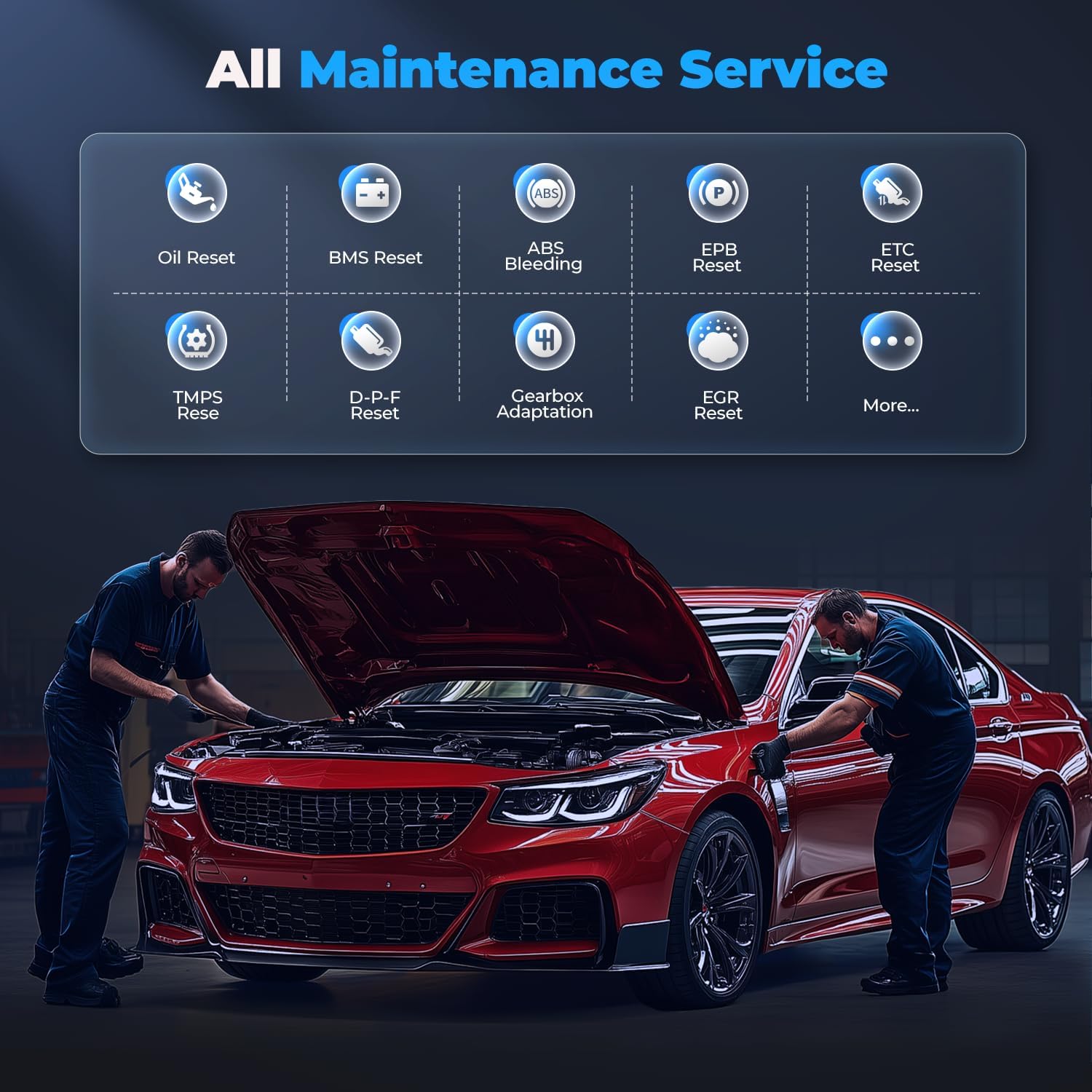
Image: An overview of the maintenance service functions available on the AUTOPHIX 7210P+, including Oil Reset, BMS Reset, ABS Bleeding, EPB Reset, ETC Reset, TMPS Reset, DPF Reset, Gearbox Adaptation, and EGR Reset.
3.1.2. Maintenance Service Functions
The 7210P+ offers various reset and adaptation services for GM vehicles:
- Oil Reset: Resets the engine oil life system after an oil change.
- BMS Reset: Resets the Battery Management System after battery replacement.
- ABS Bleeding: Performs brake bleeding procedures.
- EPB Reset: Resets the Electronic Parking Brake system.
- ETC Reset: Resets the Electronic Throttle Control system.
- TMPS Reset: Resets the Tire Pressure Monitoring System.
- DPF Reset: Resets the Diesel Particulate Filter system.
- Gearbox Adaptation: Adapts transmission learning values.
- EGR Reset: Resets the Exhaust Gas Recirculation system.
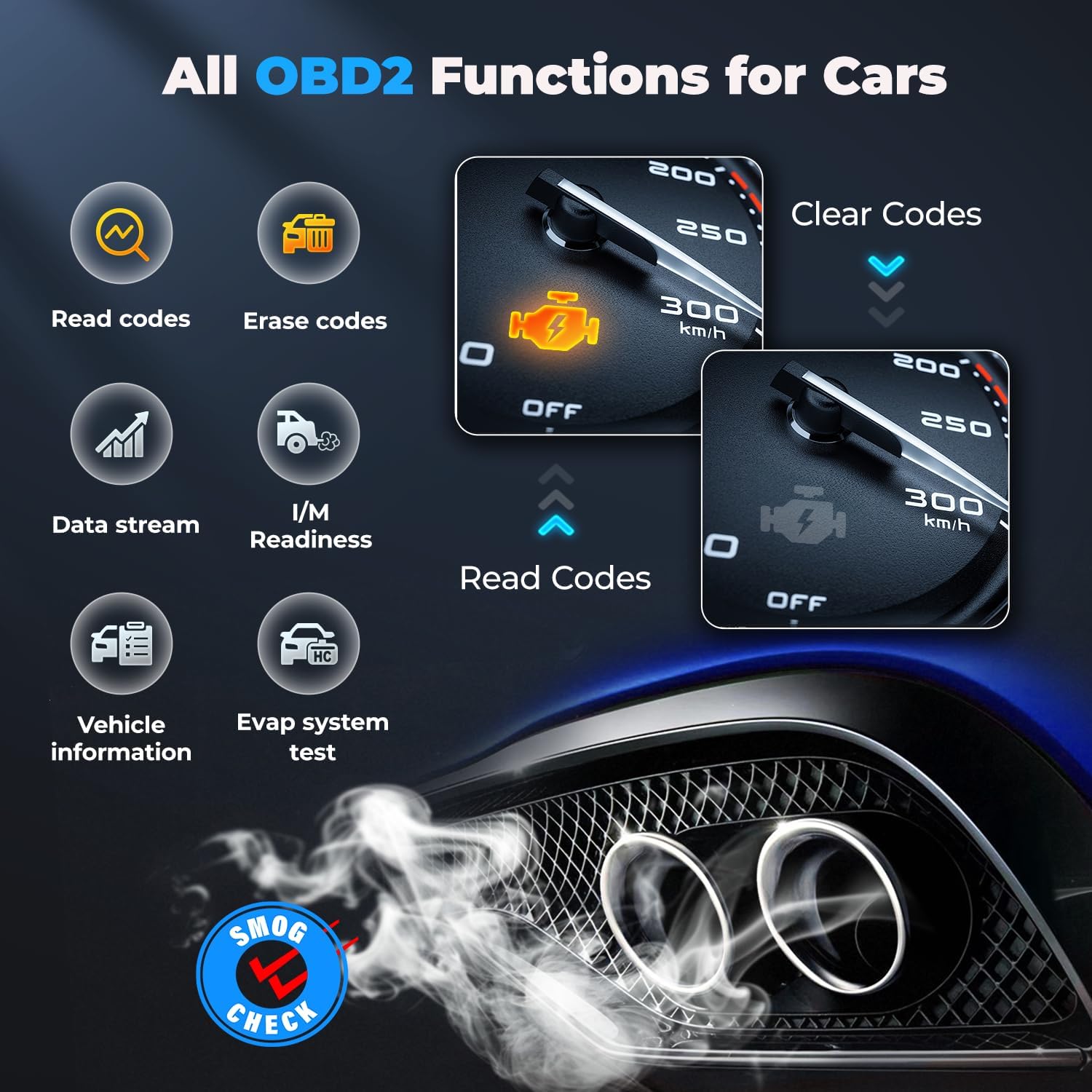
Image: The AUTOPHIX 7210P+ displaying its full range of OBD2 functions, including Read Codes, Erase Codes, Data Stream, I/M Readiness, Vehicle Information, and Evap System Test.
3.1.3. Standard OBD2 Functions (for all OBD2-equipped gas vehicles)
- Read Codes: Retrieves generic (P0, P2, P3, and U0) and manufacturer specific (P1, P3, and U1) codes.
- Erase Codes: Clears Diagnostic Trouble Codes (DTCs) and turns off the Check Engine Light (MIL).
- Data Stream: Displays live data parameters from the vehicle's sensors.
- I/M Readiness: Checks the readiness of the emission monitoring systems.
- Vehicle Information: Retrieves Vehicle Identification Number (VIN), Calibration ID (CALID), and Calibration Verification Number (CVN).
- Evap System Test: Initiates a test of the Evaporative Emission System.

Image: The AUTOPHIX 7210P+ displaying its battery check function, showing current voltage and a graph of voltage over time.
3.1.4. Battery Check Function (on 7210P+)
The 7210P+ includes a basic battery check function to monitor current voltage and display a voltage graph over time. This provides a quick overview of the battery's state.
3.2. Operating the AUTOPHIX BAS100 Car Battery Tester
The BAS100 is a dedicated battery tester for 12V and 24V batteries, providing detailed analysis of battery health and charging system performance.

Image: The AUTOPHIX BAS100 multi-function battery load tester, highlighting its capabilities including Voltage Test, State of Charge (SOC), State of Health (SOH), Load Test, Resistance Test, Cranking Test, Charging Test, and Data Storage.
3.2.1. Battery Test
This test determines the overall health and charge level of the battery.
- From the main menu, select 'Battery Test'.
- Input the battery type (e.g., Flooded, AGM, GEL) and Cold Cranking Amps (CCA) rating as prompted.
- The tester will display results including State of Health (SOH) and State of Charge (SOC).

Image: The AUTOPHIX BAS100 in use, displaying results for Battery Test (Health, Charge, Internal Resistance), Charging Test (Loaded, Unloaded, Ripple voltage), and Cranking Test (Time, Voltage).
3.2.2. Cranking Test
This test assesses the battery's ability to provide sufficient current to start the engine.
- Select 'Cranking Test' from the menu.
- Follow the on-screen prompts to start the engine.
- The tester will analyze the cranking voltage and time, indicating if the battery has enough power.
3.2.3. Charging Test
This test checks the vehicle's charging system (alternator) to ensure it is functioning correctly.
- Select 'Charging Test' from the menu.
- Follow the on-screen prompts to run the engine at specified RPMs.
- The tester will display loaded and unloaded voltage, and ripple voltage, to determine charging system health.

Image: The AUTOPHIX BAS100 highlighting its 99.6% accuracy and fast results, indicating 3X faster testing and 3X sensitivity.
3.2.4. Supported Battery Types and Standards
The BAS100 supports a wide range of 12V/24V batteries with CCA ratings from 100-2000, including:
- Conventional Flooded
- AGM Flat Plate
- AGM Spiral
- GEL
- EFB
It also supports international battery standards such as CCA, BCI, CA, MCA, JIS, DIN, and SAE.

Image: The AUTOPHIX BAS100 showcasing its comprehensive protection features, including Overcurrent Protection, Overvoltage Protection, Short Circuit Protection, and Reverse Polarity Protection.
3.2.5. Protection Features
The BAS100 is equipped with multiple protection features to ensure safe operation:
- Overcurrent Protection: Prevents damage from excessive current.
- Overvoltage Protection: Safeguards against high voltage spikes.
- Short Circuit Protection: Protects against short circuits.
- Reverse Polarity Protection: Prevents damage if clamps are connected incorrectly.
4. Maintenance
- Cleaning: Use a soft, damp cloth to clean the device casings. Do not use abrasive cleaners or solvents. Ensure the devices are dry before storage.
- Storage: Store the devices in a dry, cool place, away from direct sunlight and extreme temperatures. Keep them in their original packaging or a protective case when not in use.
- Software Updates: Periodically check the AUTOPHIX official website for available software updates for your 7210P+ scanner to ensure optimal performance and compatibility with newer vehicle models.
5. Troubleshooting
5.1. AUTOPHIX 7210P+ Scanner
- Device does not power on: Ensure the OBD2 cable is securely connected to the vehicle's port. Verify the vehicle's ignition is in the 'ON' position. Check the vehicle's fuse for the OBD2 port.
- Link Error/Communication Failure: Confirm the vehicle supports the OBD2 protocol. Check for loose connections. Try the scanner on another compatible vehicle to rule out a vehicle-specific issue.
- Cannot read codes: Ensure the correct vehicle make/model is selected if applicable. Some functions are specific to GM vehicles; ensure you are using the correct diagnostic path.
5.2. AUTOPHIX BAS100 Battery Tester
- Device does not power on: Ensure the positive and negative clamps are securely connected to the correct battery terminals. Check for corrosion on battery terminals that might prevent good contact.
- Inaccurate readings: Ensure the battery type and CCA value entered into the tester match the battery specifications. Make sure battery terminals are clean and connections are solid.
- Error message during test: Recheck connections. Ensure the battery is not severely discharged (below 8V for 12V batteries).
6. Specifications
| Feature | Description |
|---|---|
| Compatibility | GM vehicles (Chevy, Buick, Cadillac), All OBD2-compliant gas vehicles |
| Diagnostic Functions | Full System Diagnostics (GM), Read/Clear DTCs, Live Data, I/M Readiness, Vehicle Info, Evap Test |
| Maintenance Services | Oil Reset, BMS Reset, ABS Bleeding, EPB Reset, ETC Reset, TMPS Reset, DPF Reset, Gearbox Adaptation, EGR Reset |
| Additional Features | Basic Battery Check |
| Feature | Description |
|---|---|
| Voltage Range | 12V / 24V |
| CCA Range | 100-2000 CCA |
| Supported Battery Types | Conventional Flooded, AGM Flat Plate, AGM Spiral, GEL, EFB |
| Supported Standards | CCA, BCI, CA, MCA, JIS, DIN, SAE |
| Test Functions | Battery Test (SOH, SOC), Cranking Test, Charging Test |
| Protection | Overcurrent, Overvoltage, Short Circuit, Reverse Polarity |
Note: Specifications are subject to change without prior notice.
7. Warranty
AUTOPHIX products are covered by a manufacturer's warranty. Please refer to the warranty card included with your product or visit the official AUTOPHIX website for detailed warranty terms and conditions. Keep your purchase receipt as proof of purchase for warranty claims.
8. Support
For technical assistance, troubleshooting, or customer service inquiries, please contact AUTOPHIX customer support. Contact information can typically be found on the official AUTOPHIX website or in the product packaging.
Official Website: www.autophix.com (Note: This is a placeholder URL, please refer to actual product documentation for the correct website.)