1. Introduction
The eufy Baby Monitor C10 provides comprehensive monitoring of your baby with a 2K HD camera and a 4.5-inch 480p display. It offers both hybrid Wi-Fi and no-Wi-Fi connection options, ensuring reliable monitoring whether you are at home or away. Key features include pan-tilt functionality, 4x zoom, night vision, two-way talk, and smart alerts for motion, crying, noises, and temperature changes.
2. What's in the Box
- Monitor
- Camera
- Camera Power Cable
- Monitor Power Cable
- Power Adapter x 2
- Mounting Plate
- Screw Pack
- Quick Start Guide
3. Product Overview

The eufy Baby Monitor C10 includes a camera unit and a portable monitor for comprehensive baby surveillance.

The camera offers 2K HD resolution, 351° pan, 60° tilt, and 4x zoom for a detailed view of your baby's environment.
Night vision ensures clear visibility even in low-light conditions, capturing every moment.
Key Features:
- 2K HD Resolution: Provides clear video quality with 351° panoramic view, 60° tilt, and 4x zoom.
- Hybrid Monitoring: Offers stable local feed without Wi-Fi and remote access via app when connected to Wi-Fi.
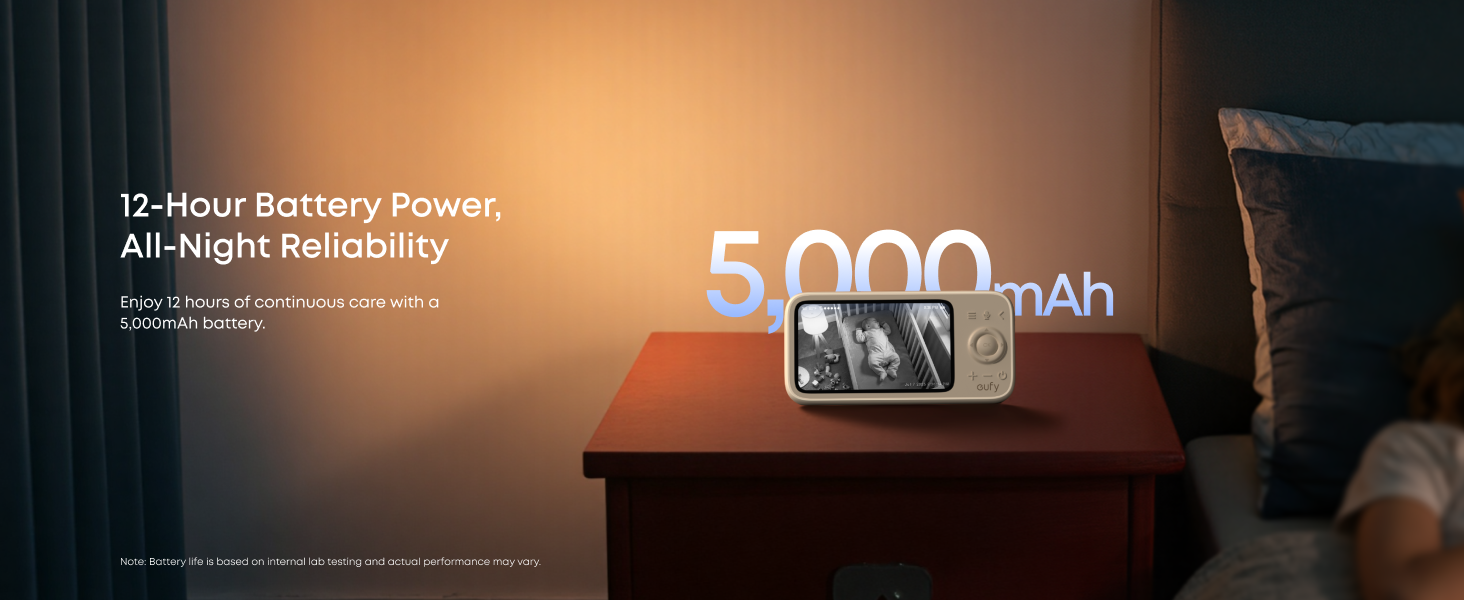
- 12-Hour Battery Life: The monitor features a 5,000mAh battery for extended use.
- Smart Detection and Alerts: Monitors for motion, cries, noises, and room temperature, sending customizable alerts.
- Privacy Protection: Secure local connection with one-tap Wi-Fi off and AES-128 encryption.
- Two-Way Talk: Communicate with your baby through the monitor.
- VOX Mode: Screen lights up instantly upon detecting your baby's call.
4. Setup
4.1 Initial Connection (Monitor and Camera)
To begin, ensure both the camera and monitor are powered on. The monitor will guide you through the initial pairing process. Follow the on-screen instructions to establish a connection between the camera and the monitor.
Video: Instructions on how to connect the eufy Baby Monitor C10 add-on camera to the monitor. This video demonstrates the pairing process for additional cameras.
4.2 Mounting the Camera
The eufy Baby Monitor C10 camera can be mounted in various ways to suit your nursery setup. A wall mount is included, and a crib mount can be purchased separately.
Video: Detailed guide on how to install the eufy Baby Monitor C10 using a crib mount. This video shows step-by-step instructions for secure installation.
- Wall Mount: Use the provided mounting plate and screws to secure the camera to a wall.
- Crib Mount: If using a crib mount (sold separately), attach the crib mount bracket to the side of the crib, then secure the gooseneck arm and camera. Adjust the gooseneck arm to achieve the desired viewing angle.

The camera can be securely mounted on a wall for a wide view of the room.
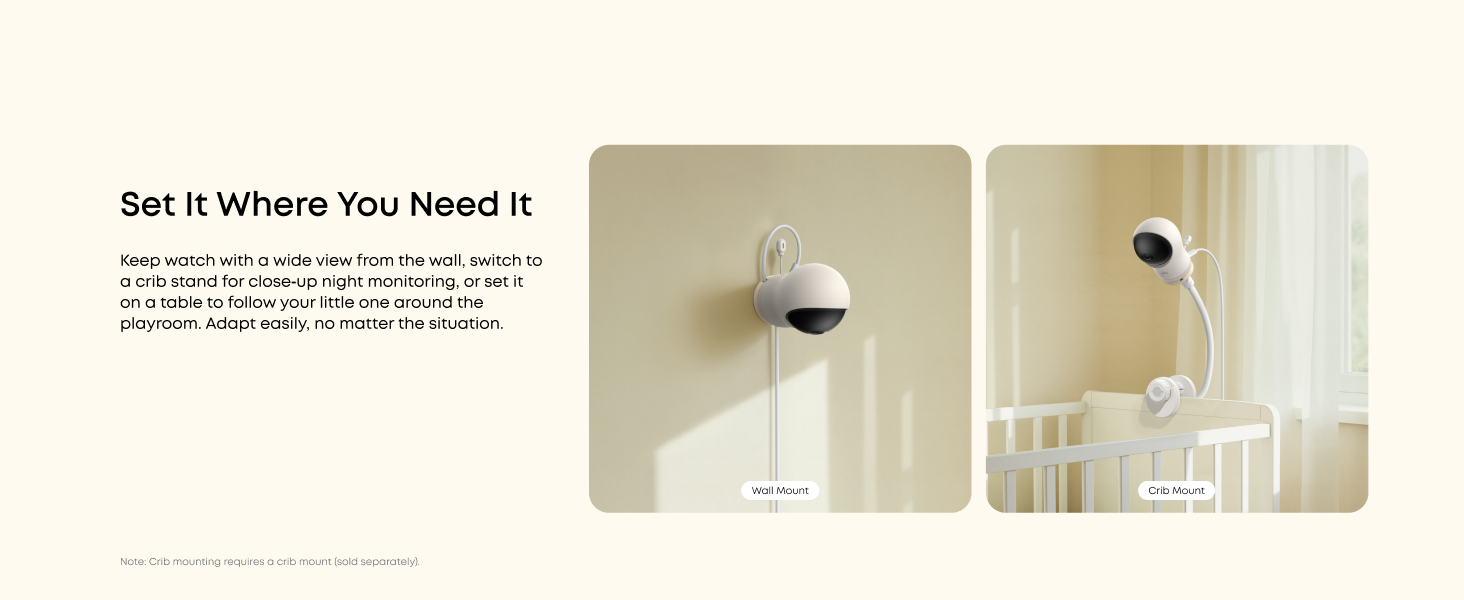
Alternatively, use a crib mount (sold separately) for close-up monitoring of your baby.
5. Operating Instructions
5.1 Monitor Controls
The portable monitor features intuitive controls for managing the camera and viewing options:
- Pan & Tilt: Use the directional buttons on the monitor to remotely adjust the camera's view (351° pan, 60° tilt).
- Zoom: Utilize the zoom function to get a closer look at your baby (up to 4x).
- Two-Way Talk: Press and hold the microphone button to speak through the camera to your baby.
- VOX Mode: Enable VOX mode for the monitor screen to light up automatically when your baby makes a sound.
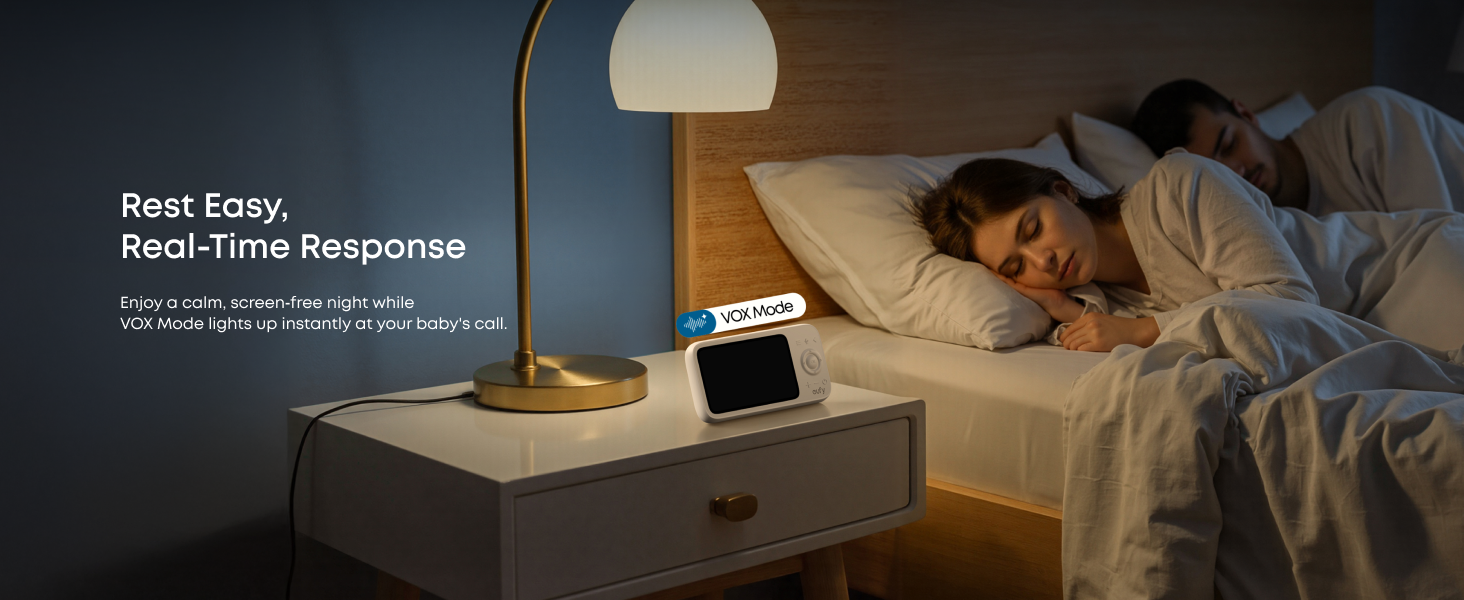
VOX Mode allows for a calm, screen-free night, with the monitor activating instantly at your baby's call.
5.2 Smart Alerts
The monitor is equipped with advanced sensing capabilities to keep you informed:
- Motion Detection: Receive alerts for your baby's movements.
- Cry & Noise Detection: Get notifications when your baby cries or loud noises are detected in the room.
- Temperature Alerts: Monitor the room temperature and receive alerts if it goes outside a set range.
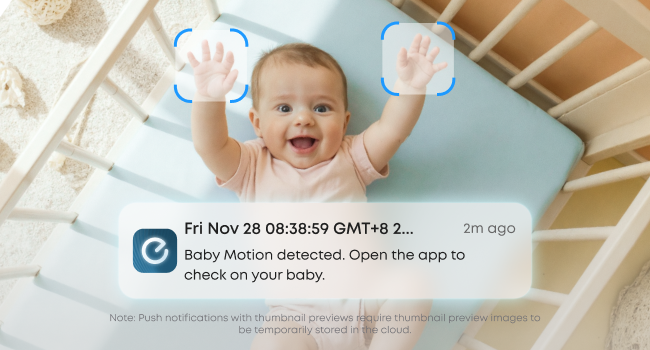
Receive instant motion detection alerts on your connected smartphone.
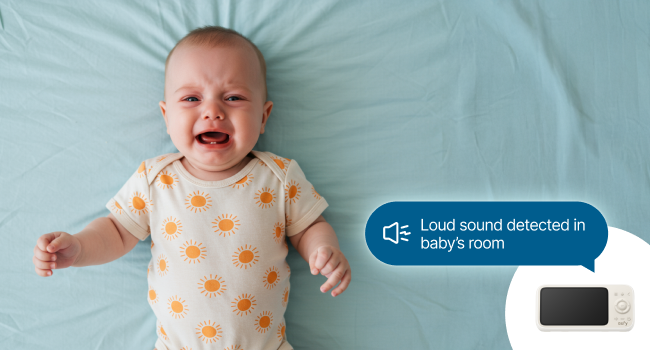
The monitor displays alerts for loud sounds detected in the baby's room.
5.3 Split-Screen Mode
If you have multiple cameras (additional cameras sold separately), you can use the split-screen mode to monitor two babies simultaneously. The audio will alternate between the two cameras every 5 seconds.
5.4 Privacy Features
The eufy Baby Monitor C10 prioritizes your privacy:
- One-Tap Wi-Fi Off: Disconnect Wi-Fi instantly via the app for a secure, private local connection.
- Privacy Shutter: The camera features a physical privacy shutter.
- Local Storage: Recordings are stored locally on an SD card (not included) for enhanced security.
Instantly disconnect Wi-Fi for a secure, private local connection, ensuring your privacy.
6. Maintenance
To ensure optimal performance and longevity of your eufy Baby Monitor C10, follow these maintenance guidelines:
- Cleaning: Use a soft, dry cloth to clean the camera lens and monitor screen. Avoid abrasive cleaners or solvents.
- Placement: Ensure the camera and monitor are placed in a stable environment, away from direct sunlight, heat sources, and moisture.
- Software Updates: Regularly check for and install any available firmware updates for the camera and monitor via the eufy Baby app to ensure the latest features and security enhancements.
7. Troubleshooting
If you encounter issues with your eufy Baby Monitor C10, refer to the following common solutions:
- No Video/Audio: Ensure both the camera and monitor are powered on and within range. Check power connections.
- Poor Signal: Move the monitor closer to the camera. Ensure there are no large obstructions (e.g., thick walls) between the units.
- Monitor Not Charging: Verify the power cable and adapter are correctly connected to the monitor and a working power outlet.
- App Connection Issues: Ensure your smartphone's Wi-Fi is enabled and connected to the same network as the camera (if using Wi-Fi mode). Update the eufy Baby app to the latest version.
- Alerts Not Working: Check alert settings in the monitor menu or eufy Baby app to ensure they are enabled and configured correctly.
For further assistance, please refer to the detailed troubleshooting section in the Quick Start Guide or visit the eufy Security support website.
8. Specifications
| Feature | Specification |
|---|---|
| Indoor/Outdoor Usage | Indoor |
| Compatible Devices | Smartphone |
| Power Source | Wired (Camera) & Battery (Monitor) |
| Connectivity Protocol | Wi-Fi |
| Controller Type | No third-party controller available |
| Mounting Type | Wall Mount (Crib mounting requires a crib mount sold separately) |
| Video Capture Resolution | 2K |
| Color | White |
| Number of Items | 1 |
| Included Components | Monitor, Camera, Camera Power Cable, Monitor Power Cable, Power Adapter x 2, Mounting Plate, Screw Pack, Quick Start Guide |
| Item Dimensions L x W x H | 3.15 x 3.15 x 4.53 inches |
| Batteries Required? | No (Monitor has built-in battery) |
| Video Capture Format | MP4 |
| Unit Count | 1.0 Count |
| UPC | 194644259723 |
| Product Dimensions | 3.15 x 3.15 x 4.53 inches |
| Item Weight | 1.83 pounds |
| ASIN | B0FQ9MNH2Q |
| Item Model Number | T6310 |
| Batteries | 1 Nonstandard Battery batteries required. |
| Date First Available | December 3, 2025 |
| Manufacturer | eufy |
| Recommended Uses For Product | Baby Monitoring |
| Brand | eufy Security |
| Model Name | Baby Monitor C10 |
| Connectivity Technology | Wireless |
| Special Feature | 2K HD Resolution |
9. Warranty and Support
For warranty information, product registration, and technical support, please visit the official eufy Security website or refer to the contact details provided in your Quick Start Guide. Keep your purchase receipt for warranty claims.


