
1. Introduction
This manual provides comprehensive instructions for the installation, operation, and maintenance of your HXVIEW 4K PTZ Security Camera Outdoor, Model BU-H500. Please read this manual carefully before using the product to ensure proper functionality and safety. Keep this manual for future reference.
2. Package Contents
Verify that all items listed below are included in your package. If any items are missing or damaged, please contact customer support.
- 4K PTZ Security Camera Outdoor
- Power Adapter
- Mounting Screws
- Instruction Manual
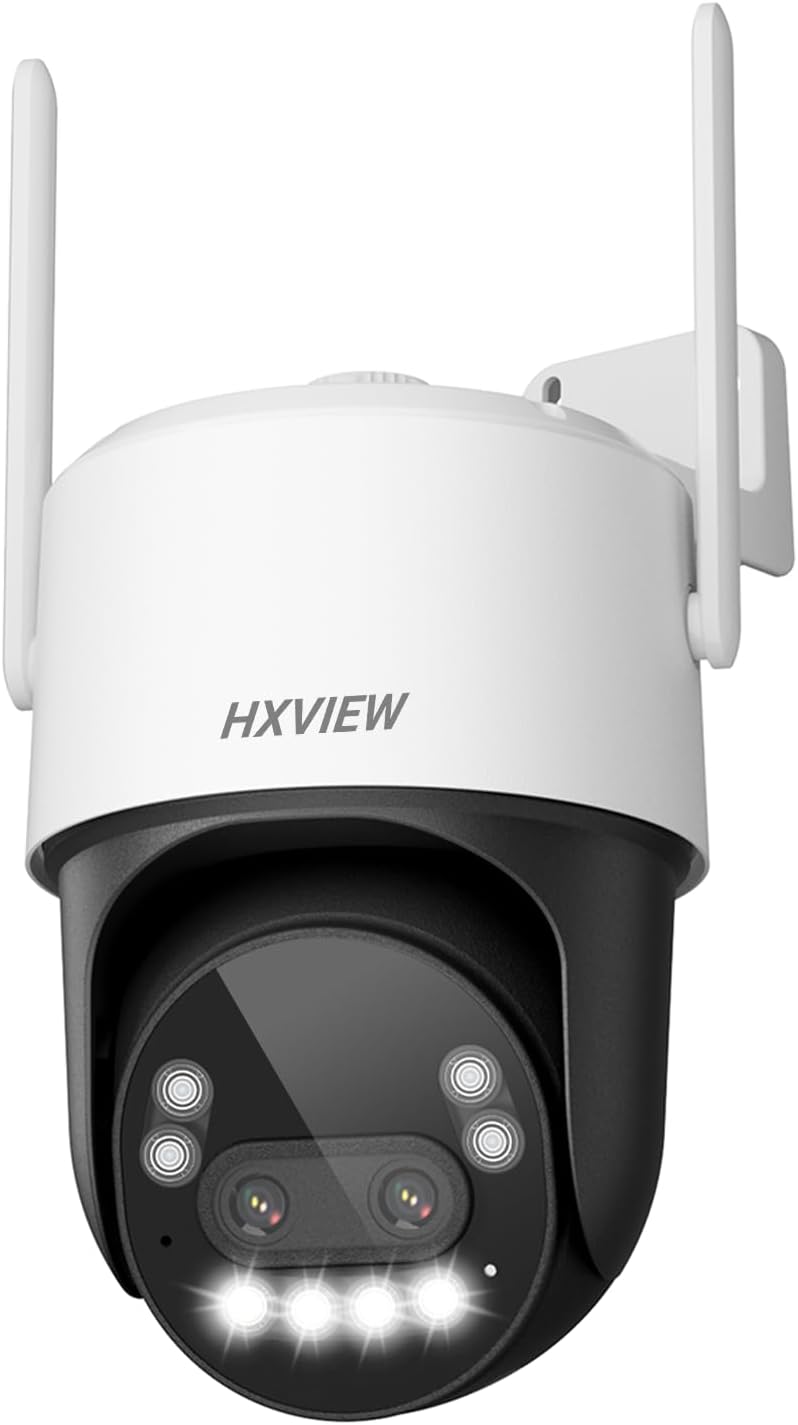
Image 2.1: HXVIEW 4K PTZ Security Camera Outdoor (Model BU-H500) and its components.
3. Key Features
- 10x Hybrid Zoom & Fast Focus: Features a telephoto lens and a wide-angle lens for 10x hybrid zoom, allowing for ultra-wide overviews and detailed close-ups without delay.
- True 4K Dual-Lens & Color Night Vision: Equipped with dual 4K lenses and a 1/2.8-inch IMX415 CMOS sensor for stunning 4K ultra-high-definition images. Supports color, intelligent, and infrared night vision for clear images in dark environments.
- Advanced AI Tracking & Real-Time Alarms: Utilizes a third-generation AI recognition chip to distinguish between people, cars, and pets. The camera automatically tracks detected movement and sends real-time alerts to your phone. Customizable detection areas and sensitivity reduce false alarms.
- 355° Pan & 90° Tilt: Offers flexible 355° horizontal pan and 90° vertical tilt for comprehensive coverage of your property.
- Multiple Preset Viewing Angles: Supports up to 30 preset positions for quick switching between desired viewing angles.
- 24/7 Continuous Recording & IP66 Waterproof: Records continuously with a Micro SD card (up to 128GB, not included) without additional cloud fees. The durable aluminum housing with IP66 waterproof design ensures stable operation in adverse weather.
4. Setup and Installation
4.1 Physical Installation
The camera is designed for easy wall mounting. Ensure the mounting location provides a clear view of the desired surveillance area and is within Wi-Fi range or accessible for an Ethernet connection.
- Use the provided mounting screws to securely attach the camera bracket to a wall or suitable surface.
- Connect the power adapter to the camera and a power outlet.
- If using a wired connection, connect an Ethernet cable to the camera's RJ45 port.

Image 4.1: Illustration of camera mounting and 360-degree coverage.

Image 4.2: The camera features a durable metal housing and IP66 waterproof rating for outdoor use.
4.2 Initial Setup & App Connection
Download the 'CamHipro' app on your smartphone (available on App Store and Google Play) to configure and control your camera.
- Power on the camera.
- Open the CamHipro app and follow the on-screen instructions to add a new device.
- Scan the QR code located on the camera or manually enter the camera's UID.
- Connect the camera to your Wi-Fi network (supports dual-band 2.4GHz/5GHz) or ensure a stable wired connection.
- Set a strong, unique password for your camera for security.
4.3 Connecting to Blue Iris or HiP2P Client
For advanced users, the HXVIEW camera supports integration with third-party software like Blue Iris and the HiP2P client for Windows/MAC.
Video 4.3: Instructions on how to connect the HXVIEW outdoor PTZ camera to Blue Iris software.
Video 4.4: Guide on adding cameras using the HiP2P client for Windows/MAC.
5. Operating Instructions
5.1 Pan, Tilt, and Zoom (PTZ) Control
Control the camera's movement and zoom directly from the CamHipro app.
- Use the directional controls in the app to pan (355° horizontally) and tilt (90° vertically) the camera.
- Utilize the zoom controls to activate the 10x hybrid zoom for closer inspection of areas.
- Set up to 30 preset positions for quick navigation to frequently monitored areas.

Image 5.1: The camera offers extensive 360-degree coverage with 355° pan and 90° tilt capabilities.

Image 5.2: The 10x hybrid zoom allows for detailed close-ups from a wide overview.
5.2 AI Detection & Automatic Tracking
The camera's AI capabilities enhance security by intelligently identifying and tracking subjects.
- The AI chip can differentiate between people, vehicles, and pets, reducing irrelevant alerts.
- When a target is detected, the camera automatically tracks its movement, keeping it centered in the frame.
- Customize detection zones and sensitivity settings within the app to suit your specific monitoring needs.
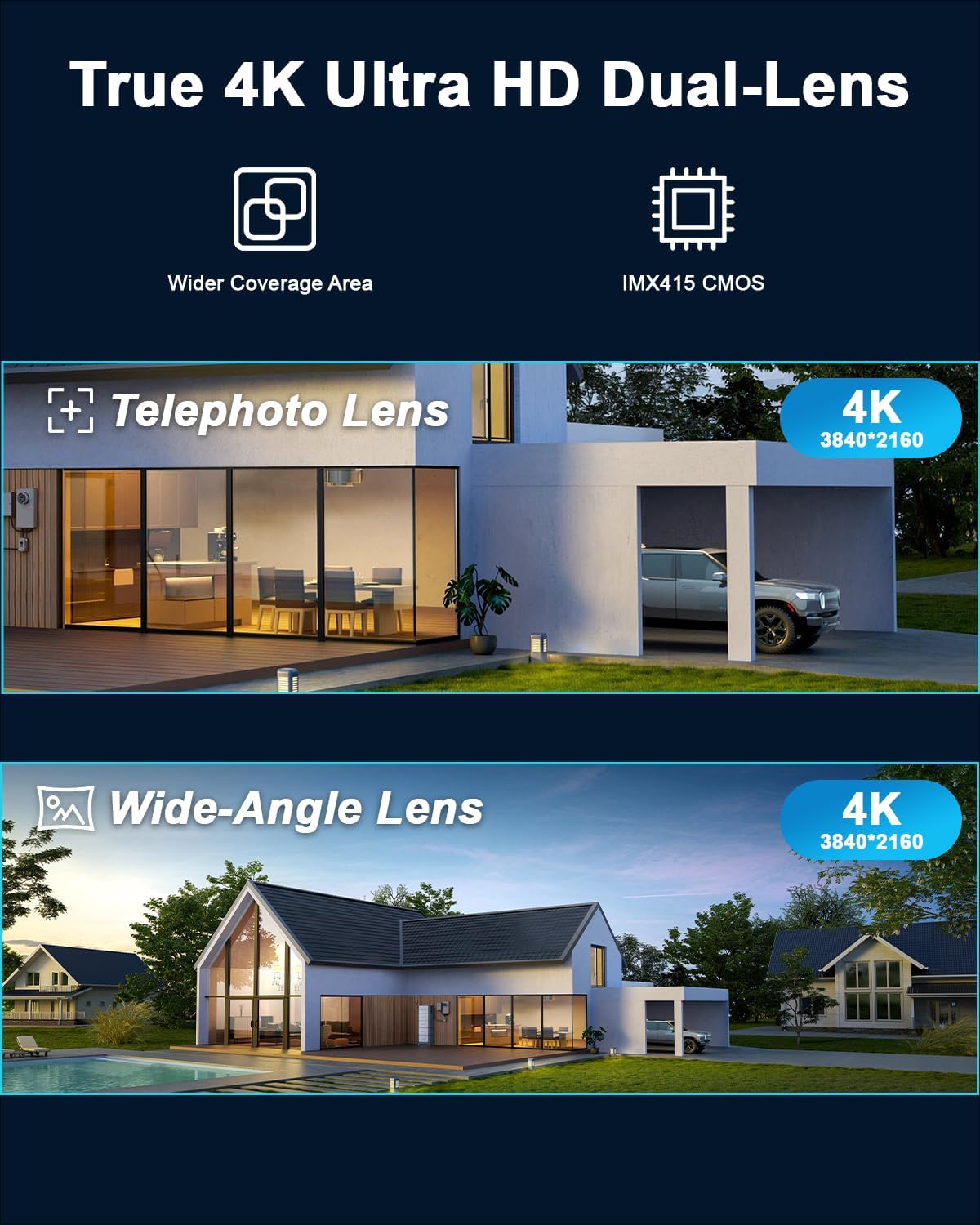
Image 5.3: Advanced AI detection identifies and tracks people, vehicles, and animals.
5.3 Night Vision Modes
The camera offers versatile night vision options to ensure clear surveillance around the clock.
- Infrared Night Vision: Provides clear black and white images in complete darkness.
- Color Night Vision: Utilizes built-in floodlights to capture full-color images even in low-light conditions.
- Intelligent Night Vision: Automatically switches between infrared and color modes based on detected motion or light conditions.

Image 5.4: The camera's floodlight provides color night vision in dark environments.
6. Recording and Storage
The HXVIEW camera offers flexible recording and storage solutions.
- Micro SD Card Storage: Supports up to a 128GB Micro SD card (not included) for 24/7 continuous recording without additional fees.
- Cloud Storage: Optional cloud storage services are available for secure, off-site video backup.
- RTSP Live Streaming: Supports RTSP format for live streaming to compatible platforms and software.

Image 6.1: Secure local storage via Micro SD card and optional cloud storage.
7. Maintenance
To ensure optimal performance and longevity of your HXVIEW camera, follow these maintenance guidelines:
- Cleaning: Regularly wipe the camera lens and housing with a soft, damp cloth to remove dust and debris. Avoid abrasive cleaners.
- Weather Protection: While the camera is IP66 waterproof, extreme weather conditions (e.g., heavy snow, direct prolonged sunlight) may affect performance. Consider additional protective measures if necessary.
- Firmware Updates: Check the CamHipro app periodically for firmware updates to ensure your camera has the latest features and security enhancements.
- Power Supply: Ensure the power adapter and cable are free from damage and properly connected.
8. Troubleshooting
If you encounter issues with your camera, refer to the following common troubleshooting steps:
- Camera Offline: Check Wi-Fi connection, power supply, and ensure the camera is within range of your router. Restart the camera and router if necessary.
- Poor Video Quality: Ensure the lens is clean. Check your internet speed and camera placement. Adjust video resolution settings in the app.
- False Alarms: Adjust AI detection sensitivity and customize detection zones in the app to minimize unwanted alerts.
- PTZ Controls Unresponsive: Verify network connectivity. Restart the camera and app.
- SD Card Not Recording: Ensure the Micro SD card is correctly inserted, formatted within the app, and not full. Replace if faulty.
For further assistance, please contact HXVIEW customer support.
9. Technical Specifications
| Feature | Specification |
|---|---|
| Model Name | BU-H500 |
| Video Capture Resolution | 4K (8MP Effective Still Resolution) |
| Zoom Type | 10x Hybrid Zoom |
| Pan/Tilt Range | 355° Pan, 90° Tilt |
| Connectivity | Wi-Fi (Dual-Band), Wired (Ethernet) |
| Night Vision | Color, Intelligent, Infrared (100 Feet Range) |
| AI Detection | Human, Vehicle, Pet Detection with Auto Tracking |
| Storage | Micro SD (up to 128GB), Cloud Storage |
| Water Resistance Level | IP66 Waterproof |
| Power Source | Corded Electric (12 Volts DC) |
| Material | Metal |
| Product Dimensions | 5.7 x 4.72 x 7.28 inches |
| Item Weight | 2.66 pounds |
10. Warranty and Support
10.1 Warranty Information
Your HXVIEW 4K PTZ Security Camera is covered by a manufacturer's warranty. Please refer to the warranty card included in your package or visit the official HXVIEW website for detailed warranty terms and conditions.
10.2 Customer Support
For technical assistance, product inquiries, or warranty claims, please contact HXVIEW customer support through their official website or the contact information provided in your product packaging. You can also visit the HXVIEW Store on Amazon for more information.


