
Introduction
This manual provides detailed instructions for the ZYHKON Z9pro Wireless Earbuds. Please read this manual thoroughly before using the product to ensure proper operation and to maximize your listening experience.
Package Contents
Verify that all items are present in your package:
- Headphones (Left/Right) x 2
- USB-C Charging Cable x 1
- Portable Charging Box x 1
- User Manual x 1
- Eartips (S/M/L)
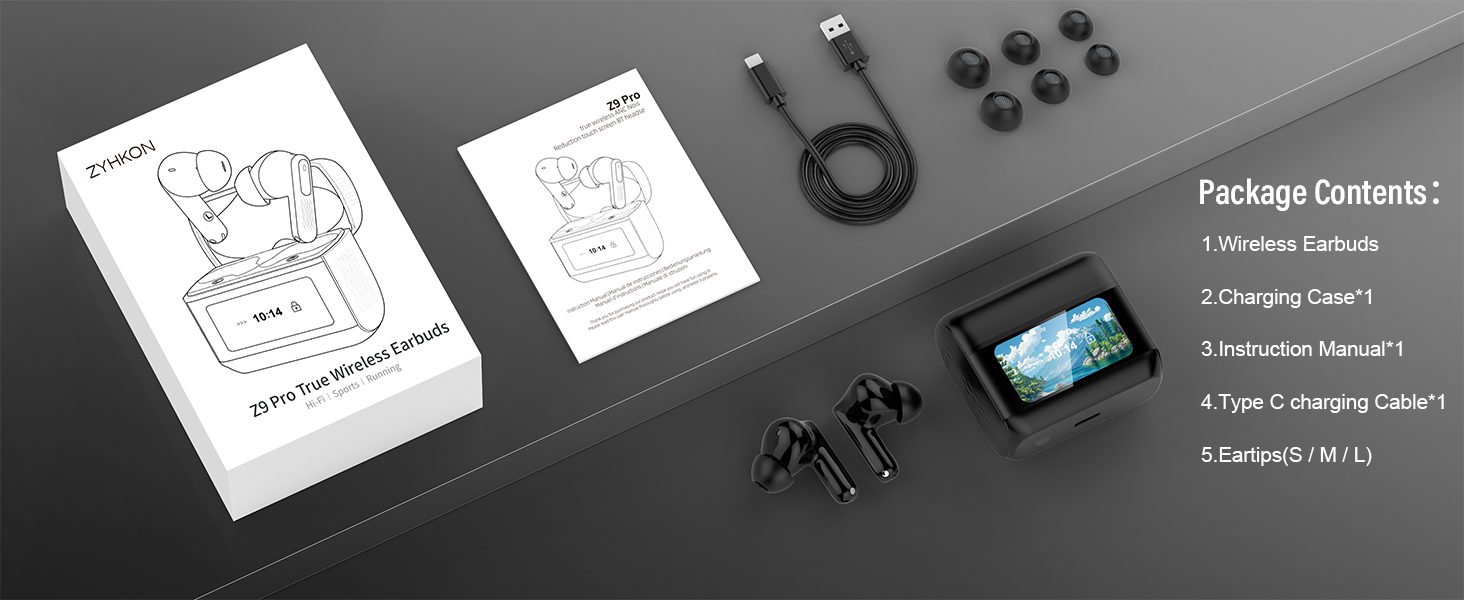
Figure 1: ZYHKON Z9pro Package Contents
Product Overview
The ZYHKON Z9pro Wireless Earbuds offer advanced audio features and convenient controls. Key features include:
- Hybrid Active Noise Cancelling (ANC) & Environmental Noise Cancellation (ENC): Reduces ambient noise by up to 38dB and filters background chatter during calls.
- 48-Hour Playtime: Up to 6-8 hours on a single charge, extended to 48 hours with the charging case.
- Revolutionary Touchscreen Case: Allows direct control over volume, track skipping, calls, alarms, and earbud location.
- Hi-Fi Sound Quality: Equipped with 14.2mm diaphragm speaker drivers for clear audio.
- 5 EQ Modes: Standard, Rock, Jazz, Pop, and Classic, selectable via the charging case.
- Bluetooth 5.4: Provides faster and more reliable wireless connectivity.
- IPX7 Waterproof: Resistant to sweat and light rain.
- Ergonomic Design: Lightweight with three sizes of soft silicone ear tips for a comfortable fit.
Setup
1. Charging the Earbuds and Case
Before first use, fully charge the earbuds and the charging case.
- Place the earbuds into the charging case.
- Connect the USB-C charging cable to the charging port on the case and to a power source.
- The touchscreen display on the case will show the charging status and battery levels. A full charge takes approximately 1.5 hours.

Figure 2: Charging the Earbuds and Case
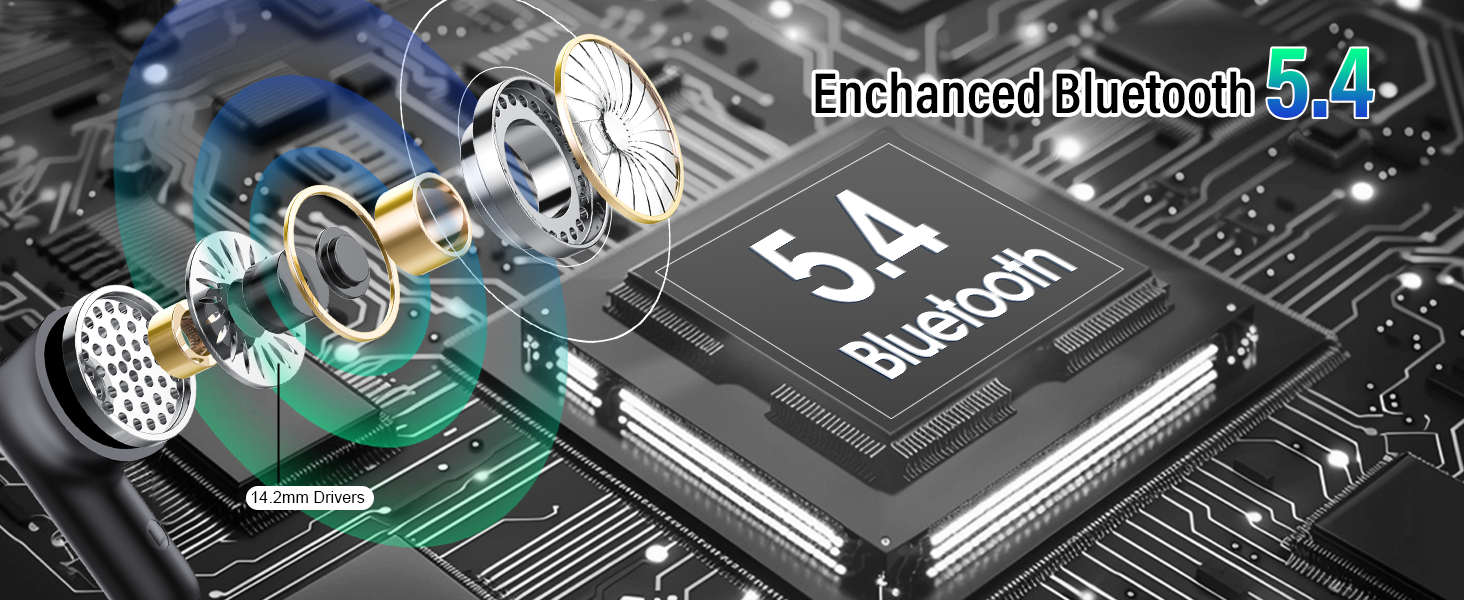
Figure 3: Playtime and Charging Overview
2. Bluetooth Pairing
The earbuds support one-step auto pairing.
- Open the charging case. The earbuds will automatically enter pairing mode.
- On your device (smartphone, tablet, etc.), enable Bluetooth and search for available devices.
- Select "Z9pro" from the list of devices to connect.
- Once connected, the earbuds are ready for use.
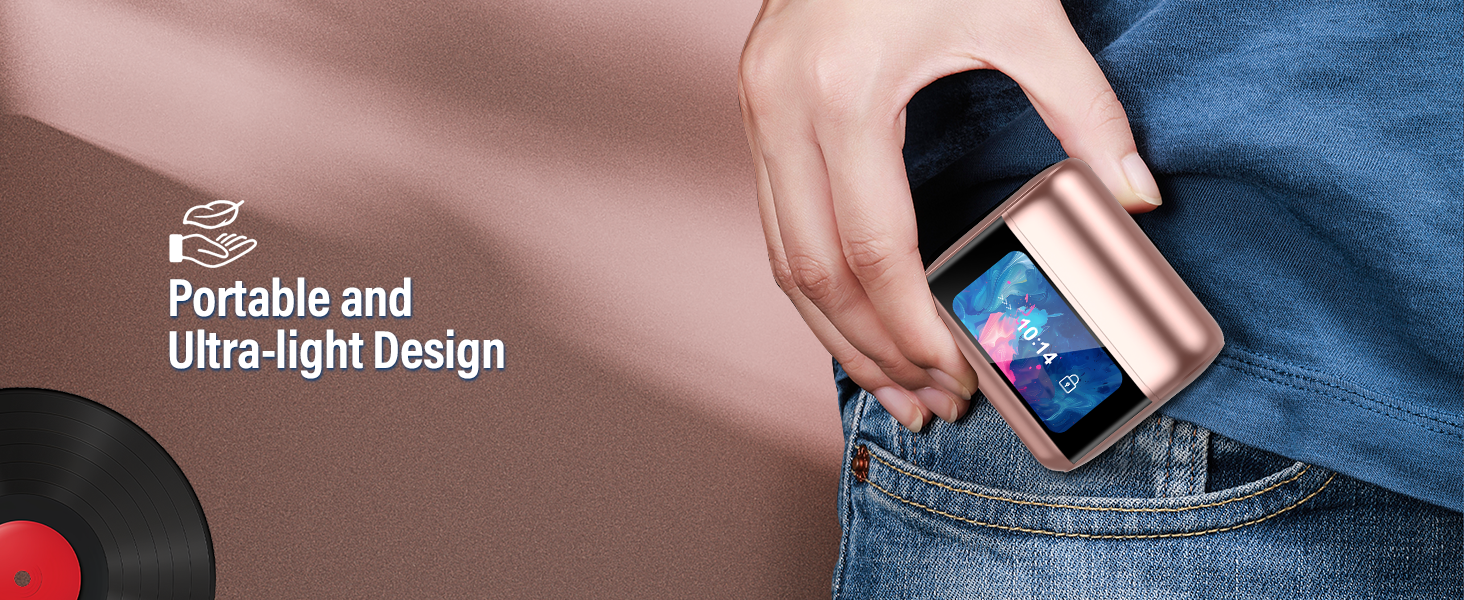
Figure 4: One-Step Auto Pairing
Operating Instructions
1. Smart Touch Control
The earbuds feature touch-sensitive controls for managing music and calls.
| Action | Function |
|---|---|
| Click 1 time | Play/Pause music, Answer/End calls |
| Click 2 times | Next Song (Right earbud), Previous Song (Left earbud) |
| Click 3 times | Switch ANC modes (ANC/Transparency/Normal) |
| Click 4 times | Hang up call |
| Long press 2 seconds | Activate Voice Assistant |

Figure 5: Earbud Touch Controls
2. Touchscreen Case Functions
The charging case features a full-color LED touchscreen for direct control and access to various functions without needing your phone. Swipe left or right on the screen to navigate interfaces.
- Time Display: Shows current time and date.
- Battery Display: Indicates battery levels for both earbuds (L/R) and the charging case.
- Noise Reduction Control: Switch between ANC, Transparency, and Normal modes.
- EQ Modes: Select from 5 preset equalizer modes (Standard, Rock, Jazz, Pop, Classic).
- Volume Control: Adjust playback volume directly.
- Find My Earphone: Activates a sound on the earbuds to help locate them.
- Camera Control: Use the case to trigger your phone's camera shutter.
- Flashlight: Activates a built-in flashlight function.
- Alarms: Set alarms.
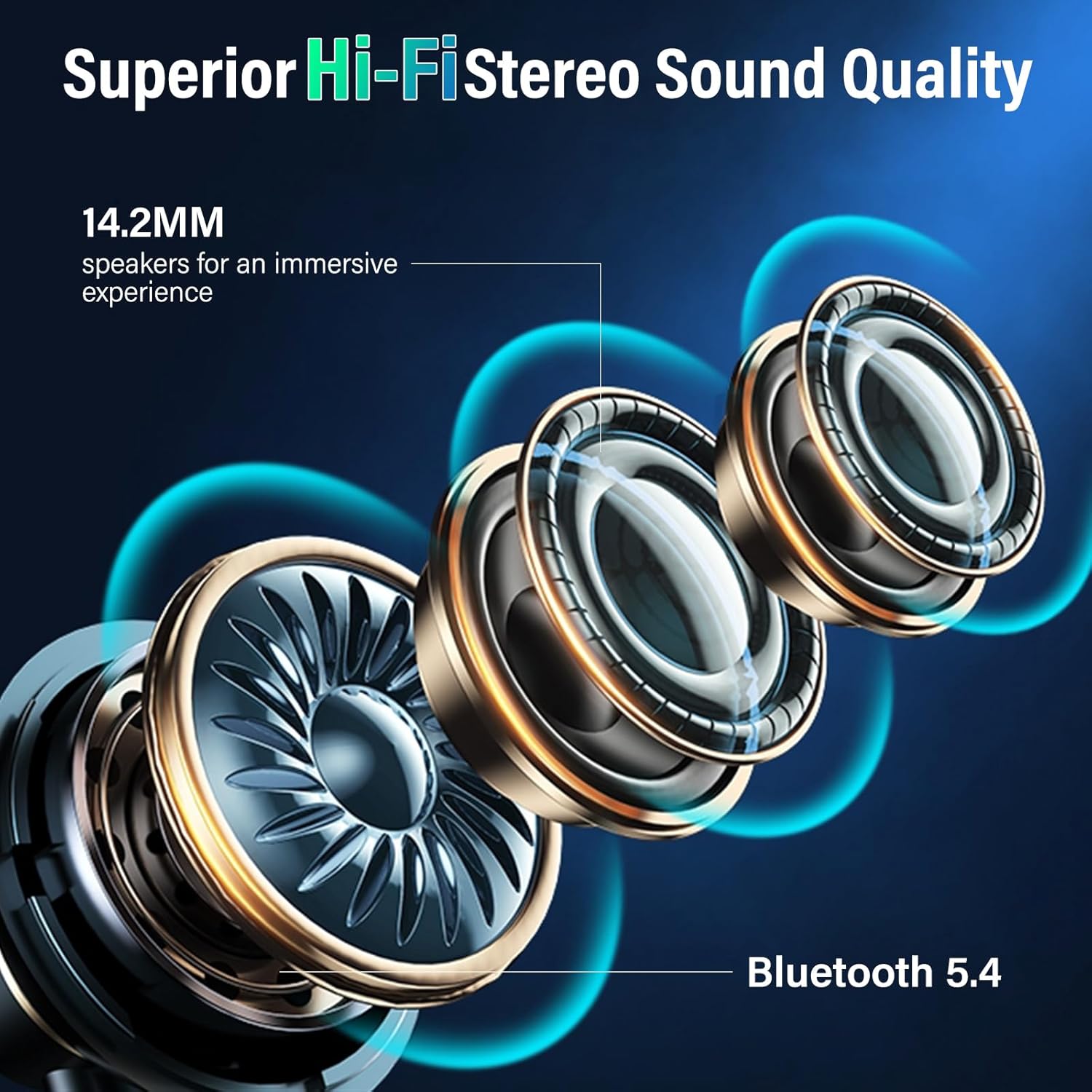
Figure 6: Touchscreen Case Functions

Figure 7: Selecting EQ Modes via Touchscreen

Figure 8: Full-Color Multi-Function LED Touch Screen
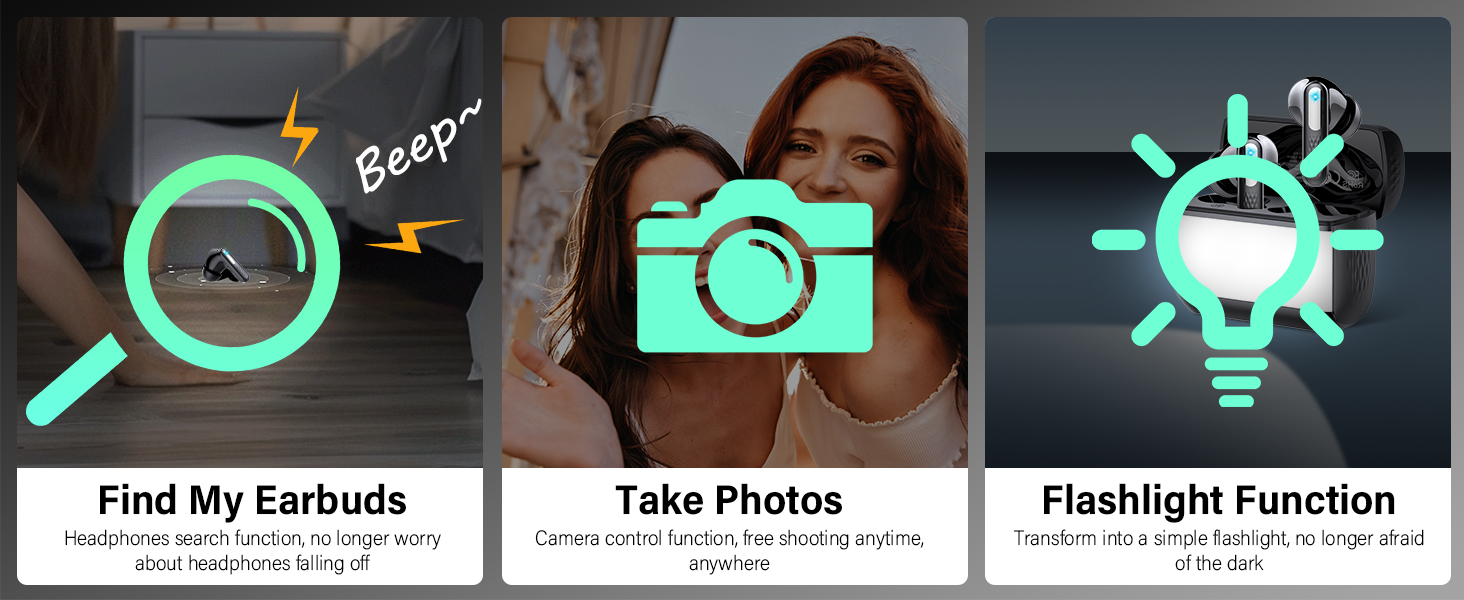
Figure 9: Additional Smart Functions
3. Active Noise Cancellation (ANC) & Environmental Noise Cancellation (ENC)
The Z9pro earbuds feature advanced noise cancellation technologies.
- ANC (Active Noise Cancelling): Blocks up to 38dB of ambient noise, ideal for noisy environments like public transport or offices.
- ENC (Environmental Noise Cancellation): Filters out up to 90% of background noise during phone calls, ensuring clear voice transmission.
- Transparency Mode: Allows you to hear your surroundings while listening to audio, useful for awareness in urban environments.
Switch between ANC, Transparency, and Normal modes using the touch controls on the earbuds (3 clicks) or via the touchscreen on the charging case.

Figure 10: ANC and ENC Noise Cancellation
Video 1: Demonstrating the Z9pro Wireless Earbuds' features, including the multifunctional touch screen, Hi-Fi stereo sound, Bluetooth 5.4, ANC noise reduction, and ENC clear calls.
Maintenance
To ensure the longevity and optimal performance of your ZYHKON Z9pro Wireless Earbuds, follow these maintenance guidelines:
- Cleaning: Regularly clean the earbuds and charging case with a soft, dry, lint-free cloth. Do not use abrasive cleaners or solvents.
- Eartips: Remove and clean the silicone eartips periodically with water and mild soap. Ensure they are completely dry before reattaching.
- Charging Port: Keep the USB-C charging port free of dust and debris.
- Storage: When not in use, store the earbuds in their charging case to protect them and keep them charged.
- Avoid Extreme Conditions: Do not expose the earbuds to extreme temperatures, humidity, or direct sunlight for extended periods.
- Water Resistance: While IPX7 waterproof, avoid submerging the earbuds in water. Dry them thoroughly if they get wet.
Troubleshooting
If you encounter issues with your ZYHKON Z9pro Wireless Earbuds, refer to the following common problems and solutions:
| Problem | Solution |
|---|---|
| Earbuds not pairing or connecting |
|
| Only one earbud working |
|
| Poor sound quality or intermittent connection |
|
| Touch controls not responding |
|
| Charging case touchscreen unresponsive |
|
Specifications
| Feature | Detail |
|---|---|
| Model Name | Z9pro |
| Connectivity Technology | Wireless (Bluetooth 5.4) |
| Audio Driver Type | Dynamic Driver (14.2mm) |
| Noise Control Features | Hybrid Active Noise Cancellation (ANC), Environmental Noise Cancellation (ENC) |
| Battery Life (Earbuds) | 6-8 Hours |
| Total Playtime with Case | Up to 48 Hours |
| Charging Time | 1.5 Hours |
| Control Method | Touch (Earbuds), Touchscreen (Case) |
| Water Resistance Level | IPX7 Waterproof |
| Material | Acrylonitrile Butadiene Styrene (ABS), Silicone |
| Item Weight | 3.52 ounces |
| Manufacturer | ZYHKON |
Warranty and Support
For warranty information or technical support, please refer to the contact details provided with your purchase or visit the official ZYHKON website. Keep your proof of purchase for warranty claims.