
Introduction
Welcome to your ZYHKON Z9pro Wireless Earbuds. This manual provides detailed instructions for setup, operation, and maintenance to ensure optimal performance and a superior audio experience. Please read this manual thoroughly before using your earbuds.
Package Contents
Verify that all items are present in your package:
- ZYHKON Z9pro Wireless Earbuds (Left & Right)
- Portable Charging Case
- USB-C Charging Cable
- User Manual
- Eartips (Sizes S, M, L)
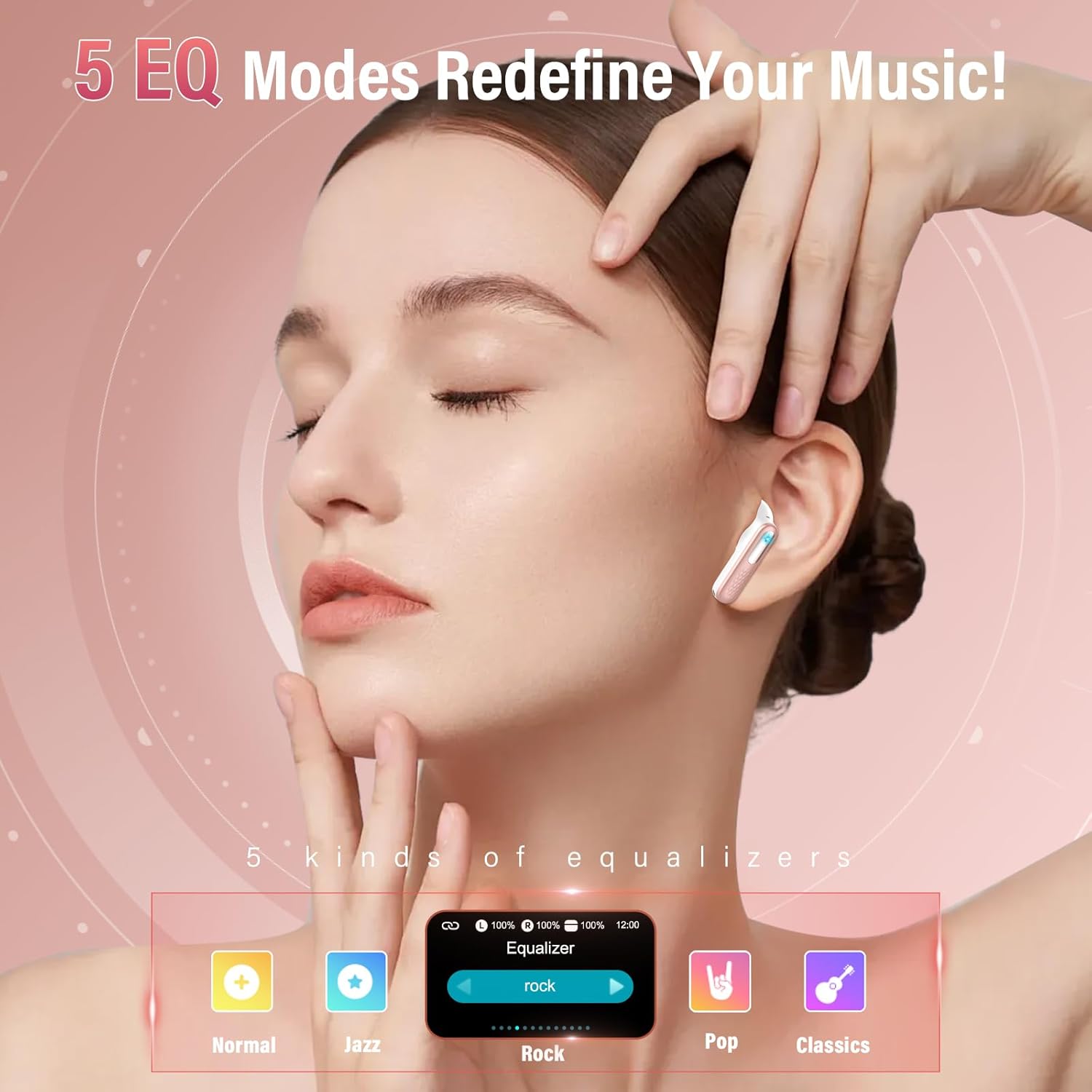
Image showing the ZYHKON Z9pro Wireless Earbuds, charging case, USB-C cable, and user manual, along with different sized eartips.
Product Overview
Earbud Components
The ZYHKON Z9pro earbuds feature a lightweight, ergonomic design for comfortable wear. They are equipped with 14.2mm diaphragm speaker drivers for high-fidelity audio.

Diagram illustrating the internal components of the ZYHKON Z9pro earbud, highlighting the 14.2mm diaphragm speaker driver for Hi-Fi stereo sound.
Charging Case
The portable charging case features a full-color LED touchscreen for various functions and displays battery status and time.
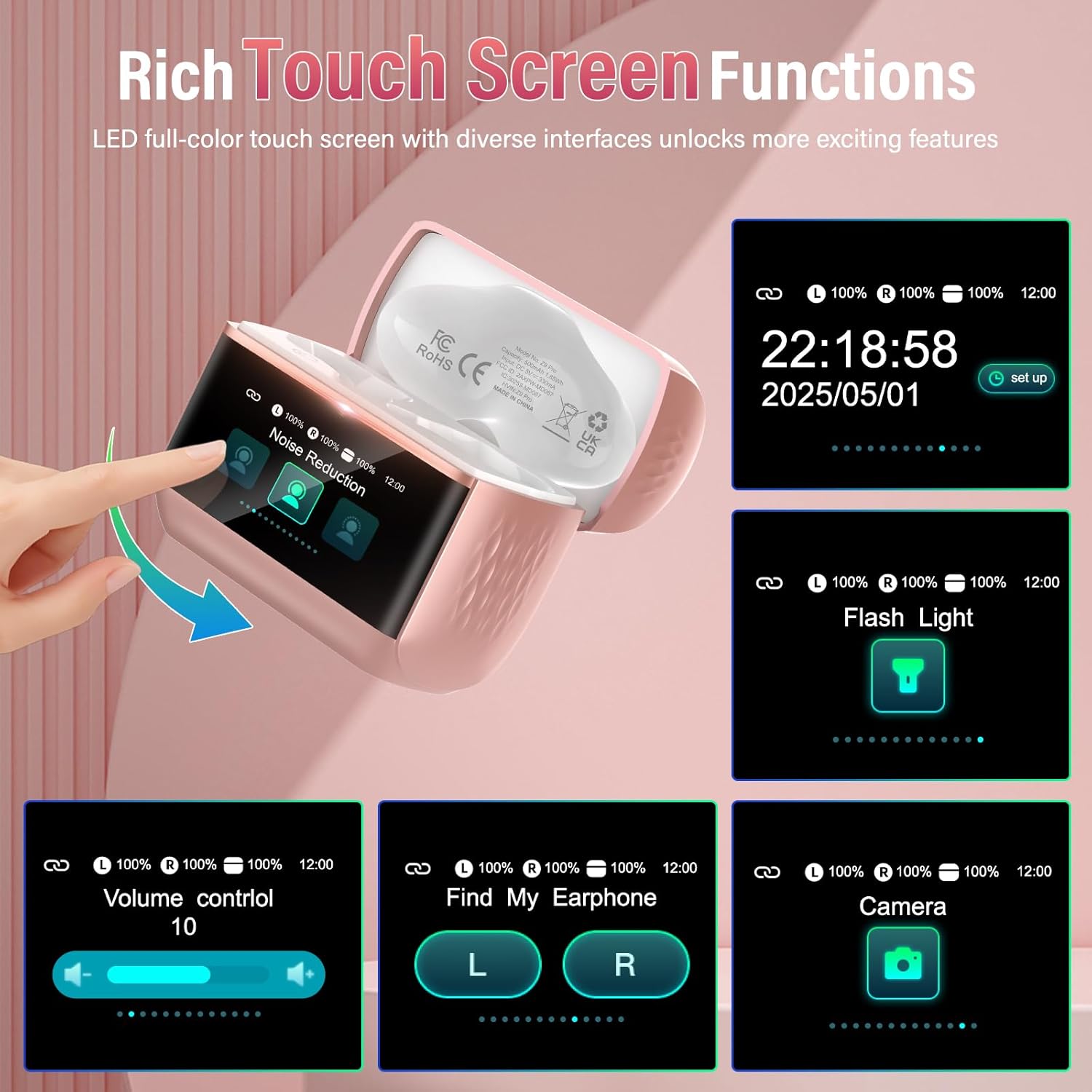
Image of the ZYHKON Z9pro charging case with its LED touchscreen displaying various functions like noise reduction, time, flashlight, volume control, and 'Find My Earphone'.
Setup
Charging the Earbuds and Case
Before first use, fully charge the earbuds and the charging case.
- Place the earbuds into the charging case.
- Connect the USB-C charging cable to the charging port on the case and to a power source.
- The touchscreen display on the case will show the charging status and battery percentage. A full charge takes approximately 1.5 hours.

Image depicting the ZYHKON Z9pro charging case connected via USB-C cable, showing the battery charging indicator on its touchscreen display.
Pairing with a Device
The ZYHKON Z9pro earbuds support one-step auto pairing with iOS, Android, and Windows devices.
- Open the charging case. The earbuds will automatically enter pairing mode.
- On your device (smartphone, tablet, computer), go to Bluetooth settings.
- Select "Z9 Pro" from the list of available devices to connect.
- Once connected, the earbuds are ready for use.
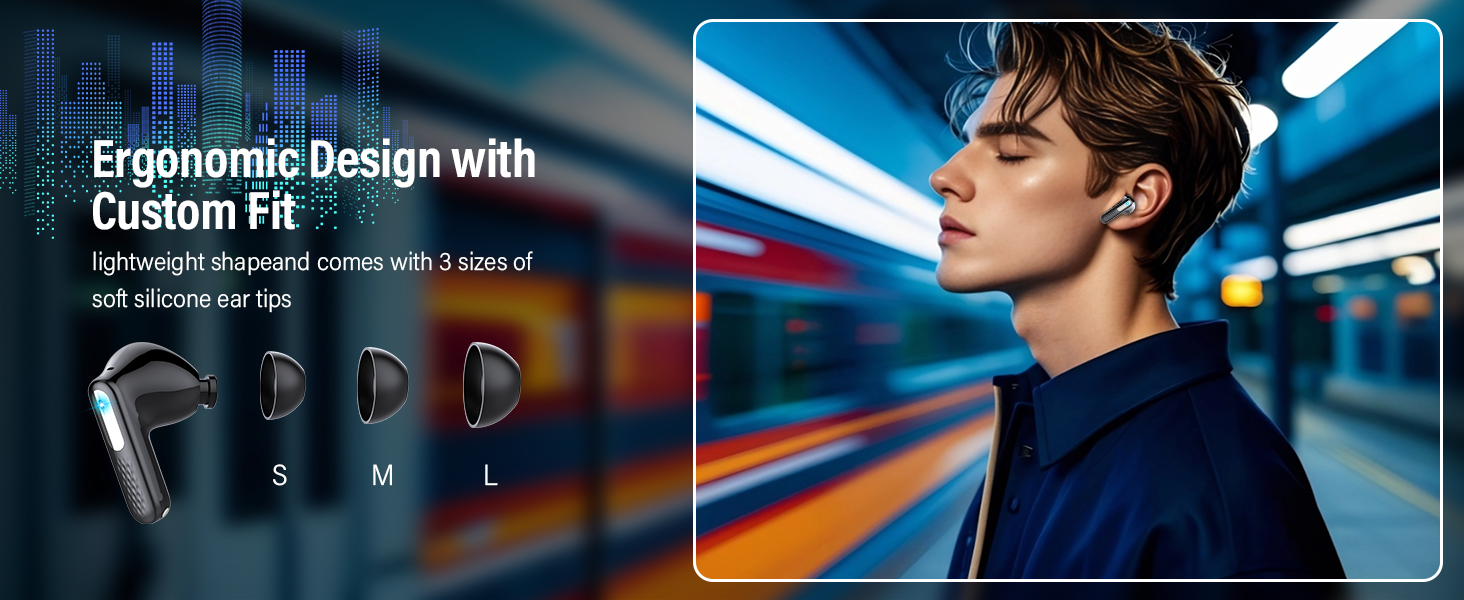
Image illustrating the one-step auto pairing feature of ZYHKON Z9pro earbuds with various devices like smartphones and tablets, showing the 'Z9 Pro' listed in Bluetooth settings.
Operating Instructions
Basic Touch Controls
The earbuds feature smart touch controls for managing audio and calls:
- Play/Pause: Single tap on either earbud.
- Next Song: Double tap on the right earbud.
- Previous Song: Double tap on the left earbud.
- Answer/End Call: Single tap on either earbud.
- Reject Call: Long press on either earbud.
- Activate Voice Assistant: Long press for 2 seconds on either earbud.
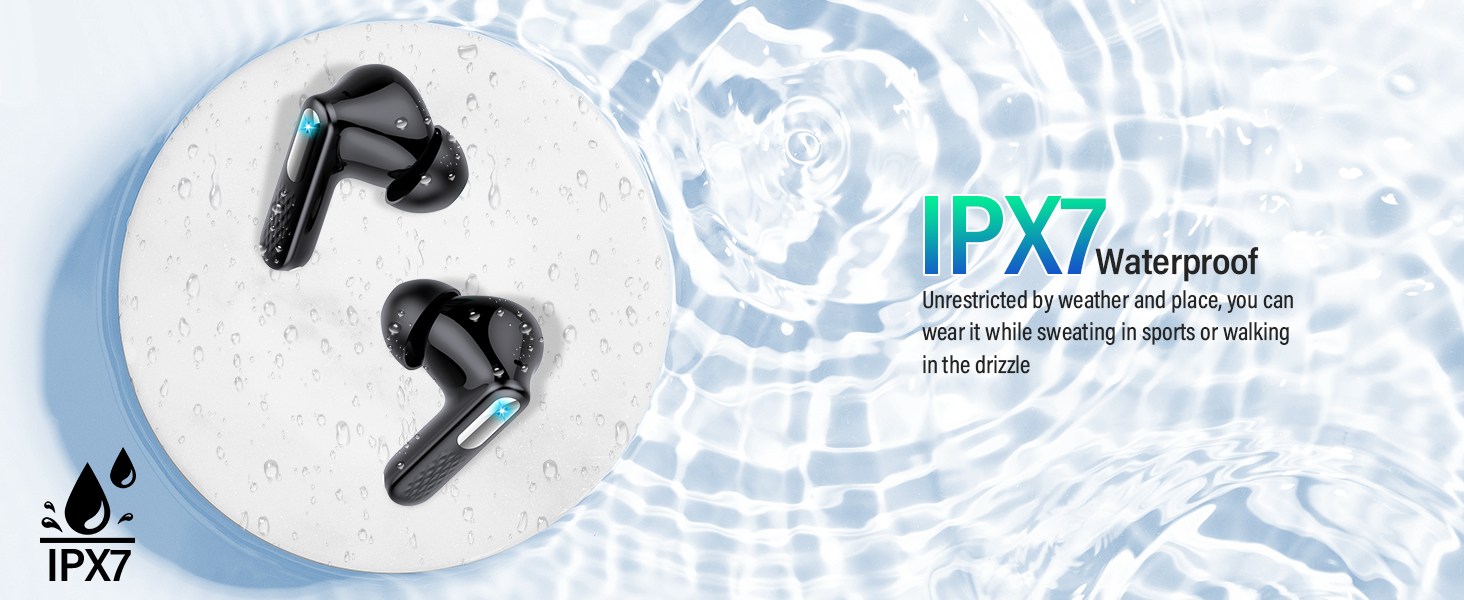
Diagram showing the smart touch control gestures on the ZYHKON Z9pro earbuds for functions like play/pause, next/previous song, call management, and voice assistant activation.
Noise Control Modes (ANC/ENC)
The ZYHKON Z9pro earbuds offer Hybrid Active Noise Cancelling (ANC) and Environmental Noise Cancellation (ENC) for an immersive audio experience and clear calls.
- ANC (Active Noise Cancelling): Blocks up to 38dB of ambient noise.
- ENC (Environmental Noise Cancellation): Filters out 90% of background chatter during phone calls.
- Switching Modes: Triple tap on either earbud to cycle through ANC On, Normal Mode, and Transparent Mode.

Image illustrating the ANC+ENC Noise Cancellation feature of the ZYHKON Z9pro earbuds, showing a 'Before' and 'After' sound wave comparison and options for Noise Cancellation Mode, Normal Mode, and Transparent Mode.
EQ Modes
Customize your listening experience with 5 Equalizer (EQ) modes: Standard, Rock, Jazz, Pop, and Classic.
To change EQ modes, swipe on the charging case touchscreen to the EQ mode interface and select your desired setting.
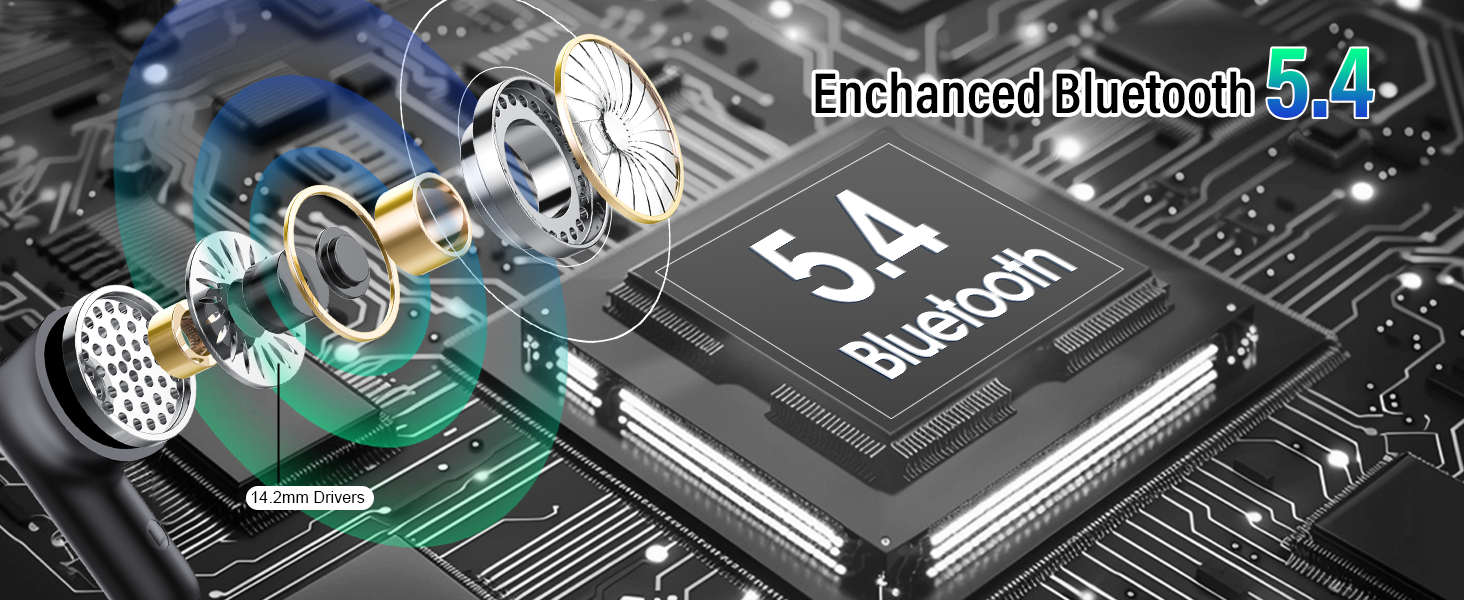
Image displaying the 5 EQ Modes (Rock, Jazz, Normal, Classics, Pop) available on the ZYHKON Z9pro earbuds, with the charging case touchscreen showing the equalizer selection.
Touchscreen Functions
The charging case's LED touchscreen provides access to various functions:
- Time Display: Shows current time.
- Battery Display: Indicates battery levels for both earbuds and the case.
- Volume Control: Adjust audio volume directly from the case.
- Find My Earphone: Helps locate misplaced earbuds by emitting a sound.
- Camera Control: Remotely trigger your device's camera.
- Flashlight Function: Activates a built-in flashlight.
- Noise Reduction Settings: Switch between ANC, Normal, and Transparent modes.
Swipe left or right on the touchscreen to navigate between different interfaces.
Maintenance
Cleaning
Regularly clean your earbuds and charging case to maintain performance and hygiene.
- Use a soft, dry, lint-free cloth to wipe the earbuds and case.
- Gently remove any earwax or debris from the earbud tips and speaker mesh using a small brush or cotton swab.
- Avoid using abrasive materials, alcohol, or chemical cleaners.
Storage
When not in use, store the earbuds in their charging case to protect them and ensure they remain charged.
Water Resistance
The earbuds are IPX7 waterproof, meaning they can withstand sweat and light rain. Do not submerge them in water or expose them to heavy downpours. Ensure the charging port is dry before charging.
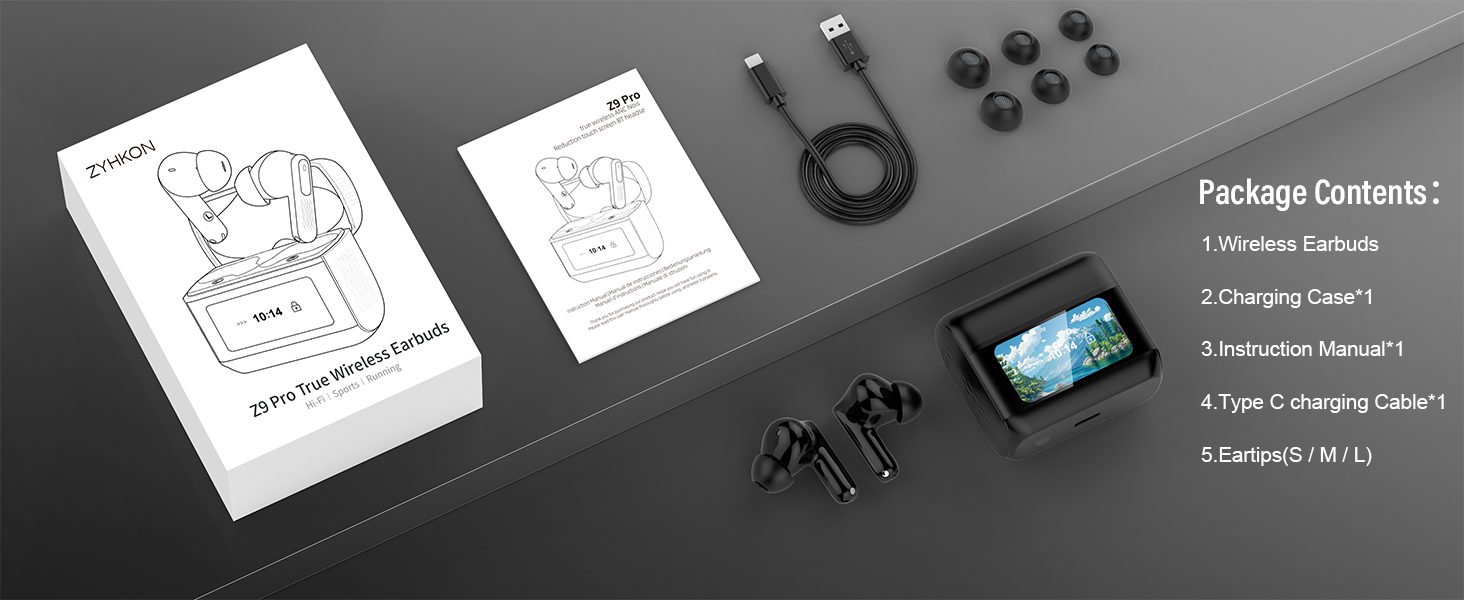
Image highlighting the IPX7 waterproof rating of the ZYHKON Z9pro earbuds, showing them in a water droplet setting, indicating resistance to sweat and light rain.
Troubleshooting
- Earbuds not pairing
- Ensure both earbuds are in the charging case and fully charged.
- Turn off Bluetooth on your device and then turn it back on.
- Forget "Z9 Pro" from your device's Bluetooth list and attempt to re-pair.
- If issues persist, perform a factory reset (refer to the touchscreen functions for reset option).
- No sound from one earbud
- Check the battery level of both earbuds.
- Place both earbuds back into the charging case, close the lid, and then take them out again.
- Re-pair the earbuds with your device.
- Charging case not charging
- Ensure the USB-C cable is securely connected to both the case and the power source.
- Try a different USB-C cable and power adapter.
- Clean the charging port on the case for any debris.
Specifications
| Feature | Detail |
|---|---|
| Model Name | Z9pro |
| Bluetooth Version | 5.4 |
| Noise Control | Hybrid ANC (up to 38dB), ENC |
| Audio Driver | 14.2mm Dynamic Driver |
| EQ Modes | 5 (Standard, Rock, Jazz, Pop, Classic) |
| Battery Life (Earbuds) | 6-8 hours (single charge) |
| Total Playtime (with Case) | Up to 48 hours |
| Charging Time | 1.5 hours (case) |
| Water Resistance | IPX7 |
| Special Features | Full-color LED Touchscreen, Find My Earphone, Camera Control, Flashlight |
Warranty and Support
ZYHKON products are designed for reliability and performance. For warranty information or technical support, please refer to the contact details provided on the product packaging or the official ZYHKON website.
Product Video
Video: An overview of the ZYHKON Z9pro Wireless Earbuds, showcasing their multifunctional touchscreen, Hi-Fi stereo sound, Bluetooth 5.4 connectivity, ANC noise reduction, ENC clear calls, comfortable design, smart touch controls, and quick charging capabilities.