
1. Introduction
The SUNLU PLA+2.0 High-Speed 3D Printer Filament Bundle offers a selection of 1.75mm filaments designed for enhanced performance in high-speed 3D printing applications. This upgraded PLA+ filament provides superior toughness and optimized melt flow, making it suitable for advanced 3D printers, including the Bambu Lab X1 series. This manual provides essential information for the proper setup, operation, and maintenance of your SUNLU PLA+2.0 filament to achieve optimal printing results.
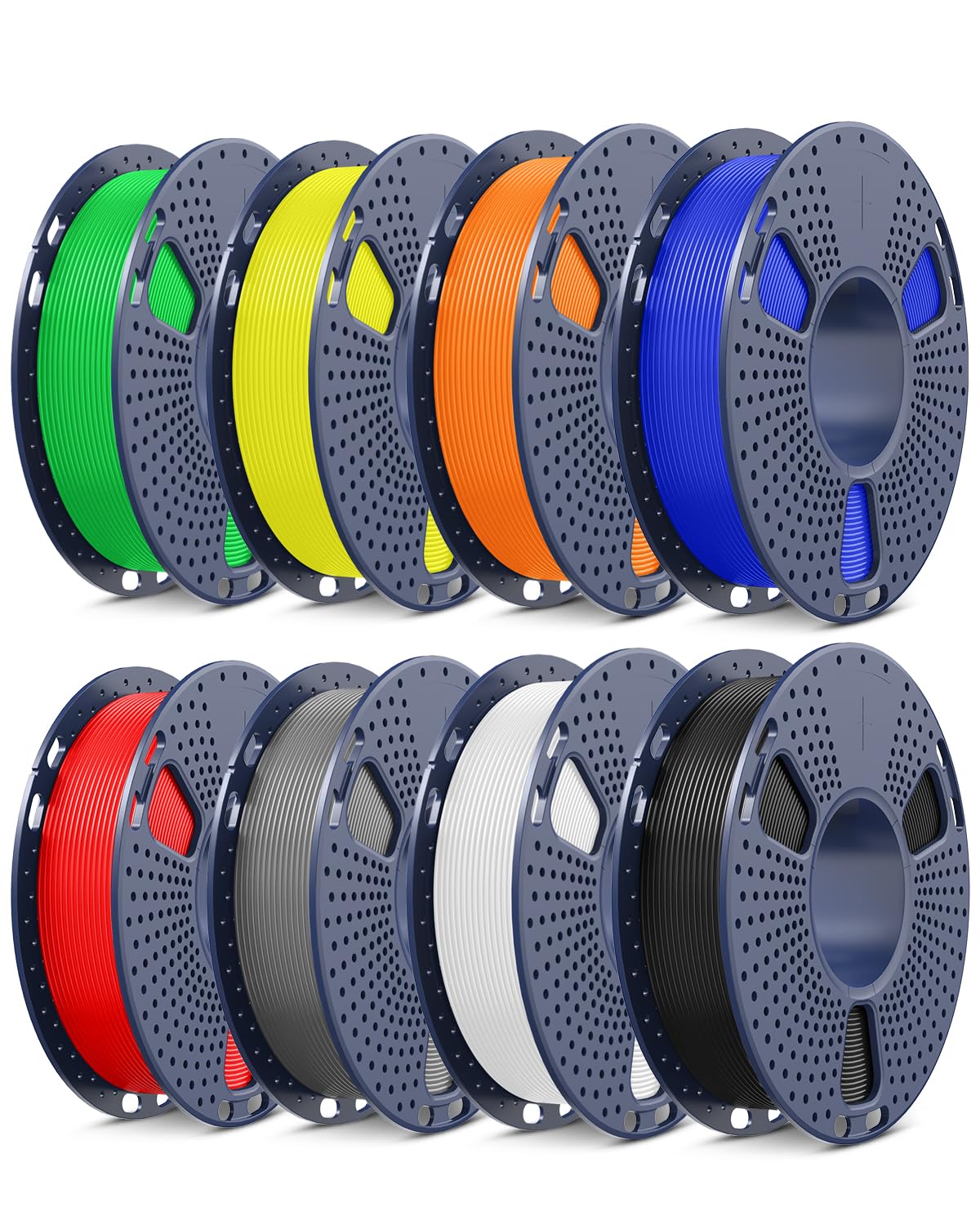
Image 1.1: The SUNLU PLA+2.0 High-Speed 3D Printer Filament Bundle, showcasing various colors.
2. Setup
2.1 Unpacking and Inspection
- Carefully remove the filament spool from its packaging.
- Each spool is vacuum-sealed with a desiccant pack to prevent moisture absorption. Inspect the packaging for any damage.
- Ensure the filament is free from kinks, tangles, or damage before loading.

Image 2.1: Vacuum-sealed packaging of SUNLU filament, ensuring optimal quality. The image also shows various FDM 3D printers compatible with this filament.
2.2 Loading Filament
- The SUNLU PLA+2.0 spools feature a removable inner core, designed for compatibility with Bambu Lab filament refills. This allows for easy handling and refilling without the need for re-spooling.
- Follow your 3D printer's specific instructions for loading new filament.
- Ensure the filament feeds smoothly into the extruder without resistance.
Video 2.1: Official SUNLU video demonstrating the high-speed printing capabilities and Bambu-compatible spool design of the PLA+2.0 filament.
2.3 Initial Printer Settings
For optimal results with SUNLU PLA+2.0 filament, consider the following recommended settings. These may vary slightly depending on your specific 3D printer model and environmental conditions.
| Setting | Range |
|---|---|
| Nozzle Temperature | 200-260°C |
| Bed Temperature | 50-60°C |
| Print Speed | 50-600mm/s |

Image 2.2: Visual representation of recommended print settings for SUNLU PLA+2.0 filament.
3. Operation
3.1 High-Speed Printing
SUNLU PLA+2.0 filament is engineered for high-speed 3D printers, allowing print speeds up to 600mm/s. This optimization results in significantly reduced print times compared to standard PLA+ filaments, without compromising print quality. The advanced melt flow characteristics minimize clogging and stringing, ensuring smooth and reliable operation.

Image 3.1: A visual comparison illustrating the speed advantage of High Speed PLA+ 2.0 over regular PLA, demonstrating faster print completion.
3.2 Material Properties
This upgraded PLA+2.0 filament offers approximately 12 times higher toughness compared to standard PLA. This increased durability makes it suitable for a wider range of applications requiring stronger and more resilient prints. It also exhibits low warpage and high stability, contributing to smooth surface finishes even during high-speed printing.

Image 3.2: A visual comparison demonstrating the superior strength and toughness of Rapid PLA+ 2.0 compared to standard PLA.

Image 3.3: Example of a 3D printed object demonstrating low warpage and high stability, resulting in smooth surface quality.
4. Maintenance
4.1 Filament Storage
Proper storage of your filament is crucial for maintaining its quality and ensuring consistent print results. Always store unused filament in its original vacuum-sealed bag with the desiccant pack. If the bag is opened, store the filament in an airtight container with desiccant to protect it from moisture. Moisture absorption can lead to printing issues such as bubbling, stringing, and reduced print quality.

Image 4.1: A vacuum-sealed filament spool with a desiccant pack, illustrating the recommended storage method to prevent moisture absorption.
5. Troubleshooting
Below are common issues encountered during 3D printing with filament and potential solutions. Always refer to your 3D printer's specific manual for detailed troubleshooting steps.
- Stringing/Oozing:
- Solution: Reduce nozzle temperature slightly, increase retraction distance or speed, ensure filament is dry.
- Clogging:
- Solution: Check nozzle temperature (ensure it's within recommended range), clean the nozzle, ensure filament diameter is consistent.
- Poor Bed Adhesion:
- Solution: Increase bed temperature, ensure print surface is clean and level, apply an adhesive if necessary.
- Layer Separation/Weak Prints:
- Solution: Increase nozzle temperature, reduce print speed, check for drafts around the printer, ensure filament is dry.
- Filament Snapping/Brittleness:
- Solution: This often indicates moisture absorption. Dry the filament using a filament dryer or oven at low temperature (e.g., 45-50°C for 4-6 hours).
6. Specifications
| Feature | Detail |
|---|---|
| Material | Polylactic Acid (PLA+2.0) |
| Filament Diameter | 1.75mm ±0.02mm |
| Recommended Nozzle Temp. | 200-260°C |
| Recommended Bed Temp. | 50-60°C |
| Recommended Print Speed | 50-600mm/s |
| Toughness | Approx. 12x higher than standard PLA |
| Colors in Bundle | Black, White, Grey, Red, Blue, Green, Yellow, Orange |
| Bundle Weight | 2 Kilograms (8 x 0.25kg spools) |
| Compatibility | Bambu Lab X1 series and most FDM 3D printers |
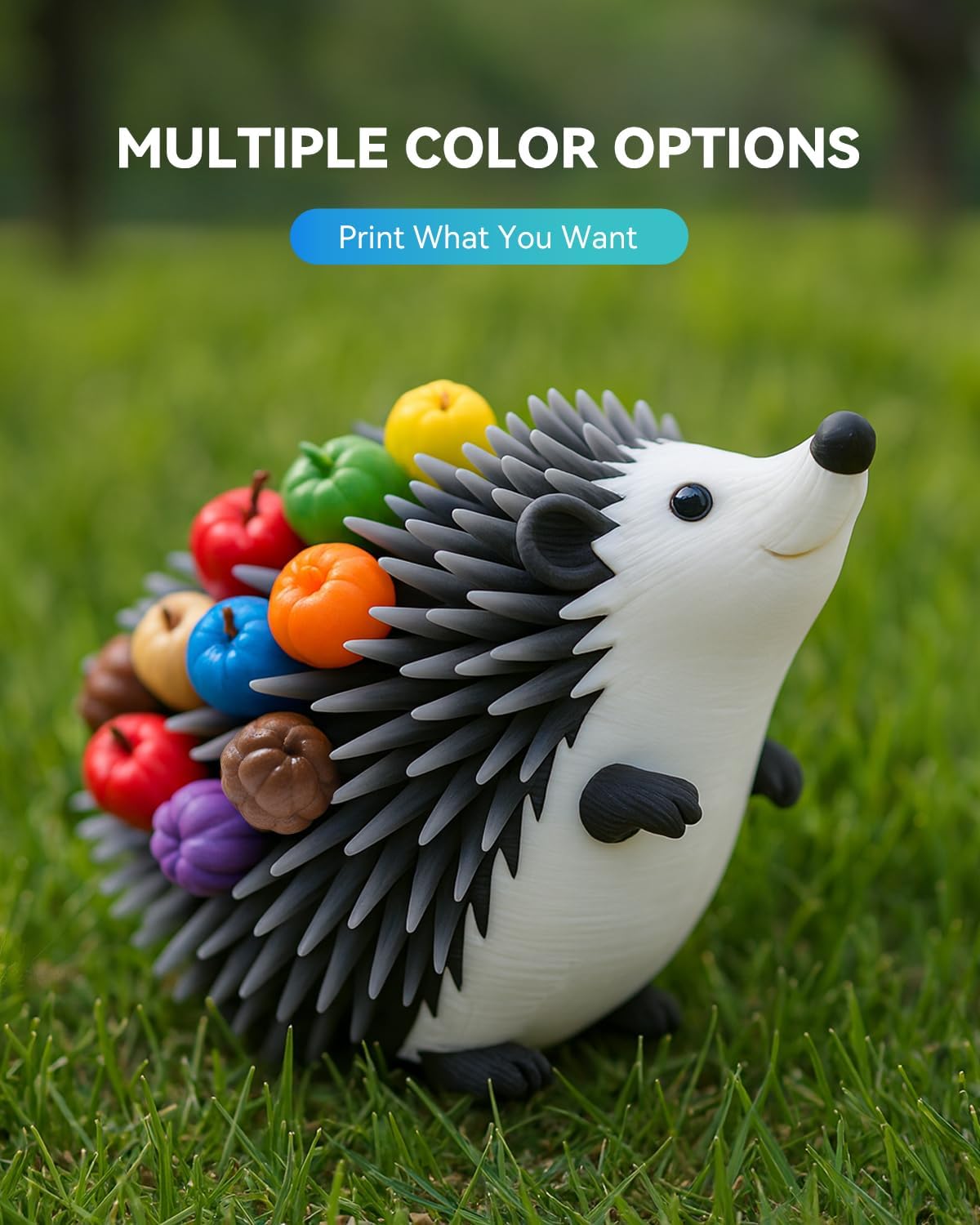
Image 6.1: Detailed view of the 1.75mm filament, highlighting its precision and neat winding on the spool.
7. Warranty & Support
7.1 Manufacturer Warranty
SUNLU products are manufactured to high-quality standards. For specific warranty information regarding your PLA+2.0 filament, please refer to the packaging or contact SUNLU customer service directly. Keep your purchase receipt as proof of purchase.
7.2 Customer Support
Should you encounter any issues or have questions regarding your SUNLU PLA+2.0 filament, please visit the official SUNLU store or contact their customer support team for assistance. You can find more information and contact details on the SUNLU Store on Amazon.