Introduction
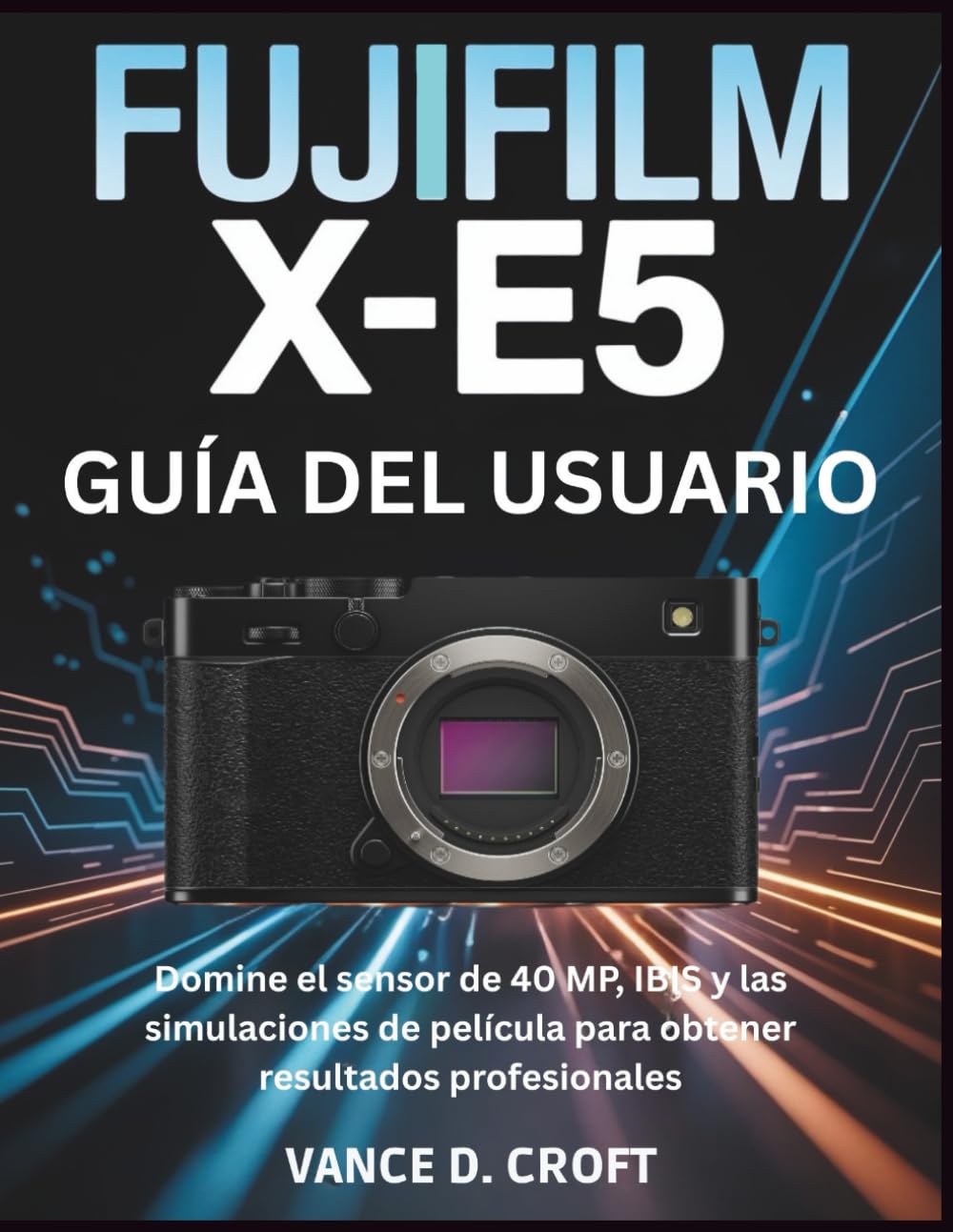
This guide is designed to help you navigate the FUJIFILM X-E5 camera system, moving beyond confusing technical jargon and complex menus. Our mission is to empower you to master the creative and technical capabilities of your X-E5, enabling you to capture stunning, professional-quality images.
You will learn how to leverage the camera's powerful 40 MP sensor and In-Body Image Stabilization (IBIS) for exceptional results in various lighting conditions. Furthermore, this manual will delve into the iconic film simulations, providing insights into creating unique photographic looks.
Getting Started: Initial Setup
Before you begin shooting, ensure your FUJIFILM X-E5 is properly set up.
1. Battery Installation and Charging
Insert the fully charged battery into the battery compartment located at the bottom of the camera. Ensure it clicks into place. Use the provided charger to charge the battery before first use.
2. Memory Card Insertion
Open the memory card slot cover. Insert a compatible SD card (UHS-I or UHS-II recommended for optimal performance) with the label facing the correct direction until it locks. Close the cover securely.
3. Initial Camera Settings
Upon first power-on, you will be prompted to set the date, time, and language. Follow the on-screen instructions. It is recommended to format your memory card in-camera before first use to ensure compatibility and optimal performance.
Operating Your FUJIFILM X-E5
Understanding the Menu System
The X-E5 features an intuitive menu system. Use the rear command dial and joystick to navigate through options. The 'MENU/OK' button confirms selections, and the 'DISP/BACK' button returns to the previous screen. Familiarize yourself with the main menu categories:
- IMAGE QUALITY SETTING: Adjust file format, image size, and film simulation.
- SHOOTING SETTING: Control exposure, white balance, and drive mode.
- FLASH SETTING: Configure flash modes and compensation.
- MOVIE SETTING: Define video resolution, frame rate, and audio options.
- SETUP: General camera settings like date/time, button customization, and power management.
Mastering the 40 MP Sensor and IBIS
The X-E5's 40-megapixel sensor delivers exceptional detail and resolution. Combined with In-Body Image Stabilization (IBIS), you can achieve sharp images even in challenging conditions.
- High Resolution: Utilize the full 40 MP for large prints or significant cropping flexibility.
- IBIS Activation: IBIS automatically engages to counteract camera shake. For static subjects, it allows for slower shutter speeds handheld.
- Low Light Performance: The sensor's advanced design, coupled with IBIS, enhances low-light performance, reducing the need for excessively high ISO settings.
Utilizing Film Simulations
FUJIFILM's renowned film simulations allow you to replicate the look of classic photographic films directly in-camera. Experiment with different simulations to find your preferred aesthetic.
- PROVIA/STANDARD: Neutral color reproduction, suitable for most subjects.
- VELVIA/VIVID: Rich, vibrant colors, ideal for landscapes and nature.
- ASTIA/SOFT: Soft color and contrast, perfect for portraits.
- CLASSIC CHROME: Muted tones and deep color reproduction, evoking a documentary feel.
- ACROS: High-contrast monochrome with fine grain, available in various filter effects.
- ETERNA/CINEMA: Soft color and rich shadow tones, designed for cinematic video.
Creative Techniques for Professional Results
Beyond basic settings, explore advanced techniques to elevate your photography:
- Exposure Compensation: Use the dedicated dial to quickly adjust exposure for brighter or darker results.
- Custom Settings: Save frequently used combinations of settings to custom modes for quick recall.
- Focus Modes: Understand and utilize Single AF (AF-S), Continuous AF (AF-C), and Manual Focus (MF) for different subjects.
- White Balance Shift: Fine-tune white balance to achieve specific color casts or correct for mixed lighting.
Professional Workflow
A professional workflow ensures your images are managed and processed efficiently from capture to final output.
1. Importing Your Photos
Connect your camera directly to a computer or use a card reader. Import your images into a photo management software like Adobe Lightroom or Capture One. Always back up your files immediately after import.
2. Editing in Lightroom (or similar software)
Post-processing allows for further refinement of your images. In Lightroom, you can adjust exposure, contrast, colors, and apply local adjustments. FUJIFILM's RAW files retain excellent flexibility for editing.
3. Exporting and Sharing
Export your finished images in appropriate formats (e.g., JPEG for web, TIFF for print) with suitable resolution and compression settings.
Using Flash and Accessories
Expand your creative possibilities with external flash units and other accessories.
External Flash Units
The X-E5 is compatible with various FUJIFILM and third-party flash units. Mount the flash onto the hot shoe and ensure it is securely attached. Refer to your flash unit's manual for specific settings and modes (TTL, Manual, Multi).
Other Accessories
- Lenses: Explore the wide range of FUJIFILM X-mount lenses for different photographic needs.
- Tripods: Essential for long exposures, macro photography, and achieving maximum sharpness.
- Remote Releases: Prevent camera shake when triggering the shutter.
- Filters: UV, CPL, and ND filters can enhance image quality and creative effects.
Maintenance and Care
Proper maintenance ensures the longevity and optimal performance of your camera.
- Cleaning the Lens: Use a lens brush or air blower to remove dust, then gently wipe with a microfiber cloth and lens cleaning solution.
- Cleaning the Sensor: If dust spots appear on images, use a sensor cleaning kit or have it professionally cleaned. Avoid touching the sensor directly.
- Storage: Store the camera in a dry, dust-free environment, ideally with desiccant packs to prevent mold growth.
- Battery Care: Store batteries partially charged if not used for extended periods.
Troubleshooting Common Issues
Here are solutions to some common problems you might encounter:
| Problem | Solution |
|---|---|
| Camera does not power on. | Ensure the battery is fully charged and correctly inserted. Try a different battery if available. |
| Images are blurry. | Check focus mode, shutter speed (too slow for handheld), and lens cleanliness. Ensure IBIS is active if needed. |
| Memory card error. | Reinsert the card. Try formatting the card (this will erase all data). Use a different card to check if the card or camera is faulty. |
| Flash not firing. | Check flash settings in the menu. Ensure the flash is properly mounted and charged. |
Specifications (This Manual)
Please note that the following specifications pertain to this instruction manual (book) and not the FUJIFILM X-E5 camera itself. For detailed camera specifications, please refer to the official FUJIFILM X-E5 product documentation.
- Publisher: Independently published
- Publication Date: September 4, 2025
- Language: Spanish (Original), English (Translated Guide)
- Print Length: 109 pages
- ISBN-13: 979-8263843168
- Dimensions: 21.59 x 0.64 x 27.94 cm
Warranty and Support
For information regarding the warranty of your FUJIFILM X-E5 camera, please refer to the official warranty card included with your camera or visit the official FUJIFILM website for your region.
For technical support, service, or additional resources, please contact FUJIFILM customer service or visit their official support pages. This guide is an independent resource and does not replace official manufacturer documentation or support.
Manual Images