
Introduction
Thank you for choosing the Welgo G4-3rd-Gen Ok to Wake Alarm Clock. This device is designed to assist children in developing healthy sleep habits by providing clear visual cues for sleep and wake times. It combines an alarm clock, sleep trainer, night light, and white noise sound machine into one user-friendly unit. Please read this manual carefully to ensure proper setup and operation.
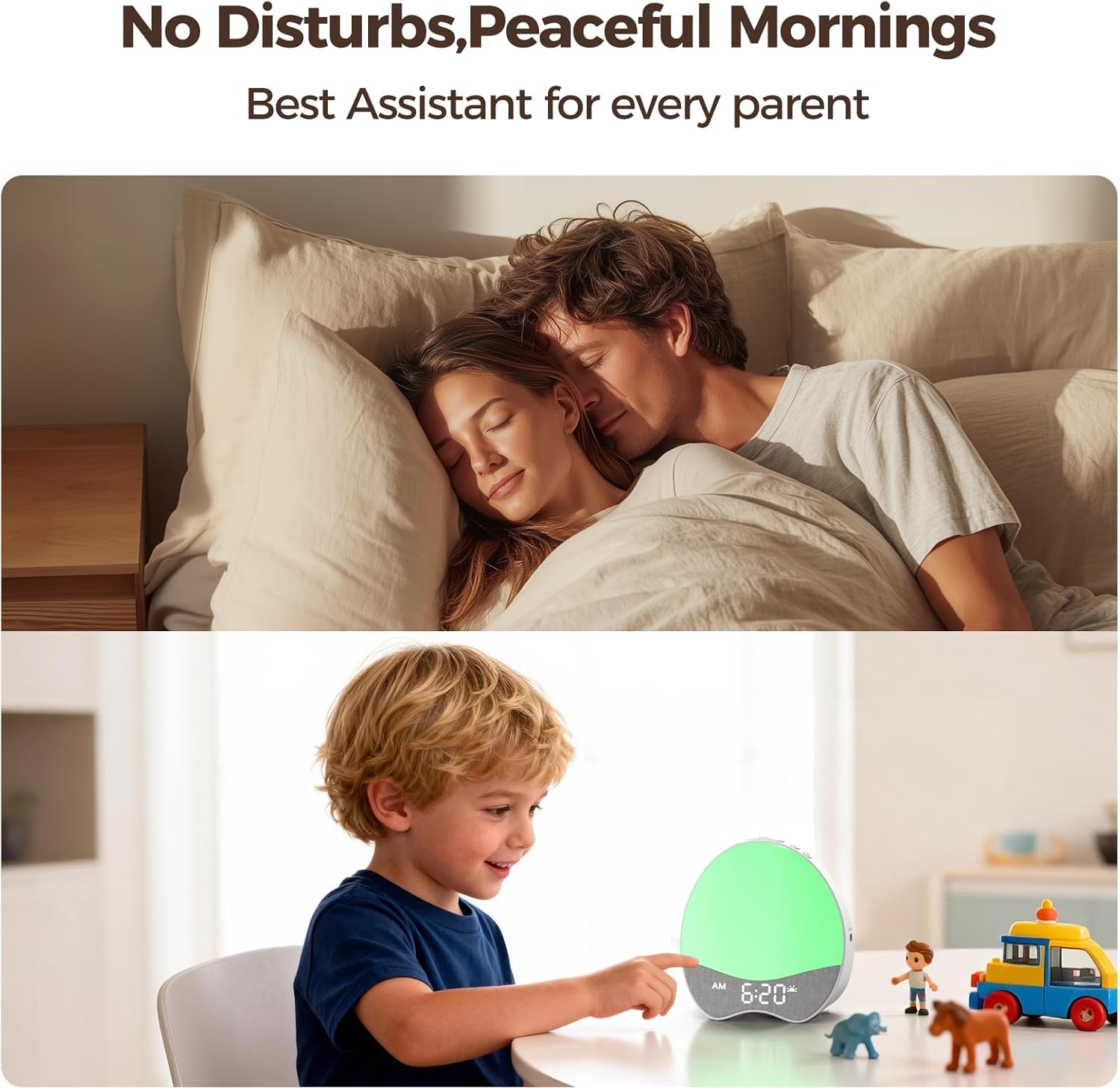
Image: The Welgo Ok to Wake Alarm Clock, showcasing its design and features as a sleep trainer, night light, and sound machine.
Product Features
- Ok to Wake Function: Uses soft red and green indicator lights to signal sleep and wake times. Red indicates it's still bedtime, while green signals it's time to get up.
- Simplified Controls: Features a design with fewer buttons for easy setting and adjustment.
- Customizable Sounds: Includes 8 gentle wake-up tones and 21 soothing bedtime melodies. Volume is adjustable from 0 to 30 levels.
- Dimmable Nightlight & Display: Red and green nightlights offer 10 brightness levels. The digital screen brightness is 0-100% adjustable.
- Child-Friendly Design: Rounded body wrapped in soft, child-safe fabric with smooth edges.
- Child Lock: Prevents accidental setting changes by curious hands.

Image: The Welgo Ok to Wake Clock illustrating the red light for 'stay in room' (sleep time) and the green light for 'time to go out' (wake-up time).

Image: A child interacting with the clock, highlighting the child-proof lock feature to prevent unintended setting changes.
Setup
1. Power Connection
Connect the provided power adapter to the DC IN port on the back of the clock and plug it into a standard electrical outlet. The clock will power on and the display will illuminate.
2. Setting Current Time
- Press and hold the SET button for 3 seconds to enter time setting mode. The hour digit will flash.
- Use the + and - buttons to adjust the hour.
- Press SET again to move to minute setting. Use + and - to adjust minutes.
- Press SET to confirm and exit time setting.
3. Setting Sleep and Wake Times (Ok to Wake Function)
This clock allows you to set a specific time for the red light (sleep time) and green light (wake-up time).
- Press the SET button once to cycle through settings. Continue pressing until you see the sleep time (red light icon) setting.
- Use + and - to set the desired sleep hour, then press SET for minutes.
- Repeat the process for the wake-up time (green light icon) setting.
- Press SET to confirm each setting.
Video: A demonstration of setting up the Welgo Ok to Wake Alarm Clock for Kids, including time and sleep/wake functions.
Operating Instructions
1. Adjusting Display Brightness
The digital time display brightness can be adjusted from 0% to 100%.
- Press the DISPLAY ON/OFF button (often combined with Check button) to cycle through brightness levels or turn off the display.
- Alternatively, use the + and - buttons when not in setting mode to adjust display brightness.
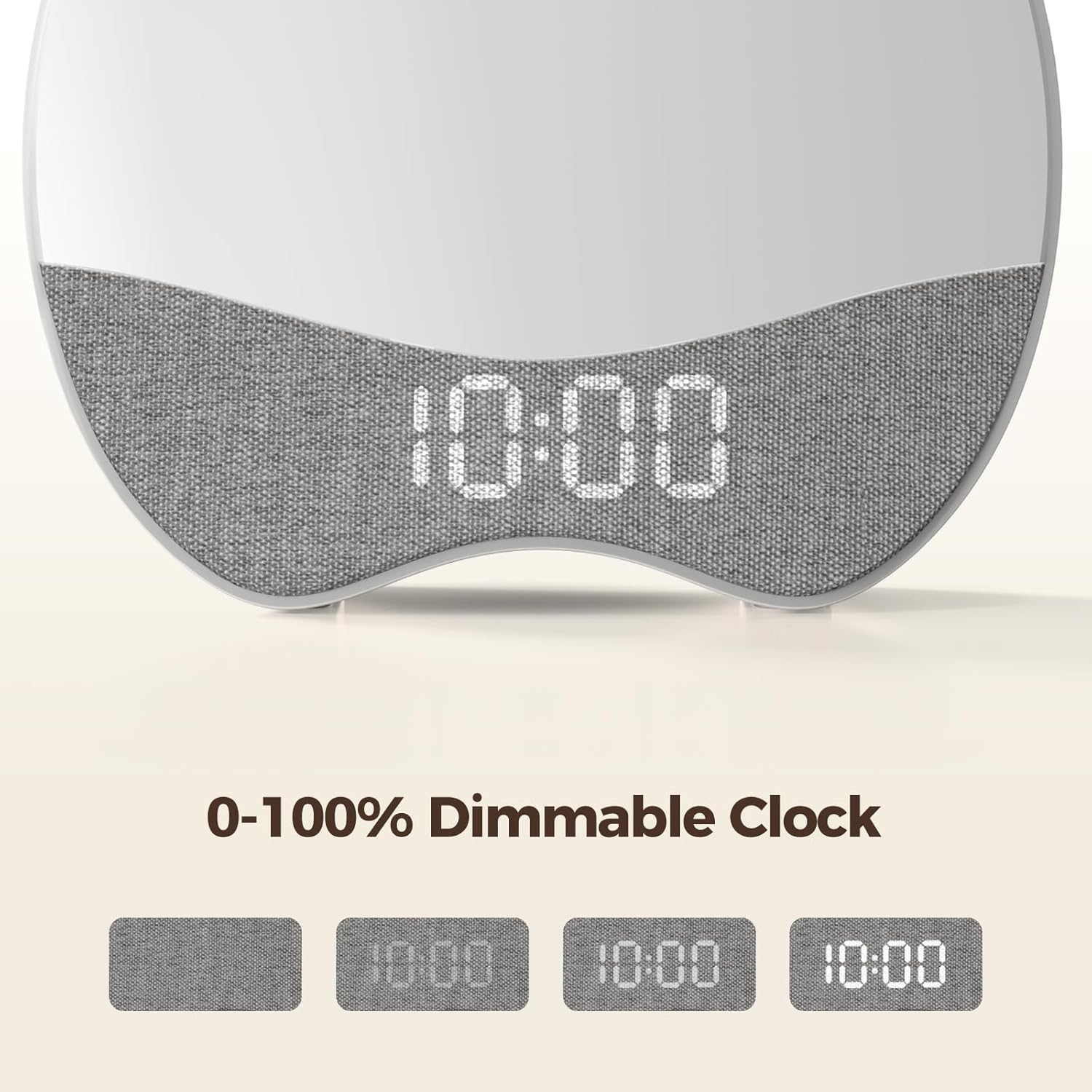
Image: The clock's digital display demonstrating various dimming levels from 0% to 100% for optimal comfort.
2. Night Light Operation
The night light (red or green) can be adjusted for brightness.
- When the night light is active (red for sleep, green for wake), press the + or - buttons to adjust its brightness (10 levels).
3. Sound Machine and Alarm Tones
The clock offers 21 soothing sounds for bedtime and 8 wake-up tones.
- To select a sound: In setting mode for sleep or wake time, cycle through sound options using the SOUND button (if available) or +/- buttons.
- To adjust volume: When a sound is playing, use the + and - buttons to set the desired volume level (0-30).

Image: The Welgo Ok to Wake Clock emitting a red night light and playing soothing sounds to aid in a child's sleep.
4. Activating Child Lock
To prevent children from accidentally changing settings:
- Locate the Child Lock button (often indicated by a lock icon).
- Press and hold the Child Lock button for 3 seconds to activate or deactivate the lock. A lock icon may appear on the display when active.
Maintenance
- Cleaning: Wipe the clock with a soft, dry cloth. Do not use liquid cleaners or abrasive materials.
- Storage: Store in a cool, dry place away from direct sunlight and extreme temperatures when not in use for extended periods.
- Handling: Handle with care. Although designed to be durable, avoid dropping the device.
Troubleshooting
| Problem | Possible Cause | Solution |
|---|---|---|
| Clock not powering on. | Power adapter not connected or faulty outlet. | Ensure the power adapter is securely connected and the outlet is functional. |
| Settings change unexpectedly. | Child Lock is not activated. | Activate the Child Lock feature by pressing and holding the Child Lock button for 3 seconds. |
| Difficulty setting time/alarms. | Incorrect button sequence or unclear instructions. | Refer to the 'Setup' section and follow the steps carefully. Ensure you are pressing 'SET' to confirm each step. |
| Clock resets after power outage. | No battery backup or battery depleted. | The clock requires continuous power. Reset time and settings after a power interruption. |
| Light and sound do not operate independently. | This model's design integrates light and sound for sleep/wake functions. | The Welgo G4-3rd-Gen is designed for integrated light and sound cues. Independent operation is not a feature of this model. |
Specifications
| Feature | Detail |
|---|---|
| Brand | Welgo |
| Model Number | G4-3rd-Gen |
| Color | Multicolor |
| Display Type | LED |
| Special Feature | OK to Wake |
| Product Dimensions | 8"W x 2"H |
| Power Source | Corded Electric |
| Item Weight | 12 Ounces |
| Material Type | Plastic |
| Number of Batteries | 1 Nonstandard Battery (included) |
| Smart Home Compatibility | Not Smart Home Compatible |
| UPC | 768274517661 |
| GTIN | 768274517661 |
Warranty and Support
Warranty Information
This Welgo G4-3rd-Gen Ok to Wake Alarm Clock comes with a 1-year limited manufacturer's warranty. This warranty covers defects in materials and workmanship under normal use. It does not cover damage caused by misuse, accidents, unauthorized modifications, or normal wear and tear.
Customer Support
For technical assistance, warranty claims, or any questions regarding your Welgo product, please refer to the contact information provided on the product packaging or visit the official Welgo website. Please have your model number (G4-3rd-Gen) and proof of purchase ready when contacting support.