
1. Introduction
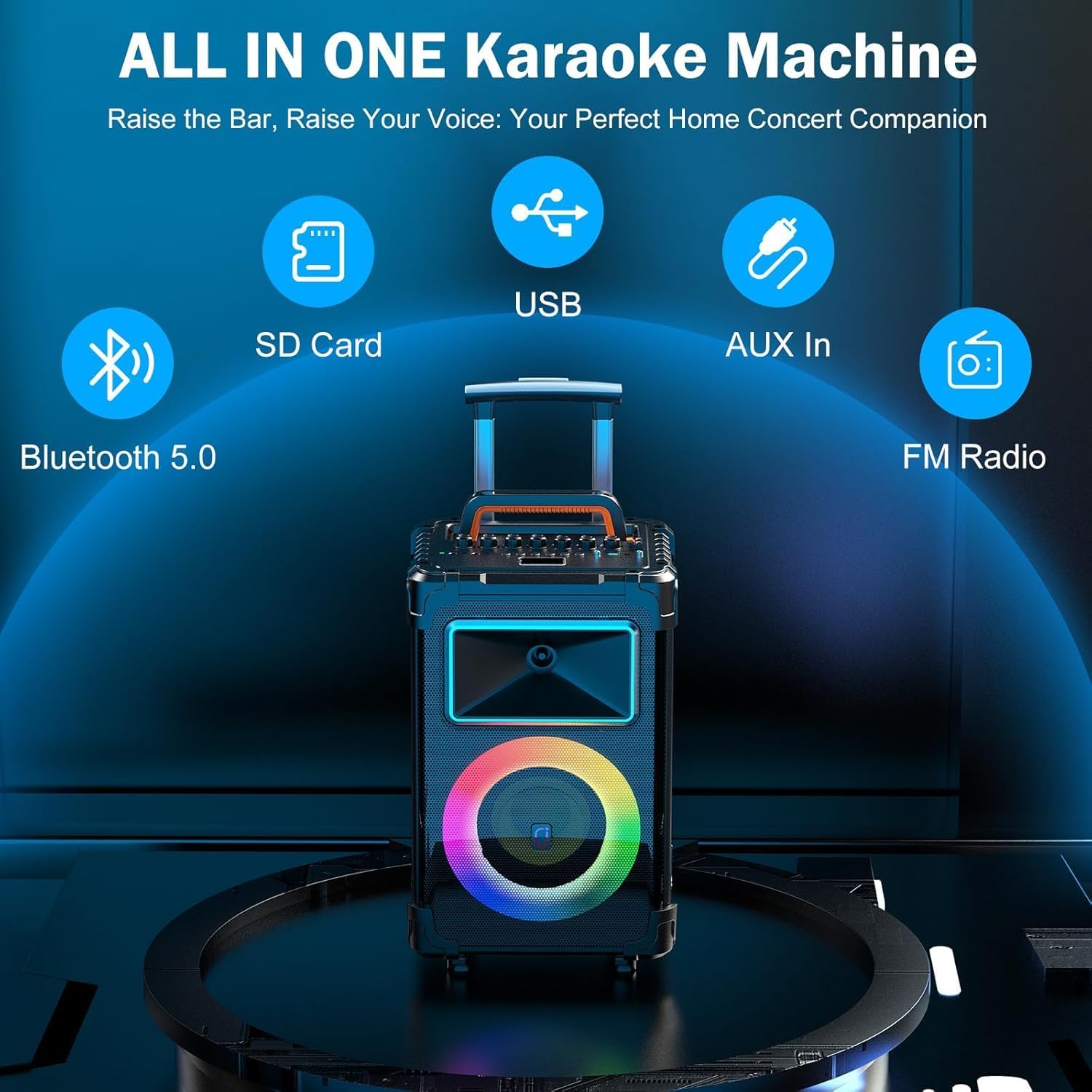
Thank you for purchasing the JAUYXIAN AN20 Portable Karaoke Machine. This device is a versatile audio system designed for various entertainment purposes, featuring a 10-inch woofer, 3.5-inch tweeter, 500W peak power, and integrated RGB lights. It supports multiple connectivity options including Bluetooth, AUX, USB, and TF card, and includes two wireless microphones for karaoke. The built-in rechargeable battery and rolling wheels enhance its portability for both indoor and outdoor use. This manual provides essential information for safe operation, setup, and maintenance of your AN20 karaoke machine.
2. Safety Information
- Read all instructions before using the product.
- Do not expose the device to rain, moisture, or extreme temperatures.
- Avoid placing the device near heat sources such as radiators, heat registers, stoves, or other apparatus that produce heat.
- Use only the power adapter supplied by the manufacturer.
- Do not open the device casing. Refer all servicing to qualified service personnel.
- Keep the device away from strong magnetic fields.
- Ensure proper ventilation around the unit during operation.
- Clean only with a dry cloth.
3. Package Contents
Please check that all items are present in the package:
- 1 x JAUYXIAN AN20 Karaoke Speaker
- 2 x Wireless Microphones
- 1 x Charging Cable/Power Adapter
- 1 x AUX-in Cable
- 1 x Remote Control
- 1 x User Manual (this document)
4. Product Overview
4.1 Speaker Components
The AN20 features a powerful audio setup for clear and dynamic sound reproduction.

4.2 Control Panel
The top panel of the AN20 provides access to all controls and input ports.
4.3 Portability Features
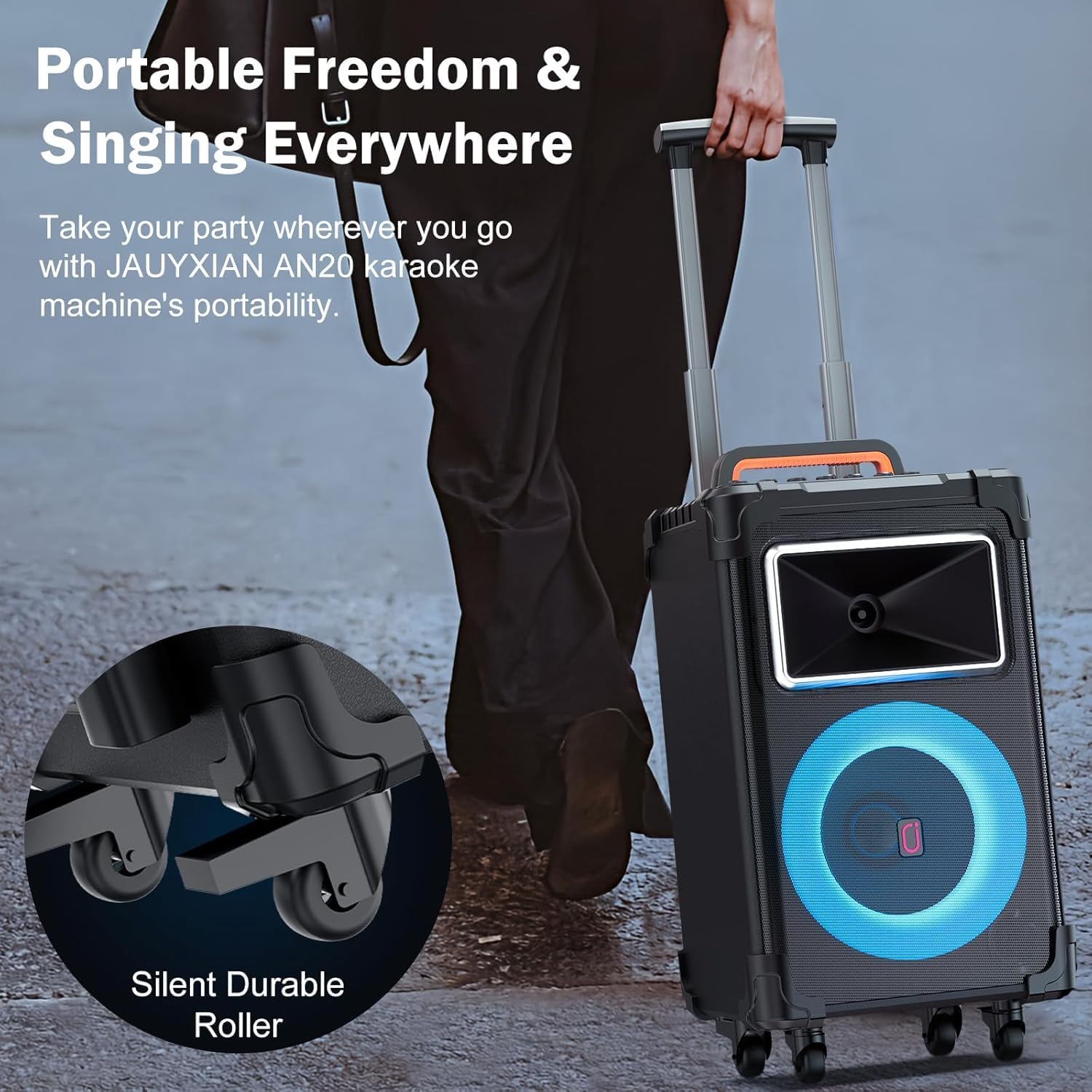
The AN20 is designed for easy transport with its integrated handle and silent durable roller wheels.
5. Setup
5.1 Initial Charging
- Before first use, fully charge the AN20 speaker. Connect the provided charging cable to the charging port on the control panel and plug the adapter into a power outlet.
- The charging indicator will illuminate. A full charge typically takes 4-6 hours.
- Once fully charged, the indicator may change color or turn off, depending on the model.
5.2 Powering On/Off
- To power on, press and hold the Power button on the control panel until the display illuminates.
- To power off, press and hold the Power button again until the display turns off.
5.3 Microphone Setup
- Ensure the wireless microphones are charged (if applicable) and powered on.
- The microphones should automatically pair with the AN20 speaker. If not, refer to the microphone's individual manual for pairing instructions.
- Adjust the "MIC Vol" knob on the control panel to set the microphone volume.
6. Operating Instructions
6.1 Bluetooth Connection
- Power on the AN20 speaker. The display will show "bt" (Bluetooth mode). If not, press the "Mode" button to switch to Bluetooth mode.
- Enable Bluetooth on your mobile device (smartphone, tablet, etc.).
- Search for "AN20" in your device's Bluetooth list and select it to pair.
- Once connected, the speaker will emit an audible confirmation, and you can play audio from your device.
6.2 True Wireless Stereo (TWS) Pairing
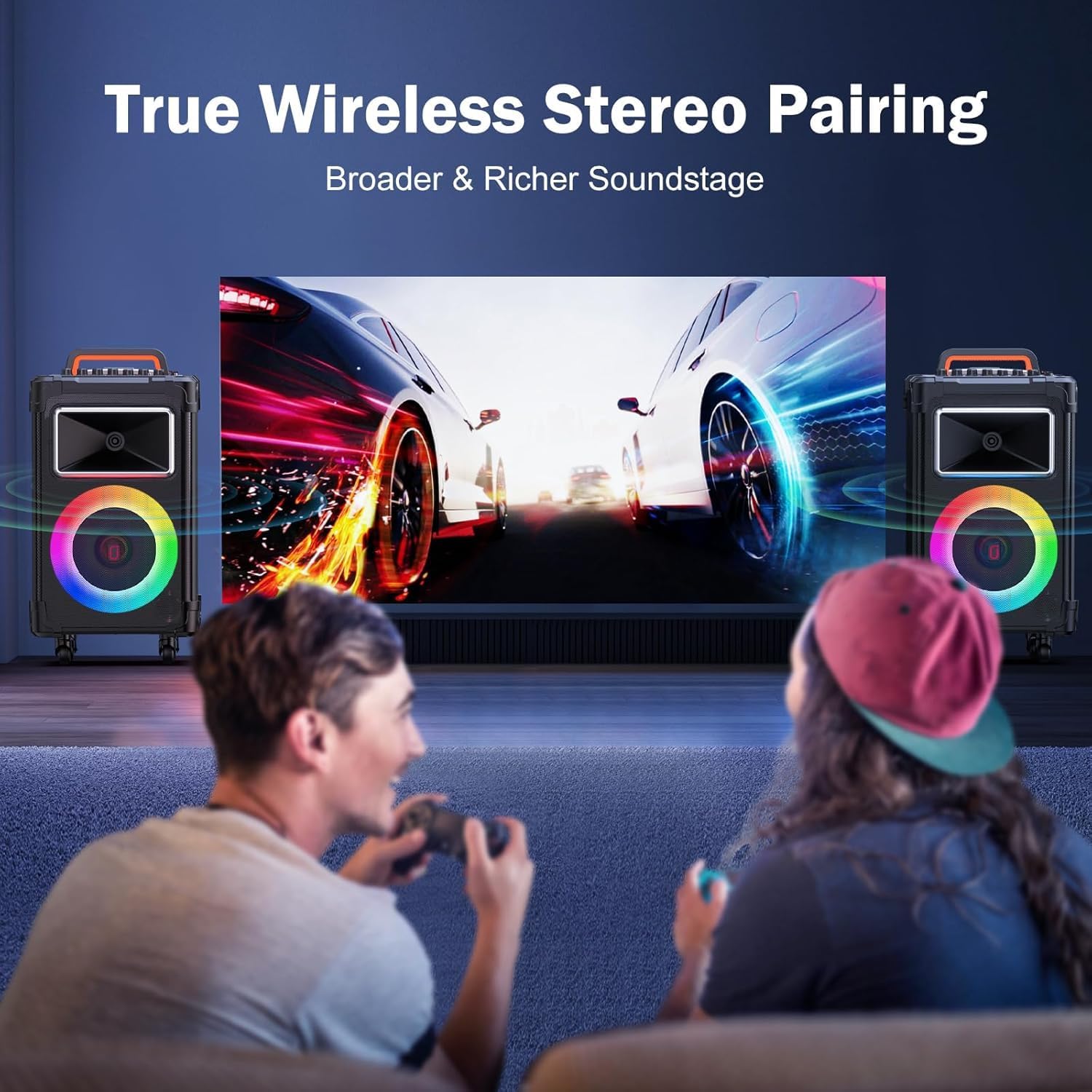
The TWS function allows you to connect two AN20 speakers for a stereo sound experience.

- Ensure both AN20 speakers are powered on and in Bluetooth mode, but not yet connected to any device.
- On one of the speakers (this will be the primary unit), press and hold the TWS button (refer to control panel diagram for exact location, often combined with another function or a dedicated button).
- The primary speaker will search for the secondary speaker. Once connected, both speakers will emit a confirmation sound.
- Now, connect your mobile device to the primary AN20 speaker via Bluetooth as described in Section 6.1. Audio will play through both speakers in stereo.
6.3 AUX Input
- Connect one end of the provided AUX-in cable to the "AUX In" port on the AN20 control panel.
- Connect the other end to the audio output (headphone jack) of your external device (e.g., MP3 player, laptop).
- Press the "Mode" button on the AN20 until "AUX" is displayed.
- Adjust the volume on both the AN20 and your external device.
6.4 USB/TF Card Playback
- Insert a USB flash drive or TF (Micro SD) card containing MP3 audio files into the respective port on the control panel.
- The speaker will automatically switch to USB or TF card mode and begin playing audio. If not, press the "Mode" button to select the correct input.
- Use the "Prev", "Play/Pause", and "Next" buttons on the control panel or remote control to manage playback.
6.5 Microphone Operation and Vocal Functions
- Microphone Volume: Adjust the "MIC Vol" knob to control the volume of the wireless microphones.
- Microphone Echo: Use the "MIC Echo" knob to add or reduce echo effects to the microphone sound.
- Vocal Cut Function: Press the "Original/Tuning/Singer Mode" button to activate the vocal cut function, which attempts to remove the lead vocals from a playing track, leaving only the instrumental accompaniment. Press again to deactivate.
- Instrument Input: Connect a guitar, electronic piano, or DJ kit to the 6.35mm jack. Adjust its volume with the "Instrument Vol" knob.
6.6 RGB Light Modes
The AN20 features dynamic RGB lights that can be customized.

- Press the "LED Mode" button on the control panel to cycle through different RGB light patterns and effects.
- Press the "LED on/off" button to turn the lights on or off.
7. Charging
The AN20 is equipped with an 11000mAh rechargeable battery, providing extended playback time.
- Connect the speaker to a power source using the provided charging cable and adapter.
- A full charge takes approximately 4-6 hours.
- The speaker can provide 60-120 hours of playback depending on volume level and RGB light usage.
- It is recommended to fully charge the battery before long periods of storage to maintain battery health.
8. Maintenance
- Cleaning: Use a soft, dry cloth to clean the exterior of the speaker. Do not use liquid cleaners or abrasive materials.
- Storage: Store the speaker in a cool, dry place away from direct sunlight and extreme temperatures.
- Battery Care: If the speaker will not be used for an extended period, charge the battery to approximately 50% every three months to prolong its lifespan.
- Avoid Obstructions: Ensure that the speaker grilles and ventilation ports are free from dust and debris.
9. Troubleshooting
| Problem | Possible Cause | Solution |
|---|---|---|
| No power | Battery is depleted; Power cable not connected. | Charge the speaker fully; Ensure power cable is securely connected. |
| No sound | Volume too low; Incorrect input mode; Device not connected. | Increase master volume and source device volume; Press "Mode" button to select correct input; Reconnect Bluetooth/AUX device. |
| Bluetooth pairing fails | Speaker not in pairing mode; Device too far; Interference. | Ensure speaker is in Bluetooth mode; Move device closer to speaker; Turn off other Bluetooth devices. |
| Microphone not working | Microphone off; Low microphone battery; MIC Vol too low; Microphone not paired. | Turn on microphone; Charge/replace microphone batteries; Increase "MIC Vol" knob; Refer to microphone manual for pairing. |
| TWS pairing fails | Speakers already connected to other devices; Speakers too far apart. | Disconnect both speakers from any Bluetooth devices; Ensure both are in Bluetooth mode; Place speakers closer together and retry TWS pairing. |
10. Specifications
| Feature | Detail |
|---|---|
| Brand | JAUYXIAN |
| Model Number | AN20 |
| Dimensions (L x W x H) | 11.54 x 10.79 x 21.97 inches |
| Weight | 10.6 Kilograms |
| Connectivity Technology | AUX, Bluetooth, TF Card, USB |
| Output Wattage | 500 Watts (Peak Power) |
| Woofer Size | 10 inches |
| Tweeter Size | 3.5 inches |
| Power Source | Battery Powered |
| Battery Capacity | 11000mAh |
| Playing Time | Up to 120 hours (variable) |
| Charging Time | 4-6 hours |
| Enclosure Material | Acrylonitrile Butadiene Styrene (ABS) |
| Audio Input | Microphone, AUX, USB |
| Compatible Devices | Guitar, Laptop, Smartphone, Tablet, Television |
11. Warranty Information
The JAUYXIAN AN20 Portable Karaoke Machine comes with a 1-Year Warranty from the date of purchase. This warranty covers manufacturing defects and workmanship under normal use. It does not cover damage caused by misuse, accidents, unauthorized modifications, or normal wear and tear. Please retain your proof of purchase for warranty claims.
12. Support
For further assistance, technical support, or warranty inquiries, please contact JAUYXIAN customer service through the retailer where you purchased the product or visit the official JAUYXIAN brand store online:
JAUYXIAN Brand Store: https://www.amazon.com/stores/JAUYXIAN/page/4C9C0EDA-5CEC-4874-BD7A-A39B05AB545C

