
1. Introduction
This manual provides essential information for the safe and efficient operation of your RUIZU 163GB Android MP3 Player. Please read it thoroughly before using the device.
The RUIZU Android MP3 Player is a versatile portable media device running on Android 13, offering extensive music and video playback capabilities, Wi-Fi and Bluetooth connectivity, and parental control features.
2. Package Contents
Verify that all items are present in the package:
- 1 x RUIZU 163GB Android MP3 Player with Bluetooth and WiFi
- 1 x USB-C cable for charging & file transfer
- 1 x 3.5mm Wired Stereo headphones
- 1 x Protective case
- 1 x Screen protector
- 1 x User Manual (English & Japanese)

Image: Contents of the RUIZU MP3 Player package, showing the device, USB-C cable, wired headphones, protective case, and screen protector.
3. Setup
3.1 Initial Charging
Before first use, fully charge the device. Connect the provided USB-C cable to the player and a compatible USB power adapter (not included) or a computer's USB port. The charging indicator will show progress.
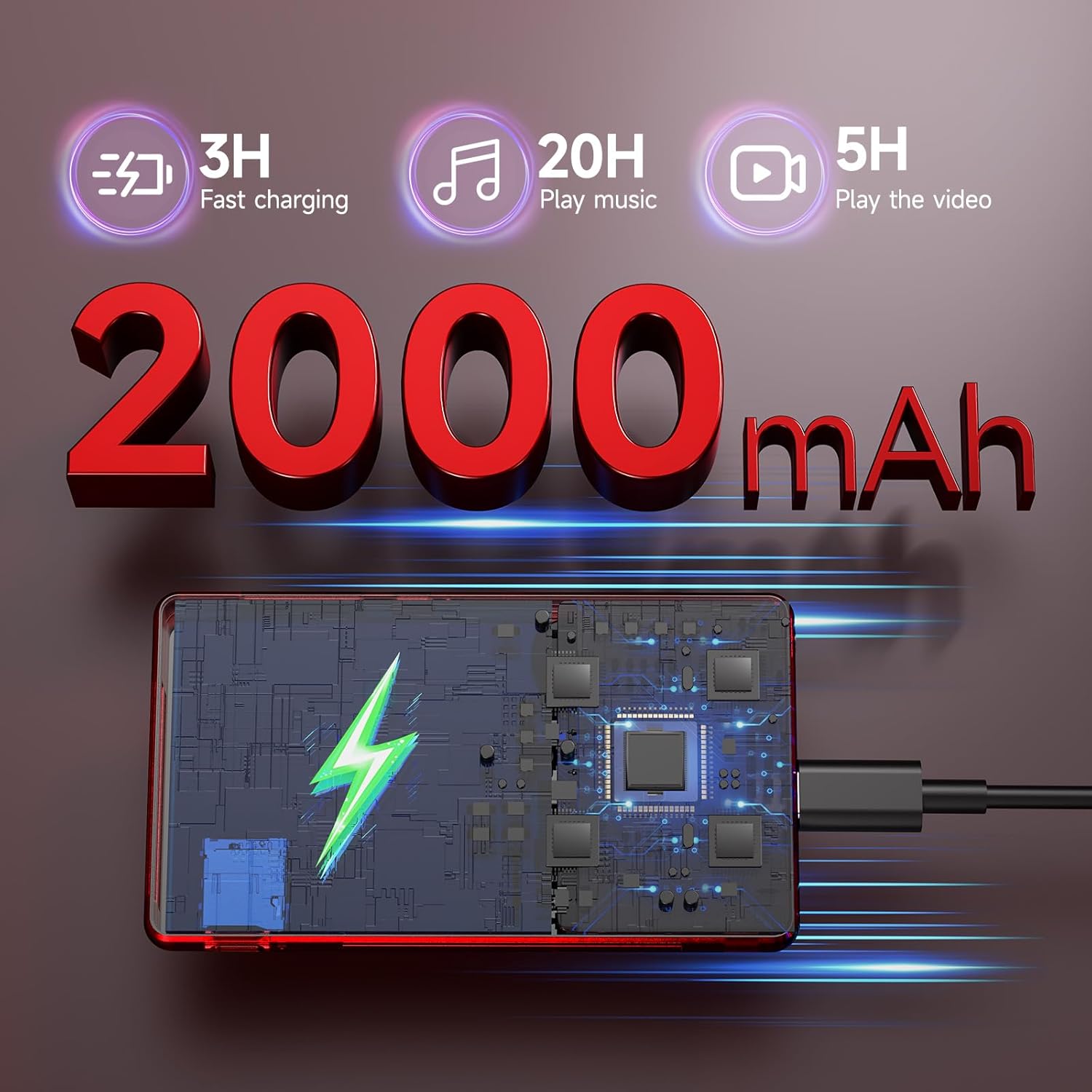
Image: The RUIZU MP3 Player connected to a USB-C charging cable, illustrating its 2000mAh battery and charging process.
3.2 Power On/Off
- To power on: Press and hold the Power button until the screen illuminates.
- To power off: Press and hold the Power button, then select 'Power off' from the options.
3.3 Micro SD Card Installation
The device comes with a pre-installed 128GB Micro SD card. To install or replace a Micro SD card (up to 1TB supported):
- Locate the Micro SD card slot on the side of the device.
- Gently insert the Micro SD card into the slot until it clicks into place.
- To remove, push the card inward until it springs out.
4. Operating Instructions
4.1 User Interface and Navigation
The RUIZU MP3 Player features a 4.5-inch IPS touchscreen for intuitive navigation. Swipe, tap, and pinch to interact with applications and settings.

Image: The RUIZU MP3 Player showcasing its 4.5-inch full touch screen during video playback, highlighting its IPS panel.
4.2 Music Playback
The device supports various audio formats including MP3, WAV, FLAC, AAC, APE, OGG, M4A, WMA, MP2, AMR, and MID.
4.2.1 Offline Music
Use the built-in offline music app to manage and play your local music collection. You can scan all songs or specific folders, search for tracks, and create playlists.

Image: A detailed view of the RUIZU MP3 Player's local music player application, showing options for scanning music, managing downloads, equalizer settings, and supported audio formats.
4.2.2 Streaming Music
With Wi-Fi connectivity (2.4GHz & 5GHz), you can stream music from preloaded applications such as Spotify Kids, Pandora, Amazon Music, Tidal, and Deezer. Access the Google Play Store to download additional streaming services.
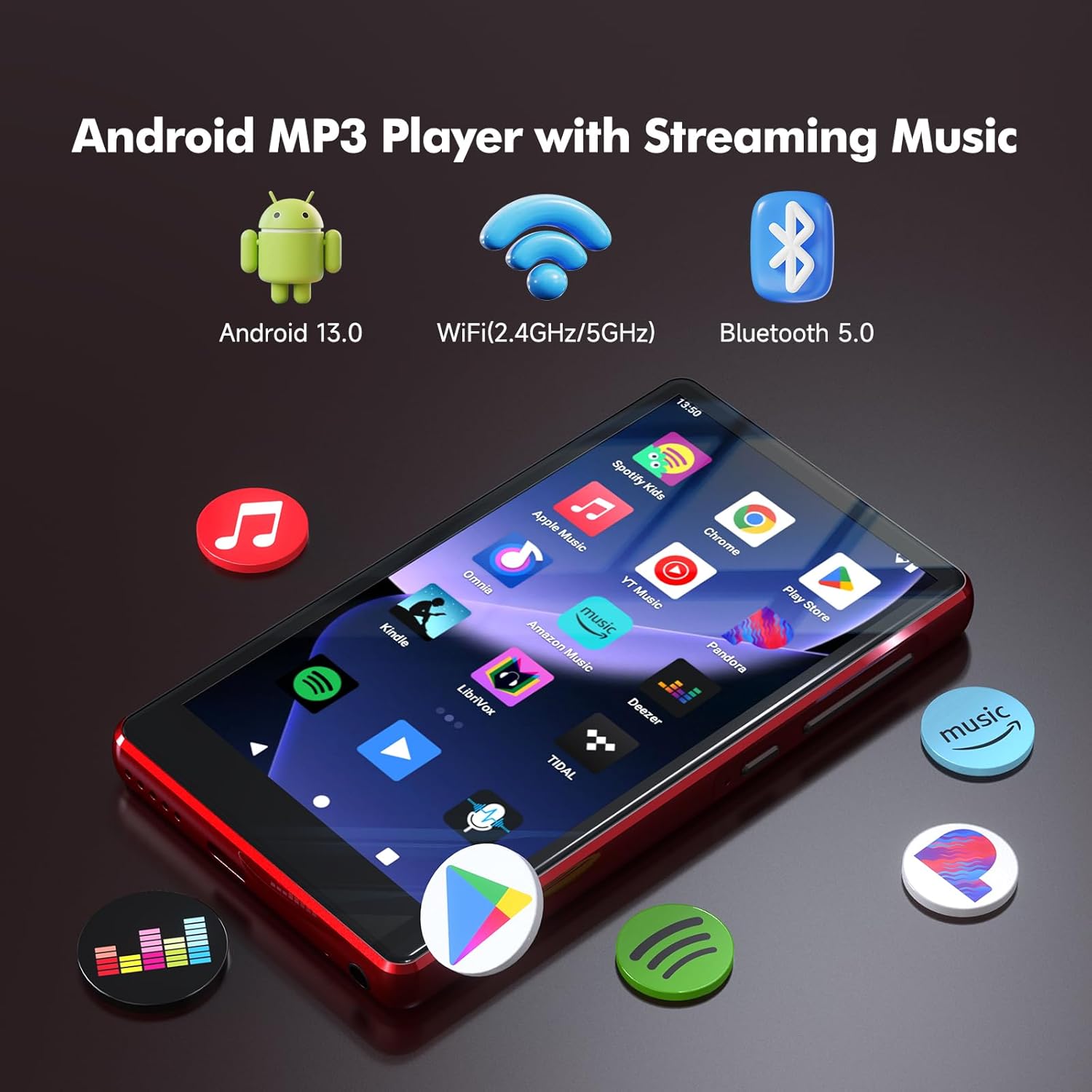
Image: The RUIZU Android MP3 Player's home screen, featuring icons for various streaming music applications and highlighting its Android 13, Wi-Fi, and Bluetooth 5.0 capabilities.
4.3 Bluetooth Connectivity
The device features Bluetooth 5.0 for connecting to wireless headphones, speakers, or car audio systems. It supports two-way Bluetooth for enhanced functionality.
4.4 Video Playback
The player supports 720p and 1080p HD video playback on its 4.5-inch IPS screen.
4.5 File Transfer
Transfer files to and from the device using the USB-C cable connected to a computer or via Bluetooth from an Android phone. Note: iOS file transfer is not supported via Bluetooth.
4.6 Parental Controls
The device integrates Google's parental control system, allowing you to manage app access, set passwords for downloads, and limit content to ensure a safe experience for children.
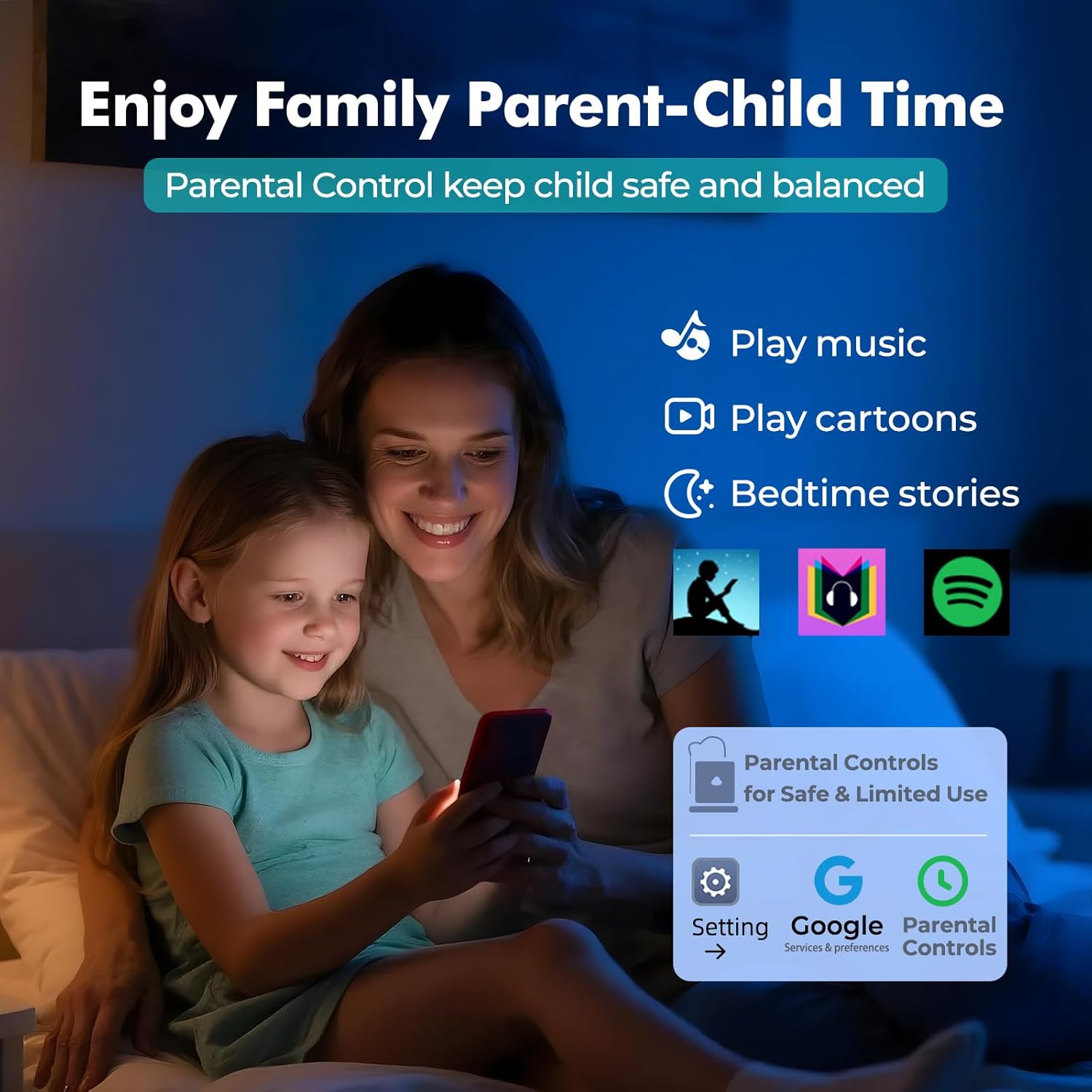
Image: A visual representation of the parental control features on the RUIZU MP3 Player, showing a parent and child interacting with the device and the parental control interface.
4.7 Additional Features
The RUIZU MP3 Player includes a built-in FM radio, voice recorder, file manager, and calendar.
5. Maintenance
5.1 Battery Care
To prolong battery life, avoid extreme temperatures and fully discharge and recharge the device periodically. The 2000mAh battery provides up to 20 hours of music playback or 5 hours of video playback on a single charge.
5.2 Cleaning
Wipe the device with a soft, dry cloth. Avoid using harsh chemicals or abrasive materials.
5.3 Software Updates
As an Android device, the player may receive software updates. Ensure your device is connected to Wi-Fi to check for and install updates, which can improve performance and add new features.
6. Troubleshooting
If you encounter issues with your RUIZU MP3 Player, refer to the following common solutions:
- Device not powering on: Ensure the battery is charged. Connect to a power source and try again.
- Cannot connect to Wi-Fi/Bluetooth: Check that Wi-Fi/Bluetooth is enabled in settings. Ensure you are within range of the network/device.
- Music not playing: Verify the audio file format is supported. Check volume settings. Ensure the Micro SD card is properly inserted.
- Slow performance: Close unused applications. Clear cache if necessary. Consider a factory reset as a last resort (this will erase all data).
7. Specifications
| Feature | Specification |
|---|---|
| Brand | RUIZU |
| Model Number | THM16Red |
| Operating System | Android 13 |
| Processor | 8-core MTK6762 |
| RAM | 3GB |
| Internal Storage | 32GB |
| Expandable Storage | Up to 1TB via Micro SD (128GB card included) |
| Screen Size | 4.5 Inches |
| Display Technology | IPS LCD |
| Connectivity | Aux, Bluetooth 5.0, USB-C, Wi-Fi (2.4GHz & 5GHz) |
| Battery Capacity | 2000mAh |
| Battery Life (Music) | Up to 20 Hours |
| Battery Life (Video) | Up to 5 Hours |
| Supported Audio Formats | MP3, WAV, FLAC, APE, OGG, M4A, AAC, WMA, MP2, AMR, MID |
| Video Playback | 720p & 1080p HD |
| Special Features | Built-In Speaker, FM Radio, Touch Screen, Voice Recorder, Equalizer, Parental Control |

Image: An internal diagram of the RUIZU MP3 Player, illustrating the 8-core MTK6762 processor, 3GB RAM, 32GB internal storage, and the included 128GB Micro SD card.
8. Product Video
Video: An overview of the RUIZU 163GB MP3 Player, demonstrating its features such as Bluetooth and Wi-Fi connectivity, streaming capabilities, and user interface.
9. Warranty and Support
9.1 Warranty Information
For warranty-related inquiries, please contact RUIZU customer support.
9.2 Customer Support
If you require further assistance or have questions not covered in this manual, please contact our support team via email at support@ruizutek.com.


