1. Introduction
The Harlowe Atom 2 Pocket Light Kit is a compact and versatile magnetic camera light designed to enhance your photography and videography. It provides soft, stable illumination for various devices, including action cameras, smartphones, and 360 cameras. Its portable design, adjustable brightness, and motion-sensor activation make it suitable for both indoor and outdoor use.
2. What's Included
Please verify that all items are present in your package:
- 1 x Harlowe Atom 2W Camera Light
- 1 x Magnetic Soft Diffuser Dome
- 1 x DJI Pocket 3 Connector
- 1 x Dust-Protected Type-C Port Cover
- 1 x USB-C Charging Cable
- 1 x Carrying Pouch
3. Setup
3.1 Attaching the Light
The Harlowe Atom 2 features a built-in magnet for quick and secure attachment to compatible devices or surfaces. It can also be used with optional mounting accessories for digital cameras.

Image: The Harlowe Atom 2 light magnetically attached to the side of a camera, demonstrating its compact size and secure fit.
For DJI Osmo Pocket 3 cameras, use the provided connector to ensure a stable mount. The magnetic base allows for flexible positioning.
Video: Demonstration of attaching the Harlowe Atom 2 light to a DJI Osmo Pocket 3 camera, showing the magnetic connection and the use of the connector for secure mounting.
3.2 Attaching the Diffuser Dome
The magnetic soft diffuser dome can be easily attached to the front of the light to soften the illumination and reduce harsh shadows. When not in use, it can be magnetically attached to the back of the light for convenient storage and to prevent loss.
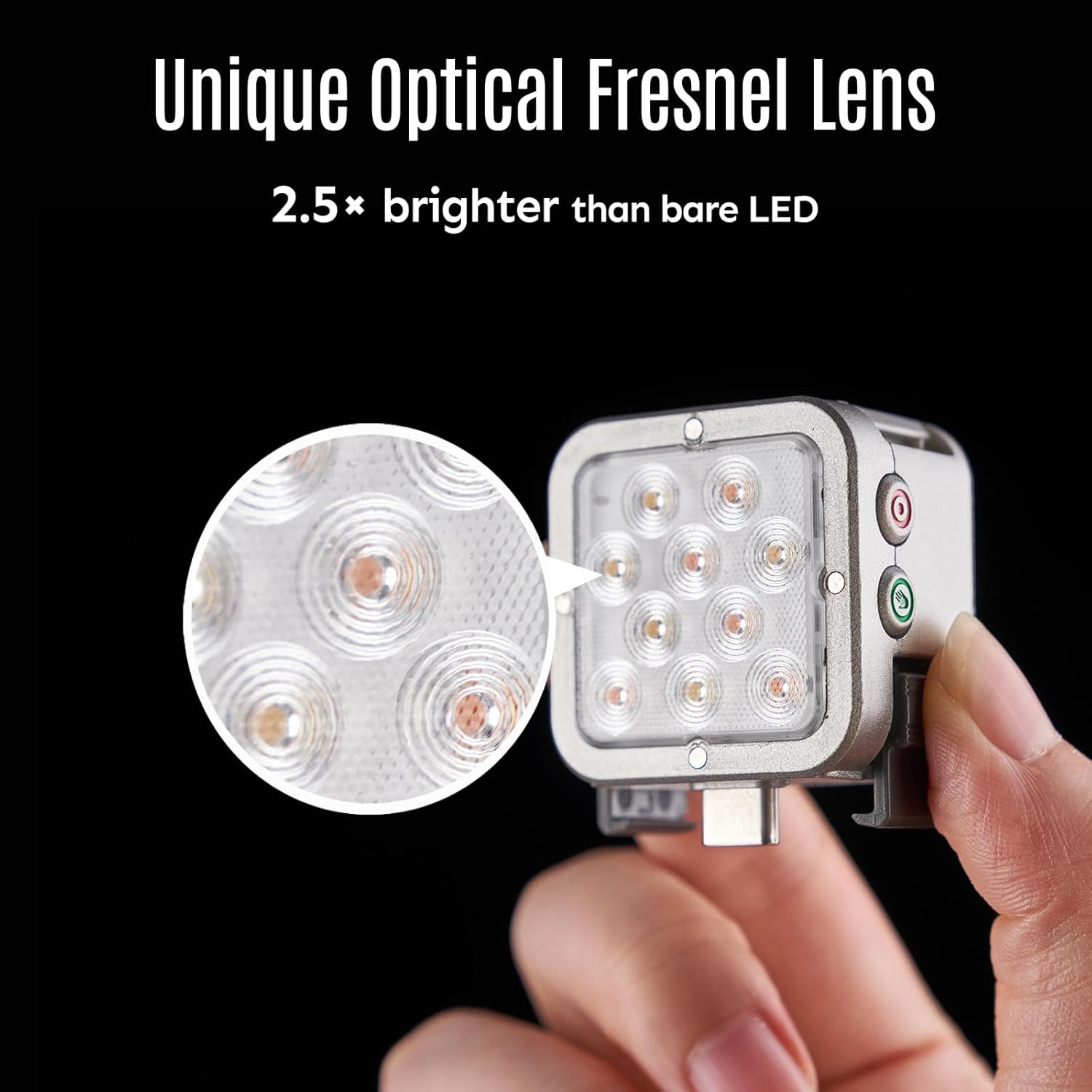
Image: The Harlowe Atom 2 light shown with and without its diffuser dome. One image shows the light magnetically attached to a metal surface, and another shows the diffuser magnetically attached to the back of the light for storage.
3.3 Secure Mounting and Versatility
The light's design allows for effortless and secure mounting, including 360-degree rotation in sync with the camera lens to keep your subject perfectly lit. The dual-light mount is designed to avoid interference during horizontal shooting, ensuring optimal performance in various scenarios.

Image: The Harlowe Atom 2 light demonstrating its secure mounting capabilities, including 360-degree rotation with the camera lens and a dual-light setup designed for horizontal shooting without interference.
4. Operation
4.1 Power On/Off and Motion Sensor
The Harlowe Atom 2 features smart motion-sensor activation. It powers on automatically with movement and turns off when idle, providing hands-free operation. For manual control, locate the power button on the device.

Image: A person using the Harlowe Atom 2 light attached to a camera, with a graphic indicating "Smart Motion Control" and "Power On/Off Without Touch," highlighting its automatic activation feature.
4.2 Adjusting Brightness and Color Temperature
The light offers multiple brightness levels and color temperature settings to customize your illumination. Use the control buttons on the light to cycle through the available options. The included color filters can further refine the light output for specific creative needs.
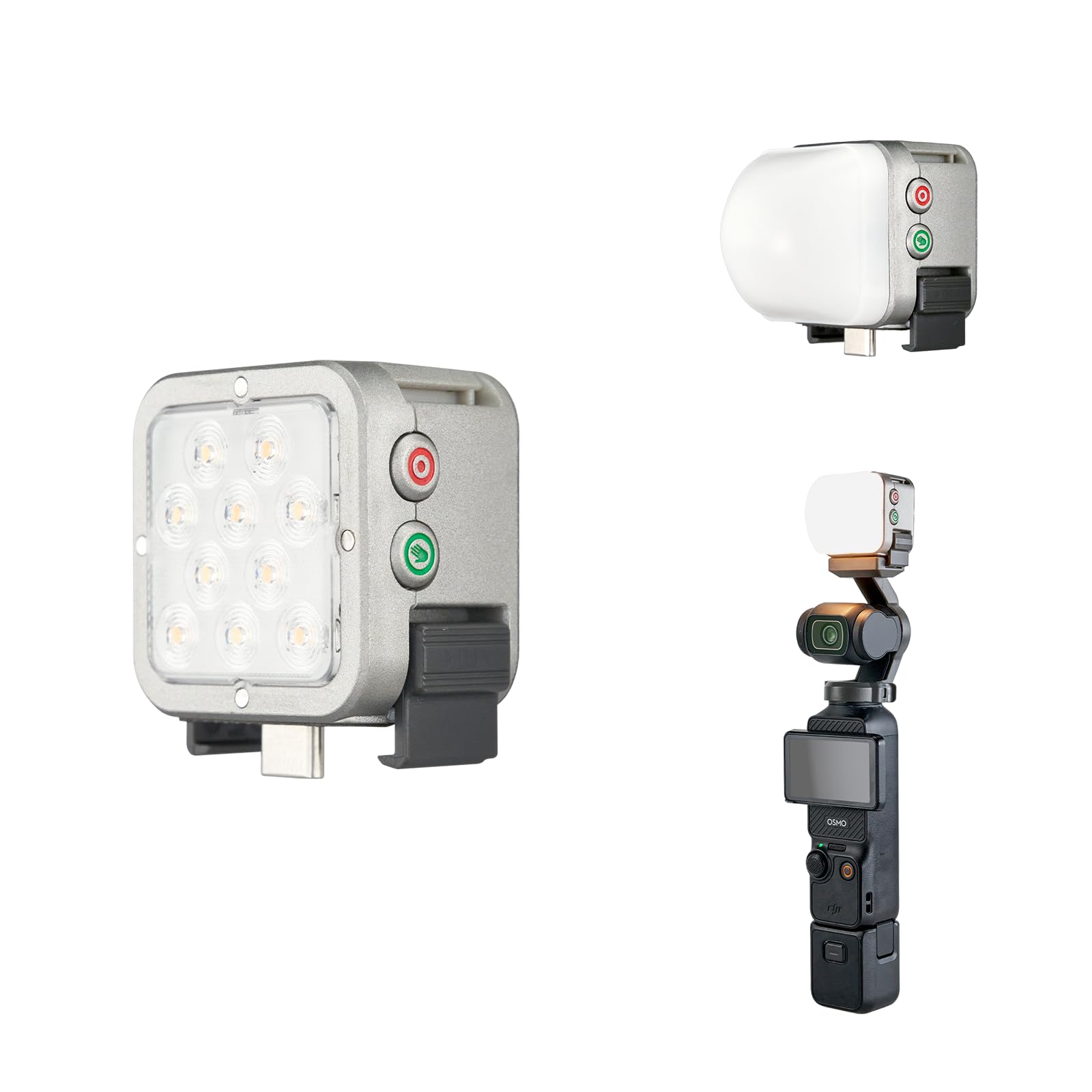
Image: A graphic illustrating the Harlowe Atom 2's capabilities, showing 5-level color temperature adjustments (from 2700K to 6500K) and 5-level brightness adjustments (from 25% to 200%).
4.3 Modular Linking (Link & Sync)
Multiple Harlowe Atom 2 lights can be linked together to create larger lighting setups. This modular design allows for increased light output and more complex lighting arrangements for professional results.

Image: A hand holding a camera setup with three Harlowe Atom 2 lights linked together, demonstrating the "Modular Link & Sync" feature for combining lights.
4.4 Battery Indicator
The Harlowe Atom 2 features a clear battery indicator to help you monitor the remaining power:
- Red flash: Battery level below 20%
- Green flash: Battery level between 20% and 50%
- Solid green: Battery level above 50%

Image: A diagram illustrating the Harlowe Atom 2's battery indicator, showing red flash for less than 20% charge, green flash for 20-50% charge, and solid green for over 50% charge.
4.5 Usage Scenarios
The Harlowe Atom 2 Pocket Light Kit is designed for a wide range of applications, including action shots, selfies, daily vlogging, and live streams, providing optimal lighting in various environments.

Image: A collage of images demonstrating the Harlowe Atom 2 light in use for different scenarios, including action shots, selfies, daily vlogging, and live streams.
5. Charging
The Harlowe Atom 2 is equipped with a USB-C rechargeable battery. To charge the device, connect the provided USB-C charging cable to the light's Type-C port and a suitable USB power source. Ensure the dust-protected Type-C port cover is securely closed when not charging to prevent debris from entering.
A full charge provides approximately 60 minutes of battery life, depending on the brightness settings used.
6. Maintenance
- Cleaning: Use a soft, dry cloth to clean the light. Avoid using harsh chemicals or abrasive materials.
- Storage: Store the light in the provided carrying pouch when not in use to protect it from dust and scratches. Store in a cool, dry place.
- Battery Care: For optimal battery life, avoid fully discharging the battery frequently. Charge the device regularly, even if not in use for extended periods.
7. Troubleshooting
| Problem | Possible Cause | Solution |
|---|---|---|
| Light does not turn on. | Low battery or device is off. | Charge the device using the USB-C cable. Press the power button to manually turn it on. Ensure motion sensor is activated if relying on automatic power-on. |
| Light output is dim. | Low battery or brightness setting is low. | Charge the device. Adjust the brightness level using the control buttons. |
| Light is not attaching securely. | Magnetic surface is not compatible or dirty. | Ensure the surface is metallic and clean. Use the DJI Pocket 3 connector for specific camera models. |
| Diffuser dome falls off easily. | Magnetic connection is weak or dome is not aligned. | Ensure the diffuser is properly aligned with the light's magnetic points. Clean the magnetic surfaces if necessary. |
8. Specifications
- Brand: HARLOWE
- Model: Atom 2 Pocket Light Kit
- Battery Life: Approximately 60 minutes (depending on usage)
- Connectivity Technology: USB
- Hardware Interface: USB Type C
- Power: 2W
- Features: Magnetic attachment, Adjustable Brightness, Adjustable Color Temperature, Motion-Sensor Activation, Modular Linking
9. Warranty & Support
For warranty information and technical support, please refer to the official HARLOWE website or contact customer service through your retailer. Keep your proof of purchase for warranty claims.
Online Support: Visit HARLOWE Store on Amazon for additional product information and support resources.


