
1. Introduction
Welcome to the DIVOAZBVO TG02 Smartwatch user manual. This guide provides essential information for setting up, operating, and maintaining your new smartwatch. The TG02 features a 1.39-inch HD IPS touchscreen, 120 sports modes, comprehensive health monitoring, Bluetooth calling, and IP67 water resistance.
2. Package Contents
- DIVOAZBVO TG02 Smartwatch (Watch Dial)
- Charging Cable
- User Manual
3. Product Overview
The DIVOAZBVO TG02 Smartwatch is designed for daily wear and fitness tracking. It features a round, full-touch display and a comfortable strap. The watch includes a side button for navigation and power control, and sensors on the back for health monitoring.
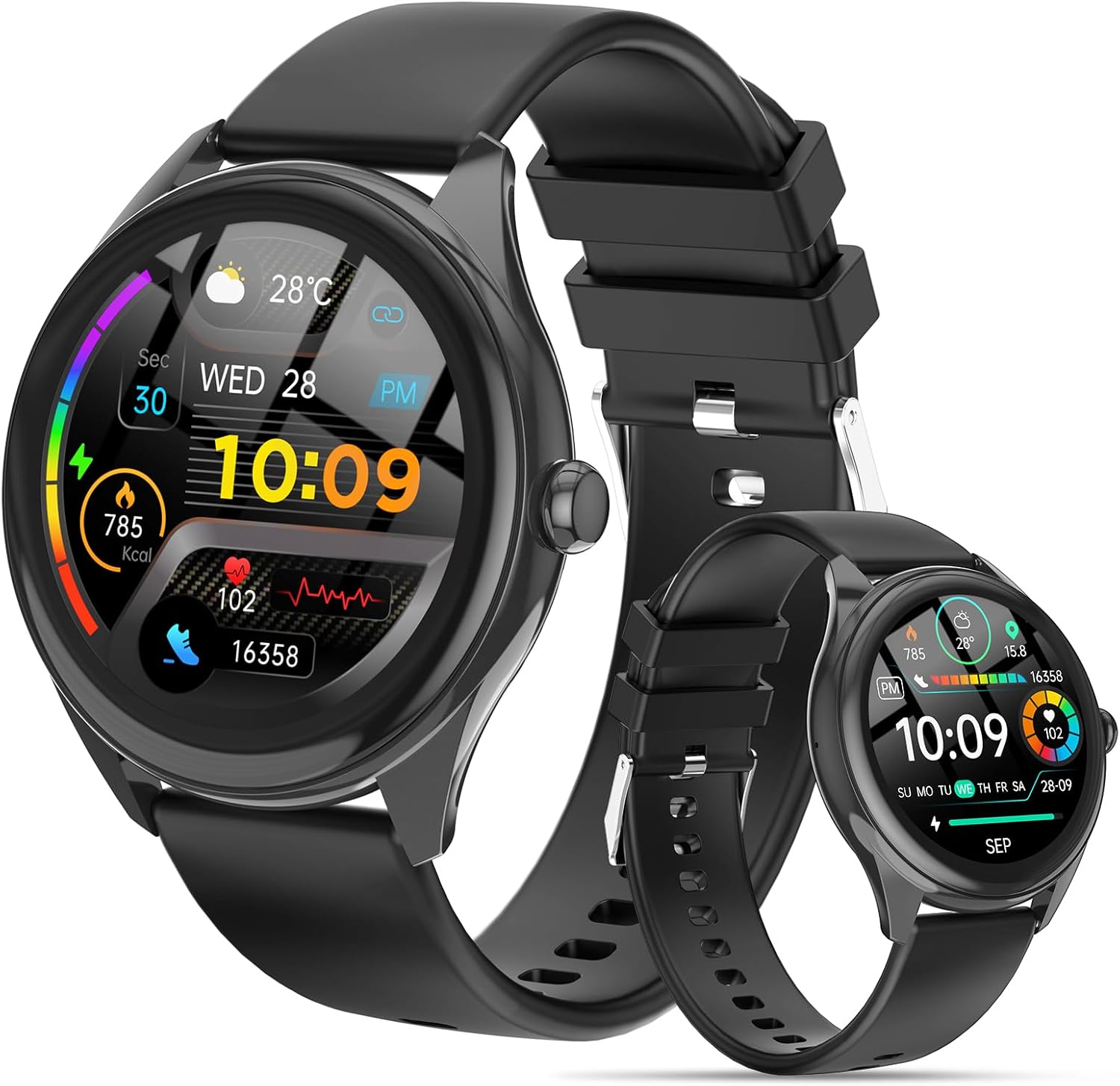
A front view of the DIVOAZBVO TG02 Smartwatch, showcasing its round display with current time, date, steps, calories, and heart rate. A smaller version of the watch is also visible in the background.
4. Setup
4.1 App Installation
- Scan the QR code in the manual or search for "Da Fit" in your smartphone's app store (Apple App Store for iOS, Google Play Store for Android).
- Download and install the "Da Fit" application.
- Register or log in to your account.
4.2 Pairing the Smartwatch
- Ensure your smartwatch is charged and powered on.
- Enable Bluetooth on your smartphone.
- Open the "Da Fit" app. Navigate to the "Device" section.
- Tap "Add Device" and select "TG02" from the list of available devices.
- Confirm the pairing request on both your phone and the smartwatch.
5. Operating Instructions
5.1 Basic Navigation
- Swipe Up/Down: Scroll through menus and notifications.
- Swipe Left/Right: Access quick functions or widgets.
- Tap: Select an item or confirm an action.
- Side Button: Press to return to the home screen or wake/sleep the display. Long press to power on/off.
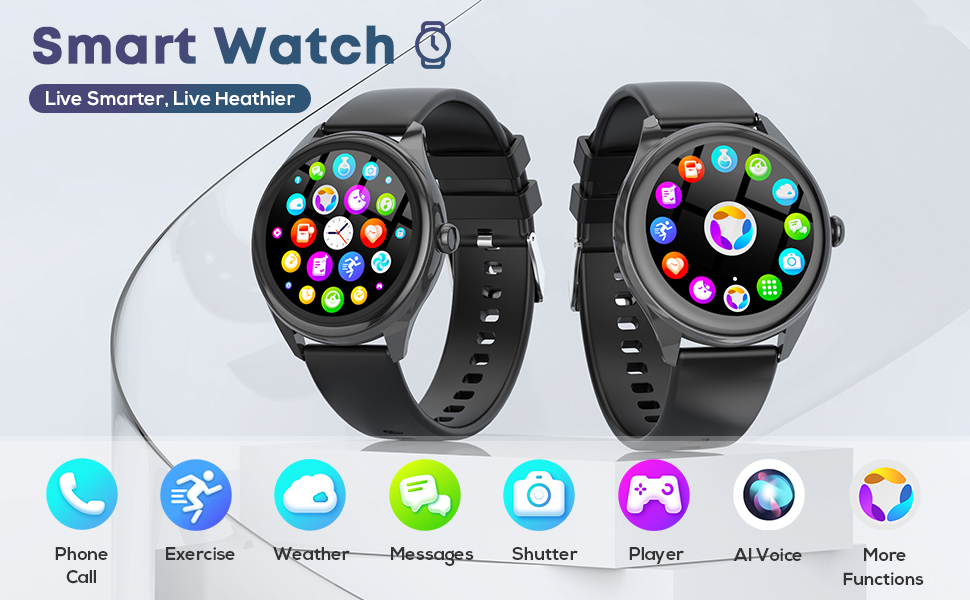
This image illustrates the smartwatch's full-touch colorful screen and its diverse functionalities, including message reminders, call reminders, heart rate monitoring, camera control, music control, and voice assistant.
5.2 Bluetooth Calling
Once paired, the smartwatch supports Bluetooth calls. You can answer, reject, or make calls directly from your wrist. Ensure the Bluetooth call function is enabled in the Da Fit app settings.
5.3 Music Control
Control your smartphone's music playback (play, pause, skip tracks) directly from the smartwatch. This feature is accessible through the music control interface on the watch.
5.4 Smart Notifications
Receive real-time notifications for calls, messages, and social media apps (e.g., Facebook, WhatsApp, Twitter, Instagram). Configure which app notifications you wish to receive through the Da Fit app.
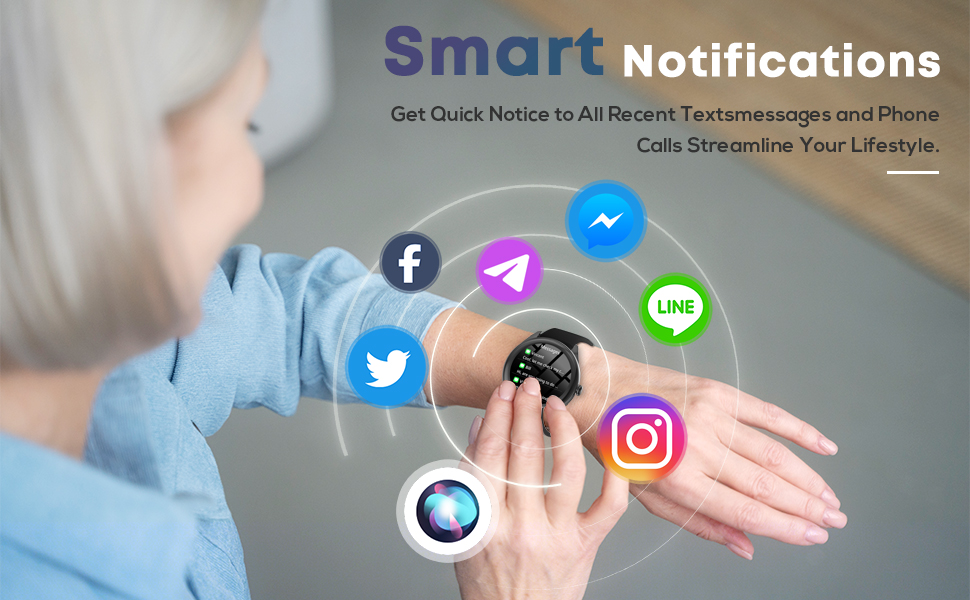
The image shows the smartwatch displaying smart notifications from various applications, including incoming calls and messages, illustrating how the device keeps users connected.
5.5 Sports Modes
The TG02 offers 120 sports modes to track various activities such as walking, running, cycling, and swimming. Select your desired activity from the sports menu on the watch to begin tracking. The watch will record duration, calories burned, and other relevant metrics.

This visual demonstrates the smartwatch's capability to track 120 different sports modes, showing individuals engaged in various physical activities while the watch displays activity summaries and progress.
5.6 Health Monitoring
- Heart Rate Monitoring: The watch continuously monitors your heart rate. View your current and historical data in the Da Fit app.
- Sleep Monitoring: Tracks your sleep patterns, including deep sleep, light sleep, and awake times.
- Blood Oxygen (SpO2) Monitoring: Measures your blood oxygen levels.
- Female Health Tracking: Provides features for tracking menstrual cycles.
- Reminders: Includes hydration reminders and sedentary alerts to encourage activity.
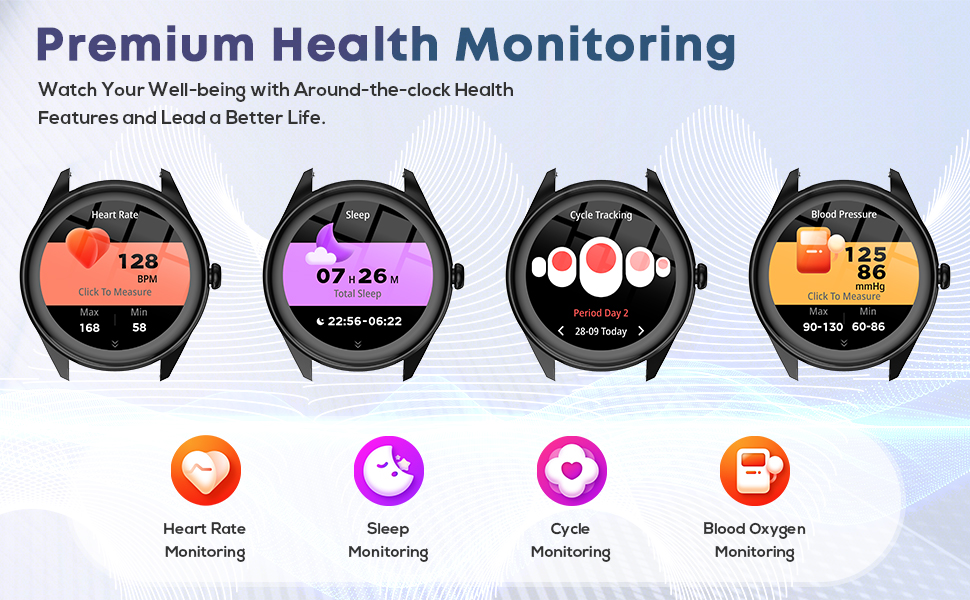
This graphic details the smartwatch's comprehensive health monitoring features, including real-time heart rate, sleep quality analysis, menstrual cycle tracking, and blood oxygen level measurements.
6. Charging and Battery Life
The DIVOAZBVO TG02 Smartwatch is equipped with a 350mAh battery. Use the provided magnetic charging cable to charge the device. Connect the magnetic end to the charging points on the back of the watch and the USB end to a power source.
- Active Use: Up to 5-7 days
- Standby Time: Up to 30 days
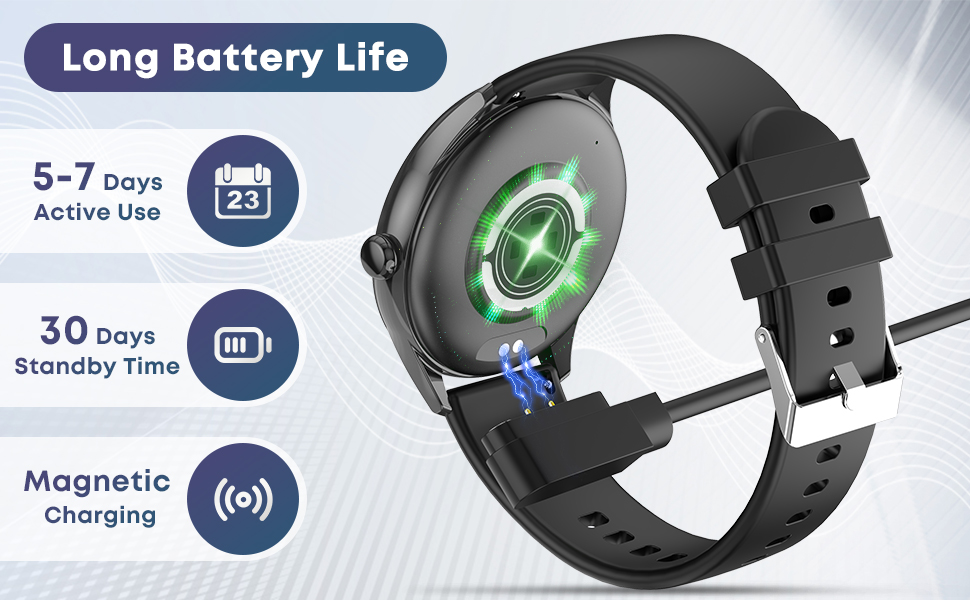
The image illustrates the magnetic charging mechanism of the smartwatch and highlights its extended battery life, offering 5-7 days of active use and up to 30 days of standby time.
7. Water Resistance
The smartwatch has an IP67 waterproof rating. This means it is resistant to splashes, sweat, and brief immersion in water (up to 1 meter for 30 minutes). It is suitable for daily use, hand washing, and light rain.
Caution:
- Do not use the watch in hot water, saunas, or steam rooms.
- Avoid prolonged immersion or deep-water activities like diving.
- Water resistance is not permanent and may decrease over time.
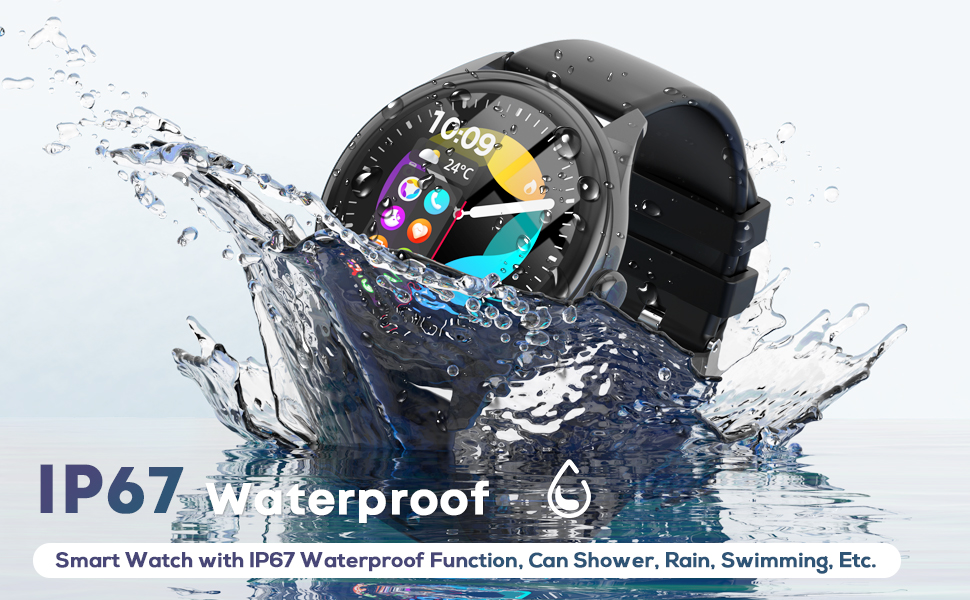
This image visually confirms the smartwatch's IP67 waterproof rating, showing it resistant to splashes, sweat, and brief immersion in water, suitable for daily activities and workouts.
8. Customization
Personalize your smartwatch by changing watch faces. The Da Fit app offers multiple cloud dials and allows you to customize your watch face with personal photos.
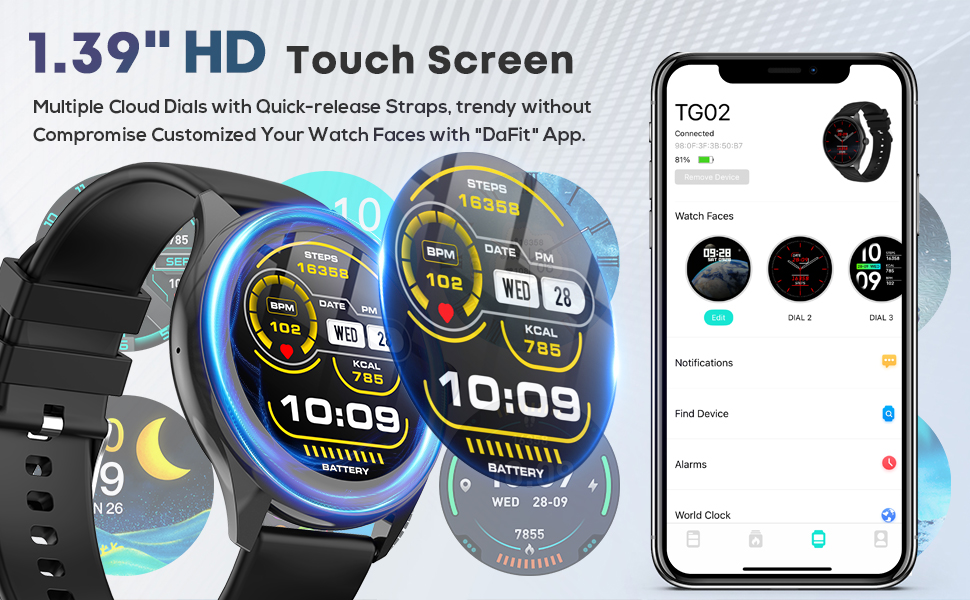
The image highlights the 1.39-inch HD touchscreen and the variety of customizable watch faces available through the "Da Fit" application, demonstrating how users can personalize their device.
9. Compatibility
The DIVOAZBVO TG02 Smartwatch is compatible with:
- iPhone: Devices running iOS 9.0 or later.
- Android: Devices running Android 5.0 or later.
10. Troubleshooting
- Watch not pairing: Ensure Bluetooth is enabled on your phone, the watch is charged, and you are within range. Restart both the watch and phone, then try pairing again via the Da Fit app.
- Notifications not received: Check app permissions for Da Fit on your phone to ensure it has access to notifications. Verify that notification settings are enabled within the Da Fit app for specific applications.
- Inaccurate health readings: Ensure the watch is worn snugly on your wrist, not too tight or too loose. Clean the sensor area regularly. Note that the watch is not a medical device and readings are for reference only.
- Short battery life: Reduce screen brightness, disable unnecessary notifications, or limit continuous heart rate monitoring if not needed.
11. Specifications
| Feature | Specification |
|---|---|
| Model Number | TG02 |
| Screen Size | 1.39 Inches HD IPS Touchscreen |
| Battery Capacity | 350 mAh |
| Waterproof Rating | IP67 |
| Connectivity | Bluetooth |
| Operating System Compatibility | iOS 9.0+, Android 5.0+ |
| Item Weight | 1 Grams |
| Special Features | Bluetooth Call, Message Reminder, Heart Rate/Sleep Monitoring, Fitness Tracker, Stopwatch, Alarm Clock, Find Your Phone, Sedentary Reminder, Music/Camera Control, Weather Forecast, Female Cycle Tracking, Voice Assistant, Calculator, 120 Sports Modes |
12. Care and Maintenance
- Cleaning: Wipe the watch and strap regularly with a soft, dry cloth. For stubborn dirt, use a slightly damp cloth and mild soap, then rinse and dry thoroughly.
- Storage: Store the watch in a cool, dry place away from direct sunlight and extreme temperatures.
- Avoid Chemicals: Do not expose the watch to strong chemicals, solvents, or detergents, as these can damage the finish and seals.
13. Warranty and Support
For warranty information and technical support, please refer to the warranty card included with your product or contact DIVOAZBVO customer service through the retailer where you purchased the device. Keep your purchase receipt as proof of purchase.