
1. Product Overview
The ACEMAGIC S3A Mini PC is a compact, high-performance desktop computer designed for various tasks, including gaming, video editing, and business applications. It features an AMD Ryzen 7 8745HS processor, integrated Radeon 780M graphics, and comes pre-installed with Windows 11 Pro.
Key Features:
- Processor: AMD Ryzen 7 8745HS (Zen4/TSMC 4nm, up to 4.9GHz, 8 Cores/16 Threads)
- Graphics: AMD Radeon 780M (12 Cores), supporting 8K@60Hz output
- Operating System: Windows 11 Pro (pre-installed)
- Memory: Dual-channel DDR5 5600MHz (32GB standard, expandable up to 96GB)
- Storage: M.2 NVMe PCIe 4.0 x4 SSD (1TB standard, expandable up to 4TB)
- Connectivity: 2.5G Wired LAN, Wi-Fi 6, Bluetooth 5.2
- Ports: USB4 (8K video output, 40Gbps, power delivery), DisplayPort 2.0 (8K), HDMI 2.0 (4K), USB 3.2 Gen2 (10Gbps) x2, USB 3.2 Gen1 (5Gbps) x4, 3.5mm Audio Jack
- Cooling: ACEMAGIC 'ICE Boost' high-efficiency cooling system (dual silent centrifugal fans, dual heat pipes, dual heat sinks, optimized airflow)
- Performance Modes: Three selectable modes (Silent, Balance, Performance) for optimized power and noise levels.
- RGB Lighting: Customizable ambient RGB lighting effects.

Figure 1: ACEMAGIC S3A Mini PC and its AMD Ryzen 7 8745HS processor.
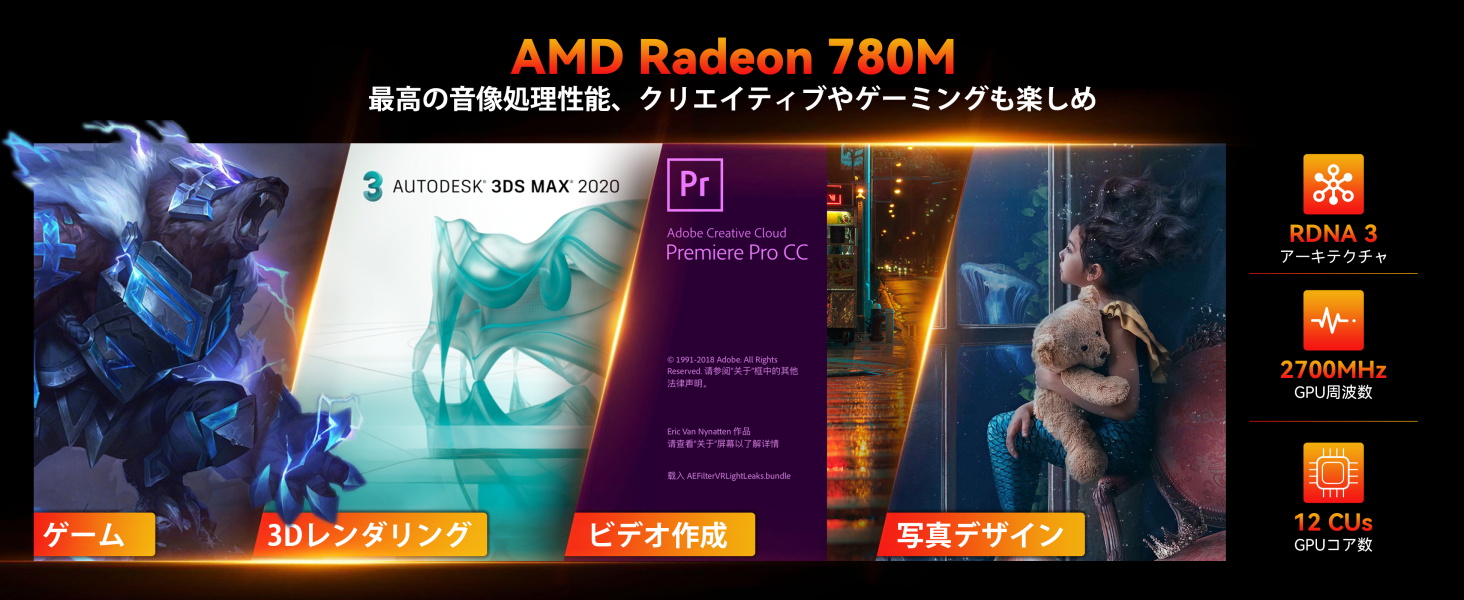
Figure 2: AMD Radeon 780M graphics capabilities for gaming, 3D rendering, video creation, and photo design.
2. Setup Instructions
2.1 Unboxing and Initial Inspection
Carefully remove the ACEMAGIC S3A Mini PC and all accessories from the packaging. Verify that all components listed in the package contents are present and undamaged. The package typically includes the Mini PC unit.
2.2 Connecting Peripherals
- Power Connection: Connect the provided AC adapter to the DC power input port on the Mini PC and then to a power outlet.
- Display Connection: Connect your monitor(s) to the Mini PC using the available video output ports: USB4 (Type-C), DisplayPort 2.0, or HDMI 2.0. The Mini PC supports up to three simultaneous displays.
- Keyboard and Mouse: Connect your USB keyboard and mouse to any of the available USB ports. Wireless peripherals can be connected via Bluetooth 5.2 or a USB dongle.
- Network Connection: For a wired connection, connect an Ethernet cable to the 2.5G LAN port. For wireless, ensure Wi-Fi 6 is enabled.
- Audio: Connect speakers or headphones to the 3.5mm audio jack if needed.

Figure 3: Rear and side view of the Mini PC showing various ports including USB4, DP, HDMI, USB 3.2, LAN, and Audio.
2.3 First Boot and Windows 11 Pro Setup
After connecting all necessary peripherals, press the power button to turn on the Mini PC. The system will boot into Windows 11 Pro. Follow the on-screen instructions to complete the initial Windows setup, including language, region, network connection, and user account creation. The device comes with Windows 11 Pro pre-installed, eliminating the need for manual updates during initial setup.
3. Operating Instructions
3.1 Power On/Off
- Power On: Press the power button located on the top front of the unit.
- Power Off: From Windows, go to Start > Power > Shut down. Alternatively, press and hold the power button for a few seconds for a forced shutdown (use only when necessary).
3.2 Performance Modes
The Mini PC features three performance modes, adjustable via a dial integrated with the power button. Rotate the dial to select your desired mode:
- Silent Mode (25-35W, 35dB): Ideal for light tasks like web browsing and video playback, prioritizing energy saving and quiet operation.
- Balance Mode (35-45W, 38dB): Suitable for daily business tasks and multitasking, offering a balance between performance and power consumption.
- Performance Mode (45-50W, 48dB): Maximizes performance for demanding applications such as gaming, 3D rendering, and creative work.

Figure 4: The three performance modes and their corresponding power and noise levels.
3.3 RGB Lighting Control
The Mini PC features ambient RGB lighting. To control the lighting effects (e.g., Rainbow, Breathing, ColorCycle, or Off), you may need to download dedicated software from the ACEMAGIC support website. The power button's LED will remain lit even when the main RGB lighting is off.
3.4 Multi-Display Setup
The Mini PC supports up to three displays simultaneously via its USB4 (Type-C), DisplayPort 2.0, and HDMI 2.0 ports. This allows for an expanded workspace or immersive entertainment experience with resolutions up to 8K.
3.5 Network and Wireless Connectivity
- Wired LAN: The 2.5G Ethernet port provides high-speed, low-latency network access, ideal for large file transfers and NAS usage.
- Wi-Fi 6: For wireless connectivity, the integrated Wi-Fi 6 module offers fast, stable, and low-latency connections for streaming 4K video, online meetings, and more.
- Bluetooth 5.2: Connect wireless peripherals such as keyboards, mice, and headphones with enhanced stability and a cord-free workspace.
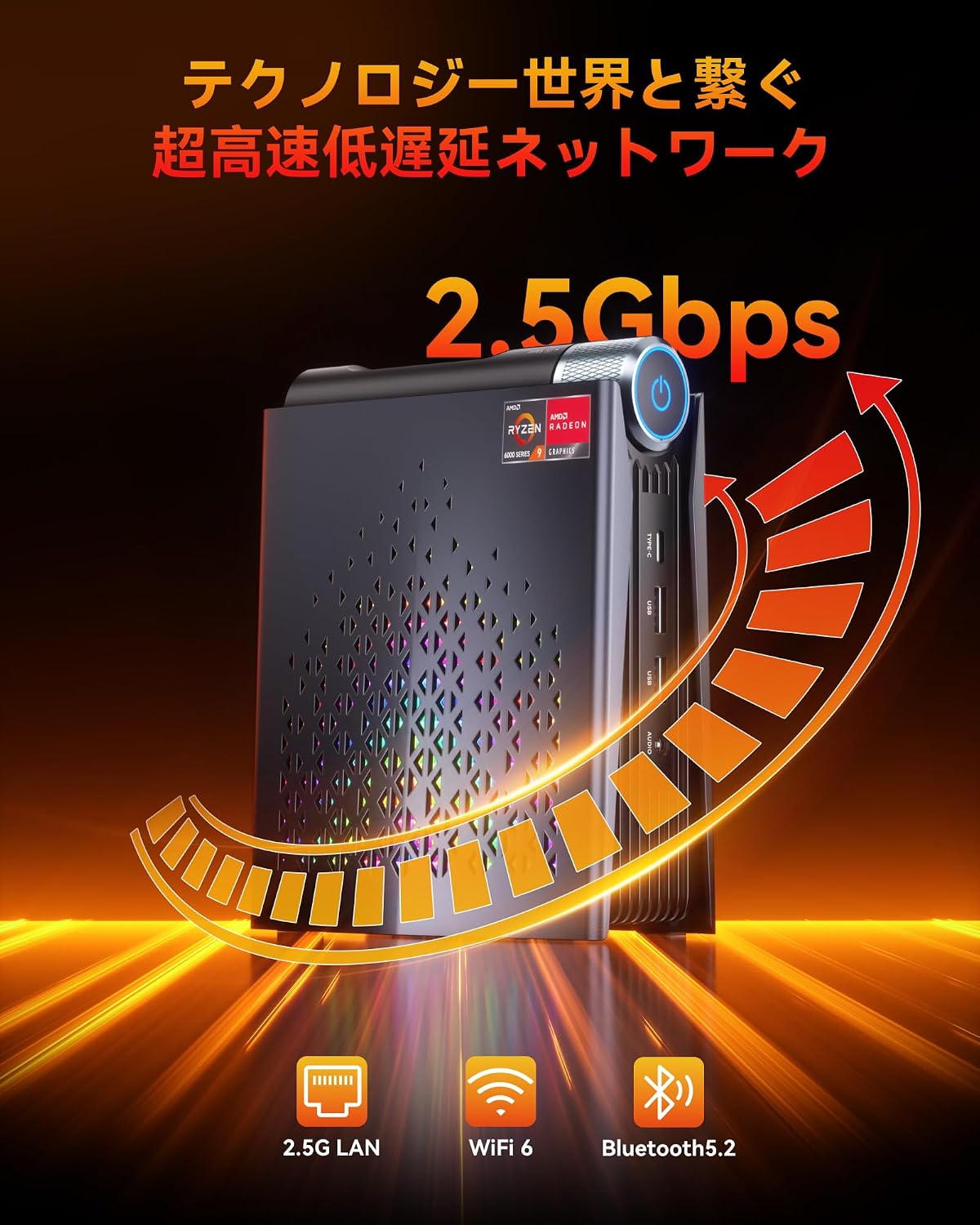
Figure 5: High-speed, low-latency network connectivity options.
4. Maintenance and Upgrades
4.1 Memory and SSD Expansion
The ACEMAGIC S3A Mini PC features a magnetic detachable side cover, allowing for easy, tool-free upgrades of memory and storage. This design simplifies the process for all users, including beginners.
- Memory: The system supports up to 96GB of DDR5 memory across two SO-DIMM slots.
- Storage: The system supports up to 4TB of M.2 NVMe PCIe 4.0 SSD storage across two slots.
Caution: When removing the side panel, be aware that a small fan cable may be attached. Detach the cable carefully to avoid damage.

Figure 6: Easy memory and SSD expansion via the magnetic side cover.
4.2 Cooling System
The Mini PC incorporates ACEMAGIC's proprietary 'ICE Boost' high-efficiency cooling system. This system includes two silent high-speed centrifugal fans, two heat pipes, and dual heat sinks, along with an optimized dual-airflow design. This ensures efficient cooling of the CPU, power supply, and SSD, maintaining stable performance even during prolonged high-load operations. The cooling system operates quietly, with noise levels below 38dB.
4.3 General Cleaning
To ensure optimal performance and longevity, regularly clean the exterior of the Mini PC with a soft, dry cloth. Use compressed air to clear dust from ventilation grilles. Avoid obstructing the air vents during operation.
5. Troubleshooting
5.1 Common Issues and Solutions
- Monitor does not recover from sleep/shutdown issues: This may be related to network adapter power saving settings. Navigate to Device Manager > Network adapters > Realtek Gaming 2.5GbE Family Controller > Power Management tab, and uncheck "Allow the computer to turn off this device to save power."
- LED settings reset after power cycle: The main unit's LED settings may revert to default if power is completely cut off from the outlet. This is a characteristic of the device's design.
- Display issues (crashes, timeouts, single display): This can sometimes be due to AMD driver stability. Ensure your graphics drivers are up to date. If issues persist, try reinstalling the drivers.
- No power: Ensure the AC adapter is securely connected to both the Mini PC and a working power outlet.
- No display: Verify that the monitor is powered on and correctly connected to the Mini PC. Try different display cables or ports.
5.2 Contacting Support
If you encounter issues that cannot be resolved with the above steps, please contact ACEMAGIC customer support. You can typically find contact information through your purchase platform (e.g., Amazon order history) or by scanning the LINE QR code often found on the product itself for faster assistance.
6. Specifications
| Feature | Specification |
|---|---|
| Brand | ACEMAGIC |
| Model Number | S3A |
| Operating System | Windows 11 Pro |
| CPU Model | AMD Ryzen 7 8745HS |
| CPU Speed | 4.9 GHz (Max Boost) |
| Processor Cores | 8 |
| Graphics Processor | AMD Radeon 780M (Integrated) |
| Graphics Card Description | Integrated |
| VRAM Type | Shared |
| Installed RAM Size | 32 GB |
| RAM Memory Technology | DDR5 |
| Memory Speed | 5600 MHz |
| Hard Disk Description | SSD |
| Product Dimensions | 16.3 x 13.5 x 7 cm |
| Product Weight | 0.68 Kilograms |
| Video Output Interface | DisplayPort (8K@60Hz), HDMI2.0 (4K@144Hz), USB4.0 (8K@60Hz) |
| Max Display Resolution | 8K (7680 pixels) |
| USB Ports | 7 |
| HDMI Ports | 1 |
| Connectivity | 2.5G LAN, Wi-Fi 6, Bluetooth 5.2 |
| Wireless Communication Standard | 5 GHz Wireless Frequency, 5.8 GHz Wireless Frequency, 802.11a/b/g/n/ac |
| Included Components | Mini PC unit x1 |
7. Warranty and Support
7.1 Warranty Information
The ACEMAGIC Mini PC comes with an 18-month manufacturer's warranty from the date of purchase. This warranty covers defects in materials and workmanship under normal use.
7.2 Customer Support
For technical assistance, warranty claims, or any questions regarding your ACEMAGIC Mini PC, please contact our customer support team. You can reach us through the following methods:
- Via Amazon: Go to "Your Account" > "Your Orders" > locate your purchase > "Contact Seller."
- Direct Contact: Refer to the LINE QR code often found on the product itself for direct support.
Our customer service is available 24/7 to assist you.