
Introduction
This manual provides essential information for the safe and efficient operation, installation, and maintenance of your PG 24,000 BTU 17 SEER Mini Split Air Conditioner Heat Pump. Please read this manual thoroughly before using the unit and retain it for future reference. Proper use and maintenance will ensure optimal performance and longevity of your system.
Safety Information
Always follow basic safety precautions when using this appliance to reduce the risk of fire, electric shock, or injury. This unit uses R-32 refrigerant, which is mildly flammable. Ensure proper ventilation during installation and servicing. Only qualified personnel should install, repair, or service this equipment.
- Do not operate the unit with wet hands.
- Do not insert objects into the air outlet.
- Ensure the power supply matches the unit's specifications.
- Keep children away from the unit.
- Turn off power before cleaning or maintenance.
Product Overview
The PG 24,000 BTU 17 SEER Mini Split system is an all-in-one solution for climate control, offering cooling, heating, dehumidification, and fan functions. It features an inverter compressor for energy efficiency and quiet operation, along with Wi-Fi smart control for convenience.
Indoor Unit

Image: The indoor unit of the PG Mini Split system, showing its sleek design and digital display.
The indoor unit is designed for quiet operation and efficient air distribution. It houses the evaporator coil, fan, and control electronics. The unit features a digital display and indicator lights for operational status.
Outdoor Unit
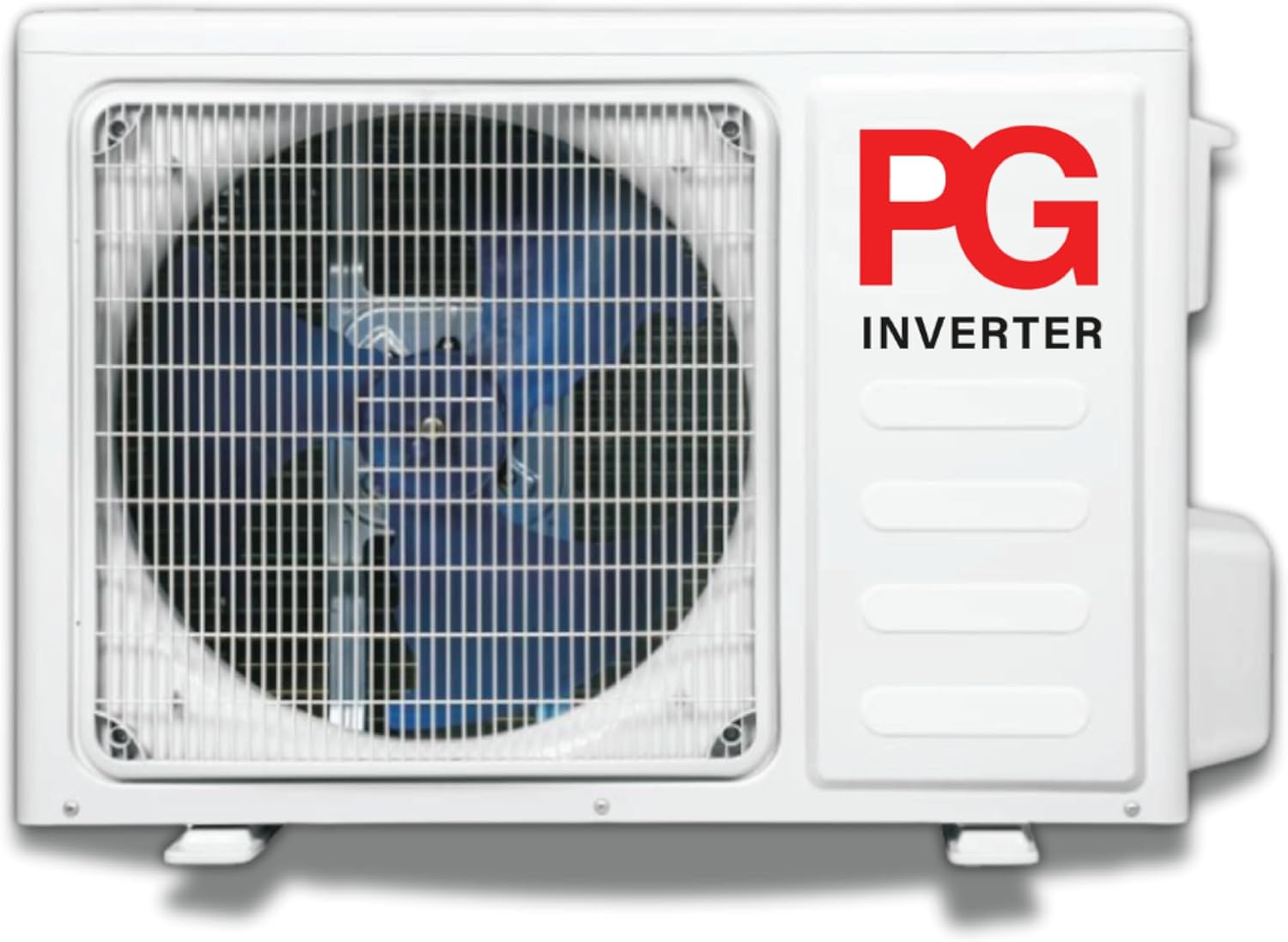
Image: The outdoor unit of the PG Mini Split system, featuring the PG Inverter branding.
The outdoor unit contains the inverter compressor, condenser coil, and fan. It is built for durability and stable performance in various outdoor conditions. It connects to the indoor unit via refrigerant lines and electrical wiring.
Setup and Installation
Installation of this mini split system requires specialized tools and knowledge. It is strongly recommended that installation be performed by a qualified HVAC technician to ensure proper function, safety, and warranty validity. The system includes an installation kit.
Pre-Installation Checks
- Verify power supply voltage (230 Volts) and circuit breaker capacity.
- Ensure adequate space for both indoor and outdoor units for proper airflow and maintenance access.
- Check for structural integrity of the wall where the indoor unit will be mounted.
Key Installation Steps (Overview for Technician)
- Mount the indoor unit securely on the wall.
- Install the outdoor unit on a level, stable surface, ensuring proper drainage.
- Connect refrigerant lines between indoor and outdoor units, ensuring proper vacuum and charge.
- Complete electrical wiring connections according to local codes and wiring diagrams.
- Test the system for leaks and proper operation.
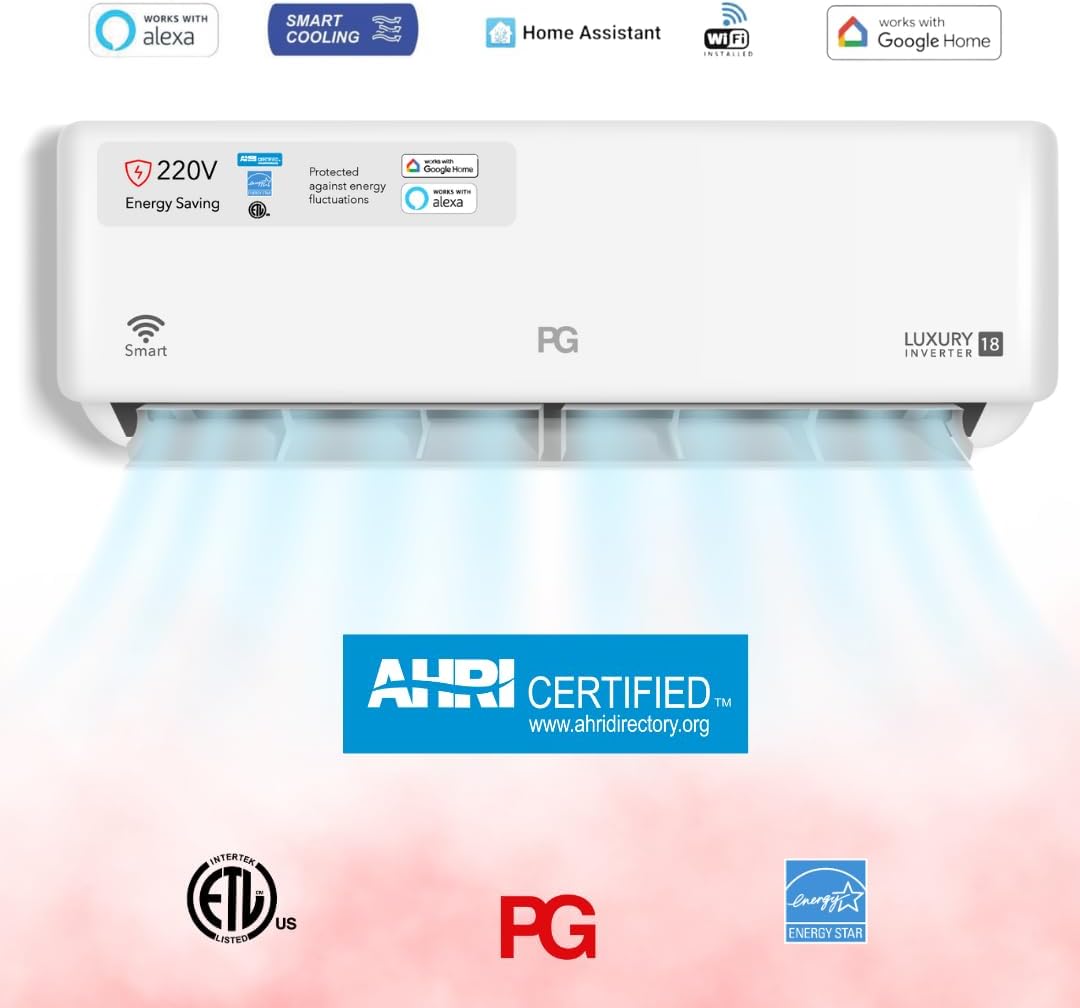
Image: The indoor unit displaying certifications like AHRI, ETL US, and Energy Star, indicating compliance with industry standards.
Operating Instructions
Your PG Mini Split system can be controlled via the included remote control or through the Wi-Fi smart control feature using a smartphone app or voice assistants like Alexa and Google Home.
Remote Control Operation

Image: A person comfortably operating the PG Mini Split air conditioner using its remote control.
Point the remote control directly at the indoor unit's receiver. Ensure there are no obstructions between the remote and the unit.
- Power Button: Turns the unit ON/OFF.
- Mode Button: Cycles through operating modes: Cool, Heat, Dry (Dehumidify), Fan, Auto.
- Temperature Adjustment: Use ▲ and ▼ buttons to set desired temperature.
- Fan Speed: Adjusts fan speed (Low, Medium, High, Auto).
- Swing Button: Activates or deactivates the 4-way swing function for even air distribution.
- Sleep Mode: Optimizes temperature and fan speed for comfortable sleep.
- Turbo Mode: Provides rapid cooling or heating.
Wi-Fi Smart Control
The unit is Wi-Fi enabled, allowing control via a dedicated smartphone app (available for download) or integration with smart home systems like Amazon Alexa and Google Home. Refer to the separate Wi-Fi setup guide for detailed instructions on connecting your unit to your home network and smart devices.

Image: A woman relaxing in a living room, enjoying the comfort provided by the PG Mini Split air conditioner.
Maintenance
Regular maintenance ensures optimal performance and extends the lifespan of your PG Mini Split system. Always disconnect power to the unit before performing any maintenance.
Air Filter Cleaning
- Frequency: Clean every 2 weeks or more often if used frequently or in dusty environments.
- Steps:
- Open the front panel of the indoor unit.
- Remove the air filters.
- Wash filters with lukewarm water and mild detergent, or vacuum them.
- Allow filters to dry completely before reinserting.
- Close the front panel.
Outdoor Unit Care
- Keep the area around the outdoor unit clear of debris, leaves, and snow to ensure proper airflow.
- Periodically clean the outdoor coil with a soft brush or water hose (low pressure) to remove dirt and dust. Avoid bending the fins.
- Ensure the drainage hose is not blocked.
Professional Servicing
It is recommended to have a qualified technician inspect and service your system annually. This includes checking refrigerant levels, electrical connections, and cleaning coils.
Troubleshooting
Before contacting customer support, review the following common issues and solutions.
| Problem | Possible Cause | Solution |
|---|---|---|
| Unit does not start. | No power; remote control batteries low; circuit breaker tripped. | Check power supply; replace remote batteries; reset circuit breaker. |
| Insufficient cooling/heating. | Dirty air filters; blocked outdoor unit; wrong mode selected; low refrigerant. | Clean air filters; clear obstructions from outdoor unit; select correct mode; contact technician for refrigerant check. |
| Unusual noise. | Loose parts; fan obstruction; normal expansion/contraction sounds. | Check for loose parts; remove obstructions; some noises are normal. If persistent or loud, contact technician. |
| Water leakage from indoor unit. | Blocked drain hose; improper installation. | Clear drain hose; contact technician for inspection. |
| Wi-Fi connection issues. | Router issues; incorrect Wi-Fi settings; app malfunction. | Restart router; reconfigure Wi-Fi settings in app; reinstall app. |
If the problem persists after attempting these solutions, please contact PG customer support or a qualified service technician.
Specifications
| Feature | Specification |
|---|---|
| Brand | PG |
| Model Number | PG-24S18E-HP |
| Cooling Capacity | 24,000 BTU |
| Heating Capacity | 24,000 BTU (Heat Pump) |
| SEER Rating | 17 |
| Refrigerant Type | R-32 |
| Voltage | 230 Volts |
| Wattage | 1220 watts |
| Noise Level (Outdoor) | 55.5 Decibels |
| Coverage Area | 600 Square Feet |
| Product Dimensions (Outdoor) | 21.64"D x 31.49"W x 26"H |
| Special Features | 4 Way Swing, Heating & Cooling Function, Inverter Compressor, Remote Controlled, WiFi Enabled |
| Included Components | Installation Kit |
Warranty and Support
For warranty information, please refer to the warranty card included with your product or visit the official PG website. Keep your purchase receipt as proof of purchase for warranty claims.
For technical support, parts, or service inquiries, please contact PG customer service. Contact details can typically be found on the product packaging, the official website, or your purchase documentation.


