Introduction
This manual provides essential information for the safe and effective use of your Metasources AC/DC Adapter. This adapter is specifically designed to be compatible with Bissell PowerClean FurFinder 25.2V Li-ion battery cordless vacuum cleaners, including models 4089, 4089B, 4090, 4090N, and 4092 series. Please read these instructions carefully before use and retain them for future reference.

Image: The Metasources AC/DC Adapter, featuring a black power brick with a two-prong US plug and an attached black cable ending in a barrel round connector. The cable is coiled neatly.
Safety Information
To ensure safe operation and prevent damage, observe the following safety precautions:
- Use the adapter only with compatible Bissell vacuum cleaner models as specified.
- Do not expose the adapter to water or excessive moisture.
- Avoid dropping or subjecting the adapter to strong impacts.
- Do not attempt to disassemble or modify the adapter.
- Ensure the power outlet voltage matches the adapter's input specifications (100-240V AC).
- Unplug the adapter from the power outlet when not in use or during electrical storms.
- Keep out of reach of children.

Image: A diagram highlighting the 7-Point Safety Protection features of the adapter, including Short Circuit Protection, Fire-Resistance, Overcharge Protection, Overcurrent Protection, Overpower Protection, Over Temperature Protection, and Overvoltage Protection. An adapter is shown plugged into a wall outlet with blue light emanating from it.
Setup
Follow these steps to set up your Metasources AC/DC Adapter:
- Unpack the Adapter: Carefully remove the AC/DC adapter from its packaging.
- Inspect for Damage: Before use, visually inspect the adapter and its cable for any signs of damage. Do not use if damaged.
- Connect to Power Outlet: Plug the adapter's two-prong plug into a standard wall power outlet (100-240V AC, 50/60Hz).
- Connect to Vacuum Cleaner: Insert the barrel round connector end of the adapter cable into the charging port of your compatible Bissell PowerClean FurFinder 25.2V cordless vacuum cleaner.
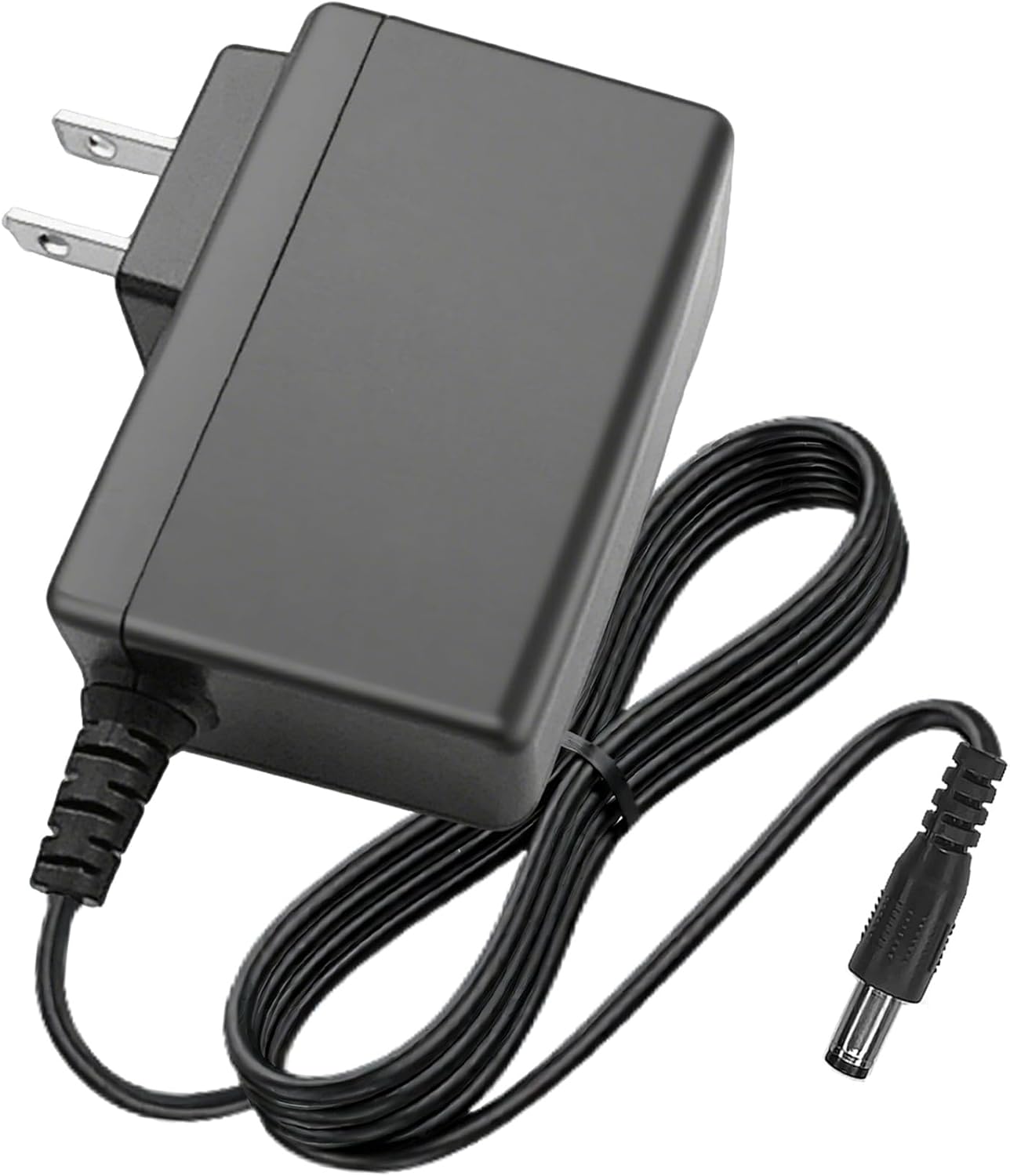
Image: A top-down view of the Metasources AC/DC Adapter, showing the black power brick with its two-prong US plug and the attached black cable with a barrel round connector.
Operating Instructions
Once properly connected, the adapter will begin charging your Bissell vacuum cleaner's battery. Refer to your vacuum cleaner's instruction manual for specific charging indicators and times.
- Ensure the vacuum cleaner is turned off before connecting the charger.
- Allow the battery to fully charge for optimal performance and battery life.
- Disconnect the adapter from the vacuum cleaner and the wall outlet once charging is complete or if the vacuum cleaner is not in use.
Video: A short demonstration of the Metasources AC/DC Adapter, showcasing its design, safety features, and how it can be plugged into a power strip without obstructing other outlets. The video highlights its suitability as a replacement power supply.
Maintenance
Proper maintenance ensures the longevity and safe operation of your adapter:
- Cleaning: Disconnect the adapter from all power sources before cleaning. Wipe the adapter with a dry, soft cloth. Do not use liquid cleaners or abrasive materials.
- Storage: Store the adapter in a cool, dry place away from direct sunlight and extreme temperatures. Avoid tightly coiling the cable to prevent damage.
- Cable Care: Regularly check the cable for cuts, fraying, or kinks. If any damage is observed, discontinue use immediately and replace the adapter.
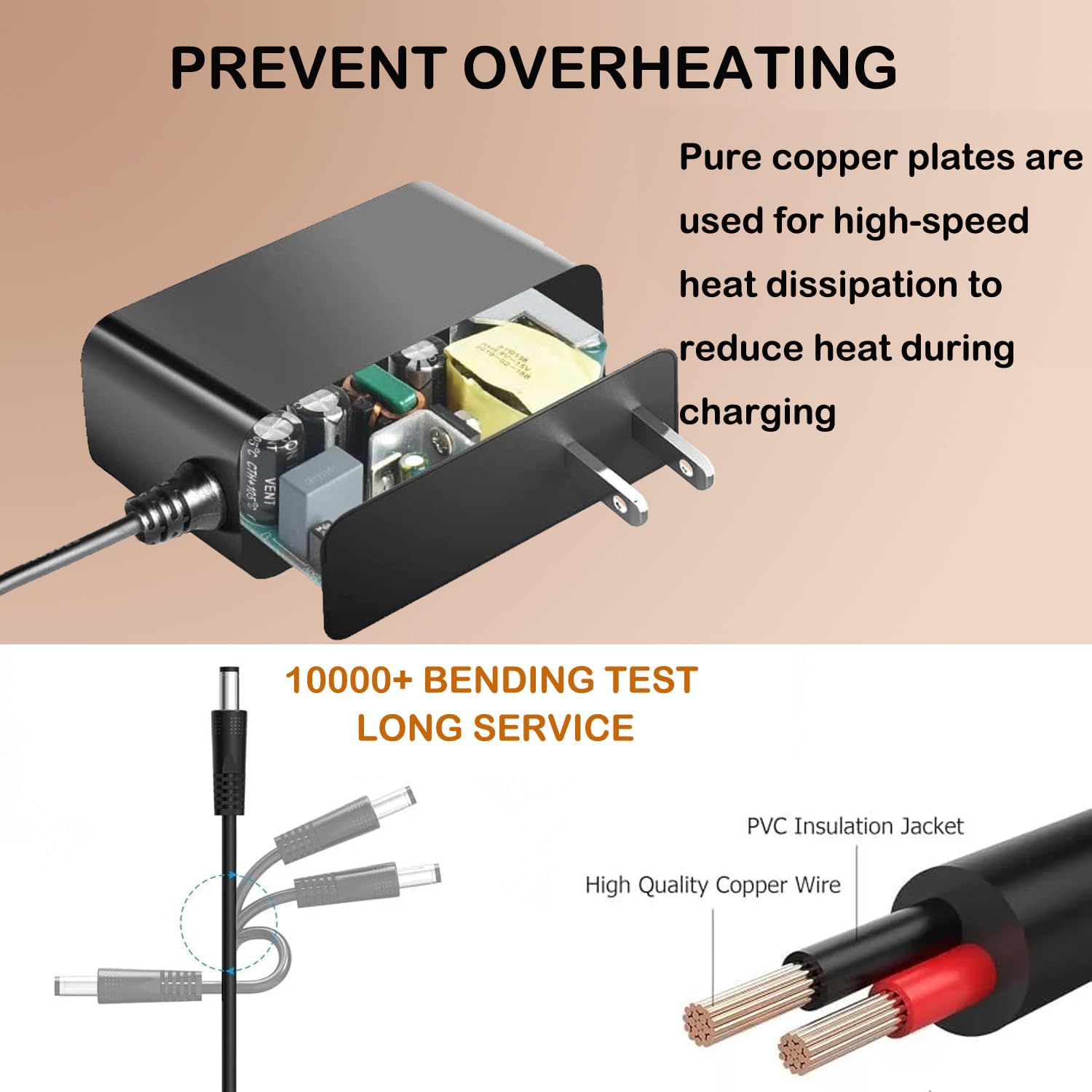
Image: A diagram illustrating the internal design for preventing overheating, showing pure copper plates for heat dissipation. It also depicts a cable bending test, highlighting the durability and quality of the PVC insulation jacket and high-quality copper wire.
Troubleshooting
If you encounter issues with your adapter, refer to the following common problems and solutions:
- Adapter Not Charging:
- Ensure the adapter is securely plugged into both the wall outlet and the vacuum cleaner's charging port.
- Verify that the wall outlet is functional by testing it with another device.
- Check if the vacuum cleaner's battery is properly inserted and not fully discharged beyond recovery.
- Confirm that your vacuum cleaner model is listed as compatible with this adapter.
- Adapter Overheating:
- While some warmth is normal during charging, excessive heat indicates a potential issue. Disconnect immediately.
- Ensure the adapter is used in a well-ventilated area and not covered.
- If overheating persists, discontinue use and contact support.
- Loose Connection:
- If the connection feels loose, gently re-insert the barrel connector into the vacuum cleaner's port.
- Avoid pulling the cable by the cord; always grasp the plug when disconnecting.
If these steps do not resolve the issue, please refer to the Warranty and Support section.
Specifications
| Feature | Detail |
|---|---|
| Brand | Metasources |
| Model Number | 4089 4090 4092 Power Supply |
| Input Voltage | 100-240V AC, 50/60Hz |
| Output Voltage | DC 25.2V (Compatible with 25.2V Li-ion batteries) |
| Connector Type | Barrel Round Connector |
| Compatible Devices | Bissell Model 4089, 4089B, 4090, 4090N, 4092 Series PowerClean FurFinder 25.2V Cordless Stick Vacuum Cleaner |
| Product Dimensions | 4 x 3 x 2 inches |
| Item Weight | 4 ounces |
| Color | Black |
| Safety Features | Overcurrent Protection (OCP), Short-Circuit Protection (SCP), Overvoltage Protection (OVP) |
| Included Components | 1 AC Adapter |
Warranty and Support
Your Metasources AC/DC Adapter is backed by a 24-month exchange warranty, providing peace of mind regarding its quality and performance.
For warranty claims, technical assistance, or any questions regarding your product, please contact Metasources customer support. You can often find contact information on the product packaging or through the retailer where the product was purchased. For more information about Metasources products, you may visit the Metasources Store on Amazon.


