
aiprotablet A30
aiprotablet A30 10.1-inch Android 15 Tablet User Manual
Model: A30
Introduction
This manual provides detailed instructions for setting up, operating, and maintaining your aiprotablet A30 10.1-inch Android 15 Tablet. Please read this manual thoroughly to ensure proper use and to maximize your device's performance and longevity.

Figure 1: aiprotablet A30 Tablet and Accessories
What's in the Box
Upon opening your aiprotablet A30 package, you should find the following items:
- aiprotablet A30 10.1-inch Android 15 Tablet
- Protective Case
- Bluetooth Keyboard
- Bluetooth Mouse
- Stylus Pen
- USB-C to USB-A Charging Cable
- Power Adapter
- Pre-installed Screen Protector (and potentially an extra one)
- Tablet User Manual
- Bluetooth Keyboard User Manual
Product Overview
The aiprotablet A30 features a sleek design with essential ports and controls strategically placed for user convenience.

Figure 2: Key Features of the aiprotablet A30 Tablet
Physical Features
- Front Camera: Located at the top center when held horizontally.
- Rear Camera & Flash: Positioned on the back, typically in a corner.
- Power On/Off Button: Usually on the side, used to power on/off or wake/sleep the device.
- Volume Controls: Adjacent to the power button, for adjusting audio levels.
- 3.5mm Headphone Jack: For connecting wired headphones.
- MicroSD Card Slot: Allows for storage expansion up to 2TB.
- USB-C Port: For charging and data transfer, supports 18W PD fast charging.
- Speakers: Dual speakers for stereo audio output.
- Microphone: For audio input during calls or recordings.
Setup
Follow these steps to set up your aiprotablet A30 Tablet for the first time.
1. Initial Device Setup
- Power On: Press and hold the Power On/Off button until the screen lights up.
- Language Selection: Choose your preferred language from the list.
- Wi-Fi Connection: Connect to a Wi-Fi network to access the internet. This is necessary for completing the setup and downloading updates.
- Google Account: Sign in with your Google account or create a new one. This allows access to the Google Play Store and other Google services.
- Date & Time: Set the correct date and time, or allow the device to set it automatically via the network.
- Screen Lock: Set up a screen lock method (PIN, pattern, password, or fingerprint) for security.
- Complete Setup: Follow any remaining on-screen prompts to finalize the setup process.
2. Installing the Protective Case
The included protective case helps safeguard your tablet from everyday bumps and scratches. Simply align your tablet with the case and gently press it into place until all edges are secured. Ensure all ports and buttons remain accessible through the case cutouts.
3. Connecting Bluetooth Accessories (Keyboard & Mouse)
To enhance your productivity, you can connect the included Bluetooth keyboard and mouse.
- Enable Bluetooth on Tablet: Swipe down from the top of the screen to open the Quick Settings panel. Tap the Bluetooth icon to turn it on. Alternatively, go to Settings > Connected devices > Bluetooth.
- Pair Bluetooth Keyboard:
- Turn on the keyboard using its power switch (usually labeled ON/OFF).
- Press the 'Connect' button on the keyboard. The Bluetooth indicator light will start flashing.
- On your tablet, tap 'Pair new device'. The tablet will scan for available Bluetooth devices.
- Select 'Bluetooth Keyboard' from the list of available devices and confirm pairing.
- Pair Bluetooth Mouse:
- Insert two AAA batteries into the mouse (batteries not included). There is no power button; it activates upon battery insertion.
- The mouse's indicator light will flash.
- On your tablet, tap 'Pair new device' again.
- Select 'BTS 2 Mouse' (or similar name) from the list and confirm pairing.
- For optimal mouse performance, navigate to Settings > System > Keyboard > Pointer speed and adjust it to a slightly slower speed for better control.
Operating Your Tablet
Your aiprotablet A30 runs on the latest Android 15 operating system, offering a user-friendly interface and access to a wide range of applications.
1. Basic Navigation
- Home Screen: The central hub for your apps and widgets. Swipe left or right to access additional home screens.
- App Drawer: Swipe up from the bottom of the home screen to view all installed applications.
- Quick Settings & Notifications: Swipe down from the top of the screen to access quick settings toggles (Wi-Fi, Bluetooth, Brightness, etc.) and view notifications.
- Multitasking: Tap the square navigation button (or swipe up and hold from the bottom if using gesture navigation) to see recently opened apps and switch between them.
2. Pre-installed Applications
The tablet comes with a suite of essential Google applications and other useful tools:
- Google, Meet, Assistant, Photos, Cast, Play Store, Calculator, Calendar, Camera, Chrome, Clock, Drive, Files, Find Device, FM Radio, Gmail, Google TV, Keep Notes, Kids Space, Maps, Sound Recorder, YouTube, YT Kids, YT Music.
3. FM Radio
The tablet includes an FM Radio application. To use the FM Radio, you must plug in wired headphones, which act as an antenna for signal reception.
Performance
The aiprotablet A30 is designed for smooth and efficient operation, powered by robust internal components.

Figure 3: Unisoc T606 Octa-core Processor
- Processor: Equipped with a UNISOC T606 octa-core processor, featuring an ARM Cortex-A75 high-performance CPU and a Mali-G57 GPU. This configuration ensures smooth multitasking and efficient handling of most applications.
- RAM: The tablet boasts 12GB LPDDR4x memory, comprising 4GB of physical RAM and 8GB of virtual RAM. Virtual RAM utilizes a portion of the storage to temporarily act as additional RAM, improving performance during heavy multitasking.
- Internal Storage: Comes with 64GB of high-speed internal storage.
- Expandable Storage: Storage can be expanded significantly up to 2TB using a Micro SD card (not included), providing ample space for media, documents, and applications.

Figure 4: Ample Storage for Your Needs
Widevine L1 Support
The tablet supports Widevine L1, a digital rights management (DRM) level that allows for high-definition (1080p and above) streaming from major services like Netflix, Amazon Prime Video, Disney+, Hulu, and YouTube. This ensures a premium viewing experience for your favorite content.
Display
Experience clear and vibrant visuals on the tablet's display.
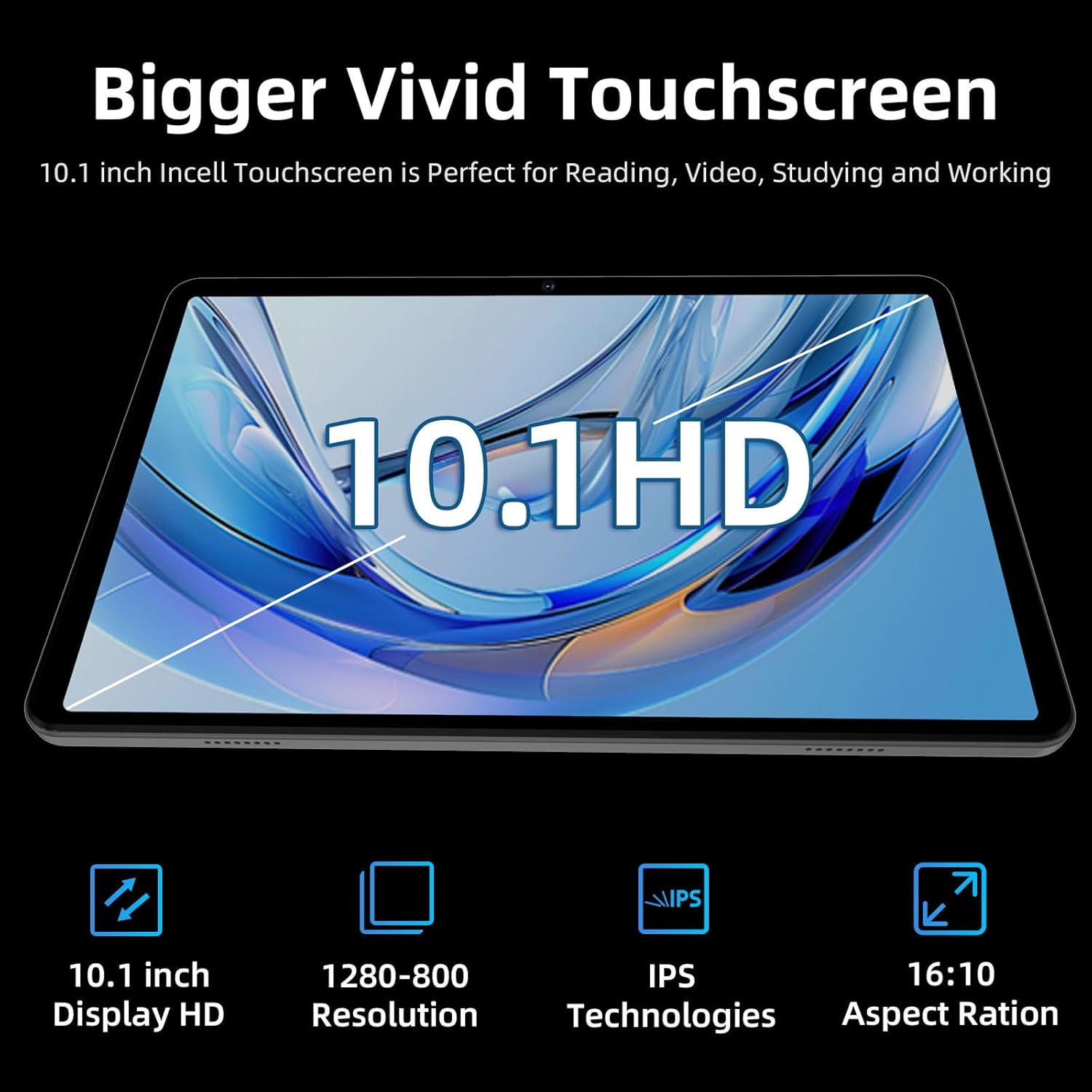
Figure 5: Vivid HD Touchscreen
- Screen Size: 10.1-inch.
- Resolution: 1280x800 HD LCD touchscreen.
- Technology: IPS (In-Plane Switching) technology provides wide viewing angles and accurate color reproduction.
- Features: Low blue light display for comfortable reading and reduced eye strain.
Cameras
The tablet is equipped with dual cameras for capturing photos and engaging in video calls.
- Front Camera: 5 Megapixels, suitable for video conferencing and selfies.
- Rear Camera: 8 Megapixels, capable of capturing everyday moments.
Battery
The aiprotablet A30 features a long-lasting battery to keep you powered throughout the day.
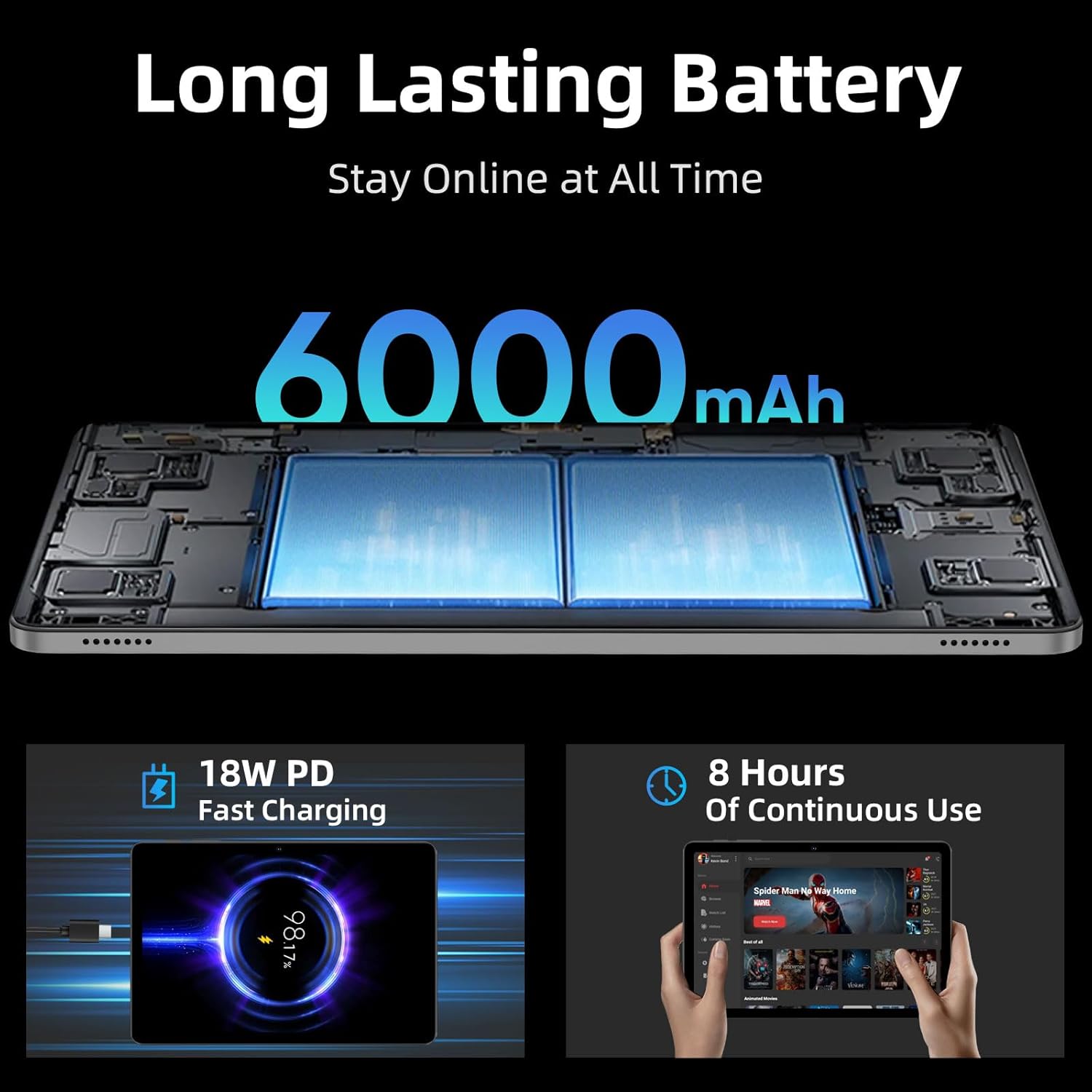
Figure 6: Long-Lasting Battery and Fast Charging
- Capacity: 6000mAh.
- Usage Time: Provides up to 8 hours of mixed usage, including reading, video watching, and web browsing. Actual battery life may vary based on usage patterns and settings.
- Charging: Supports 18W Power Delivery (PD) fast charging via the USB-C port, allowing the tablet to be fully charged in approximately 2 hours.
Maintenance
Proper care and maintenance will ensure the longevity and optimal performance of your tablet.
- Cleaning: Use a soft, lint-free cloth to clean the screen and body of the tablet. Avoid using harsh chemicals or abrasive materials.
- Software Updates: Regularly check for and install system updates to ensure your tablet has the latest features, security patches, and performance improvements. Go to Settings > System > System updates.
- Battery Care: Avoid extreme temperatures. Do not let the battery completely drain frequently. For long-term storage, charge the battery to around 50-60%.
- Storage Management: Periodically clear unnecessary files and uninstall unused apps to free up storage space and maintain performance.
- Environmental Conditions: Avoid exposing the tablet to excessive heat, cold, humidity, or direct sunlight.
Troubleshooting
If you encounter any issues with your tablet, refer to the following common solutions:
- Device Not Turning On: Ensure the battery is charged. Connect the tablet to the power adapter and try turning it on after a few minutes.
- Wi-Fi Connection Issues:
- Ensure Wi-Fi is enabled in Quick Settings or Settings > Network & internet.
- Restart your Wi-Fi router and the tablet.
- Check if the tablet is within range of the Wi-Fi signal.
- If the issue persists, try forgetting the network and reconnecting.
- Slow Performance:
- Close unused applications running in the background.
- Clear cache data for frequently used apps.
- Ensure sufficient free storage space.
- Restart the tablet.
- Bluetooth Pairing Issues:
- Ensure Bluetooth is enabled on both the tablet and the accessory.
- Place the accessory close to the tablet during pairing.
- Ensure the accessory is in pairing mode.
- If an accessory was previously paired, try unpairing and re-pairing it.
- SD Card Not Detected:
- Ensure the MicroSD card is correctly inserted into the slot.
- Try reinserting the card.
- Test the SD card in another device to rule out card malfunction.
Specifications
| Feature | Detail |
|---|---|
| Brand | aiprotablet |
| Model Name | A30 |
| Operating System | Android 15 |
| Screen Size | 10.1 Inches |
| Screen Resolution | 1280 x 800 Pixels (HD IPS) |
| Processor | UNISOC T606 Octa-Core (1.6 GHz) |
| Graphics Coprocessor | Mali-G57 1core @ 850MHz |
| RAM | 12GB (4GB Physical + 8GB Virtual) |
| Internal Storage | 64 GB |
| Expandable Storage | Up to 2TB via MicroSD card |
| Front Camera | 5 Megapixels |
| Rear Camera | 8 Megapixels |
| Battery Capacity | 6000mAh |
| Average Battery Life | 6-8 Hours (mixed use) |
| Charging | 18W PD Fast Charging (USB-C) |
| Wireless Type | 802.11ac, 802.11ad (WiFi 5) |
| Bluetooth | BT5.0 |
| GPS | Yes (4-Mode Satellite Positioning, GPS Assisted Positioning) |
| Item Weight | 1.16 pounds |
| Product Dimensions | 9.65 x 6.02 x 0.25 inches |
Warranty and Support
For warranty information, technical support, or service inquiries, please refer to the documentation included in your product packaging or visit the official aiprotablet website. Keep your proof of purchase for warranty claims.
Ask a question about this manual
Ask about setup, troubleshooting, compatibility, parts, safety, or missing instructions. Manuals+ will review the question and use this page’s manual context to help answer it.