
FAQ 501
FAQ 501 Red LED Face Light Instruction Manual
Model: 501
1. Product Overview
The FAQ 501 Red LED Face Light is an at-home beauty device designed to enhance skin vitality and appearance through concentrated light innovation. This device supports a refreshed, glowing, and smoother-looking complexion.
Key features include:
- Visible Skin Boost: Utilizes concentrated light to enhance natural skin vitality.
- Smoother Looking Finish: Helps refine surface appearance and minimize texture irregularities.
- Balanced Tone & Radiance: Supports a healthy-looking glow by improving tone and reducing dullness.
- Calming Experience: Contributes to a balanced look and feel with each use.
- Intuitive At-Home Design: Lightweight, USB-rechargeable, and app-connected for guided sessions.
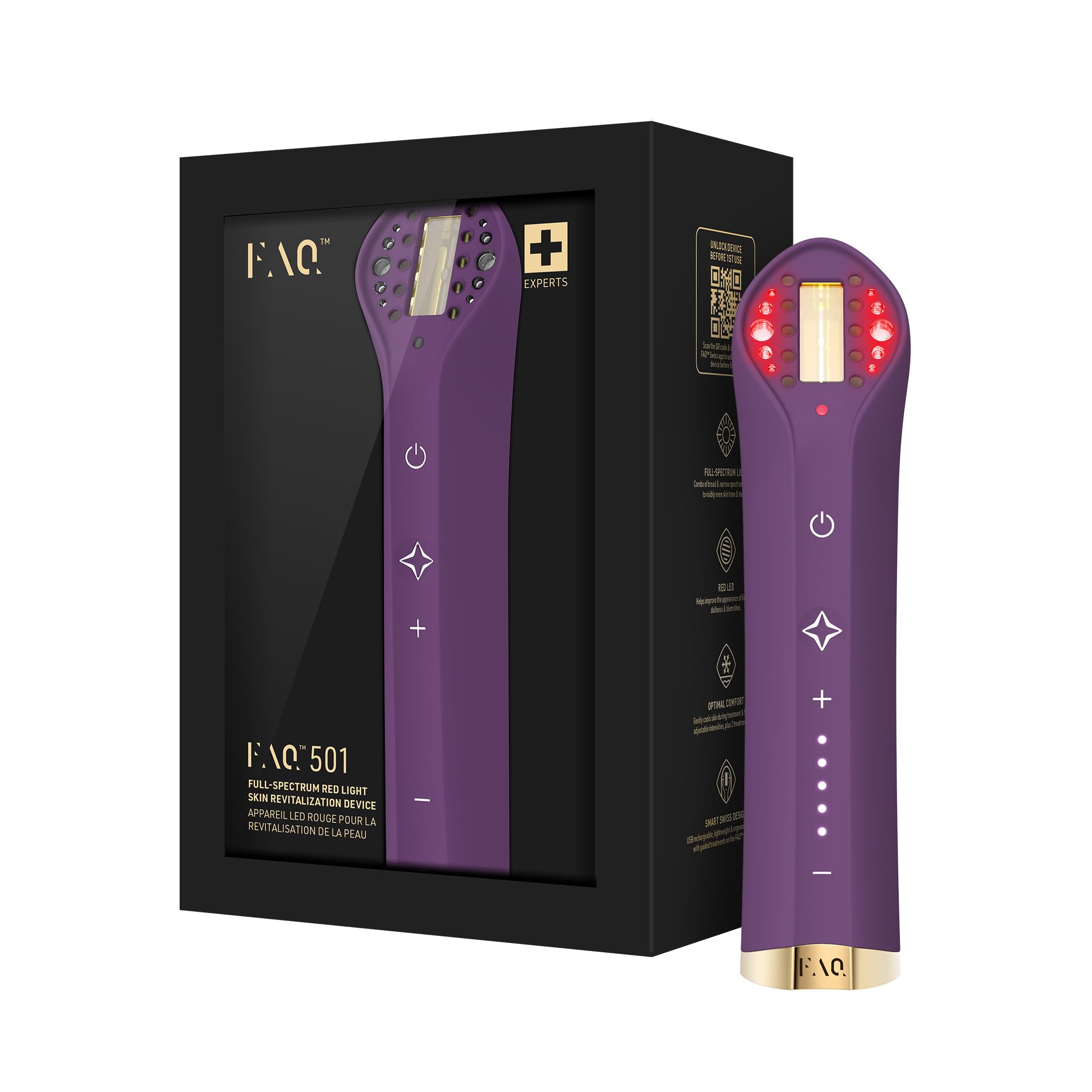
Image: The FAQ 501 Red LED Face Light device, showcasing its sleek design.
2. Safety Information
Please read all instructions carefully before using the FAQ 501 device.
- If you have a skin condition or any medical concerns, consult a dermatologist before use.
- FAQ treatments should be comfortable. If you experience discomfort, discontinue use and consult your physician.
- For hygiene reasons, do not share your device with others.
- Avoid leaving your device in direct sunlight and never expose it to extreme heat or boiling water.
- Discontinue use if the product appears damaged in any way.
- Use this device for its intended purpose only.
- Always wear the provided protective glasses during treatment to shield your eyes from the LED light.
3. What's in the Box
Your FAQ 501 package includes the following items:

Image: All items included in the FAQ 501 product box.
- FAQ 501 Device
- USB Charging Cable
- Protective Glasses
- Protective Pouch
- Quick Start Guide
4. Setup and Charging
4.1 Initial Charge
Before first use, fully charge your FAQ 501 device. Connect the provided USB charging cable to the device and a suitable USB power adapter. The indicator lights on the device will show charging progress.
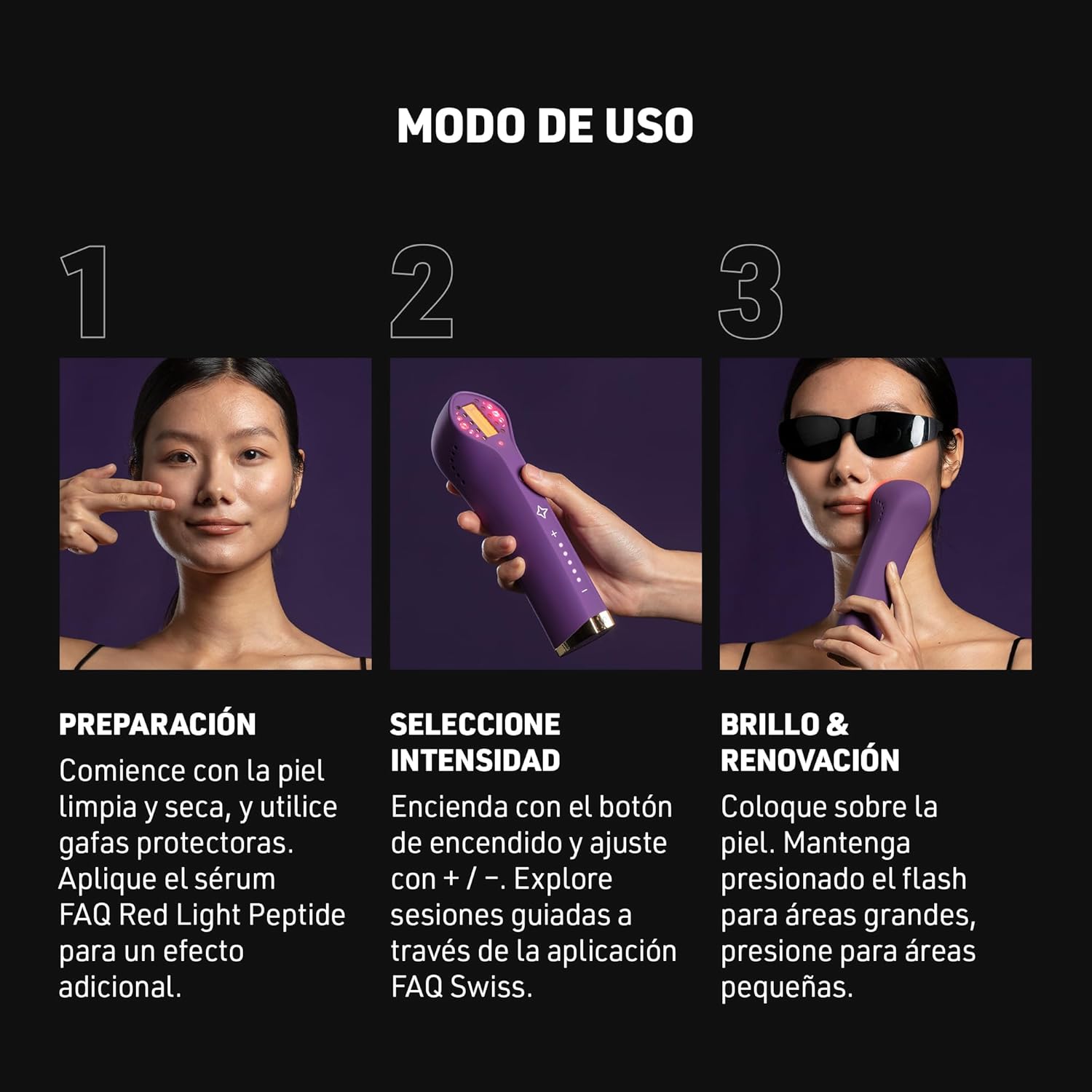
Image: The FAQ 501 device being charged via its USB cable.
4.2 App Connection
For guided sessions and full functionality, download the FAQ Swiss app. The device is designed to connect with the app for personalized treatment plans and intensity adjustments.
- Download the FAQ Swiss app from your device's app store.
- Follow the in-app instructions to pair your FAQ 501 device.
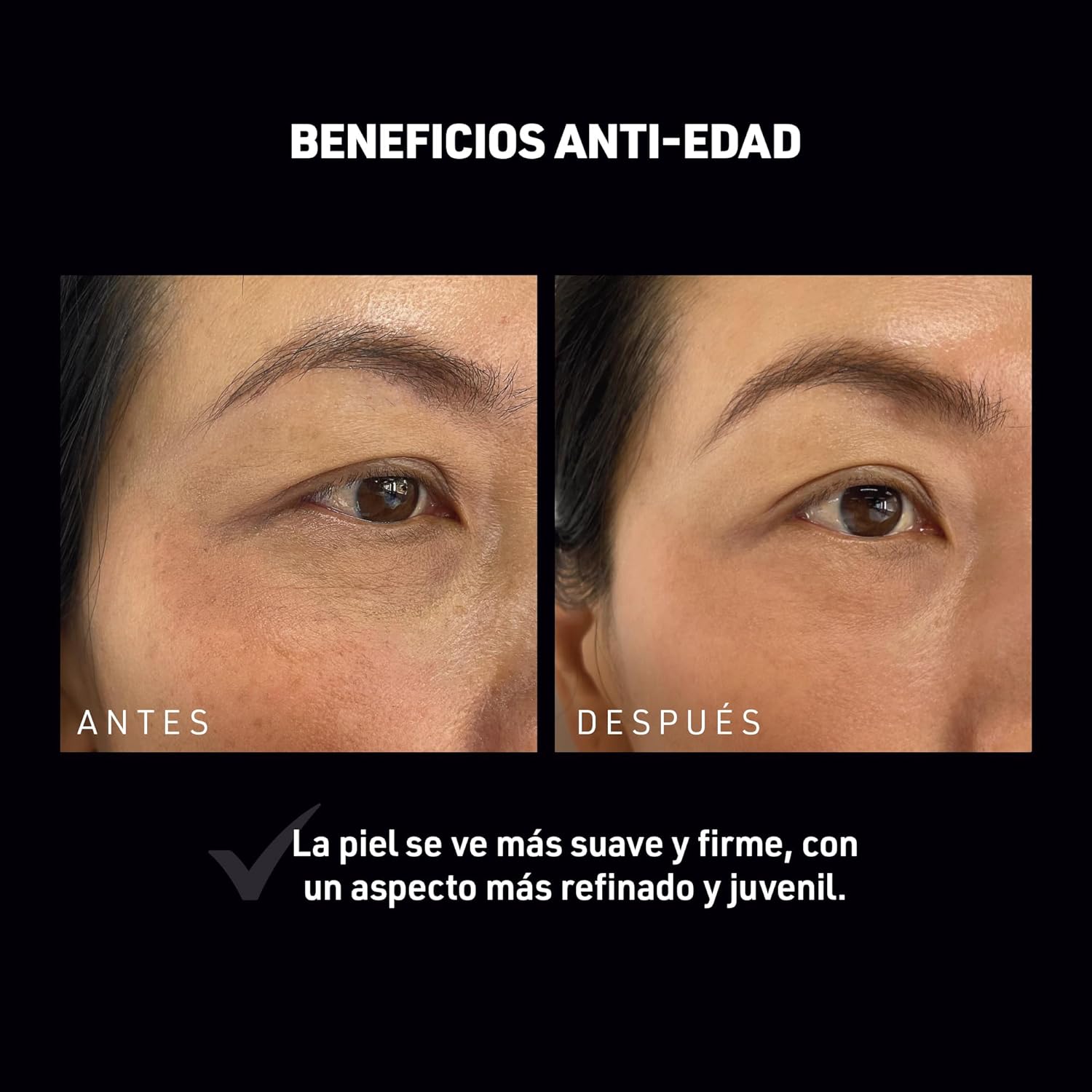
Image: The FAQ 501 device next to a smartphone running the FAQ Swiss app.
5. Operating Instructions
Follow these steps for an effective treatment with your FAQ 501 device:
-
5.1 Preparation
Begin with clean, dry skin. It is recommended to apply the FAQ Red Light Peptide Serum (sold separately) for enhanced light absorption and optimal results. Always wear the provided protective glasses before starting your treatment.

Image: A woman touching her face, demonstrating skin preparation before using the device.
-
5.2 Select Intensity
Turn on the device using the power button. Adjust the light intensity using the '+' and '-' buttons. You can explore guided sessions and recommended intensity levels through the FAQ Swiss app.
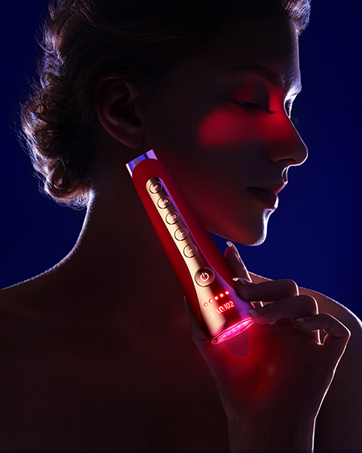
Image: A hand holding the FAQ 501 device, illustrating the power and intensity controls.
-
5.3 Treatment Application
Place the device gently on your skin. For larger areas, press and hold the flash button to activate continuous pulsed light. For smaller, targeted areas, press the flash button once for a single pulse.

Image: A woman using the FAQ 501 device on her cheek, wearing protective eyewear.
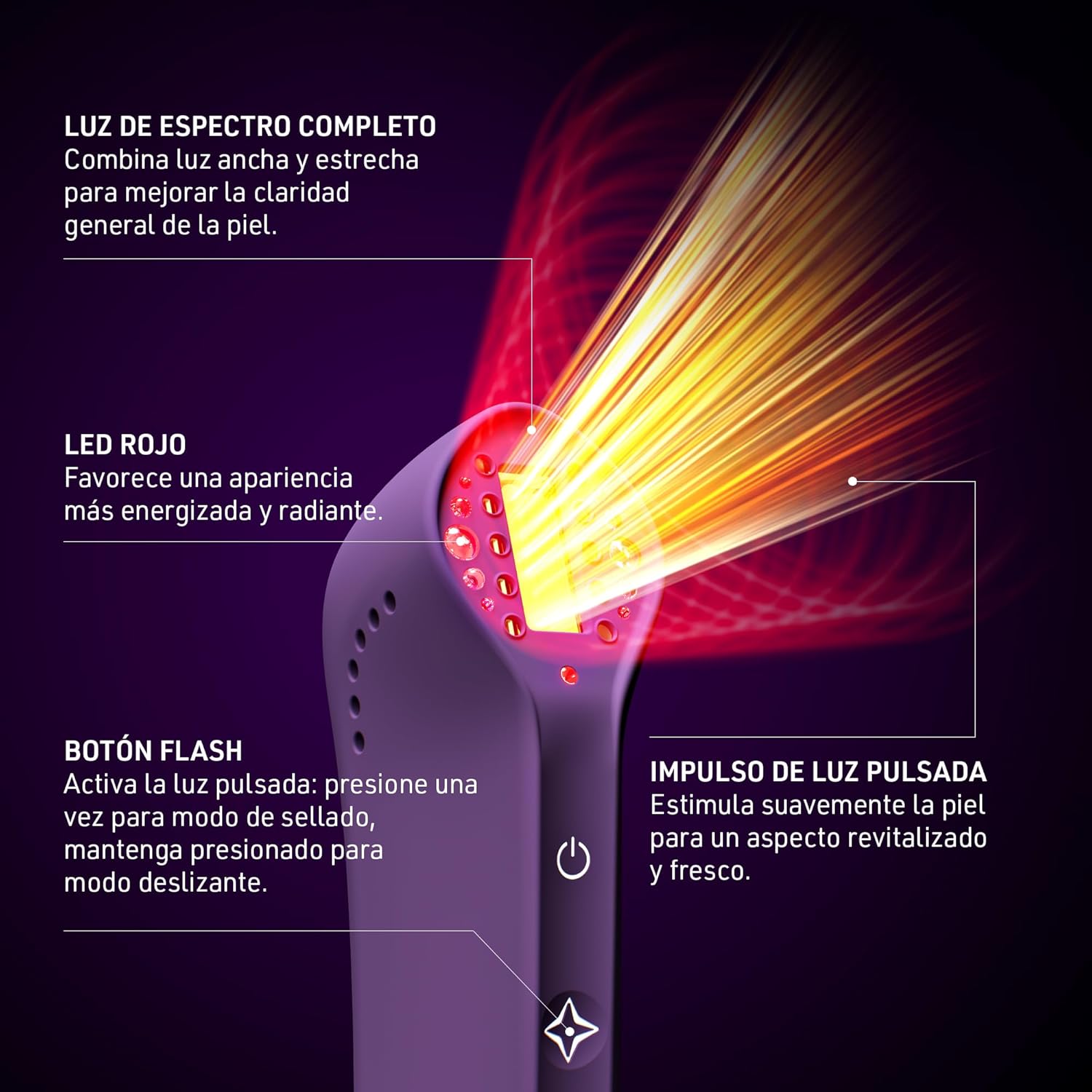
Image: Diagram illustrating the full-spectrum light, red LED, flash button, and pulsed light impulse features of the FAQ 501.

Image: The FAQ 501 device shown with the FAQ Red Light Peptide Serum, highlighting their complementary use.
6. Maintenance
6.1 Cleaning
After each use, clean your FAQ 501 device. Use a soft, damp cloth with a mild, non-abrasive cleanser. Ensure the device is completely dry before storing.
6.2 Storage
Store the device in its protective pouch in a cool, dry place, away from direct sunlight. Do not expose the device to extreme temperatures or boiling water.
7. Troubleshooting
- Device Not Turning On: Ensure the device is fully charged. If the issue persists, contact customer support.
- Discomfort During Use: If you experience any discomfort, immediately discontinue use and consult a physician.
- Visible Damage: If the device appears damaged, discontinue use and do not attempt to repair it yourself. Contact customer support.
- App Connectivity Issues: Ensure your device's Bluetooth is enabled and the FAQ Swiss app is up to date. Try restarting both the device and the app.
8. Specifications
| Feature | Detail |
|---|---|
| Model | FAQ 501 |
| Color | Berry |
| Power Source | 1 Lithium Ion battery (included) |
| Item Weight | 0.55 Kilograms (1.21 Pounds) |
| Manufacturer | VIS (SHANGHAI) TECHNOLOGY CO., LTD |
| Package Dimensions | 7.87 x 5.55 x 3.31 inches |
9. Support
For further assistance, product registration, or to access the full product manual, please visit the official FAQ Swiss support page or download the app:
- Support Website: faqswiss.com/support
- FAQ Swiss App: faqswiss.com/app
Related documents501


Ask a question about this manual
Ask about setup, troubleshooting, compatibility, parts, safety, or missing instructions. Manuals+ will review the question and use this page’s manual context to help answer it.