
1. Introduction
This manual provides essential information for the safe and efficient use of your Metasources AC/DC Adapter. This adapter is designed to be compatible with the Lirios Model J11 29.6V Li-ion Battery Cordless Stick Vacuum Cleaner, serving as a reliable replacement for lost or damaged power cords.
Please read this manual thoroughly before using the product and retain it for future reference.
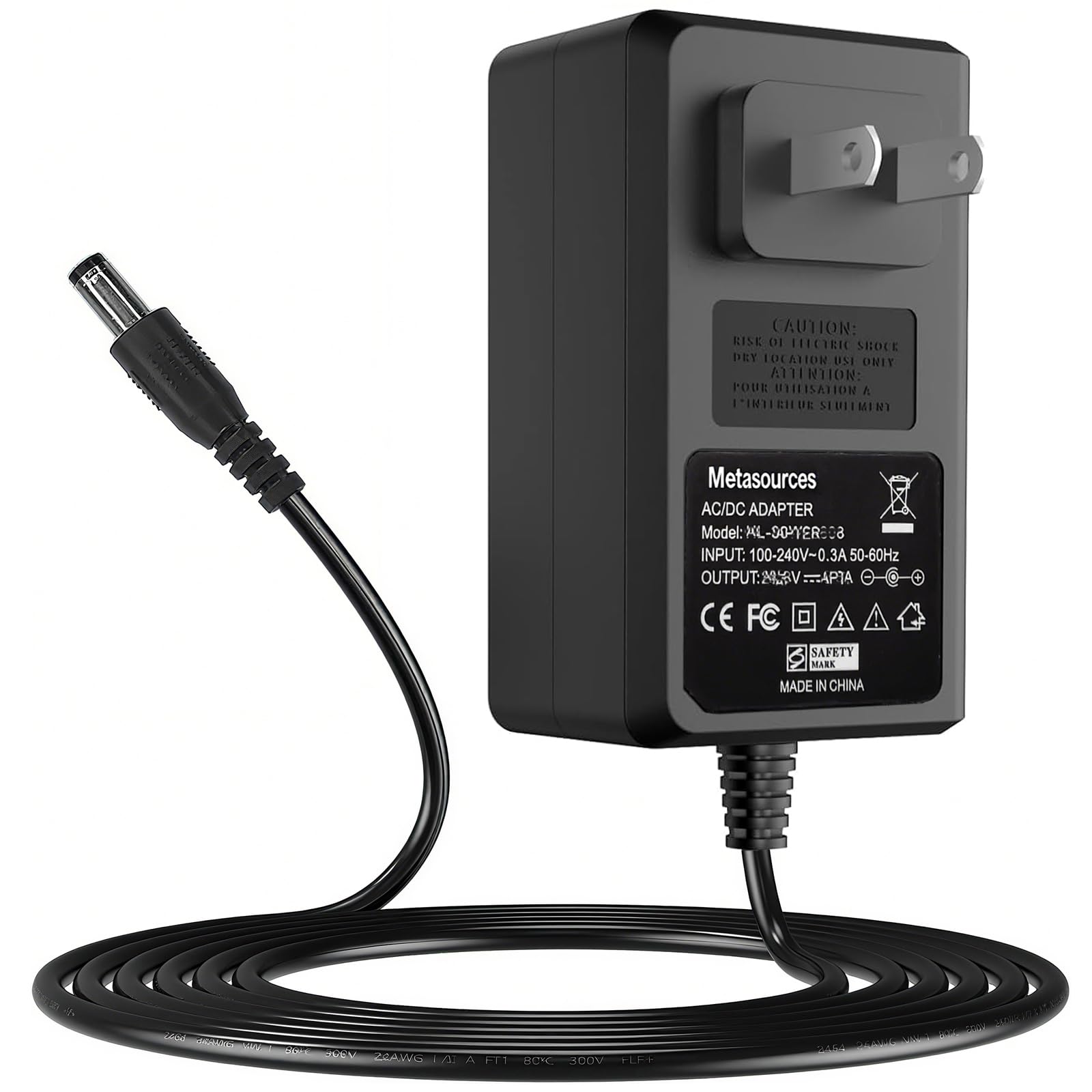
Image 1.1: Overview of the Metasources AC/DC Adapter.
2. Safety Information
Your safety is paramount. This Metasources AC/DC Adapter is FCC approved and safety certified, incorporating multiple protection features to ensure safe operation.
- Overcurrent Protection (OCP): Prevents damage from excessive current flow.
- Short-Circuit Protection (SCP): Automatically shuts down power in case of a short circuit.
- Overvoltage Protection (OVP): Safeguards connected devices from voltage spikes.
- Overcharge Protection: Protects batteries from being overcharged.
- Overpower Protection: Prevents the adapter from exceeding its power capacity.
- Over Temperature Protection: Monitors and regulates internal temperature to prevent overheating.
- Fire Resistance: Constructed with fire-resistant materials for enhanced safety.
General Safety Precautions:
- Do not expose the adapter to water or moisture.
- Avoid dropping or subjecting the adapter to strong impacts.
- Do not attempt to disassemble or modify the adapter.
- Ensure the adapter is used within its specified voltage and current limits.
- Keep out of reach of children.

Image 2.1: Visual representation of the 7-Point Safety Protection features.
3. Package Contents
Upon opening the package, please verify that all items are present and undamaged:
- 1 x Metasources AC/DC Adapter (Model J11 Power Supply)
4. Setup
Follow these steps to set up your AC/DC adapter:
- Inspect the Adapter: Before connecting, visually inspect the adapter and its cable for any signs of damage.
- Connect to Device: Insert the barrel round connector end of the adapter cable into the charging port of your Lirios Model J11 Cordless Stick Vacuum Cleaner. Ensure a secure fit.
- Connect to Power Outlet: Plug the AC adapter into a standard 100-240V AC wall outlet. The adapter supports global voltage for international use.
- Verify Connection: Confirm that the vacuum cleaner indicates it is receiving power or charging (e.g., a charging indicator light).
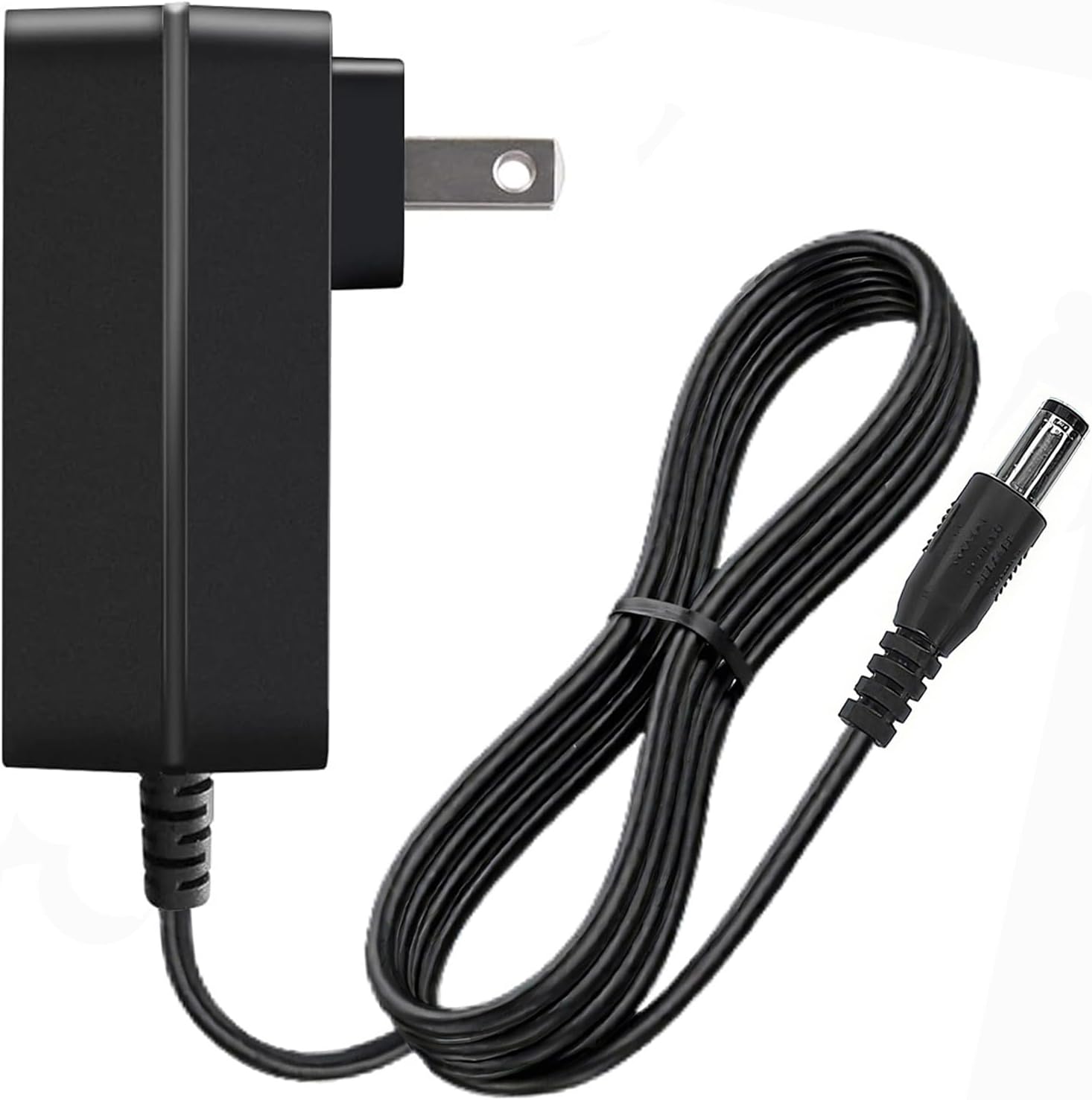
Image 4.1: The AC/DC adapter showing its plug and barrel connector for connection.
5. Operating Instructions
Once properly connected, the Metasources AC/DC Adapter will begin supplying power to your Lirios Model J11 Cordless Stick Vacuum Cleaner. It is designed for continuous use as a power supply or for charging the device's Li-ion battery.
- Ensure the vacuum cleaner is turned off when charging for optimal battery performance.
- The adapter is designed for indoor use only.
- Unplug the adapter from the wall outlet when not in use for extended periods.
6. Maintenance
Proper maintenance ensures the longevity and reliable performance of your adapter.
- Cleaning: Disconnect the adapter from the power source and the device before cleaning. Use a soft, dry cloth to wipe the surface. Do not use liquid cleaners or abrasive materials.
- Storage: Store the adapter in a cool, dry place away from direct sunlight and extreme temperatures. Avoid tightly coiling the cable to prevent damage.
- Cable Care: The cable is designed for durability and has undergone extensive bending tests. However, avoid sharp bends or excessive pulling on the cable, especially near the connectors, to prevent internal wire damage.

Image 6.1: Illustration of overheating prevention features and cable durability testing.
7. Troubleshooting
If you encounter issues with your Metasources AC/DC Adapter, refer to the following common problems and solutions:
| Problem | Possible Cause | Solution |
|---|---|---|
| Device not charging/powering on. | Loose connection, power outlet issue, incompatible device. | Ensure all connections are secure. Test the power outlet with another device. Verify the adapter is compatible with your Lirios J11 vacuum cleaner. |
| Adapter feels hot during use. | Normal operation, poor ventilation, excessive load. | A slight warmth is normal. Ensure the adapter is in a well-ventilated area. If it becomes excessively hot, disconnect immediately and contact support. |
| Sparking when plugging into outlet. | Normal inrush current, faulty outlet. | Minor sparking is common. If sparking is significant or persistent, discontinue use of that outlet and consult an electrician. |
If the problem persists after attempting these solutions, please contact Metasources customer support.
8. Specifications
| Feature | Detail |
|---|---|
| Brand | Metasources |
| Model Number | J11 Power Supply |
| Input Voltage | 100-240V AC, 50/60Hz |
| Output Voltage | 29.6V DC |
| Connector Type | Barrel Round Connector |
| Compatible Devices | Lirios Model# J11 29.6V Li-ion Battery Cordless Stick Vacuum Cleaner |
| Special Features | Short Circuit Protection, Overvoltage Protection, Overcurrent Protection, Overcharge Protection, Overpower Protection, Over Temperature Protection, Fire Resistance |
| Color | Black |
| Item Weight | 5 Ounces |
9. Warranty and Support
Metasources stands behind the quality of its products. This AC/DC Adapter comes with the following warranty:
- Refund Policy: 30 Days Refund
- Exchange Warranty: 24 Months Exchange
For warranty claims, technical support, or any inquiries regarding your product, please contact Metasources customer service through the platform where you purchased the item. Please have your order number and product model information ready.